Best Mobile Wallet for Hyperliquid in 2026
As mobile DeFi keeps getting better, more traders want to manage Hyperliquid App perpetuals directly from their phones without carrying a laptop everywhere. But choosing a mobile wallet is more complicated than choosing a desktop extension. You need to think about OS support, browser quality, WalletConnect reliability, biometric security, and how safely you can sign transactions on a small screen.
This guide looks at the best mobile wallet experience for Hyperliquid in 2026, with a practical focus on using OneKey App and OneKey Perps for mobile perps workflows.
Two ways to access Hyperliquid from a mobile wallet
Method 1: Use the wallet’s built-in DApp browser
Some mobile wallets include a Web3 browser, letting you open the Hyperliquid app directly inside the wallet. This keeps the flow compact: open wallet, visit the DApp, connect, trade, and sign.
The trade-off is that built-in browsers usually depend on the phone’s WebView and may not feel as fast or complete as Safari or Chrome, especially for chart-heavy interfaces.
Method 2: Connect through WalletConnect
You can also open Hyperliquid in your phone’s system browser, such as Safari or Chrome, then connect your wallet through WalletConnect. In this setup, the browser handles the trading interface while the wallet handles approvals and signatures.
This often feels closer to a desktop experience because you are using a full mobile browser, while still keeping signing inside your wallet app.
Both methods are useful. The best mobile wallet for Hyperliquid should support both so you can choose the workflow that fits the situation.
Best mobile wallet for Hyperliquid in 2026: OneKey App
OneKey App offers one of the most complete mobile setups for Hyperliquid users in 2026. Its main advantages are:
- Two connection modes: OneKey App includes a built-in DApp browser and also supports WalletConnect, so you can access Hyperliquid either inside the app or through Safari/Chrome.
- Biometric unlock: Face ID and fingerprint unlock make mobile signing faster while still keeping device-level protection in place.
- Multi-chain asset management: OneKey App supports major ecosystems such as Ethereum, Arbitrum, and Solana, making it easier to manage assets across chains and move USDC toward your Hyperliquid workflow.
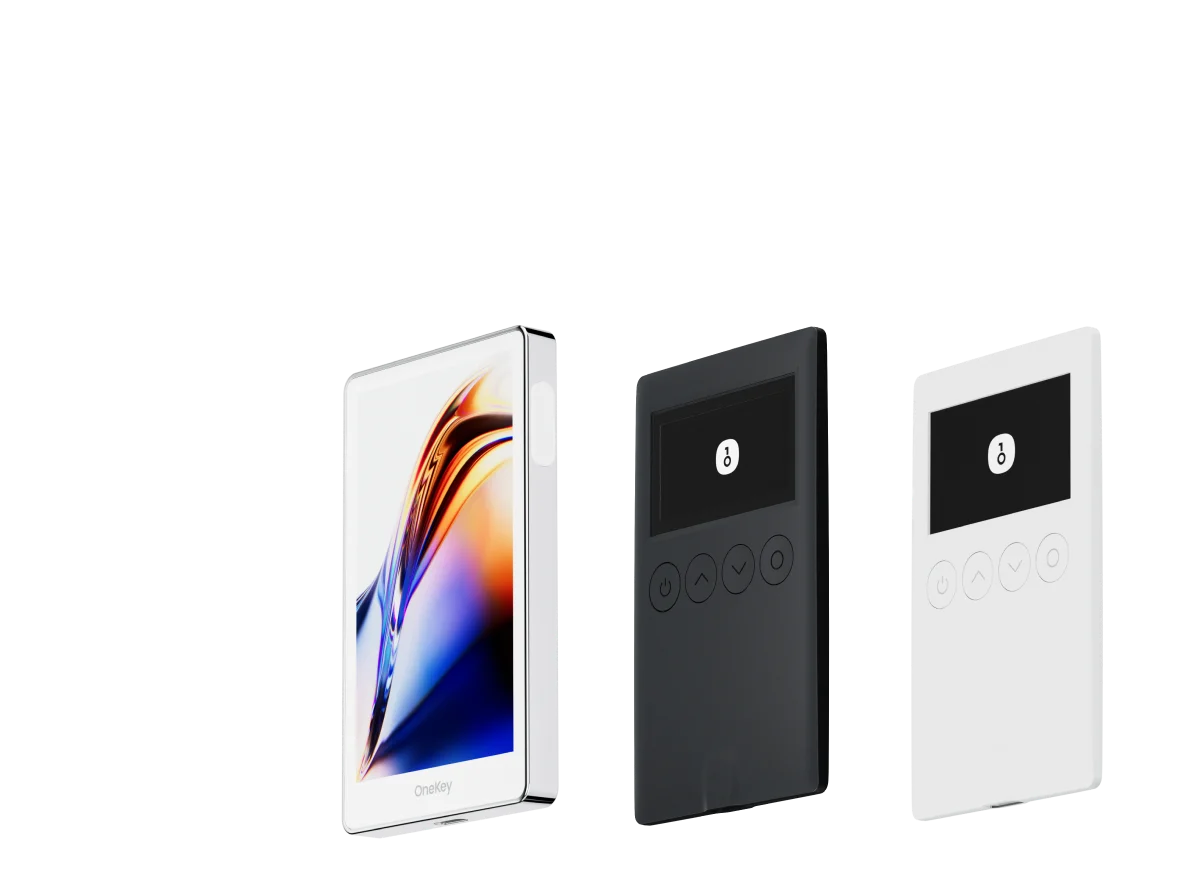
- Hardware wallet pairing: Users with larger balances can pair OneKey App with a OneKey hardware wallet over Bluetooth and complete cold-signing flows from mobile, adding another security layer.
- OneKey Perps workflow: For traders who want a cleaner mobile perpetuals experience, OneKey Perps provides a practical way to access perps trading from the OneKey ecosystem while keeping wallet management and signing in one place.
If you trade perps on mobile, download OneKey App from an official channel and try OneKey Perps for a more streamlined mobile trading workflow.
Mobile wallet feature comparison
When evaluating a mobile wallet for Hyperliquid, focus less on marketing claims and more on the actual trading flow:
How to trade Hyperliquid from your phone
A typical mobile flow looks like this:
- Download and install OneKey App, then create or import your wallet.
- Open the built-in browser in OneKey App and visit the Hyperliquid app, or open Hyperliquid in Safari/Chrome and connect via WalletConnect.
- Connect your wallet and confirm the connection request in OneKey App.
- Deposit USDC and enter the trading interface.
- Select a market, set leverage and position size, place your order, and confirm the required signature in OneKey App.
For users who prefer a more integrated mobile perps experience, open OneKey Perps in the OneKey ecosystem and follow the in-app flow for wallet connection, market selection, and order confirmation.
The full process can be completed on a phone in a few minutes, without needing a desktop computer.
Mobile trading security checklist
Trading from a phone adds extra security considerations. Before using a mobile wallet for Hyperliquid or any perps platform, follow these basics:
- Do not use crypto wallets on jailbroken iOS devices or rooted Android devices.
- Enable auto-lock and use a strong device passcode.
- Download wallets only from official channels such as the App Store, Google Play, or the OneKey website.
- Watch out for fake wallet apps and sponsored phishing results.
- Be careful with mobile phishing links. OWASP phishing guidance highlights that mobile users can have a harder time spotting suspicious URLs because of smaller screen sizes.
- Avoid trading over public Wi-Fi when possible.
- Review token approvals regularly with tools such as Revoke.cash.
Mobile convenience is useful, but it should not come at the cost of careless signing. Always read approval prompts and check that you are interacting with the correct app.
Mobile vs desktop for Hyperliquid trading
For most traders, mobile and desktop are best used together.
Mobile is better for:
- Monitoring open positions
- Checking unrealized PnL, margin ratio, and liquidation price
- Responding quickly when away from your desk
- Managing simple orders
Desktop is better for:
- Detailed chart analysis
- Multi-window market monitoring
- Complex order planning
- Longer trading sessions
A practical setup is to use OneKey across devices: manage accounts consistently, monitor positions on mobile, and switch to desktop when you need deeper analysis.
FAQ
Q1: Does the OneKey App built-in browser support all Hyperliquid features?
OneKey App’s built-in browser is based on the system WebView and supports the core trading flow. If you rely heavily on advanced charts or need a more complete interface, using Safari or Chrome with WalletConnect may provide a better experience.
Q2: Is connecting to Hyperliquid from a mobile wallet slower than desktop?
The signing process itself is not necessarily much slower. The main differences are screen size, touch input efficiency, and network stability. Biometric unlock can make mobile signing nearly as quick as using a desktop extension.
Q3: How can I monitor Hyperliquid PnL on mobile?
You can open the Hyperliquid app in the OneKey built-in browser or connect through WalletConnect from your mobile browser. The position panel shows key data such as unrealized PnL, margin ratio, and liquidation price. For risk control, consider using stop-loss orders instead of relying only on manual monitoring.
Q4: Which operating systems does OneKey App support?
OneKey App supports iOS and Android. Download it only from official sources such as the App Store, Google Play, or the OneKey website to reduce the risk of installing a fake app.
Q5: Is mobile trading easier to hack than desktop trading?
Mobile trading has different risks. The biggest issues are phishing apps, malicious links, unsafe networks, and lost devices. Using a reputable wallet such as OneKey, avoiding public Wi-Fi for trading, keeping your phone locked, and regularly checking approvals with Revoke.cash can help reduce risk.
Conclusion
OneKey App is a strong mobile wallet choice for Hyperliquid in 2026 because it supports both built-in browser access and WalletConnect, offers biometric security, manages assets across major chains, and can pair with OneKey hardware wallets for stronger signing protection. OneKey’s Swap function also supports zero extra markup, which can help keep asset management more transparent inside the wallet.
For traders who want a practical mobile perps workflow, OneKey Perps is the natural place to start within the OneKey ecosystem. Download OneKey from an official channel, set up your wallet securely, and use OneKey Perps or WalletConnect depending on the trading interface you prefer.
Risk warning: This article is for informational purposes only and is not investment, financial, or legal advice. Mobile trading involves additional risks such as device loss, phishing, and insecure networks. Perpetual futures are leveraged products and can result in the total loss of your principal. Trade carefully and only with risk you understand.