Best No-KYC Wallet by Device: Mobile, Tablet, and Desktop Guide
There is no single “best no-KYC wallet” for everyone. The right choice depends heavily on where you actually trade and manage your crypto: phone, tablet, or desktop. Source: MetaMask docs. Source: Hyperliquid. Source: Revoke.cash.
Mobile is best for always-on access. Tablets sit somewhere between mobile convenience and desktop screen space. Desktop remains the main setup for active perps traders who need multiple tabs, charts, order books, and fast execution.
This guide breaks down the best no-KYC wallet setup by device type, with practical configuration tips for crypto and perps users.
Key comparison table
1. Why your device matters when choosing a no-KYC wallet
Different devices create different trade-offs across security, usability, and trading workflow.
Key differences include:
- Security isolation: iOS Secure Enclave and Android StrongBox can provide hardware-backed key protection on supported devices, while desktop security depends more on the operating system, browser, and user hygiene.
- Input method: Phones rely on touch. Desktops use keyboard and mouse. That changes how easy it is to review signatures, avoid misclicks, and place orders quickly.
- Multitasking: Desktop is much better for monitoring multiple positions, charts, markets, and tabs at the same time.
- Connection method: DApps may connect through WalletConnect docs, deep links, in-app browsers, or browser extension injection depending on the device.
A real no-KYC wallet should not require account registration, should let users control their own private keys, and should not store sensitive key material on a centralized server. OneKey fits this model across mobile, desktop extension, and hardware wallet workflows, and its code is open source on GitHub.
2. Mobile: the best starting point for most users
2.1 Why mobile is the default entry point
Your phone is the device you almost always have with you. For occasional swaps, portfolio checks, position monitoring, and emergency actions, a mobile wallet covers most day-to-day needs.
For users who want a no-KYC wallet without setting up a full desktop trading environment, the OneKey App is the most practical starting point.
2.2 What to look for in a mobile no-KYC wallet
A good mobile wallet should let you:
- Create or import a wallet without mandatory account registration
- Control your own seed phrase and private keys
- Connect to DApps through WalletConnect or an in-app browser
- Review transaction and signature details before approval
- Use biometric unlock and device-level security where supported
OneKey provides iOS and Android versions that can be used without forced account binding. For perps users, the mobile app works well for monitoring positions and handling urgent actions when you are away from your desk.
2.3 Mobile security checklist
If you use a phone as a crypto wallet, keep the following in mind:
- Enable hardware-backed protection such as iOS Secure Enclave or Android StrongBox where available.
- Do not store large amounts of funds on a jailbroken or rooted phone.
- Back up your seed phrase offline. A paper or metal backup stored safely is preferable to screenshots, cloud notes, or chat messages.
- Use a strong device passcode, not only face or fingerprint unlock.
- Keep your operating system and wallet app updated.
Mobile is convenient, but convenience should not become your only security layer.
3. Tablet: a middle ground between mobile and desktop
3.1 Why tablets can work well for DeFi
Tablets such as iPads and Android tablets offer a larger screen than phones, which makes DeFi interfaces easier to read and use. Charts, forms, approval screens, and portfolio views are generally more comfortable on a tablet.
For medium-frequency users, a tablet can become a dedicated crypto terminal: portable enough to carry, but large enough to manage trades more carefully than on a phone.
3.2 Recommended tablet setup
On tablets, the most practical no-KYC setup is:
- Use the OneKey App as the wallet layer.
- Connect to DApps through the built-in DApp browser where available.
- Use WalletConnect or deep links when interacting with external DApps.
- Use OneKey Perps for a more streamlined perps workflow where relevant, especially if you want to keep wallet management and trading access within the OneKey environment.
When connecting to a no-KYC on-chain perps venue, WalletConnect is usually the cleanest tablet workflow. You scan a QR code or open a deep link, approve the connection, and sign transactions from your wallet.
3.3 Tablet limitations
Tablets still have one major limitation: browser extension support is incomplete.
For example, mobile versions of Chrome do not support the same extension model as desktop Chrome. On iPadOS, Safari and Chrome do not provide the same wallet-extension experience that traders are used to on desktop.
That means tablet users usually cannot rely on direct browser injection from an extension wallet. Instead, they typically need WalletConnect, deep links, or an in-app DApp browser.
For casual and medium-frequency trading, that is usually fine. For professional or high-frequency workflows, desktop still has an advantage.
4. Desktop: the main setup for active perps traders
4.1 Why desktop is best for active trading
Desktop operating systems such as Windows, macOS, and Linux are better suited to active trading because they support:
- Multiple browser tabs and windows
- Charts, order books, account history, and positions on the same screen
- Keyboard and mouse input
- Faster switching between markets and tools
- Browser extension wallets that can connect directly to DApps
For perps traders, this matters. A few seconds of friction can make a difference when managing margin, closing a position, or reacting to volatility.
4.2 Recommended desktop setup
On desktop, the strongest practical setup is OneKey’s browser extension plus optional OneKey hardware wallet support.
OneKey supports major browsers such as Chrome, Brave, and Firefox. After installation, you can:
- Create or import a wallet without registering an account
- Connect directly to major DEX and perps interfaces
- Use OneKey Perps as the practical trading workflow for no-KYC perps access
- Review structured signing data such as EIP-712 where supported
- Reduce blind-signing risk by checking readable signature content
- Pair with a OneKey hardware wallet so private keys stay isolated on a physical device
For active trading, the desktop extension is usually the smoothest experience. You get direct DApp connection, full-screen trading interfaces, and better multitasking.
4.3 Desktop security checklist
Desktop gives you more power, but it also increases your attack surface. Use these habits:
- Install wallet extensions only from official sources.
- Use a dedicated browser profile for crypto activity.
- Avoid random extensions, cracked software, and unknown downloads.
- Verify DApp URLs before connecting or signing.
- Use a hardware wallet for larger balances or higher-risk trading activity.
- Read signature prompts carefully, especially approvals and typed-data signatures.
If your desktop is your main trading station, treat it like financial infrastructure.
5. One wallet across mobile, tablet, desktop, and hardware
OneKey’s main advantage is that you can use the same wallet across different device types:
- OneKey App on mobile
- OneKey App or WalletConnect workflows on tablet
- OneKey browser extension on desktop
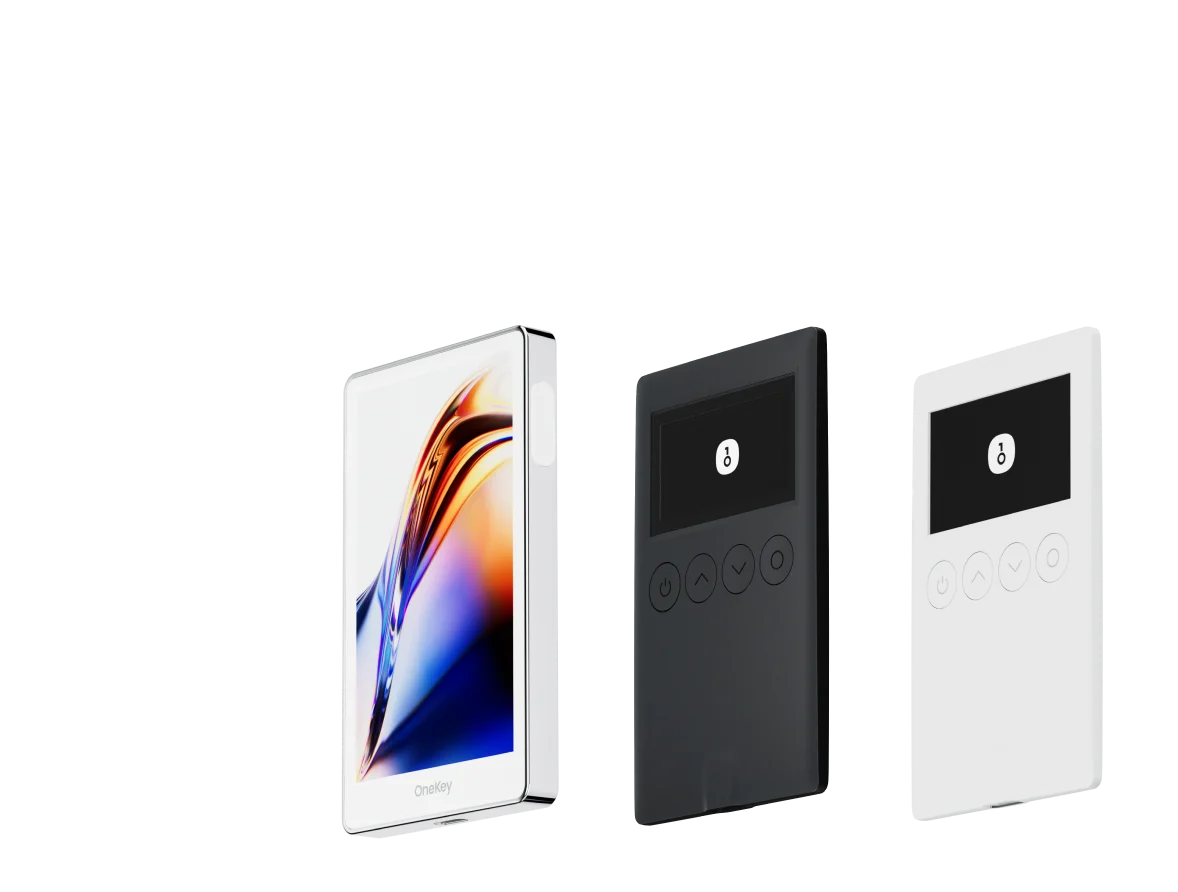
- OneKey hardware wallet for stronger key isolation
Using the same seed phrase or private key means the derived wallet address can remain the same across devices. You do not need to move assets between separate wallets just because you switch from phone to desktop.
A practical workflow could look like this:
- Open or manage positions from a desktop browser for speed and visibility.
- Monitor positions from the OneKey App while away from your desk.
- Use mobile for emergency actions when needed.
- Use a OneKey hardware wallet to sign larger or more sensitive transactions.
- Use OneKey Perps as the trading workflow when you want no-KYC perps access within the OneKey ecosystem.
This keeps your setup simpler: one wallet identity, multiple device options, and fewer unnecessary transfers.
FAQ
Q1: Can I use a browser extension wallet on iPad?
Not in the same way as on desktop. iOS and iPadOS browsers do not generally support desktop-style crypto wallet extensions. On iPad, use the OneKey App, its DApp browser where available, or WalletConnect to connect to DApps.
Q2: Is it safe to use the same wallet on multiple devices?
It can be safe if each device is properly secured. Use strong unlock passwords, biometric protection where appropriate, and keep every device updated. If one device is lost or stolen, recover the wallet on a secure device and check your assets immediately.
For larger balances, consider using a hardware wallet rather than exposing the same hot wallet across many devices.
Q3: Which device is best for trading perps?
Desktop is usually best for active perps trading because it supports larger screens, multiple tabs, keyboard and mouse input, and browser extension connectivity. Mobile is better for monitoring and emergency actions.
A practical setup is to trade with OneKey on desktop and monitor through the OneKey App on mobile, while using OneKey Perps where it fits your trading workflow.
Q4: Can a tablet replace a desktop for professional trading?
A large tablet with a keyboard and mouse can get close to a desktop experience, especially for chart viewing and basic position management. However, browser extension limitations still make desktop better for advanced or high-frequency trading.
Q5: Will my wallet address be the same on different devices?
Yes, if you import the same seed phrase or private key and use the same derivation path, the address will be the same. This is how HD wallets work under standards such as BIP-32 and BIP-44.
Conclusion: choose the device, then choose the wallet workflow
The best no-KYC wallet depends on how you actually use crypto.
- Use mobile for portability, monitoring, and emergency actions.
- Use tablet for a larger mobile interface and WalletConnect-based DApp access.
- Use desktop for active trading, better multitasking, and extension-based DApp connections.
- Use a hardware wallet when you want stronger private-key isolation.
OneKey covers all of these workflows with its mobile app, browser extension, and hardware wallet support. For perps users, OneKey Perps offers a practical path to access no-KYC on-chain perps while keeping wallet control in your hands.
If you want a cleaner cross-device setup, download OneKey, create or import your wallet, and try OneKey Perps from the device that best matches your trading style.
Risk warning: This article is for technical reference only and is not investment, legal, or financial advice. Crypto trading involves significant risks, including price volatility, smart contract vulnerabilities, liquidation risk, and liquidity risk. Always assess your own risk tolerance before trading.