Hot Wallet Compromised: A 24-Hour Recovery Plan
The moment you realize a hot wallet has been compromised is usually when panic hits hardest. Funds may be moving in real time, and most users are unsure what to do first. That panic can create a second loss event — for example, connecting to a fake “asset recovery” site and giving the attacker another chance.
This guide gives you a practical 24-hour response plan, broken down by priority and timeline. The goal is to limit further damage, preserve evidence, and rebuild a safer trading setup.
Phase 1: First 30 minutes — stop the bleeding
Your first move should not be “rush to transfer everything out.” First, determine whether the attacker still has active access.
Immediately disconnect the compromised wallet from every DApp. In wallets such as MetaMask, open the connected sites list and disconnect all sites. This helps prevent previously connected front ends from continuing to request signatures.
Next, go to Revoke.cash, enter the compromised address, and review all active token approvals. Pay special attention to approvals marked as “Unlimited.” These are often the easiest permissions for attackers to abuse. Revoke anything suspicious, unfamiliar, or no longer needed.
Revoking approvals requires an on-chain transaction, so the compromised address needs a small amount of ETH or the relevant native gas token. If the wallet has been completely drained, you may need to fund it with a small amount of gas first — but do this carefully and only from a secure environment.
At the same time, take screenshots or export records of:
- Current wallet balances
- Recent transaction history
- Active token approvals
- Suspicious signatures or contract interactions
These records are useful for later analysis and may be needed if you report the incident.
Phase 2: 1–4 hours — move remaining assets
After high-risk approvals are revoked, transfer any remaining assets to a brand-new address that has no connection to the compromised wallet.
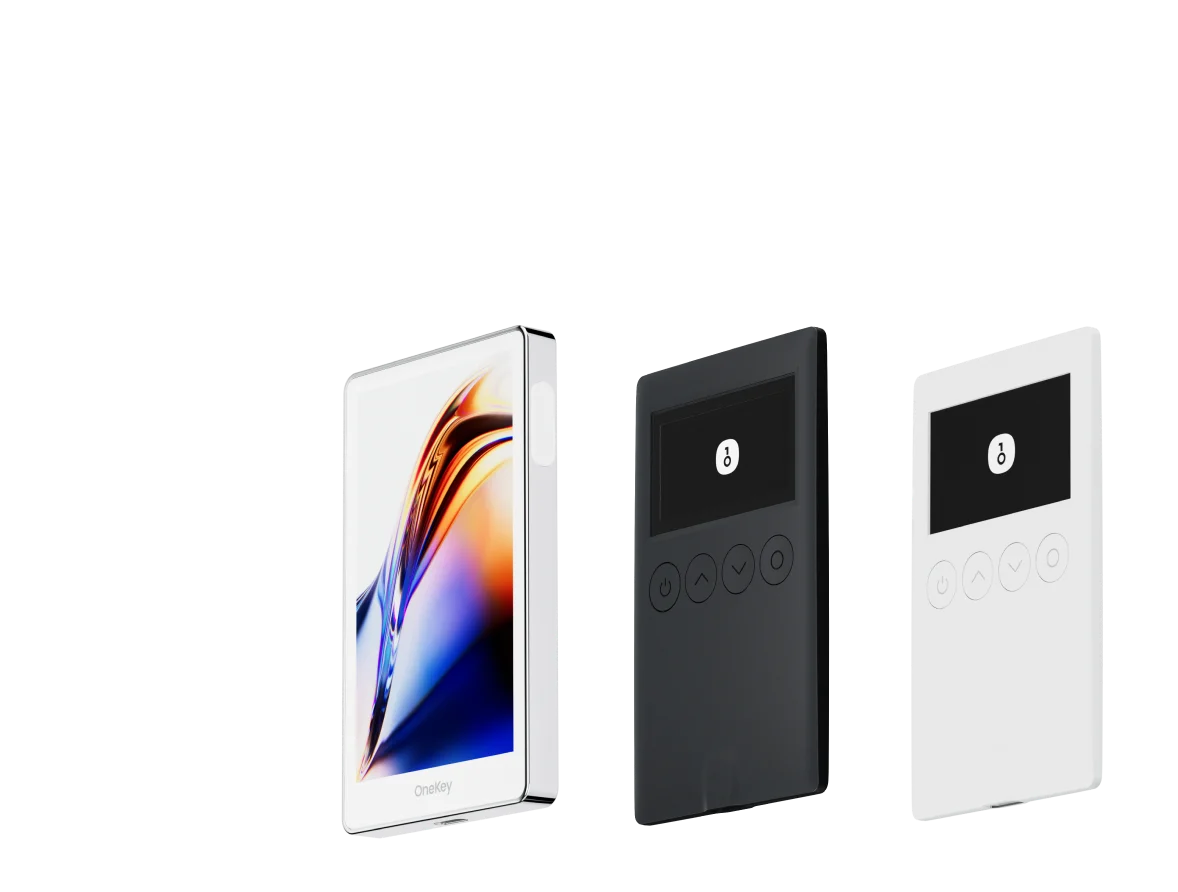
If you have a OneKey hardware wallet, this is the right time to use it. A hardware wallet address that has never interacted with risky DApps is one of the safest destinations for remaining funds.
If you do not have a hardware wallet, generate a new wallet on a clean device — ideally a freshly reset phone or computer. Write the recovery phrase down physically. Do not screenshot it, store it in cloud notes, email it to yourself, or paste it into any app.
Move assets in order of value:
- Large-value assets first, such as ETH and major stablecoins
- Then blue-chip tokens
- Then smaller or less liquid tokens
Do not operate from the compromised device just because you are in a hurry. If the device has a keylogger, malicious browser extension, or clipboard hijacker, entering or copying anything related to the new wallet could compromise it as well.
Chainalysis research on crypto drainers has shown that attackers often automate the draining of high-value assets within minutes of gaining access. Speed matters — but not at the cost of using an unsafe device.
Phase 3: 4–12 hours — audit and clean up
Once remaining assets are moved, begin a deeper audit.
Return to Revoke.cash and perform a full approval review of the compromised address. Even if you plan to abandon that address, the remaining approvals may help you understand the attack path. They may also matter if you reused the same seed phrase across multiple derived addresses.
Then inspect the compromised device:
- Review all browser extensions
- Check install dates, permissions, and publisher sources
- Remove anything unfamiliar or overly privileged
- Review DApps visited in the last 30 days
- Compare suspicious URLs with known phishing databases where possible
Also check the operating system level:
- Unknown startup programs
- Suspicious scheduled tasks
- Recently installed software you do not recognize
- Clipboard behavior that changes copied wallet addresses
Clipboard hijacking is a common attack pattern. Malware watches for crypto address formats and silently replaces the copied address with the attacker’s address.
Phase 4: 12–24 hours — identify the attack path and rebuild
By this point, you should have a clearer idea of how the compromise happened. Common attack vectors include:
- Phishing links: You visited a fake DEX, airdrop page, support page, or wallet site and either exposed your seed phrase or signed a malicious transaction.
- Malicious approvals: You approved a token permission or contract interaction that gave an attacker transfer rights.
- Seed phrase exposure: Your recovery phrase was stored digitally, such as in screenshots, cloud notes, email, chat apps, or password managers with weak protection.
- Clipboard hijacking: Malware replaced copied wallet addresses during transfers.
- Malicious browser extensions: A fake wallet, trading tool, or utility extension silently captured private keys or signatures.
Once you have identified the likely path, fully reset the compromised device. Do not rely only on an antivirus scan. Advanced malware may evade detection. Use a factory reset or clean operating system reinstall where appropriate.
Your new setup should raise the security baseline. Ideally, it should combine:
- Hardware-based signing, so private keys remain physically isolated
- Better approval hygiene, with frequent revocation checks
- Clear transaction review before signing
- EIP-712 readable signing where supported, to reduce blind-signing risk
- Account abstraction patterns such as EIP-4337 where available, including more granular permissions and recovery options
The point is not to make your setup complicated. The point is to make the most damaging mistakes harder to repeat.
24-hour recovery timeline
How to reduce the chance of another compromise
A hot wallet compromise is rarely a one-off accident. It is often the result of accumulated risk: too many approvals, too much value in a browser wallet, weak device hygiene, and repeated interactions with unknown front ends.
To reduce repeat risk:
- Keep long-term funds in cold storage on a hardware wallet.
- Use hot wallets only for the amount needed for current activity.
- Review token approvals on Revoke.cash at least once a month.
- Revoke approvals for DApps you no longer use.
- Never enter your seed phrase into any website, app, form, or “support” chat.
- Treat urgent “verify,” “restore,” “claim,” or “unlock” messages as high-risk by default.
- Verify URLs manually before connecting a wallet.
- Read signature prompts carefully, especially approvals and permit-style messages.
OWASP phishing documentation includes many real-world cases showing how attackers imitate official interfaces and create urgency. Legitimate wallets do not need your seed phrase to “verify” or “recover” your account.
Rebuild on a safer foundation with OneKey
After a wallet compromise, the most practical next step is to replace the old setup with a higher-security workflow.
OneKey hardware wallets keep private keys physically isolated and support multi-chain asset management. For active traders, OneKey Perps can be used alongside a hardware-backed setup so you can continue perps trading in a no-KYC environment while keeping signing risk under tighter control.
A sensible workflow is:
- Store core assets on a OneKey hardware wallet.
- Keep only working capital in hot wallets.
- Review approvals regularly.
- Use OneKey Perps for perps activity with a cleaner operational setup.
- Avoid signing from devices or browser profiles used for casual browsing.
You can visit the OneKey official site to review the product lineup and security model, and check OneKey’s open-source code on GitHub. For DEX connections, also review WalletConnect docs documentation to understand how to connect wallets to front ends without giving up basic signing discipline.
If you are rebuilding after an incident, download or set up OneKey through official channels only, then use OneKey Perps as part of a more controlled trading workflow.
FAQ
Q1: What should I do first after discovering a wallet compromise?
Do not immediately rush into transfers from the same compromised environment. First, disconnect the wallet from all DApps and use Revoke.cash to revoke suspicious token approvals. This can stop attackers from continuing to use existing permissions. If funds are still moving, transfer remaining assets only from a clean device.
Q2: Can stolen crypto be recovered?
In most cases, no. On-chain transactions are generally irreversible. In rare cases, if stolen funds move to a regulated centralized exchange and the amount is significant, you may be able to submit a freeze request through the exchange and law enforcement. Success is not guaranteed and is often unlikely. The realistic goal is to limit further loss, protect remaining assets, and prevent another compromise.
Q3: What is a clipboard hijacking attack?
Clipboard hijacking is malware that monitors copied text. When it detects a crypto address, it replaces that address with the attacker’s address.
To test for it, copy a wallet address and paste it into a plain text editor. Compare every character with the original address. If it changed, the device is compromised. As a basic habit, always verify at least the first five and last five characters of any address before signing a transfer.
Q4: If my seed phrase leaked, is it enough to create a new address from the same wallet?
No. If the attacker has the seed phrase, they can derive all addresses from that phrase. You must generate an entirely new seed phrase on a clean device or hardware wallet. Only then do you have real separation from the compromised wallet.
Q5: Can Hyperliquid or dYdX freeze stolen assets for me?
Hyperliquid and dYdX are decentralized platforms and do not provide the same asset-freezing mechanisms as centralized exchanges. Once assets are moved through smart contracts, the platform generally cannot reverse or freeze the transaction. This is why prevention — hardware wallets, approval management, and phishing awareness — matters more than after-the-fact recovery.
Conclusion: use the incident to build a better security stack
A hot wallet compromise is painful, but it can also force a necessary reset. Follow the 24-hour plan: stop active permissions, move remaining assets safely, audit the compromised environment, and rebuild with a stronger setup.
For future activity, keep core funds on a hardware wallet, use hot wallets only for limited working capital, and consider OneKey plus OneKey Perps as a cleaner workflow for secure storage and active perps trading.
Risk notice
This article is for educational purposes only and does not constitute legal, financial, trading, or security advice. Crypto assets and derivatives trading involve significant risk, and no security practice can provide 100% protection. If you suffer a loss, consider reporting the incident to relevant law enforcement agencies and preserve all on-chain records as evidence. Make your own decisions based on your risk tolerance and circumstances.