Hyperliquid Beginner Tutorial: How to Place Your First Trade
Hyperliquid App is a decentralized perpetuals exchange built around HyperEVM, where users keep control of their assets and trading happens on-chain. Compared with a centralized exchange, you do not need to create an account or complete KYC. A wallet is enough to get started. Source: MetaMask docs.
This beginner guide walks you through the full process: creating a wallet, funding it with USDC, depositing to Hyperliquid docs, and placing your first perpetuals trade.
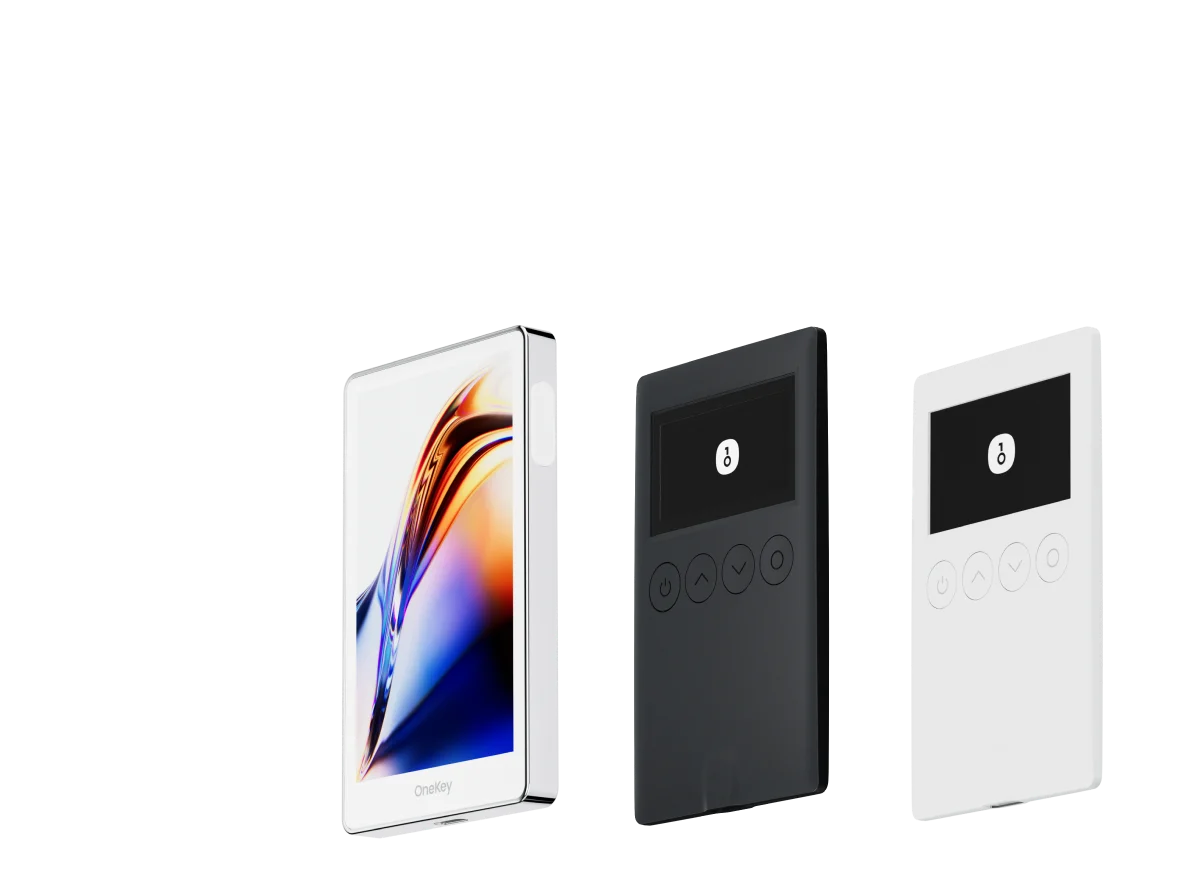
For most beginners, the most practical workflow is to use OneKey as your wallet and access perpetuals through OneKey Perps where supported. OneKey keeps the wallet, signing, and trading flow in one place, while still helping you understand what you are signing before you trade.
Key comparison table
Before You Start: What You Need
Prepare the following:
- A computer or phone with internet access
- Around 50–100 USDC as practice capital
- About 30 minutes to read and follow the steps carefully
You do not need programming knowledge, and you do not need to understand every detail of blockchain infrastructure before starting.
Step 1: Install OneKey Wallet
Go to the official OneKey website and choose the version for your device:
- Desktop users: install the browser extension for Chrome, Firefox, or Edge
- Mobile users: download the OneKey App for iOS or Android
After installation, select Create New Wallet. OneKey will generate a 12-word recovery phrase.
There are three things you should never do with your recovery phrase:
- Do not take a screenshot of it
- Do not store it in cloud drives, notes apps, or chat apps
- Do not send it through WeChat, email, Telegram, Discord, or any other online channel
Write the 12 words down on paper, number them in order, and store them in a secure physical location. These words are the only backup for your wallet. Anyone who has them can control your assets.
Step 2: Get USDC
Hyperliquid uses USDC as margin. You will need to buy USDC on an exchange first, then withdraw it to your OneKey wallet.
After buying USDC, go to the withdrawal page on your exchange:
- Destination address: your OneKey wallet address. In OneKey, tap or click Receive to view it.
- Recommended network: Arbitrum, because gas fees are usually very low.
- Important: make sure the withdrawal network matches the network supported by your wallet and the deposit flow you plan to use. Sending funds to the wrong network can cause loss of funds or make recovery difficult.
After submitting the withdrawal, funds usually arrive within a few minutes, though timing depends on the exchange and network conditions.
Step 3: Deposit USDC to Hyperliquid
You can connect your OneKey wallet directly to Hyperliquid, or use OneKey Perps where the Hyperliquid trading workflow is available inside OneKey.
If you are using the Hyperliquid web app:
- Open the Hyperliquid app in your desktop browser.
- Click Connect Wallet in the top-right corner.
- Choose OneKey.
- Confirm the connection request in the OneKey extension.
- Carefully check that the domain is
app.hyperliquid.xyzbefore signing or approving anything. - After connecting, click the account balance area and select Deposit.
- Choose the source chain, such as Arbitrum.
- Enter the amount of USDC you want to deposit.
- Click Deposit and confirm the transaction in OneKey.
The deposit is processed through HyperBridge. Once completed, your Hyperliquid account balance will show the deposited USDC.
If you use OneKey Perps, follow the in-app flow to connect your wallet, review the deposit details, and sign only after confirming the amount, network, and destination.
Step 4: Understand the Trading Interface
Before placing an order, spend a few minutes getting familiar with the trading screen.
Typical Hyperliquid trading layout:
- Left side: market list, where you select contracts such as BTC-PERP or ETH-PERP
- Center: price chart and order book
- Right side: order panel, including long/short direction, leverage, size, and order type
- Bottom: current positions, open orders, and account history
Do not rush this step. Most beginner mistakes happen because users click through the order panel without understanding leverage, order type, or liquidation risk.
Step 5: Place Your First Trade
Here is an example using a BTC-PERP long trade.
- Select BTC-PERP from the market list.
- In the order panel, choose Long.
- Set leverage to 2x. Beginners should start with low leverage.
- Choose Limit order type.
- Set a limit price slightly below the current market price.
- Enter your margin amount, for example 50 USDC.
- Review the notional exposure. With 2x leverage, 50 USDC margin creates about 100 USDC of notional exposure.
- Add a stop loss. If the interface supports TP/SL, enable it and set a stop-loss price, for example 3%–5% below the current price.
- Click Place Order.
- Review the signature request in OneKey and confirm only if all details look correct.
If the market reaches your limit price, the order will fill automatically. Your position will then appear in the Positions section.
Common Beginner Order Mistakes
Watch out for these mistakes:
- Using too much leverage on the first trade
- Placing a market order without checking slippage
- Forgetting to set a stop loss
- Confusing margin amount with notional position size
- Going long or short in the wrong direction
- Signing wallet prompts without checking the domain and transaction details
A good first trade is not about making money quickly. It is about learning the full flow: deposit, order placement, position management, stop loss, and closing the trade.
Step 6: Close Your Position
When you want to exit the trade, or if your plan says it is time to close, you can close the position manually.
- Go to the Positions section.
- Find your open position.
- Click Close.
- Choose a market or limit close.
- Review the details.
- Confirm the signature in OneKey.
After the position is closed, the remaining USDC will return to your Hyperliquid account balance.
FAQ
Q1: How much USDC should I deposit for my first trade?
For a first attempt, 50–100 USDC is usually enough to experience the full process while keeping risk limited. Only use an amount you can afford to lose. After you understand deposits, leverage, order types, stop losses, and withdrawals, you can decide whether to add more funds.
Q2: What if I forgot to set a stop loss?
You can usually add or adjust TP/SL from the Positions section after opening a trade. Setting a stop loss is one of the most important habits in perpetuals trading. Ideally, define your invalidation level before entering the trade, not after the position starts moving against you.
Q3: Does Hyperliquid offer a demo account?
At the time of writing, Hyperliquid mainnet does not provide an official paper-trading mode. If you want to practice, use a very small real position, such as around 10 USDC notional exposure, to learn the interface with lower risk.
Q4: Is my USDC safe after depositing to Hyperliquid?
Hyperliquid is a decentralized protocol, and funds are managed by on-chain smart contracts rather than a traditional exchange account. Users can initiate withdrawals without needing platform approval. However, DeFi protocols still carry risks, including smart contract risk, bridge risk, market risk, and operational mistakes. Do not deposit more than you can afford to lose.
Q5: How do I withdraw from Hyperliquid back to OneKey?
In the Hyperliquid app, open the account balance area and choose Withdraw. Enter the withdrawal amount and your OneKey wallet address, then review and confirm the signature. The withdrawal will return through HyperBridge to the selected chain.
Conclusion
Going from a fresh OneKey wallet to your first Hyperliquid perpetuals trade can be done in one focused session. The key benefits of decentralized perpetuals are self-custody, no exchange account requirement, and open on-chain access. The trade-off is that you are responsible for wallet security, transaction approvals, and risk management.
Start small, use low leverage, and always set a stop loss. These three rules matter more than any indicator or short-term market view.
If you are ready to try the workflow, download OneKey, fund your wallet with a small amount of USDC, and use OneKey Perps or the Hyperliquid app with OneKey to place your first carefully sized trade.
Risk warning: This article is for educational purposes only and is not investment, financial, legal, or tax advice. Perpetual contracts are high-risk products. Leverage can amplify losses and may result in the loss of your entire principal. Only trade after you understand the product mechanics and risks, and only with funds you can afford to lose. Minors and anyone without suitable risk tolerance should not participate.