Top 5 No-KYC Browser Extension Wallets Compared
Browser extension wallets are still one of the most common entry points into Web3. Install one in Chrome or Firefox, open a DApp, connect in a click, and you can interact on-chain without creating an exchange account or completing identity checks.
But “browser wallet” does not mean every wallet is the same. Security design, chain coverage, transaction warnings, hardware wallet support, and DeFi usability vary a lot. This guide compares five widely used no-KYC browser extension wallets across the dimensions that matter for crypto and perps users.
Why browser extension wallets are usually no-KYC
Non-custodial browser wallets work like non-custodial mobile wallets: your private keys are generated and stored locally by you. The wallet developer does not hold your assets, does not open a trading account for you, and does not custody funds on your behalf.
Under frameworks such as the EU’s MiCA regulation, non-custodial software tools are generally treated differently from regulated crypto-asset service providers because they do not control user assets.
When you use a browser wallet, you interact directly with smart contracts. The protocol rules are enforced by code, not by an intermediary collecting identity documents or managing your balances.
Top 5 no-KYC browser extension wallets compared
Note: supported chains and features change over time. Always check each wallet’s official documentation before making a decision.
Wallet-by-wallet breakdown
OneKey browser extension wallet
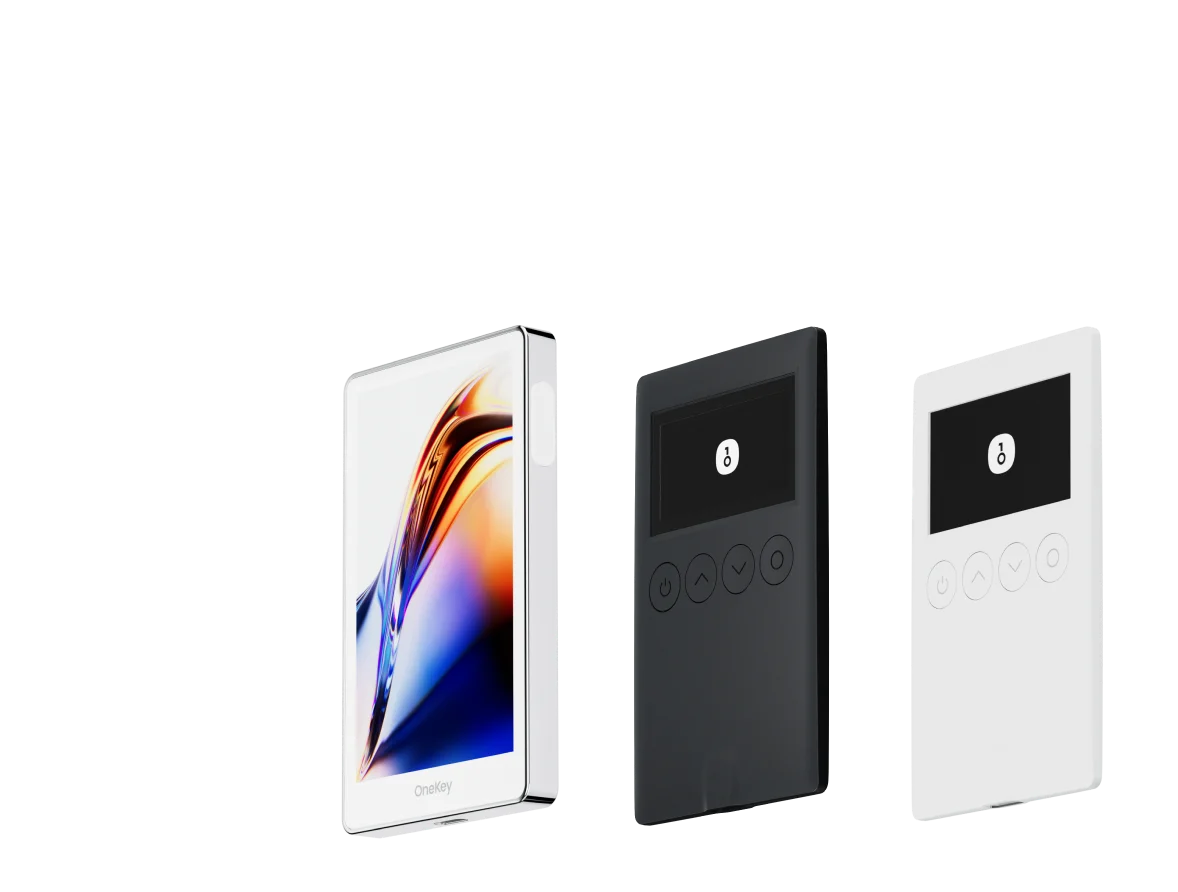
OneKey started with hardware wallets, and its browser extension follows the same security-first philosophy. The code is fully open-source on OneKey GitHub and can be reviewed by the community and independent researchers.
Core security features include:
- Automatic transaction simulation before signing, showing expected asset changes before you approve
- Built-in contract risk detection, with warnings for known malicious contract addresses
- Seamless pairing with OneKey hardware wallets, so high-value signatures can require physical confirmation and reduce remote attack risk
For users who trade on-chain derivatives, the OneKey extension can be used directly with OneKey Perps. It can also connect to major on-chain derivatives protocols such as Hyperliquid and dYdX, while keeping private keys local.
If your workflow includes spot DeFi, wallet management, and perpetual contract trading, OneKey is one of the more practical no-KYC setups because it combines wallet security, contract risk checks, and access to OneKey Perps in a single ecosystem.
MetaMask
MetaMask is the most widely installed Ethereum-style browser extension wallet and has the broadest DApp compatibility. Almost every EVM DApp supports MetaMask by default.
Its main advantage is ecosystem coverage. If you interact with many Ethereum, L2, or EVM-compatible DApps, MetaMask is hard to avoid.
The trade-off is that its security layer is relatively basic compared with wallets focused on transaction simulation and risk screening. Users still need to understand seed phrase protection, token approvals, phishing domains, and signature risks.
MetaMask’s built-in swap aggregator is convenient, but it may charge a service fee. For larger swaps, check the total route cost before confirming.
Rabby
Rabby, developed by the DeBank team, is known for transaction pre-execution. Before you sign, the wallet simulates the transaction and shows expected token inflows and outflows in a readable way.
This is especially useful for DeFi users because many risky interactions do not look dangerous until you understand what the contract is asking for.
Rabby is open-source and optimized for EVM multi-chain usage. It is popular among experienced DeFi users, but its main limitation is that it does not cover non-EVM ecosystems such as Solana.
Phantom
Phantom became popular as a Solana-first wallet and remains one of the smoothest options for Solana users. It has also expanded support for EVM networks and Bitcoin.
If most of your activity is on Solana, Phantom offers a polished browser wallet experience. The main point to weigh is that Phantom’s code is not currently fully open-source, which may matter if your priority is auditability and transparency.
Coinbase Wallet
Coinbase Wallet is different from a Coinbase exchange account. It is a non-custodial browser wallet, and using the wallet itself does not require KYC.
Its biggest advantage is smoother movement around the Coinbase ecosystem, especially for users who already use Coinbase services. It is user-friendly, but advanced DeFi and perps users may prefer wallets with stronger transaction simulation and contract risk warnings.
Key security dimensions to compare
Token approval risk
After connecting to a DApp, you may unknowingly give a smart contract broad or even unlimited permission to move a token from your wallet. This is one of the most common ways users lose funds in DeFi.
Chainalysis has reported significant losses from drainer attacks, where malicious approvals or signatures are used to empty wallets.
A good habit is to regularly check and revoke unnecessary token approvals using tools such as Revoke.cash. This is especially important if you frequently test new protocols, trade memecoins, or connect to unfamiliar DApps.
Phishing website risk
Attackers often clone well-known DApp websites and promote fake URLs through search ads, social media, Discord, Telegram, or compromised accounts. Once connected, the fake site may request a malicious approval or signature.
OWASP’s phishing guidance describes how attackers use imitation websites and deceptive links to trick users into trusting a malicious destination.
Some wallets include URL or contract detection, but no wallet can protect you from every fake site. Always verify the domain, avoid clicking sponsored search results for wallet downloads, and bookmark the DApps you use often.
EIP-712 structured signatures
EIP-712 defines a standard for signing structured Ethereum data. A good wallet should display what you are signing in a readable format instead of showing only a hexadecimal string.
Readable signature prompts make it easier to spot suspicious permissions or unexpected order details. OneKey and Rabby both provide stronger user prompts in this area than basic signing flows.
How to install a browser wallet safely
- Download only from official browser extension stores, such as the Chrome Web Store or Firefox Add-ons.
- Be careful with search engine ads. Fake wallet extensions often imitate real brands.
- Check that the developer name matches the official project website. For OneKey, the official site is onekey.so.
- Back up your seed phrase immediately after creating a wallet. Write it on paper and store it offline.
- Never save your seed phrase in screenshots, cloud drives, chat apps, email drafts, or photo albums.
- Use a strong, unique password for the browser extension.
- For meaningful balances, consider using a hardware wallet so private keys are isolated from your browser environment.
FAQ
Q1: Are browser extension wallets riskier than mobile wallets?
Not necessarily. The risks are different.
Browser wallets run inside a browser environment and are exposed to risks such as phishing websites, malicious DApps, and unsafe token approvals. Mobile wallets face risks such as device loss, malicious apps, and compromised phones.
The right choice depends on your workflow. In both cases, seed phrase security is the most important baseline.
Q2: Is it risky to use the same seed phrase across multiple wallets?
Yes. If several wallets are imported from the same seed phrase, they control the same private keys. If any one wallet environment exposes that seed phrase or private key, assets controlled by the same seed are at risk.
For high-value assets, use a separate seed phrase and consider pairing it with a hardware wallet.
Q3: How do I connect OneKey to Hyperliquid for perpetuals trading?
Install the OneKey wallet, visit Hyperliquid, click “Connect Wallet,” and choose OneKey if available. You may also connect through WalletConnect where supported.
For a more integrated workflow, OneKey App includes OneKey Perps, which lets users access on-chain perpetuals trading without constantly jumping between third-party websites.
Q4: Do browser extension wallets support ERC-4337 account abstraction?
EIP-4337 account abstraction is gradually being adopted across wallets and networks. Some wallets already support smart account features on selected chains, but compatibility varies. Check the latest official documentation for the wallet and network you plan to use.
Q5: Do I need KYC to use a browser extension wallet?
No. Non-custodial browser extension wallets do not hold user assets and do not operate like regulated exchange accounts. You can download the wallet, create or import a seed phrase, and start interacting with supported networks without completing KYC.
However, third-party DApps, exchanges, bridges, or fiat services you connect to may have their own requirements.
Conclusion: choose the tool that matches your risk model
There is no perfect no-KYC browser extension wallet for every user. The best choice depends on the chains you use, the assets you hold, and how much risk protection you want before signing transactions.
If you want a security-focused, multi-chain wallet with open-source code, risk detection, hardware wallet support, and a practical path into on-chain derivatives, OneKey is a strong option to consider. Used together with OneKey Perps, it gives you a cleaner workflow for self-custody and on-chain trading while keeping private keys under your control.
Download OneKey from the official source, set up your wallet carefully, and use OneKey Perps only after you understand the risks of leveraged on-chain trading.
Risk warning: This article is for informational purposes only and is not financial, investment, legal, or tax advice. Crypto assets and on-chain derivatives are high-risk products. Prices can be extremely volatile, and losses can be substantial, including total loss of funds. Make independent decisions based on your own circumstances and consult a qualified professional where appropriate.