Best No-KYC Mobile Crypto Wallets for 2026
Want to trade crypto from your phone without uploading a passport, selfie, or home address? You are not alone. Source: FinCEN guidance. Source: OneKey GitHub.
Self-custody wallets are no-KYC by design: you hold the private keys and interact directly with blockchains. There is no custodial intermediary collecting personal information, holding your assets, or opening an account on your behalf.
This guide compares 10 widely used no-KYC mobile wallets and explains how to choose one based on security, chain support, DeFi access, perps trading workflow, and day-to-day usability.
What Is a “No-KYC Mobile Wallet”?
KYC, or “Know Your Customer,” is the identity verification process that regulated financial institutions and many centralized exchanges must perform.
A non-custodial mobile wallet is different. It is software that lets you generate, store, and use your own private keys. The wallet provider does not custody your funds and does not act as a money transmitter in the same way a centralized exchange does.
That is the key distinction:
- Centralized exchange: holds user assets, manages accounts, and generally requires identity verification.
- Self-custody wallet: gives users direct access to blockchains and decentralized applications, with private keys controlled by the user.
No-KYC does not mean risk-free, anonymous, or exempt from local laws. It simply means the wallet itself does not require you to submit identity documents in order to use the software.
10 No-KYC Mobile Wallets to Watch in 2026
The wallets below are commonly used by crypto users who want mobile self-custody. The right choice depends on your priorities: security, open-source code, supported chains, DeFi integrations, hardware wallet compatibility, and trading flow.
This table is for general reference only and is not investment, legal, or product selection advice. Supported chains, features, and integrations change frequently, so always check the latest official documentation before relying on any wallet for significant funds.
How to Evaluate a No-KYC Mobile Wallet
1. Private Key Architecture Comes First
A serious self-custody wallet should generate and store your private keys or seed phrase locally on your device. Your seed phrase should never be uploaded to a server or shared with the wallet provider.
Before choosing a wallet, make sure you understand how seed phrases work. Your recovery phrase is the master key to your assets. Anyone who gets it can move your funds.
2. Open Source and Auditability
Open-source code allows independent security researchers to review how a wallet works and identify potential issues. It does not guarantee safety, but it improves transparency and makes hidden backdoors harder to conceal.
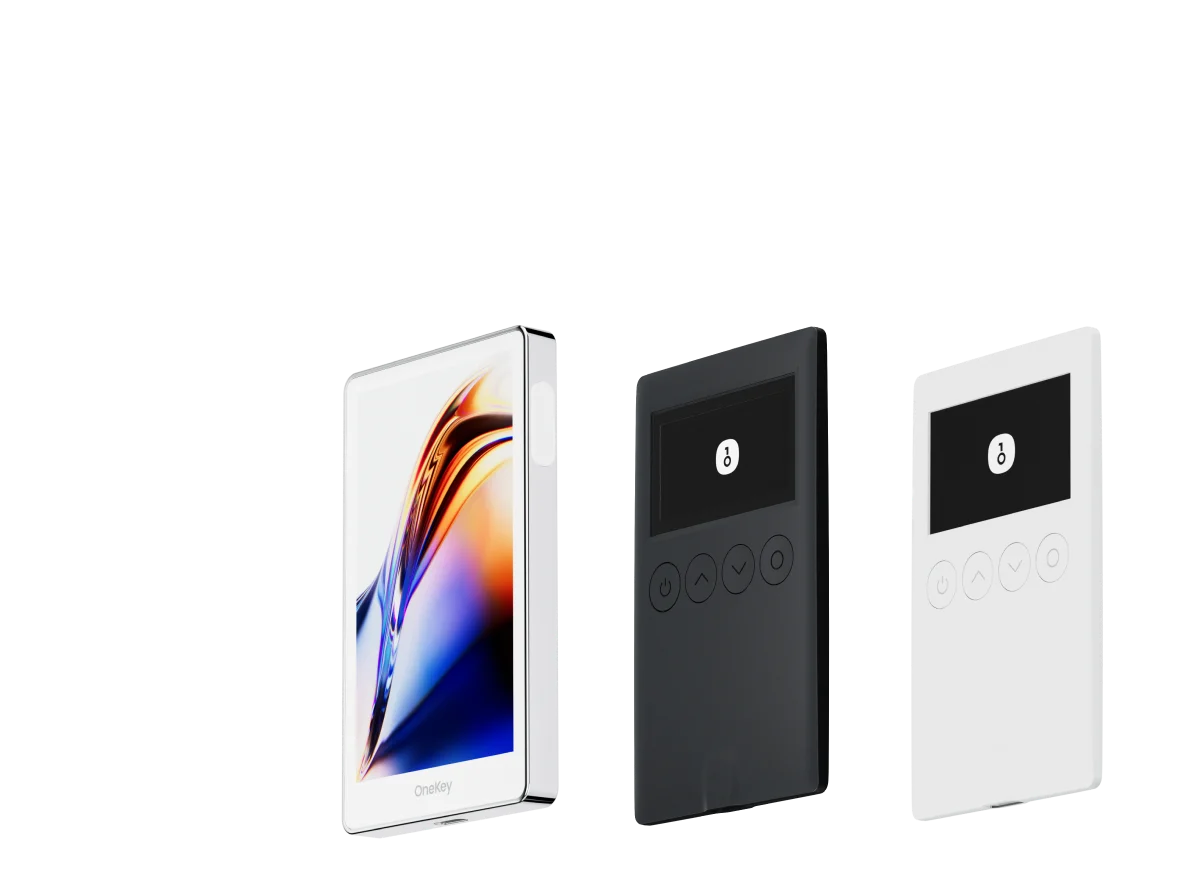
OneKey is notable here because its hardware wallet firmware and mobile software are publicly available, making it one of the more transparent full-stack wallet providers in the market.
3. Multi-Chain and DeFi Access
If you only hold one asset, chain support may not matter much. But most active users need access to Ethereum, EVM networks, Solana, Cosmos ecosystems, and newer chains.
For on-chain perps trading, the wallet should connect smoothly to protocols such as Hyperliquid, dYdX, GMX, and other decentralized derivatives venues. WalletConnect support is useful, but native or in-app integrations usually provide a cleaner mobile experience.
4. On-Chain Risk Controls
A mature wallet should help users understand what they are signing. Useful safety features include:
- Transaction simulation
- Token approval management
- Contract interaction warnings
- Phishing and malicious site detection
- Clear signing prompts
Standalone tools such as Revoke.cash can help users manage token approvals, but having similar controls inside the wallet makes routine security hygiene easier.
Why OneKey Is a Strong Default Choice
OneKey started from hardware wallets, and that security mindset carries into its mobile app.
Key reasons it works well as a primary no-KYC mobile wallet:
- Private keys stay on your device and can be paired with OneKey hardware wallets for stronger protection.
- Open-source codebase improves transparency and auditability.
- Broad chain support across major and emerging ecosystems, including EVM, Solana, and Cosmos-related networks.
- Built-in OneKey Perps lets users access on-chain perpetual markets directly from the app, without constantly switching to unknown third-party DApps.
For users who want one mobile app for asset management and on-chain trading, this closed-loop workflow reduces friction. It also helps lower the risk of landing on a fake DApp or phishing page while jumping between apps and browser tabs.
Trading On-Chain Perps from a Mobile Wallet
On-chain perpetual futures are one of the fastest-growing areas of DeFi. Protocols such as Hyperliquid use on-chain order book models, while platforms such as GMX use liquidity-pool-based designs. In both cases, users typically connect a self-custody wallet rather than opening a centralized exchange account.
dYdX also offers on-chain perpetual trading, with protocol documentation explaining its market design and mechanisms.
With OneKey’s mobile wallet and built-in OneKey Perps, users can access this type of on-chain trading flow directly from the app. Your private keys remain under your control, and you do not need to hand custody of your assets to a centralized trading platform.
Main benefits of mobile on-chain perps trading include:
- Trade from your phone without opening a desktop setup
- Keep private keys locally controlled
- Avoid creating a centralized exchange account for every trading venue
- Reduce exposure to centralized platform custody risk
- Use a more direct wallet-to-protocol workflow
That said, perpetual contracts are high-risk products. Leverage can amplify losses as well as gains, and liquidation can happen quickly in volatile markets.
Mobile Wallet Security Checklist
Before using any no-KYC mobile wallet with real funds, check the following:
- Download only from official app stores or verified official channels.
- Do not click wallet download links from search engine ads.
- Write your seed phrase on paper or another offline backup medium.
- Never screenshot your seed phrase or store it in cloud notes, email, or chat apps.
- Use a strong device passcode and enable biometric protection where appropriate.
- Regularly review token approvals and revoke permissions you no longer use.
- Be careful with fake wallets, fake DApps, and wallet drainer attacks.
- Test with a small amount before moving meaningful funds.
- Consider pairing your mobile wallet with a hardware wallet for larger balances.
FAQ
Q1: Is it legal to use a no-KYC mobile wallet?
In most jurisdictions, using a non-custodial crypto wallet is legal. Regulation usually focuses on financial institutions and custodial service providers, not ordinary users running self-custody software.
However, your specific on-chain activity must still comply with the laws and regulations where you live. You should understand your local rules before trading, investing, or using DeFi protocols.
Q2: Does no-KYC mean anonymous?
Not exactly. Public blockchains are transparent. Transactions can be viewed on-chain, even if your wallet address is not directly tied to your legal identity.
Your privacy depends on how you use the wallet. For example, if you withdraw from a centralized exchange to a self-custody address, that address may be linked to your exchange account history.
Q3: Can I recover my OneKey wallet if I lose my phone?
Yes, as long as you have safely backed up your recovery phrase. A seed phrase is usually 12 or 24 English words. You can import it into a compatible wallet on a new device to restore access to your assets.
The seed phrase is the recovery credential. If you lose both your phone and your seed phrase, your assets may be unrecoverable.
Q4: Is a mobile wallet less secure than a hardware wallet?
A hardware wallet is generally more secure because private keys are stored in a dedicated device designed to isolate signing from internet-connected environments.
A mobile wallet is more convenient for frequent trading and DeFi use. OneKey supports using the mobile app together with OneKey hardware wallets, which can offer a better balance between security and usability.
Q5: Which assets does OneKey Perps support?
Supported markets can change over time. Check the latest OneKey app or official OneKey documentation for the current list of supported assets and trading features.
Conclusion: Self-Custody Is the Real Goal
No-KYC is not the final objective. The real point is asset control.
A non-custodial mobile wallet lets you trade and manage crypto on-chain without handing your private data and funds to a centralized platform. As on-chain liquidity becomes deeper, a secure, open-source, multi-chain mobile wallet can cover most everyday crypto workflows.
If you want a practical starting point, download OneKey, set up your self-custody wallet, back up your seed phrase offline, and explore OneKey Perps from inside the app when you are ready to trade on-chain perpetuals.
Risk warning: This article is for informational purposes only and is not financial, investment, legal, or tax advice. Crypto assets are highly volatile and may result in loss of principal. On-chain derivatives, including perpetual contracts, involve additional risks due to leverage and liquidation mechanics. Always do your own research and make decisions based on your own financial situation and risk tolerance.