Web Wallet vs Mobile App: Which Is Truly No-KYC?
"No-KYC" gets attached to many wallet products, but web wallets and mobile wallet apps are not all the same. The real differences are not just screen size or device type. They come down to where private keys are stored, what attack surface you accept, and when KYC is actually triggered.
This article compares the two wallet formats from an architecture and usage perspective, so you can decide which setup fits your crypto workflow.
Key comparison table
First, clarify what “web wallet” means
The term “web wallet” is often used loosely. In practice, there are three very different categories:
-
Browser extension wallets such as OneKey and MetaMask docs. These run as browser extensions. Private keys are encrypted and stored locally in the browser environment. They are non-custodial by design and generally do not require KYC.
-
Custodial web wallets such as the wallet interface inside a centralized exchange. You access them through a website, but the exchange holds the private keys. What you control is an account on the platform, not the keys themselves. These services typically require KYC.
-
Pure web-based non-custodial wallets such as local-signing modes in tools like MyEtherWallet. Keys are generated and used locally in the browser and are not uploaded to a server. These usually do not require KYC, but they demand stronger security habits because users may need to import key files or manage signing manually.
In this article, “web wallet” mainly refers to the first category: browser extension wallets, compared with mobile wallet apps.
The core difference: where the private key lives
Both browser extension wallets and mobile apps can be non-custodial. In both cases, the user holds the private key. The difference is the device environment and the attack surface.
A browser extension wallet stores encrypted key material locally in the browser’s storage environment. It is convenient for interacting with desktop DApps, trading interfaces, dashboards, and on-chain tools.
A mobile wallet app stores encrypted key material on the phone, often with support for device-level security features such as biometrics, secure enclaves, or OS-level sandboxing, depending on the device and implementation.
Signing standards such as EIP-712 can work in both formats. Browser extensions often provide a more direct signing experience because they interact closely with the webpage or DApp running in the same browser session.
KYC logic: the wallet format is not the deciding factor
A common misconception is that “web-based” means more likely to require KYC. That is not the key issue.
The real question is: does a regulated financial intermediary custody your assets?
Regulatory frameworks such as FinCEN guidance distinguish between non-custodial software providers and money service business operators. Software developers provide tools. Custodial operators hold customer funds. If a wallet is non-custodial, the provider does not act as the financial intermediary holding user assets, whether the wallet is a browser extension or a mobile app.
The EU’s MiCA text framework follows a similar logic: non-custodial wallet providers are generally not treated as crypto-asset service providers simply for publishing wallet software, and therefore are not required to perform KYC in the same way custodial platforms are.
So the practical answer is simple: a non-custodial browser wallet can be no-KYC, and a non-custodial mobile app can also be no-KYC. A custodial web account is not the same thing.
Security comparison: browser extension vs mobile app
Main risks of browser extension wallets
Browsers are powerful but relatively open environments. Extension wallets face several common risks:
-
Malicious DApp signature requests. Users must read transaction and signature prompts carefully. Phishing sites may try to trick users into signing harmful approvals or messages.
-
Overly broad token approvals. ERC-20 approvals can grant a contract permission to spend your tokens. Tools and educational resources such as Revoke.cash help users understand and revoke risky approvals.
-
Malicious or fake browser extensions. Attackers may publish fake versions of popular wallets or use other extensions to interfere with browsing behavior. Always install wallets from official sources.
Browser wallets are efficient for on-chain power users, but the user must pay close attention to URLs, approvals, and signature details.
Main risks of mobile wallet apps
Mobile wallets usually benefit from stronger app-level isolation, but they have their own risks:
-
Lost or stolen devices. If the phone passcode is weak, an attacker may attempt to access wallet data or accounts.
-
Clipboard monitoring. Malicious apps may watch copied wallet addresses or attempt to capture sensitive text. Never copy or store seed phrases in the clipboard.
-
Social engineering. Research from firms such as Chainalysis has repeatedly shown that attackers often target mobile users by impersonating customer support and asking them to enter or reveal a seed phrase.
In both formats, the seed phrase is the first and most important security layer. If someone gets your seed phrase, they can control your wallet. No legitimate wallet provider or support agent should ever ask for it.
Which is better for on-chain trading?
If your main use case is on-chain trading, including perpetuals or spot DEX activity, both formats can work, but they fit different habits.
A browser extension wallet is usually better for desktop workflows. You get a larger screen, easier charting, faster order parameter input, and smoother interaction with trading interfaces. Many protocols offer their most complete charting and order-entry experience on desktop.
A mobile app wallet is better for monitoring positions, checking balances, and making quick actions while away from your desk. It is often more comfortable for everyday asset management and simple transactions.
OneKey supports both browser extension and mobile app workflows. With OneKey Perps, users can access on-chain perpetual markets while keeping private keys locally controlled in the wallet. That makes it a practical setup for users who want a no-KYC, non-custodial trading workflow without constantly switching between unrelated tools.
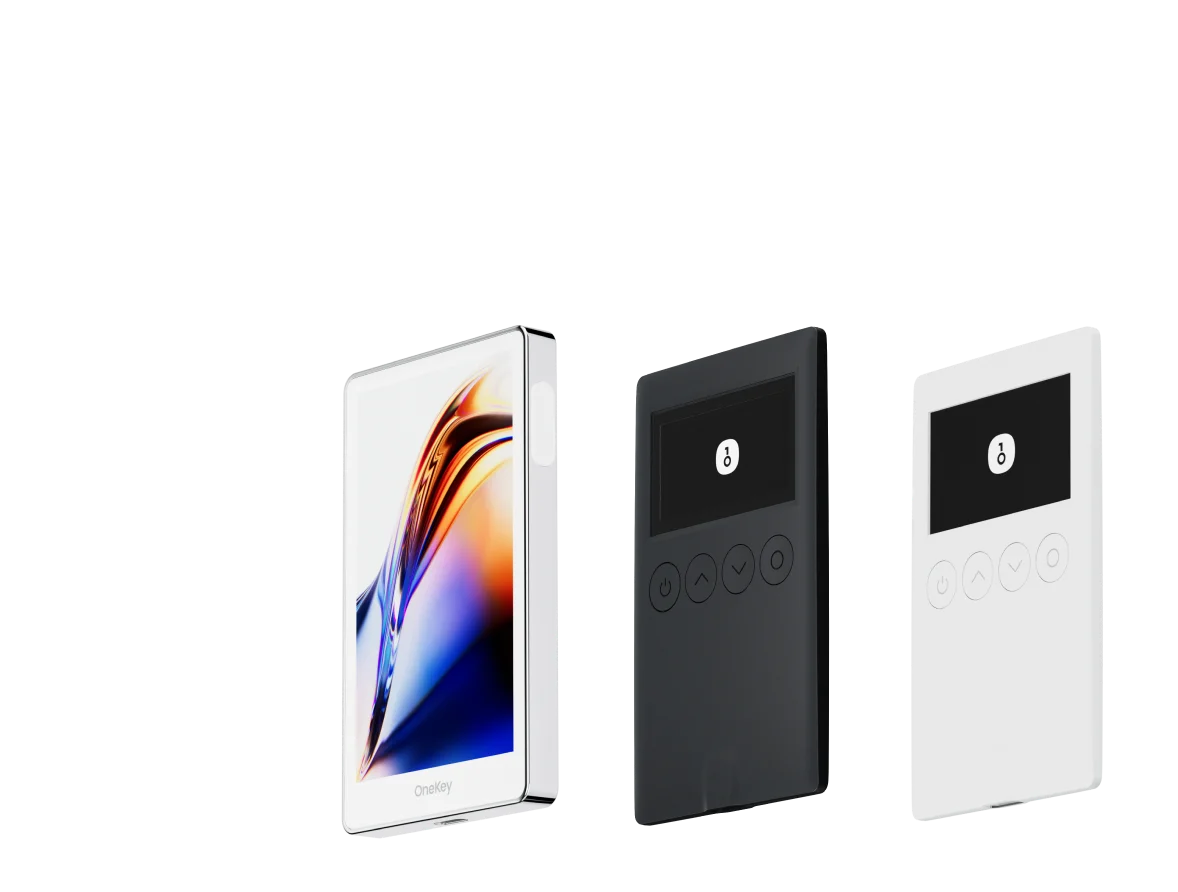
For users who want stronger protection, OneKey hardware wallets can add a cold-signing layer. A common approach is to use software wallets for routine interaction while requiring hardware confirmation for larger transfers or higher-value accounts. This balances convenience with security.
WalletConnect: using a mobile wallet with web DApps
WalletConnect is one of the most common ways to connect a mobile wallet to a web DApp.
The workflow is straightforward: scan a QR code with your mobile wallet, establish an encrypted session, and approve signing requests on your phone. The private key does not need to be exposed to the browser environment.
This setup combines some of the strengths of both formats: the desktop web interface for trading or DeFi interaction, and the mobile wallet for isolated signing.
FAQ
Q1: Does the OneKey web wallet require KYC?
No. OneKey Wallet, including the browser extension and mobile app, is non-custodial. Users control their own private keys, so no identity verification is required to use the wallet itself.
Q2: If I use both the browser extension and mobile app, should I use the same seed phrase?
You can use the same seed phrase if you want both devices to control the same addresses. This can make portfolio management easier.
However, remember that any compromise on either device can affect the same wallet accounts. For important assets, consider using a hardware wallet.
Q3: Can WalletConnect leak my private key?
WalletConnect is designed so that the private key never leaves the wallet. The DApp sends a signing request, the wallet signs locally, and only the signed result is returned. You still need to review every request carefully, but the private key itself is not shared with the DApp.
Q4: Is ERC-20 approval different on browser wallets and mobile wallets?
The underlying mechanism is the same. Both use the ERC-20 approve function.
The difference is usually in the interface. Some browser wallets, including OneKey and Rabby, may provide clearer simulation or risk prompts before approval. Mobile interfaces are often more compact, so users need to be especially careful with approval amounts and contract details.
Q5: Which format is better for beginners?
Mobile apps are often easier for beginners because they feel like regular consumer apps and can use familiar unlock methods such as biometrics.
Browser extension wallets have a steeper learning curve, but they are more efficient for desktop DApp usage. A practical path is to start with the OneKey mobile app, learn the basics of self-custody, then add the browser extension if you actively use DeFi or trading interfaces on desktop.
Conclusion: the goal is self-custody, not a specific device
Both browser extension wallets and mobile wallet apps can be truly no-KYC when they are non-custodial. The reason is not the form factor. The reason is that users hold their own private keys.
Choose based on your workflow. If you spend most of your time at a desktop managing DeFi positions or trading on-chain perps, a browser extension is often more efficient. If you want quick access, balance checks, and position monitoring on the go, a mobile app may be the better default.
OneKey is practical because it supports both formats, keeps the self-custody model intact, and offers OneKey Perps for users who want access to on-chain perpetual trading from within the OneKey ecosystem.
Download OneKey from the official source, choose the wallet format that fits your workflow, and use OneKey Perps only after you understand the risks and how self-custody works.
Risk warning: This article is for informational purposes only and does not constitute financial, investment, or legal advice. Crypto assets and on-chain derivatives are high-risk products. Market volatility can lead to partial or total loss of funds. Always do your own research and make independent decisions based on your own circumstances.