How to Set Stop Loss and Take Profit on Hyperliquid
Opening a position is only the start of a trade. What keeps traders alive over time is risk management. On Hyperliquid, setting Stop-Loss and Take-Profit orders helps you manage downside risk and lock in exits even when you are away from the screen. Source: Hyperliquid docs.
This guide covers how TP/SL works on Hyperliquid, what to watch out for, and how to combine it with position sizing and safer signing workflows such as OneKey Perps.
Key comparison table
Why stop loss is essential in perpetual futures
Perpetual futures use leverage. That means a relatively small move against your position can push you close to liquidation. Instead of waiting for the system to force-close your position, which may involve worse slippage, placing a stop loss gives you a defined exit plan before the trade goes wrong.
Hyperliquid’s own documentation also encourages users to place a stop loss after opening a position.
Take-profit orders serve the other side of risk management: they help you exit when price reaches your target, rather than letting emotion keep you in the trade for too long.
Conditional order types supported on Hyperliquid
Hyperliquid supports TP/SL-style conditional orders that can be attached when opening a position or added later to an existing position. The most common choices are:
- Stop Market: triggers at your stop price and executes as a market order. This prioritizes execution, but the final fill price may differ during fast moves.
- Stop Limit: triggers at your stop price and places a limit order. This gives more control over price, but the order may not fill if the market moves through your limit.
- Take Profit Market / Limit: closes the position when your target is reached, either by market execution or a limit order depending on the type selected.
Set TP/SL while opening a position
The recommended workflow is to set TP/SL at the same time you open the trade. That way, your position is not left exposed without predefined risk controls.
Steps:
- Open the Hyperliquid trading page and select the market you want to trade.
- Set your order parameters: direction, leverage, margin, and order size.
- Expand the TP/SL section in the order panel.
- Enter your target price under Take Profit.
- Enter your maximum acceptable loss price under Stop Loss.
- Choose whether the triggered order should execute as a market order or limit order.
- Click Place Order to submit the entry order together with the TP/SL conditions.
If you are using OneKey, review the signing request carefully on your hardware wallet before confirming. For perpetuals, small order-setting mistakes can have large consequences, so verify the market, direction, size, and relevant trigger settings before pressing the physical confirmation button.
Add stop loss and take profit to an existing position
If you opened a position without TP/SL, you can add it later from the positions panel.
Steps:
- Go to the Positions tab.
- Find the position you want to manage.
- Click the TP/SL button on the position row, or use the related order controls if available.
- Enter your take-profit price and stop-loss price.
- Select the order type.
- Confirm and submit.
A practical habit: set TP/SL within the first minute after opening any leveraged position. Leaving a position unprotected is rarely worth the risk.
How to choose a reasonable stop-loss level
There is no universal stop-loss formula, but these principles are widely used by perps traders:
1. Technical stop loss
Place the stop beyond a key support or resistance level, rather than directly on the obvious level. This helps reduce the chance of being stopped out by normal market noise before price reverses.
2. Percentage-based stop loss
Define the maximum loss you are willing to take on the trade based on your margin or account risk. For example, some traders limit each trade’s potential loss to a small percentage of total trading capital.
3. Keep it well away from liquidation
Your stop loss should be far enough from the liquidation price to leave a buffer. If your stop is too close to liquidation, a sharp move or slippage may result in a worse outcome than intended.
Use the Hyperliquid position panel to check the current liquidation price and confirm that your stop-loss level leaves enough room.
How to choose a take-profit level
1. Use a target risk-reward ratio
Many traders plan trades around a minimum risk-reward ratio, such as 1:2. For example, if your stop loss risks $50, your take-profit target would aim for $100 in potential profit. This does not guarantee profitability, but it gives your strategy a clearer structure.
2. Scale out in stages
Instead of closing the full position at one target, you can use partial take profits. For example:
- Close 50% of the position at target A.
- Let the remaining 50% run toward target B.
This can lock in some profit while keeping upside exposure if the move continues.
3. Avoid unrealistic targets
Setting a take-profit price too far away may mean the order never fills. Price can reverse before reaching your target, turning an unrealized gain into a smaller gain or even a loss. A good TP level should be based on market structure, volatility, and your trading plan—not hope.
Important notes when using TP/SL on Hyperliquid
- Stop orders may experience slippage during extreme volatility or network congestion.
- Stop Limit orders may fail to fill if price moves too quickly beyond the limit price.
- Stop Market orders prioritize execution, but the final price can deviate from the trigger price.
- Conditional orders are handled by Hyperliquid’s system and do not depend on your browser staying open.
- Review open orders regularly. After a major market move, old TP/SL levels may no longer make sense.
For broader risk management principles, you can also refer to Hyperliquid’s official documentation and commonly used derivatives risk frameworks.
Using OneKey Perps for a safer workflow
Perpetual futures trading involves frequent order placement, adjustment, and cancellation. Each interaction should be reviewed carefully, especially when you are trading with leverage.
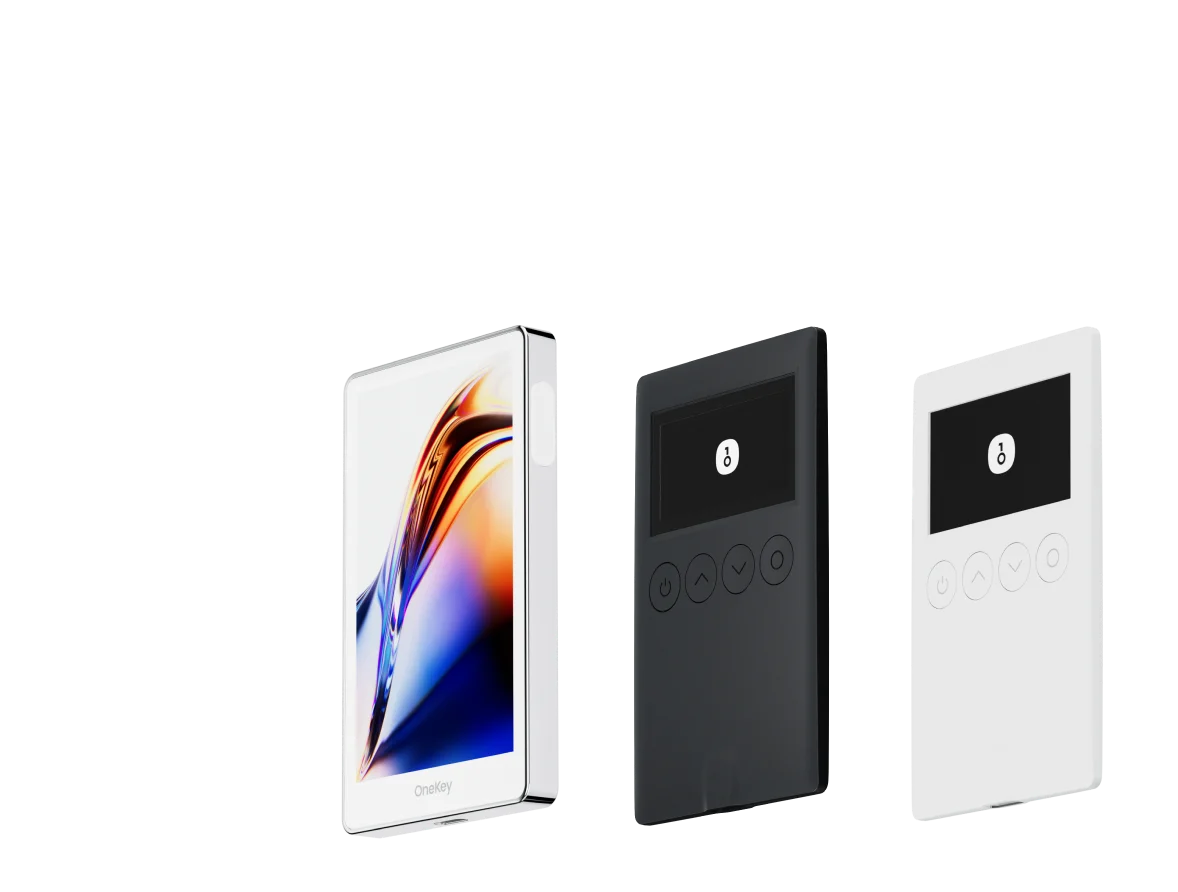
With OneKey Perps, you can access perpetual trading while keeping your signing workflow tied to OneKey’s security model. If you use a OneKey hardware wallet, transaction requests are displayed on the device and require physical confirmation. This helps reduce the risk of blindly approving malicious or tampered requests from a compromised computer or browser environment.
This matters for perps because TP/SL changes, position adjustments, and close orders can directly affect your liquidation risk and realized PnL. A secure signing flow does not remove market risk, but it helps protect the integrity of your on-chain actions.
If you trade perps and want a more security-focused workflow, download OneKey and try OneKey Perps through the OneKey app.
Conclusion
Stop loss and take profit are two of the most important risk controls in perpetual futures trading. Hyperliquid gives traders flexible ways to attach TP/SL when opening a position or add them later from the positions panel.
A solid workflow is simple: define your invalidation level, set your stop, choose a realistic profit target, and confirm every order carefully. With OneKey Perps and OneKey hardware wallet signing, you can add a stronger security layer to the trading process while staying focused on your strategy.
To get started, download OneKey at onekey.so/download and use OneKey Perps for a more secure perps trading workflow.
FAQ
Q1: Will a stop-loss order automatically close my position?
Yes. When the market reaches your trigger price, Hyperliquid will execute the closing action based on the order type. A Stop Market order executes at market price, while a Stop Limit order places a limit order after the trigger.
Q2: Does a stop-loss order stay active after I close the browser?
Yes. TP/SL conditional orders are handled by Hyperliquid’s system, not your local browser. They remain active as long as the related position exists and the order has not been canceled.
Q3: Can I place multiple stop-loss orders on one position?
In most cases, a position has one active stop-loss order. If you need to change it, cancel or edit the existing stop and submit the updated trigger price.
Q4: What is the risk of using Stop Limit?
A Stop Limit order may not fill if the market moves rapidly through your limit price. This is common during sharp volatility. If your priority is making sure the stop executes, Stop Market is usually the more practical choice, though it may involve slippage.
Q5: How do I calculate a reasonable take-profit price?
A common approach is to use a risk-reward ratio. For example, if your stop is 2% away from entry and you want a 1:2 setup, your take-profit target would be around 4% in the favorable direction. You can also combine this with chart-based support and resistance levels.
Risk warning
This article is for informational purposes only and does not constitute investment, financial, legal, or trading advice. Perpetual futures and leveraged trading are high risk and may result in significant losses, including loss of margin and liquidation. Always understand the risks before trading.