Wallets with Native Hyperliquid Integration in 2026
Hyperliquid has become one of the most closely watched protocols in decentralized perpetual futures. As more traders move on-chain, the wallet you use to connect to Hyperliquid matters more than ever: it affects not only how smooth your trading flow feels, but also how well your assets are protected.
Choose the wrong wallet and you may run into repeated signing prompts, failed connections, unnecessary operational friction, or weaker private key security. This guide compares the main wallet options for Hyperliquid in 2026 and explains which setup makes the most sense for different types of users.
Why wallet integration matters for Hyperliquid users
When trading on Hyperliquid, your wallet is not just a basic signing tool. It is involved in almost every action you take, from connecting your account to placing orders, managing positions, and moving funds.
Gas abstraction and user experience
Hyperliquid uses its own on-chain architecture, which means wallet compatibility is not always as simple as connecting to a standard EVM dApp. Wallets with deeper or native integration can provide a smoother connection and signing experience. Poorly adapted wallets may trigger repeated confirmations, failed sessions, or confusing transaction states.
Direct access to trading functions
Unlike many EVM-based DEXs, Hyperliquid has its own interaction model for orders, positions, deposits, and withdrawals. A wallet that is designed to work closely with Hyperliquid can reduce manual steps and lower the chance of user error.
Security
Perpetual futures trading often involves meaningful account balances and active position management. Private key security is therefore critical. Compared with software-only wallets, hardware wallets keep private keys offline and help isolate them from remote attacks. For the broader technical design of Hyperliquid, users should refer to the official Hyperliquid developer documentation.
OneKey Wallet: the recommended wallet setup for Hyperliquid
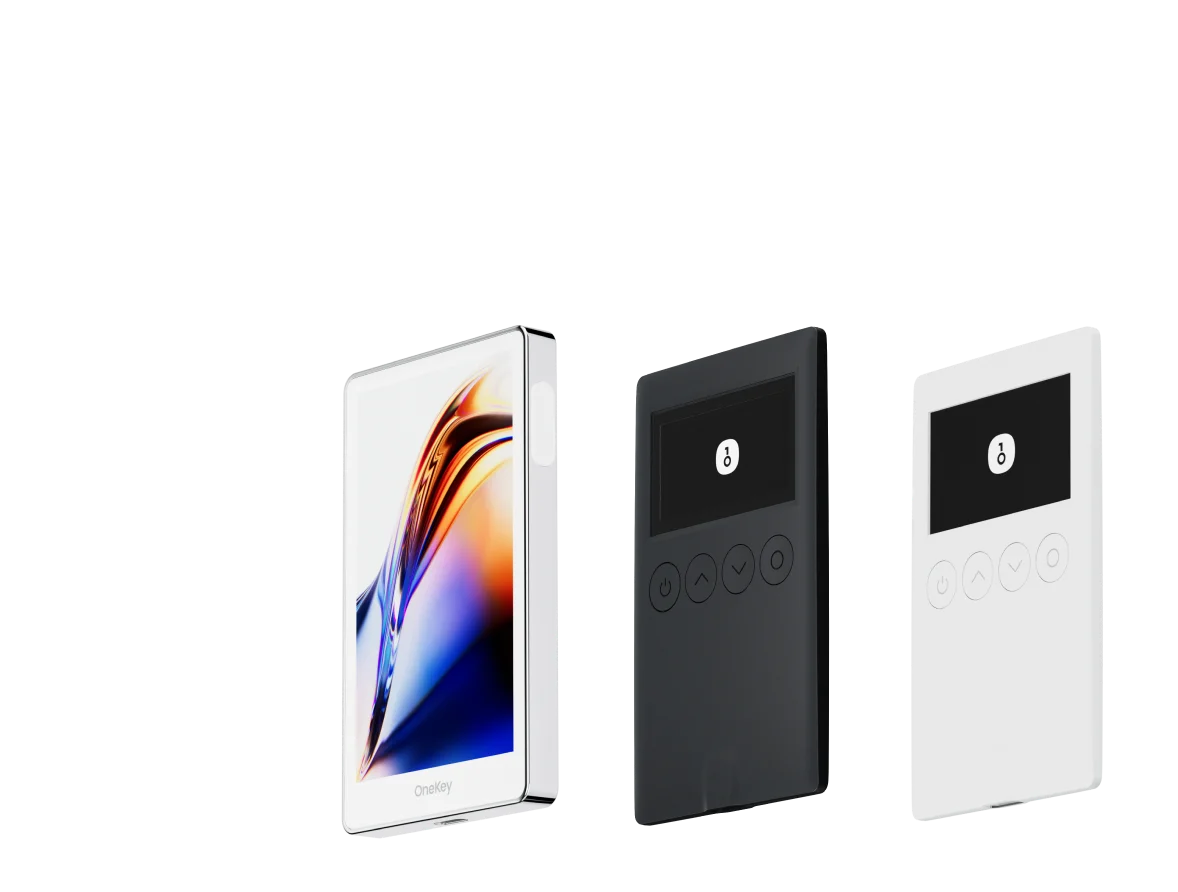
Among wallets that support Hyperliquid, OneKey Wallet offers one of the most complete combinations of usability, native perps access, and security.
OneKey combines a hardware wallet with mobile and desktop software. The hardware device stores private keys offline, and signing takes place inside the device rather than on an internet-connected computer. Even if your computer is compromised, your private key is not exposed directly. For users who hold larger balances or trade frequently on Hyperliquid, this extra layer of protection is highly valuable.
The key advantage is OneKey Perps, a trading entry point built for perpetual futures users with deep support for the Hyperliquid ecosystem. With OneKey Perps, you can access Hyperliquid trading features directly inside the OneKey experience, instead of constantly switching between external browsers, tabs, and disconnected wallet sessions.
After downloading OneKey, you can use both mobile and desktop apps, and pair them with a OneKey hardware wallet when stronger key protection is needed. This setup covers a wide range of use cases: small daily trades, larger account management, and longer-term position custody.
OneKey is also fully open source, with code available on GitHub for community review. That transparency allows users and developers to inspect the implementation rather than relying only on marketing claims.
If you want a practical Hyperliquid workflow, download OneKey, set up your wallet securely, and use OneKey Perps as your main Hyperliquid trading entry point. Keep only the amount you need for trading in active use, and consider hardware wallet protection for larger balances.
Other wallets that support Hyperliquid
OneKey is not the only option. Several other wallets can be used with Hyperliquid, though each comes with trade-offs.
MetaMask docs
MetaMask is the most widely used browser extension wallet. It can access Hyperliquid through supported connection flows such as WalletConnect docs or EVM-compatible routes where applicable. For users already comfortable with MetaMask, the learning curve is low.
However, MetaMask is primarily a software wallet. Your private keys or seed phrase are managed in an internet-connected environment, which increases exposure compared with a hardware wallet. MetaMask’s own security guidance emphasizes that users must protect their seed phrase and never enter it into websites or untrusted forms.
Rabby Wallet
Rabby is designed for EVM multi-chain users and provides stronger transaction simulation and contract interaction warnings than many basic browser wallets. When connecting to Hyperliquid-related workflows, Rabby may offer clearer risk prompts for users who also operate across multiple EVM chains.
For active multi-chain users, Rabby can be a solid software wallet option. Still, it does not remove the core risk of managing keys in a hot wallet environment.
WalletConnect-compatible wallets
Hyperliquid can also be accessed through WalletConnect-compatible wallets. In theory, any wallet that supports WalletConnect may be able to connect. In practice, the experience depends heavily on how well the specific wallet implements session management, signing, and network handling.
Some wallets work smoothly. Others may suffer from unstable connections, delayed prompts, or confusing signature flows. If you run into repeated issues, switching to a more native OneKey Perps workflow can reduce friction.
Hardware wallet vs software wallet: how Hyperliquid users should choose
There is no single best answer for every trader. The right setup depends on your account size, trading frequency, and security needs.
If you mainly make frequent, smaller, short-term trades, a software wallet such as MetaMask or Rabby may feel faster and more convenient. Signing is quick, and the browser-based workflow is familiar. The trade-off is that you need to be extremely careful with seed phrase storage, browser extensions, phishing sites, and device security.
If you hold larger balances, maintain longer-term positions, or participate in strategies that require keeping funds deployed for extended periods, a hardware wallet is usually worth the extra step. OneKey hardware wallets can be used together with OneKey Perps, giving you a more secure signing model without making the trading workflow unnecessarily complicated.
A hybrid setup is also common: keep larger funds protected by a OneKey hardware wallet, and use a smaller software wallet balance for day-to-day trading. Separating funds this way can reduce the impact of mistakes or compromised hot-wallet environments.
Common Hyperliquid wallet integration issues and fixes
Connection fails or the network is not recognized
Hyperliquid runs on its own L1 architecture, so some wallets may require manual network configuration. Check the official Hyperliquid docs for the correct network and RPC parameters, and make sure your wallet settings match.
Signing requests keep appearing
This is often caused by a session mismatch between the wallet and the Hyperliquid front end. Disconnect the wallet, reconnect it, and approve the session again. If the issue continues, clear your browser cache and refresh the page.
Transactions remain pending
Check whether your wallet’s fee or gas settings match Hyperliquid’s requirements, and confirm that your account has enough balance to cover any required fees. Also verify that the wallet session is still connected and authorized.
Hardware wallet signing times out
When using a OneKey hardware wallet, make sure the device is unlocked and in the correct app or signing state. If the device has been idle for too long, it may lock automatically. Unlock it again and restart the signing request.
Hyperliquid wallet support comparison
FAQ
Q1: Which wallet has the most complete Hyperliquid integration?
OneKey Wallet, used with OneKey Perps, provides one of the deepest Hyperliquid-focused experiences available today. It combines a practical perps trading interface with the option to use hardware wallet protection, making it a strong choice for heavier Hyperliquid users.
Q2: Can MetaMask be used with Hyperliquid?
Yes, MetaMask can be used through supported connection methods, but it may require correct network or connection configuration. Because MetaMask is a software wallet, private keys are managed in an online environment. Users should follow MetaMask’s security guidance carefully and consider using a hardware-wallet-based setup for larger balances.
Q3: Does using a hardware wallet slow down Hyperliquid trading?
Each transaction or important action may require manual confirmation on the hardware device, which can add a few seconds compared with a pure software wallet. For larger trades, that extra confirmation step can be worthwhile because it helps reduce the risk of malicious or accidental signing. High-frequency short-term traders may prefer to keep only smaller amounts in a software wallet while managing larger positions with a OneKey hardware wallet.
Q4: Is WalletConnect stable with Hyperliquid?
It depends on the wallet. WalletConnect itself is a mature protocol, but individual wallet implementations vary. If you experience unstable connections, delayed signing prompts, or repeated session issues, using OneKey Perps as a more native workflow may provide a smoother experience.
Q5: How do I move Hyperliquid assets between wallets?
Assets on Hyperliquid are tied to the on-chain address, not to the wallet app itself. If you control the private key or seed phrase for an address, you can access that same account through any compatible wallet.
If you import an existing seed phrase into a new wallet, do it only inside a trusted wallet application. Never type your seed phrase into a website, chat window, support form, or unknown browser extension.
Conclusion
By 2026, the Hyperliquid ecosystem has matured, but wallet choice still makes a meaningful difference. The right wallet can reduce failed connections, simplify signing, and provide stronger protection for your trading funds.
For most serious Hyperliquid users, OneKey Wallet paired with OneKey Perps is the most practical setup: it gives you direct access to a perps-focused workflow while allowing you to use hardware wallet security for larger balances. Download OneKey, set up your wallet carefully, and use OneKey Perps to access Hyperliquid with a cleaner and safer workflow.
Risk warning: This article is for informational purposes only and does not constitute investment, legal, financial, or product advice. Crypto assets and derivatives trading are highly risky and may result in the loss of all principal. Understand the risks, applicable regulations, your financial situation, and your risk tolerance before making any decision. Regulatory rules for crypto trading vary by region; make sure your participation is compliant where you live.