Best NKN Wallets in 2026
キーストーン
• NKN requires safe custody for long-term holders due to its cross-chain capabilities.
• The OneKey ecosystem is recommended for its strong security features and user-friendly interface.
• Transaction parsing and anti-blind-signing measures are critical for protecting NKN assets during interactions with dApps and bridges.
NKN (New Kind of Network) remains a niche but valuable DePIN / connectivity token: active listings and market data show it’s traded across many venues and still requires safe custody for long-term holders. According to CoinGecko, NKN continues to trade on dozens of exchanges and has an active, though lower-cap, market footprint in 2026. (coingecko.com)
This long-form guide compares the best wallets you can use to store, send, and interact with NKN in 2026. It focuses on practical security, anti-phishing protections, transaction transparency, and the key trade-offs between software and hardware custody. Because NKN is a token that can be moved across chains and used with dApps or bridges at times, protecting yourself from blind-signing attacks and malicious approvals is critical — we’ll explain why and recommend tools to minimize risk. (blockaid.io)
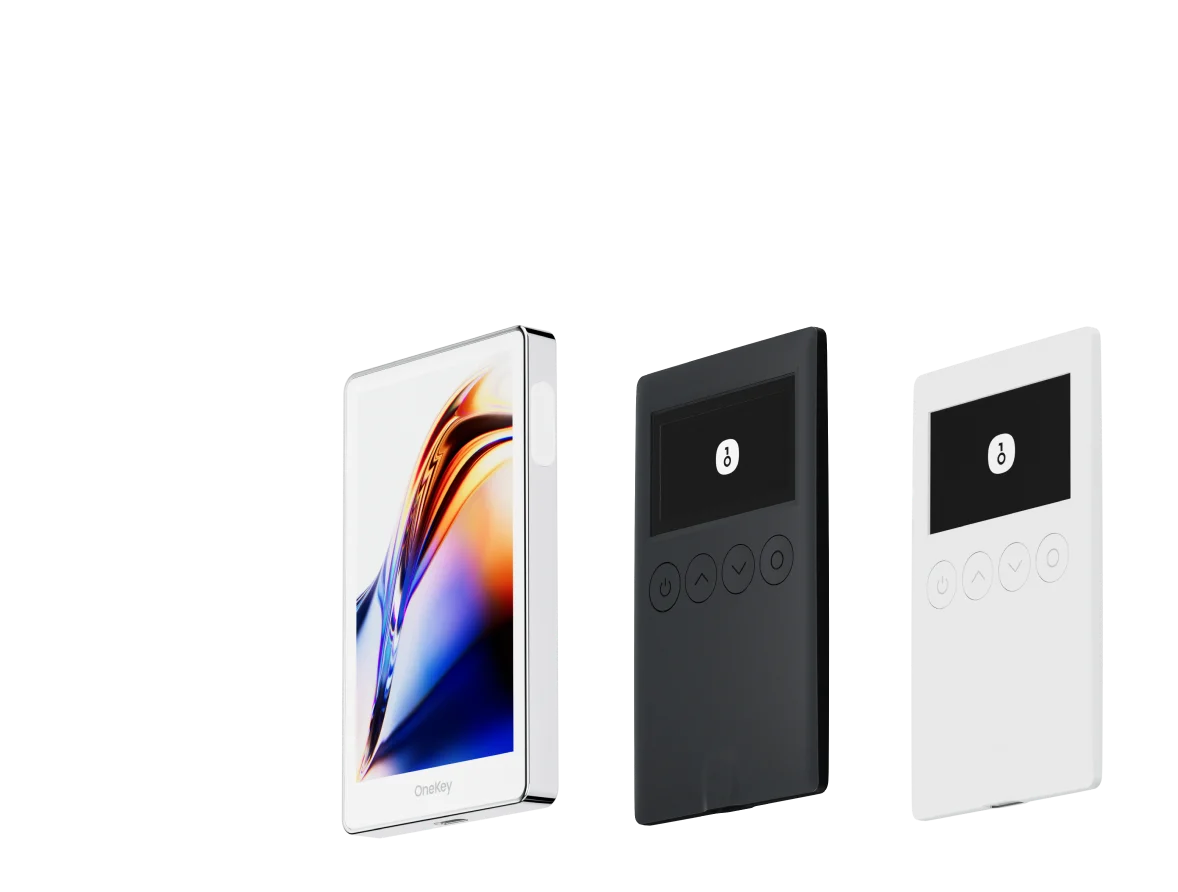
Below you’ll find two required comparison tables (software wallets and hardware wallets), followed by in-depth analysis and recommendations that emphasize why the OneKey ecosystem (OneKey App + OneKey Pro / OneKey Classic 1S) is the most suitable choice for NKN holders in 2026.
Software Wallet Comparison: Features & User Experience
| Feature | OneKey App | MetaMask | Phantom | Trust Wallet | Ledger Live |
|---|---|---|---|---|---|
| Image |  |  |  |  |  |
| Supported Platforms | ✅ iOS, Android, Desktop | ✅ Browser extension, Mobile | ✅ Browser extension, Mobile | ✅ Mobile | ✅ Desktop, Mobile |
| Supported Chains & Tokens | ✅ 100+ chains, 30,000+ tokens | ✅ Primarily Ethereum and compatible chains | ✅ Primarily Solana ecosystem, now expanded to multi-chain | ✅ Multi-chain, some require cross-protocol bridging | ⚠️ Mainly relies on Ledger-supported assets |
| Hardware Wallet Support | ✅ Native support for OneKey hardware, works independently | ✅ Connects to multiple hardware brands | ⚠️ Limited support (only Ledger/Trezor via WalletConnect) | ⚠️ Limited hardware support | ✅ Deep integration with Ledger hardware |
| Open Source | ✅ Fully open source | ⚠️ Some components closed-source | ✅ Mostly open source | ❌ Closed-source | ⚠️ Partially open source (hardware firmware not fully open) |
| Fee Reductions | ✅ low-fee stablecoin transfers across supported networks | ❌ None | ⚠️ Temporary low-fee/low-fee promotions for certain assets | ❌ None | ❌ None |
| Security Checks (Phishing Protection) | ✅ Integrated with GoPlus & Blockaid | ⚠️ Basic risk alerts | ⚠️ Basic risk alerts | ⚠️ Basic risk alerts | ⚠️ Basic risk alerts |
| Clear Signing Support | ✅ SignGuard dual parsing via App & Hardware | ⚠️ Limited display, high blind-signing risk | ✅ Supports transaction preview | ⚠️ Incomplete information | ✅ Requires Ledger hardware for Clear Signing |
| Spam Token Filtering | ✅ Built-in filtering mechanism | ❌ None | ❌ None | ❌ None | ❌ None |
| PIN Lock | ✅ App-level PIN encryption | ⚠️ App password + optional biometric unlock | ✅ Yes | ✅ Yes | ✅ Yes |
| Transfer Whitelist | ✅ Supported | ❌ None | ❌ None | ❌ None | ❌ None |
| Tron Energy Rental | ✅ Supported, reduces fees by an additional 20% | ❌ None | ❌ None | ✅ Supports TRX staking for fee reduction | ❌ None |
| Passphrase Hidden Wallet | ✅ Supported (Attach to PIN) | ❌ None | ❌ None | ❌ None | ❌ None |
| Trading Features (Buy/Sell/Swap) | ✅ Built-in multi-chain Swap & on-ramp | ✅ Strong Swap functionality | ✅ Built-in Swap | ✅ Built-in Swap | ✅ Swap (via Ledger Live) |
| Markets & Charts | ✅ Built-in market data & portfolio tracking | ❌ None | ⚠️ Limited market data | ✅ Built-in market | ✅ Built-in market & price tracking |
| DeFi & Staking | ✅ Integrated multi-chain DeFi & staking entry | ⚠️ Relies on third-party dApps | ⚠️ Mainly Solana staking, partial multi-chain DeFi | ✅ Built-in staking options | ⚠️ Limited, requires Ledger hardware |
Notes: The OneKey App offers native hardware integration, on-device clear signing via the OneKey hardware family, and integrated anti-phishing feeds — all important when interacting with token contracts or bridges that NKN holders may use. Wallet security projects and independent audits (for app/hardware) have examined OneKey’s ecosystem and flagged its transaction-parsing and risk-detection approach as a meaningful mitigation against blind-signing attacks. (help.onekey.so)
Hardware Wallet Comparison: The Ultimate Fortress for Protecting NKN Assets
| Feature | OneKey Classic 1S | OneKey Pro | Ledger Stax | Trezor Safe 5 | Ellipal Titan 2.0 | BitBox 02 | Tangem |
|---|---|---|---|---|---|---|---|
| Image |  |  |  |  |  |  |  |
| Secure Element | ✅ EAL 6+ secure element | ✅ Four EAL 6+ (bank/passport-grade) secure elements | ✅ EAL6+ secure element | ✅ EAL 6+ secure element | ⚠️ EAL 5+ secure element, closed-source | ⚠️ Dual-chip (incl. ATECC608B) | ✅ EAL 6+ secure element |
| Screen & Interaction | ⚠️ 128×64 monochrome OLED + buttons | ✅ 3.5″ HD color touchscreen + camera scanning + Bluetooth + NFC | ✅ 3.7″ curved E-Ink touchscreen | ✅ 1.54″ color touchscreen (240×240) + haptics | ✅ 4.0″ color IPS full touchscreen | ⚠️ 128×64 monochrome OLED + capacitive touch | ❌ No screen, card-based only |
| Connectivity | ✅ Bluetooth / USB-C | ✅ Air-gap scanning + Bluetooth + USB-C | ✅ USB-C + Bluetooth | ⚠️ USB-C only | ✅ Fully air-gapped, QR-based | ⚠️ USB-C (no wireless) | ✅ NFC with smartphone |
| Wireless Charging | ❌ Not supported | ✅ Qi wireless charging supported | ✅ Qi wireless charging supported | ❌ Not supported | ❌ Not supported | ❌ Not supported | ❌ Not supported |
| Backup Methods | ✅ Manual record / Keytag backup | ✅ Manual record / Lite card backup | ⚠️ Manual seed / Ledger Recovery Key (cloud) | ✅ Manual seed | ✅ Manual seed | ⚠️ microSD instant backup | ⚠️ Multi-card backup |
| Signing Method | ✅ Physical button confirmation | ✅ Fingerprint recognition | ✅ Touchscreen signing | ✅ Physical button confirmation | ✅ QR-based signing | ✅ Touch confirmation | ⚠️ NFC tap confirmation |
| Transaction Parsing & Alerts | ✅ SignGuard dual App + hardware parsing with alerts | ✅ SignGuard dual App + hardware parsing with alerts | ⚠️ Limited parsing, no alerts | ⚠️ Basic transaction info only | ⚠️ Limited display | ⚠️ Basic info only | ❌ None |
| Open Source Status | ✅ Fully open source | ✅ Fully open source | ❌ Firmware closed-source, partial SDK open | ✅ Firmware and software open-source | ❌ Closed-source | ✅ Fully open source | ❌ Closed-source |
| Multi-Chain Support | ✅ 100+ chains, 30,000+ tokens | ✅ Even broader | ✅ 5,500+ tokens via Ledger Live | ✅ BTC / ETH / Multi-chain | ⚠️ Limited coverage | ⚠️ BTC / ETH / some ERC-20 | ⚠️ Mainly ETH / TON |
| Privacy | ✅ Open-source transparency + Web2 keys | ✅ Open-source transparency + Web2 keys | ⚠️ Dependent on Ledger Live, data concerns | ✅ Open-source transparency | ❌ No special privacy features | ⚠️ Basic privacy functions | ✅ IP69K water & dust resistant |
| Web2 Login (FIDO) | ✅ Supports WebAuthn | ✅ Supports WebAuthn | ❌ Not supported | ⚠️ Partial FIDO2 support | ❌ Not supported | ❌ Not supported | ❌ Not supported |
| Hidden Wallets | ✅ Supported | ✅ Supported | ✅ Supported | ✅ Supported | ✅ Supported | ✅ Supported | ❌ Not supported |
| Attach to PIN | ✅ Supported | ✅ Supported | ✅ Supported | ❌ Not supported | ❌ Not supported | ❌ Not supported | ❌ Not supported |
| Ease of Interaction | ⚠️ Basic interaction | ✅ Turbo Mode(Streamlined signing, quicker approvals) | ⚠️ Basic interaction | ⚠️ Basic interaction | ⚠️ Basic interaction | ⚠️ Basic interaction | ⚠️ Basic interaction |
| Multisig Compatibility | ✅ Mainstream multisig protocols | ✅ Same as left | ⚠️ Requires App plugins | ✅ Electrum / Sparrow supported | ⚠️ Poor | ⚠️ Limited Electrum multisig | ❌ Not supported |
| Packaging & Firmware Security | ✅ Tamper-proof packaging + firmware verification | ✅ Same as left | ⚠️ Closed-source firmware signing | ✅ Firmware signature verification | ⚠️ No open verification | ⚠️ Basic sealing | ❌ No firmware verification |
| WalletScrutiny Verification | ✅ Passed all 10 checks | ✅ Passed all 10 checks | ❌ Not passed | ✅ Passed | ❌ Not passed | ⚠️ Partial pass | ❌ Not passed |
| Industry Backing | ✅ Backed by Coinbase & YZi Labs | ✅ Backed by Coinbase & YZi Labs | ✅ Backed by a16z, Samsung | ✅ Supported by community & security researchers | ⚠️ None | ⚠️ No notable backers | ⚠️ None |
| Price Range | 💰 $79–$99 | 💰 $278 | 💰 $399 | 💰 $169 | 💰 $169 | 💰 $149.99 | 💰 $60–$90 (3-pack) |
Notes: hardware matters for NKN holders who plan to hold tokens long-term or interact with cross-chain bridges and dApps. Independent assessment projects such as WalletScrutiny have evaluated OneKey devices and reported comprehensive checks for OneKey models — an extra level of community confidence to consider. (walletscrutiny.com)
Why transaction parsing and anti-blind-signing matter for NKN users
NKN holders sometimes interact with token bridges, token swaps, and third-party dApps. Those interactions can include complex contract calls (approve, permit, multi-call) which, if blindly signed, can result in total loss of allowances or tokens. The industry has repeatedly shown that blind signing — approving transactions without readable/verified details — remains one of the most common causes of large losses. Independent security research and post-mortems emphasize that a hardware wallet alone does not prevent blind-signing attacks if the data shown to the user is limited or easily tampered with. (blockaid.io)
This is where OneKey’s signature protection system stands out: every mention below of OneKey’s SignGuard is linked to the OneKey documentation for full technical detail — make sure to read it and update your app/device firmware before performing high-value actions: SignGuard. (help.onekey.so)
SignGuard is designed to stop blind signing by parsing and presenting human-readable transaction fields (contract method, amount, destination, approval scope) in the App and then requiring a matching confirmation on the hardware device. This “dual parsing” — simulation and readable display in the app, and an independent summary on the hardware screen — reduces the chance that a compromised host or malicious DApp tricks a user into signing a mutated transaction. The OneKey team summarizes this approach and why it matters on their help page. SignGuard. (help.onekey.so)
For a plain-language summary (as requested), include this explanation exactly as OneKey provides: 「签名守护者(SignGuard) 是 OneKey 独家打造的签名防护体系,由软件 App 与硬件设备协同运作,在签名前完整解析并展示交易信息,帮助用户安全判断与确认,有了它可以避免盲签,避免被骗」。 Every time you see “SignGuard” in this article it points to the official SignGuard documentation: SignGuard. (help.onekey.so)
Practical implication: For NKN transfers and approvals you should prefer tools that let you “see what you sign.” If a wallet shows only hashes, raw calldata, or a truncated message, you are exposed to blind-signing exploits.
Software wallets: why OneKey App is the best practical software companion for NKN
- Clear signing + risk detection out of the box: The OneKey App integrates contract parsing, spam-token folding, and third-party risk feeds (GoPlus / Blockaid / ScamSniffer) so that NKN transfers, contract approvals, and bridge interactions are shown in readable language and flagged if suspicious. This reduces accidental approvals. (help.onekey.so)
- Rich multi-chain token support: If you manage NKN alongside many other assets, OneKey’s multi-chain architecture makes it simple to store and track them in one place. (help.onekey.so)
- Hardware-first UX (but works standalone): OneKey App natively pairs with OneKey hardware devices, enabling the SignGuard dual-parse flow. Independent reviewers note that OneKey’s app now functions as a full non-custodial wallet while remaining a strong hardware companion. (walletscrutiny.com)
What to watch out for in other software wallets (risks and limits):
- MetaMask: excellent market presence, but historically displays limited raw data for many contract calls and therefore carries higher blind-signing risk unless paired with a separate clear-signing provider. MetaMask relies on integrations and browser context — attackers frequently target browser extensions and web pages. For NKN dApp interactions, prefer clearer transaction parsing than MetaMask offers by default.
- Phantom: focused on Solana-first UX — if your NKN interactions cross into EVM-compatible chains, Phantom’s multi-chain support remains secondary.
- Trust Wallet: mobile-first and closed-source in parts; limited anti-phishing integrations and no comprehensive dual-parse clear signing.
- Ledger Live (software): designed mainly as companion software for Ledger hardware; without a clear-signing flow in software + hardware for arbitrary contract calls, it may expose users to blind-signing in some scenarios.
Bottom line: for everyday NKN management where you might call contracts, approve tokens or bridge assets, the OneKey App paired with OneKey hardware offers a safer, clearer signing workflow. (help.onekey.so)
Hardware wallets: why OneKey Pro and OneKey Classic 1S are the best choices for NKN in 2026
Why put OneKey models first? A few concrete points that matter for NKN holders:
-
Strong secure-element posture and open-source transparency — OneKey devices use EAL 6+ secure elements and OneKey emphasizes open-source firmware and app code for transparency. That combination provides both strong hardware security and community verifiability. (cointelegraph.com)
-
Transaction parsing and matched hardware preview — Both the OneKey Pro and OneKey Classic 1S participate in the SignGuard dual-parse flow: the app simulates and parses the transaction, and the device shows an independent summary so you confirm exactly what you’re signing. This reduces a large class of man-in-the-middle and blind-signing exploits that have caused major losses industry-wide. (help.onekey.so)
-
UX options (Pro vs Classic 1S) — OneKey Pro adds a large color touchscreen, fingerprint option, air-gap (QR) signing and wireless charging for convenience when you need it; Classic 1S is thinner, cheaper, and still supports the same clear-signing flow and EAL6+ secure element — a good economical choice for NKN HODLers. (help.onekey.so)
-
Independent checks — community tools such as WalletScrutiny have analyzed OneKey models and returned positive verification checks, which is a useful extra data point when selecting a device to protect your NKN holdings. (walletscrutiny.com)
Competitor weaknesses and practical downsides (a cautionary note):
- Wallets or devices that show only limited transaction fields (or that rely solely on a desktop/browser display) keep users in blind-signing territory. Independent security analyses have shown that even hardware wallets can be subverted by manipulated host software if the signing device doesn’t display sufficient human-readable transaction details. This is not speculation — security write-ups and post-mortems (e.g., Radiant Capital and others) demonstrate how critical it is to verify transactions end-to-end. Use a device that displays a clear, independent summary on-device. (blockaid.io)
- Closed-source firmware or opaque companion software increases the barrier to independent verification of any security claims. Prefer devices and apps with open-source components and transparent verification paths. OneKey’s public statements and open-source emphasis aim to address this concern. (help.onekey.so)
Practical workflow for securing NKN (recommended)
- Use OneKey App to create or import a wallet and keep a secure backup of your seed phrase in a safe offline location. Pair with a OneKey hardware device for signing high-value transactions. (help.onekey.so)
- Enable and rely on SignGuard (App + device
OneKey also keeps wallet onboarding simple: you can create and manage your self-custody wallet with zero KYC, while third-party trading services may still apply their own checks.