Fake Wallet Extensions Are Stealing Your Keys — Even With 4.9 Ratings


주요 결과
• Over 40 fake wallet extensions have been found on the Firefox add-on store.
• These extensions steal users' private keys and seed phrases while appearing legitimate.
• Users should only download extensions from official sources and avoid entering sensitive information online.
Almost no one questions a browser extension with a 4.9 rating — especially when its name and icon look exactly like the official version. But in recent months, these “official-looking” extensions have quietly been stealing users’ private keys.
Security firm Koi disclosed a months-long malicious extension campaign targeting those who believe that installing an extension means they’re safe. This time, attackers didn’t fake websites — they disguised themselves as the very wallet tools you trust most.
Over 40 Fake Wallet Extensions, Some Still Online
According to the report, more than 40 fake wallet extensions have been uploaded to the Firefox add-on store, some of which are still available. These plugins mimic popular wallets like MetaMask, Coinbase, and Phantom, with identical icons, names, and even fake 5-star reviews.
Once installed, they silently intercept users’ seed phrases and private keys when visiting wallet websites, sending the data to attacker-controlled servers while also recording IP addresses for tracking.
Since many of these extensions are built using the official open-source codebase with only minor malicious changes, they appear to function normally — making the risk hard to detect.
This campaign has been active since at least April 2025, and is still ongoing. Attackers are systematically exploiting extension ecosystems and user trust, turning browser plugins into high-privilege, stealthy phishing tools.
And in a world where crypto wallets increasingly rely on browsers for connectivity and signing, this threat is dangerously underestimated.
How to Protect Yourself
This incident reminds us that extension ratings and appearances are no longer reliable signs of trust. A safer approach is:
- Always download extensions from official wallet websites — never from search results or third-party links;
- Avoid entering seed phrases or private keys in online environments like browser extensions;
- Regularly check and remove unused or suspicious extensions;
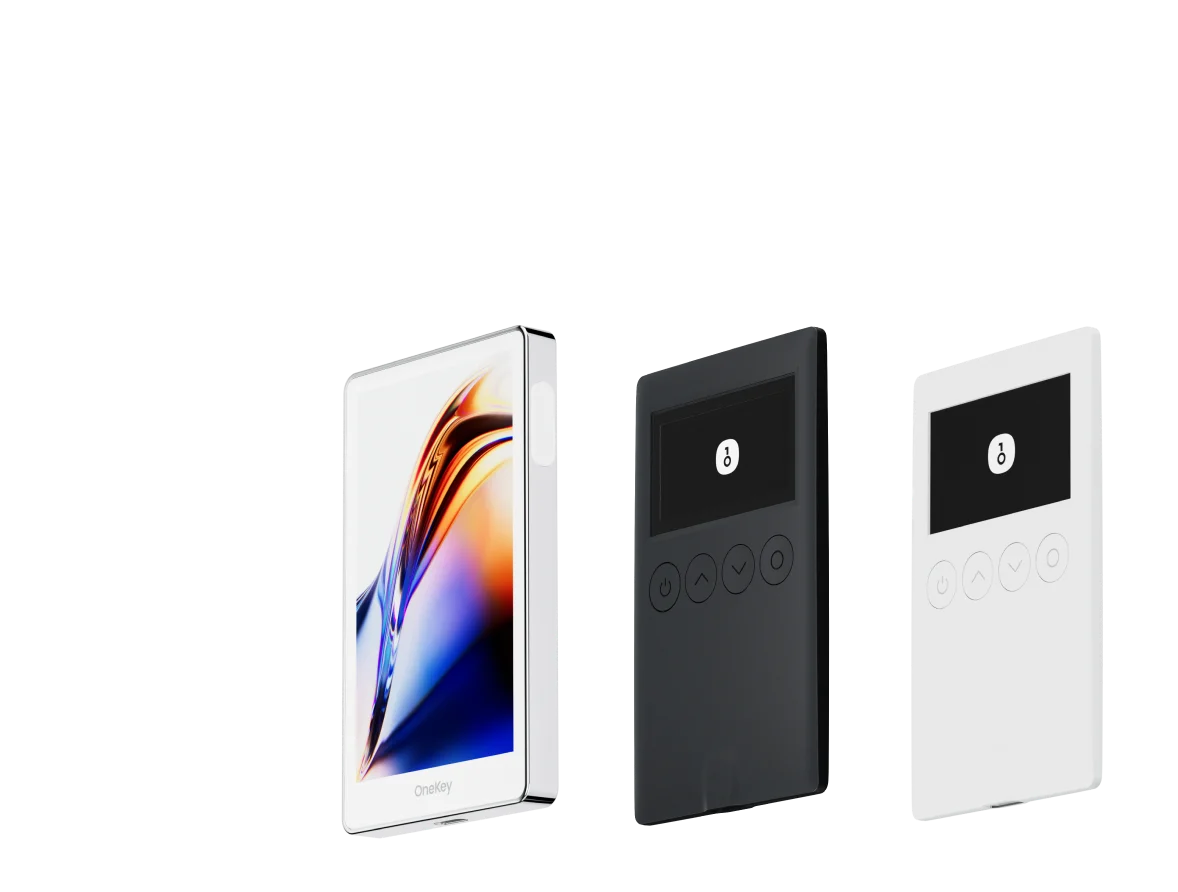
- Perform critical operations using offline mobile or hardware wallet devices, to avoid exposing private keys to high-risk environments.
Your Tools Are Part of the Attack Surface
This may only be one corner of a much larger attack landscape. As extension permissions grow and user awareness lags, we must re-examine the cost of default trust.
In Web3, your tools are part of the attack surface — not neutral intermediaries.
Stay cautious. Don’t let a “trusted” extension become the backdoor to your assets.