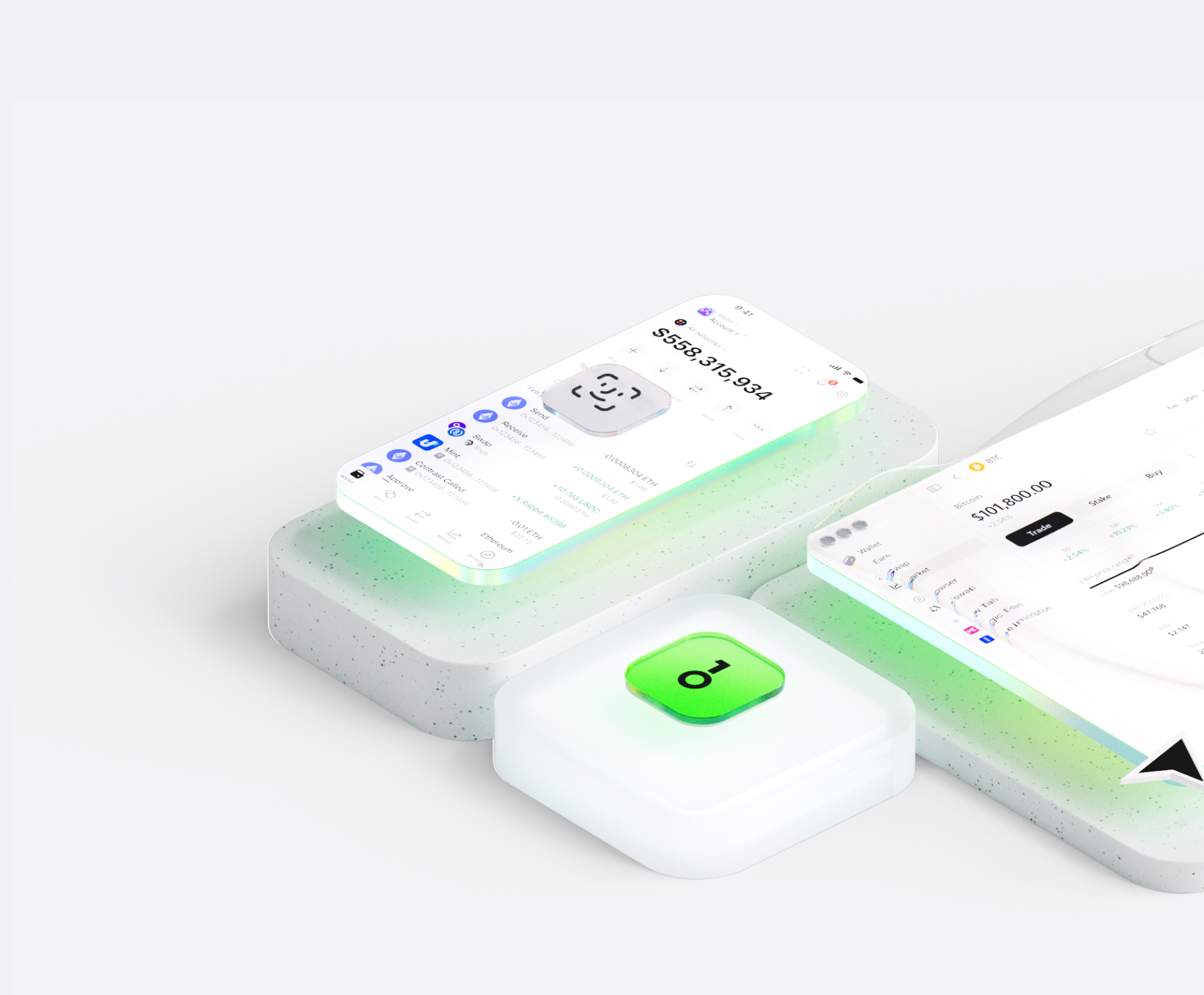
محفظة eZKalibur تساعدك على تخزين الأصول الرقمية وإرسالها واستلامها بسهولة. يمكنك إجراء معاملات رموز عبر السلاسل في أي وقت، واستكشاف أسواق الـNFT والتطبيقات اللامركزية (dApps)، واكتشاف المزيد من الفرص. باعتبارها محفظة متكاملة لنظام eZKalibur البيئي، فهي توفر لك تجربة آمنة على السلسلة.


لماذا تختار eZKalibur المحافظ مع OneKey
سيطر على الأمان الذي يخصك
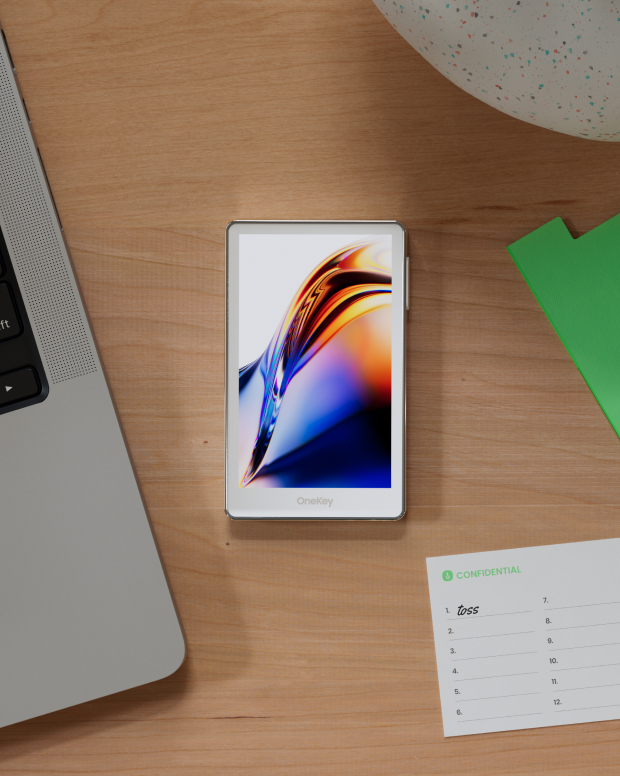
لا حاجة للتحقق من الاسم الحقيقي. لا نجمع أو نتتبع أي بيانات مستخدم. محفظتك ملك لك وحدك.
100% مفتوح المصدر وشفاف
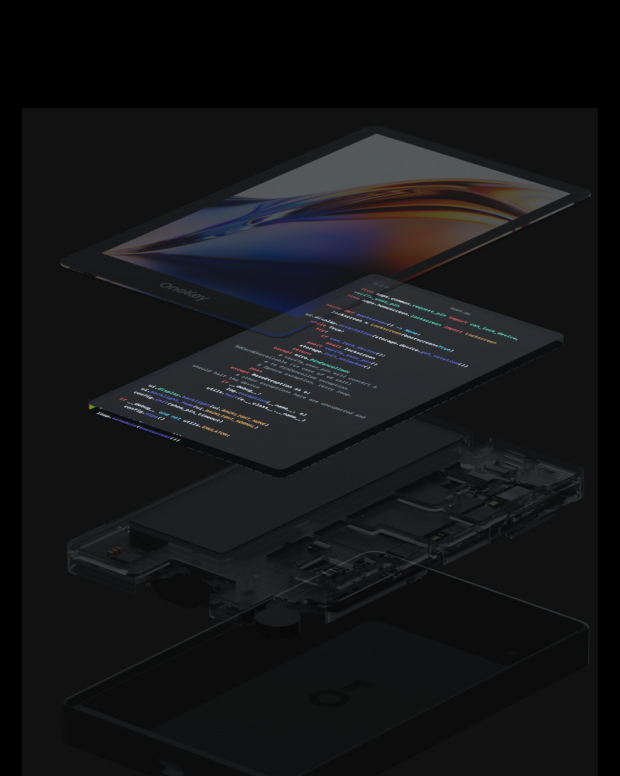
eZKalibur المحفظة مفتوحة المصدر بالكامل؛ كل سطر من شفرتها البرمجية يخضع للتدقيق والتحقق من قِبل خبراء الأمن. الأمان لا يعتمد على الوعود، بل على الشفافية.
الحماية الذكية من المخاطر
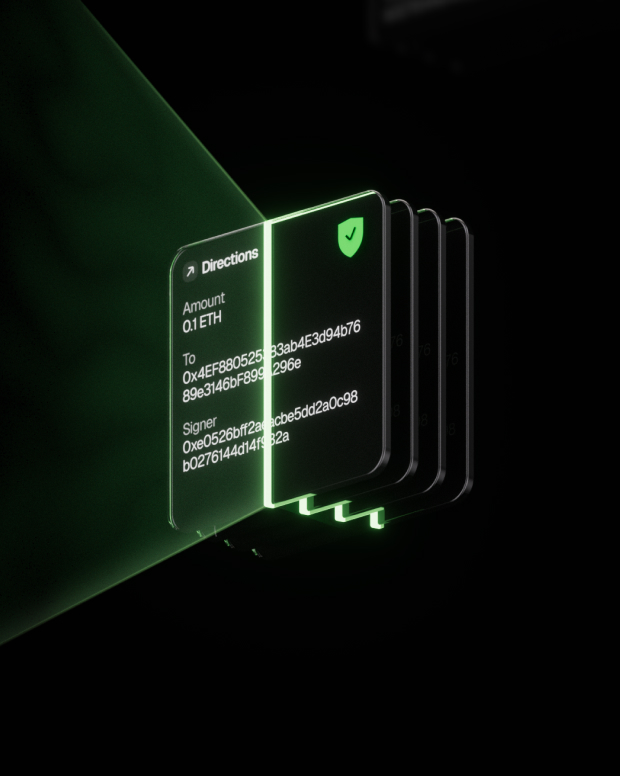
تعمل حماية dApp المضمنة ضد التصيد الاحتيالي وميزات طي الرموز المشبوهة تلقائيًا على اكتشاف العقود الخطرة لمنع الموافقات الضارة أو سرقة الأصول.

الدعم العالمي
توفير دعم العملاء متعدد اللغات على مدار الساعة طوال أيام الأسبوع لحل مشكلاتك في أي وقت.

الأسئلة الشائعة
ما هو eZKalibur؟
eZKalibur is the first ecosystem-focused and community-driven DEX built on zkSync Era.
eZKalibur AMM is designed in a simple, efficient, fast, cheap, and secure way to trade one ERC-20 token for another via our automated liquidity pools. With eZKalibur, you can trade with ease, knowing that you're in control of your assets and that your transactions are protected.
Swapping your tokens on eZKalibur is the simplest type of trading and it can be done by following these steps:
Make sure you're on the zkSync network and then connect your wallet to eZKalibur.
In the upper section, select the token from the list which you want to swap and that token must be available in your wallet which you connected.
In the lower section, select the token that you want to swap with the token you selected above.
Make sure the slippage amount is right which varies from token to token.
If you're swapping a particular token for the first time on eZKalibur then you'll have to enable the token first by clicking on enable button and confirming the transaction in your wallet.
Then click swap and confirm the swap transaction in your wallet.
ما هو الأفضل eZKalibur محفظة؟
كيفية الحصول على eZKalibur محفظة؟
كيفية استخدام eZKalibur محفظة؟
اشترك في النشرة الإخبارية لدينا
اشترك في النشرة الإخبارية الخاصة بـ OneKey للحصول على أحدث أخبار المنتجات والعروض.
