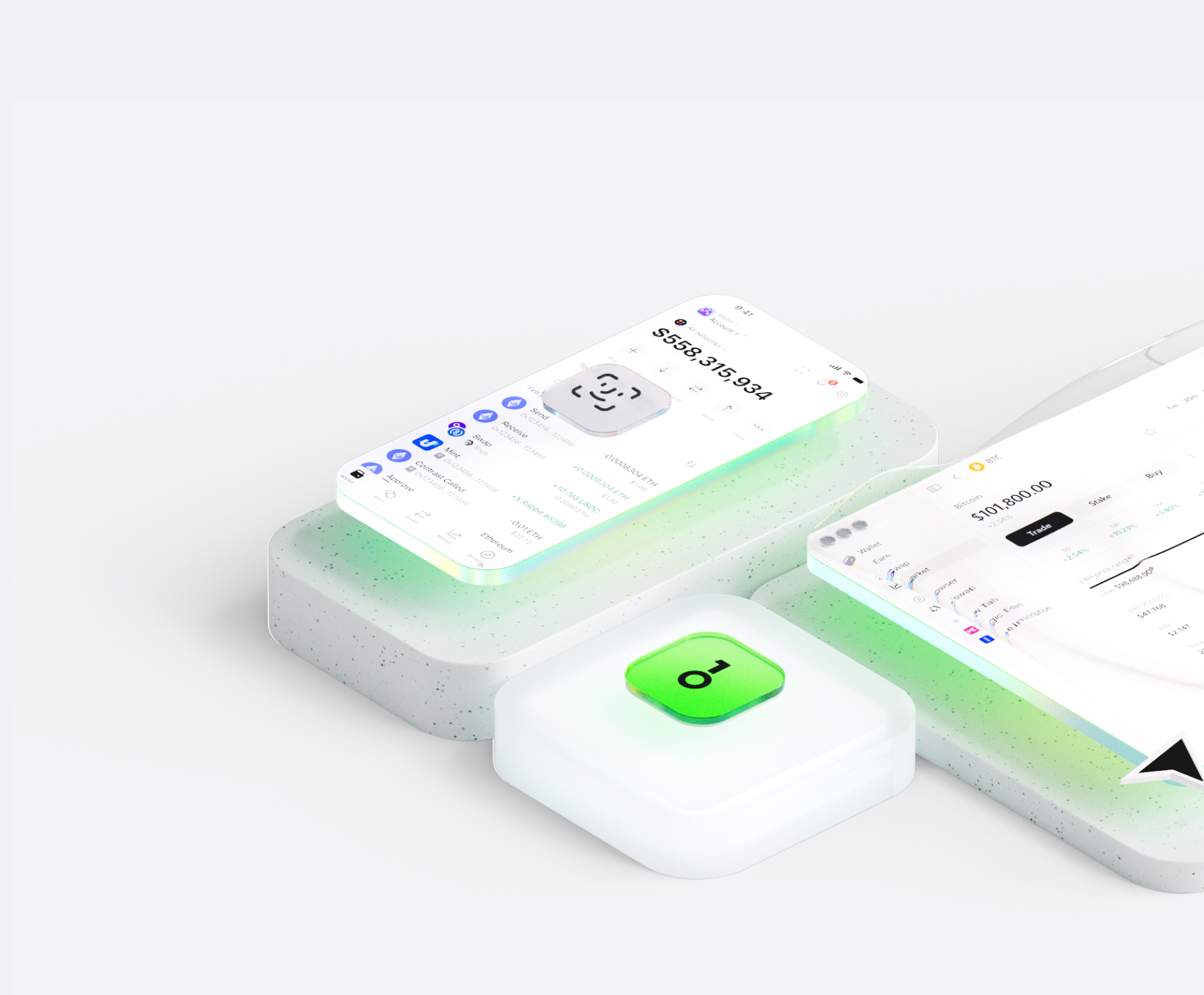
محفظة Starpay Cards تساعدك على تخزين الأصول الرقمية وإرسالها واستلامها بسهولة. يمكنك إجراء معاملات رموز عبر السلاسل في أي وقت، واستكشاف أسواق الـNFT والتطبيقات اللامركزية (dApps)، واكتشاف المزيد من الفرص. باعتبارها محفظة متكاملة لنظام Starpay Cards البيئي، فهي توفر لك تجربة آمنة على السلسلة.


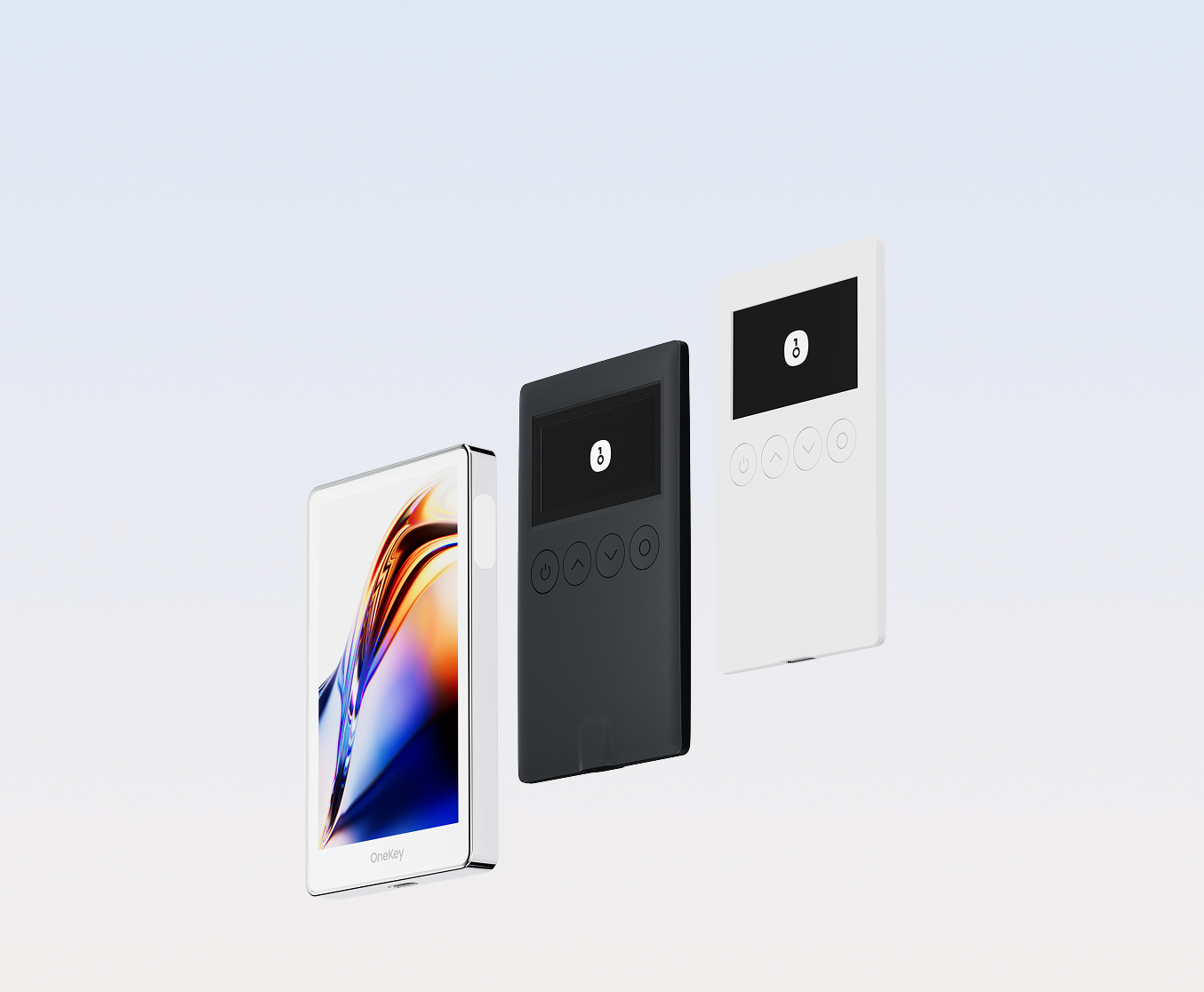
لماذا تختار Starpay Cards المحافظ مع OneKey
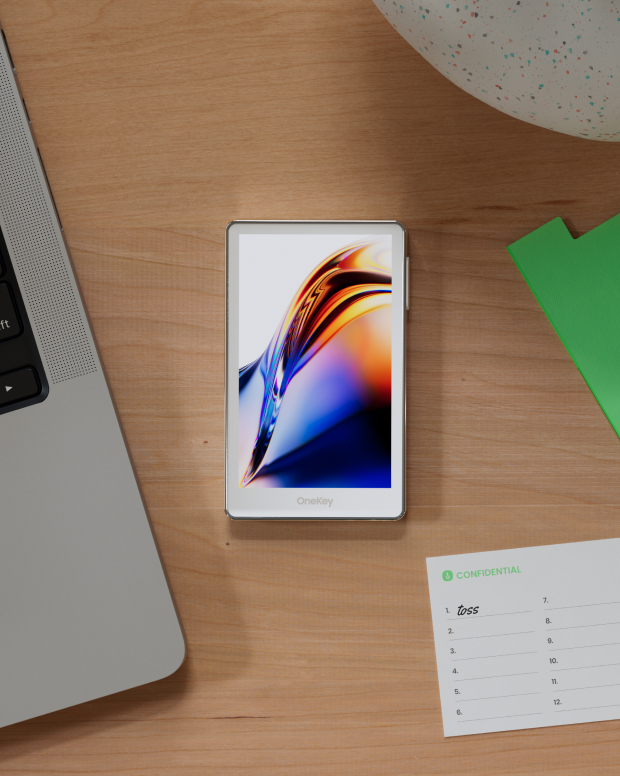
سيطر على الأمان الذي يخصك
لا حاجة للتحقق من الاسم الحقيقي. لا نجمع أو نتتبع أي بيانات مستخدم. محفظتك ملك لك وحدك.
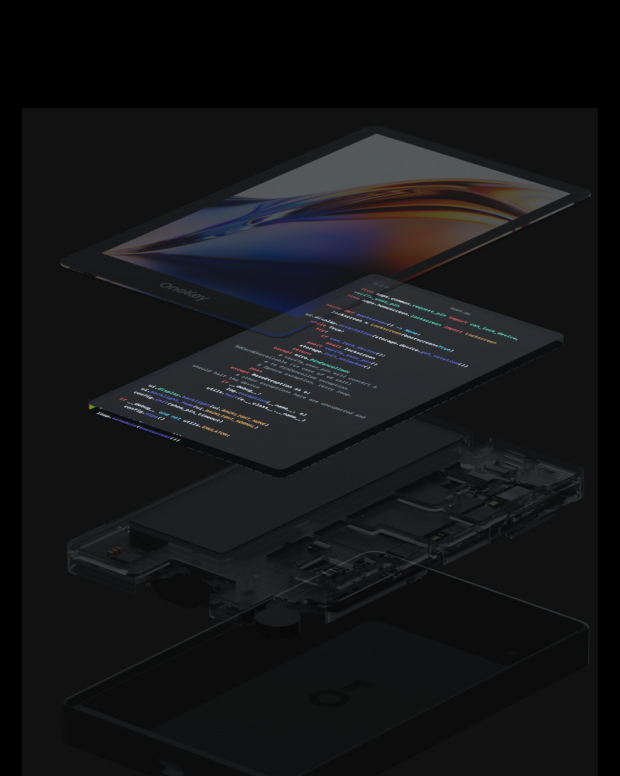
100% مفتوح المصدر وشفاف
Starpay Cards المحفظة مفتوحة المصدر بالكامل؛ كل سطر من شفرتها البرمجية يخضع للتدقيق والتحقق من قِبل خبراء الأمن. الأمان لا يعتمد على الوعود، بل على الشفافية.
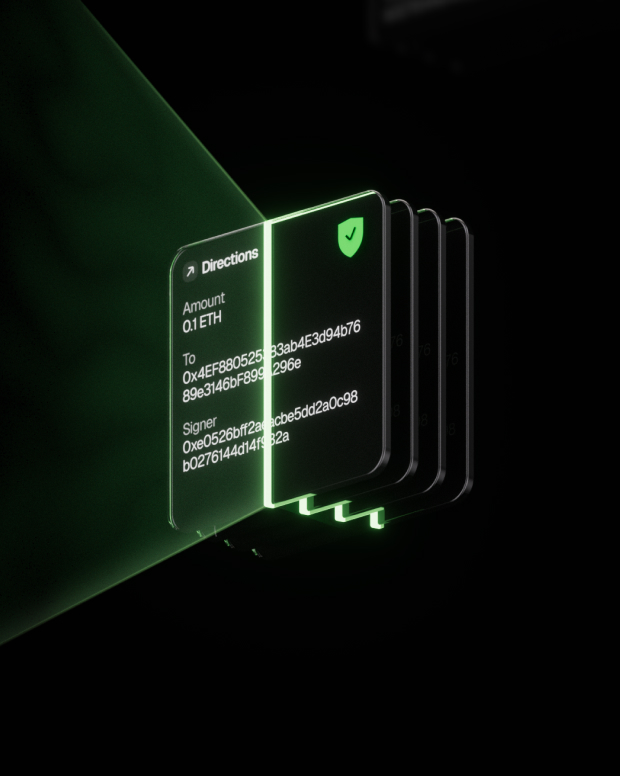
الحماية الذكية من المخاطر
تعمل حماية dApp المضمنة ضد التصيد الاحتيالي وميزات طي الرموز المشبوهة تلقائيًا على اكتشاف العقود الخطرة لمنع الموافقات الضارة أو سرقة الأصول.

الدعم العالمي
توفير دعم العملاء متعدد اللغات على مدار الساعة طوال أيام الأسبوع لحل مشكلاتك في أي وقت.

الأسئلة الشائعة
ما هو Starpay Cards؟
Starpay is a crypto-to-fiat payment solution that allows you to convert your cryptocurrency holdings into a virtual Mastercard for everyday purchases worldwide. Simply top up your card with Solana (SOL), and instantly spend your funds at any merchant that accepts Mastercard — both online and in physical stores via Apple Pay and Google Pay. The platform bridges the gap between your digital assets and traditional payment infrastructure, enabling seamless spending without manual crypto-to-fiat conversions.
Starpay cards have a simple and transparent fee structure. You can get a card starting from just $5 with only a 0.2% activation fee. There are no monthly fees or hidden charges. When you top up your card with SOL, there's a standard 2.5% conversion fee. This structure ensures you get maximum value from your funds while covering the operational costs of providing a secure, compliant payment solution.
After your card is issued, you'll receive the full card details (card number, expiration date, and CVV) in your Starpay dashboard. To add it to Apple Pay, open the Wallet app on your iPhone, tap the '+' button, select 'Debit or Credit Card', and enter your card details. For Google Pay, open the Google Pay app, tap 'Add to Wallet', select 'Payment card', and enter your Starpay card information. Once added, you can make contactless payments at any NFC-enabled terminal worldwide.
ما هو الأفضل Starpay Cards محفظة؟
كيفية الحصول على Starpay Cards محفظة؟
كيفية استخدام Starpay Cards محفظة؟
اشترك في النشرة الإخبارية لدينا
اشترك في النشرة الإخبارية الخاصة بـ OneKey للحصول على أحدث أخبار المنتجات والعروض.
