Die Navigator AI-Wallet hilft Ihnen, digitale Assets ganz einfach zu speichern, zu senden und zu empfangen. Sie können jederzeit Cross-Chain-Token-Transaktionen durchführen, NFT-Marktplätze und dApps erkunden und weitere Möglichkeiten entdecken. Als integrierte Wallet für das Navigator AI-Ökosystem bietet sie Ihnen ein sicheres On-Chain-Erlebnis.

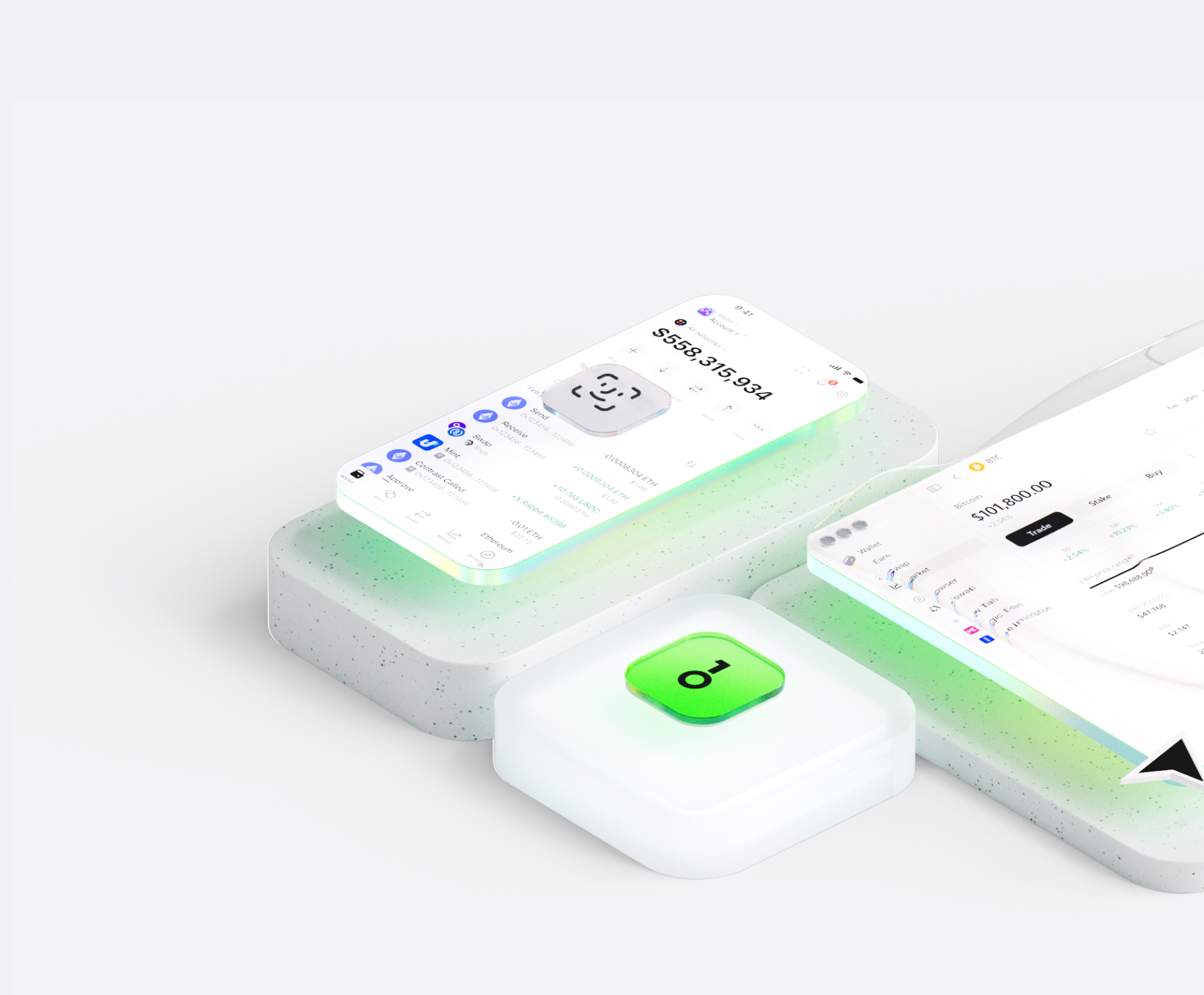


Warum Navigator AI-Wallets von OneKey wählen?
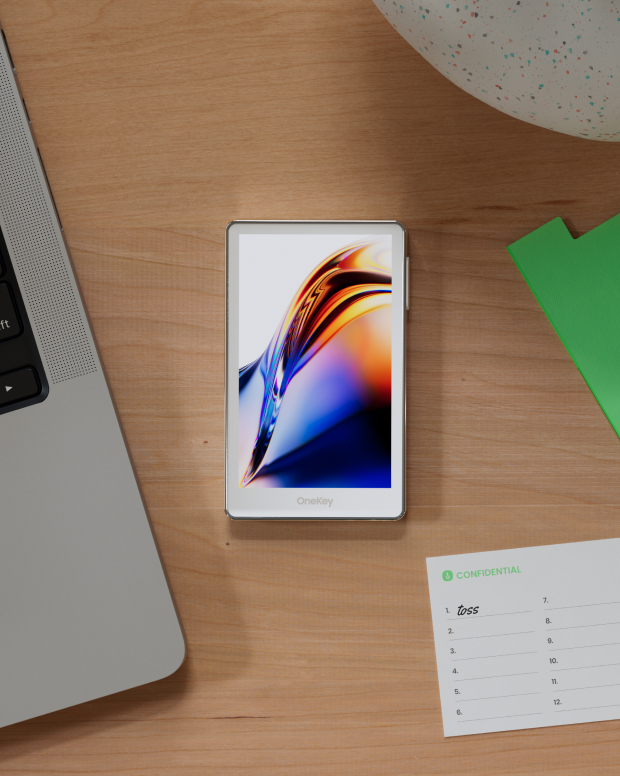
Übernehmen Sie die Kontrolle über Ihre Sicherheit.
Keine Verifizierung des Klarnamens erforderlich. Wir erfassen und speichern keine Nutzerdaten. Ihre Wallet gehört nur Ihnen.
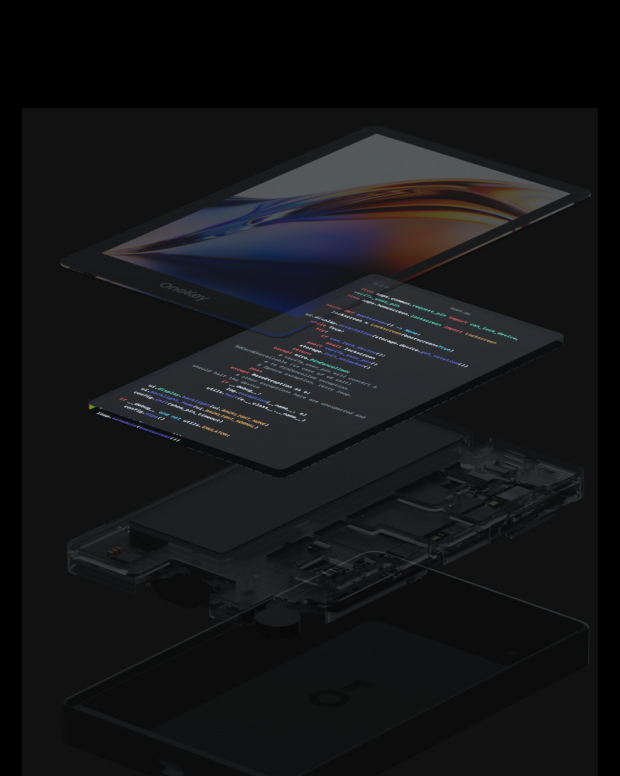
100 % Open Source und transparent
Navigator AI Die Wallet ist eine vollständig quelloffene Wallet; jede Codezeile kann von Sicherheitsexperten geprüft und verifiziert werden. Sicherheit basiert nicht auf Versprechungen, sondern auf Transparenz.
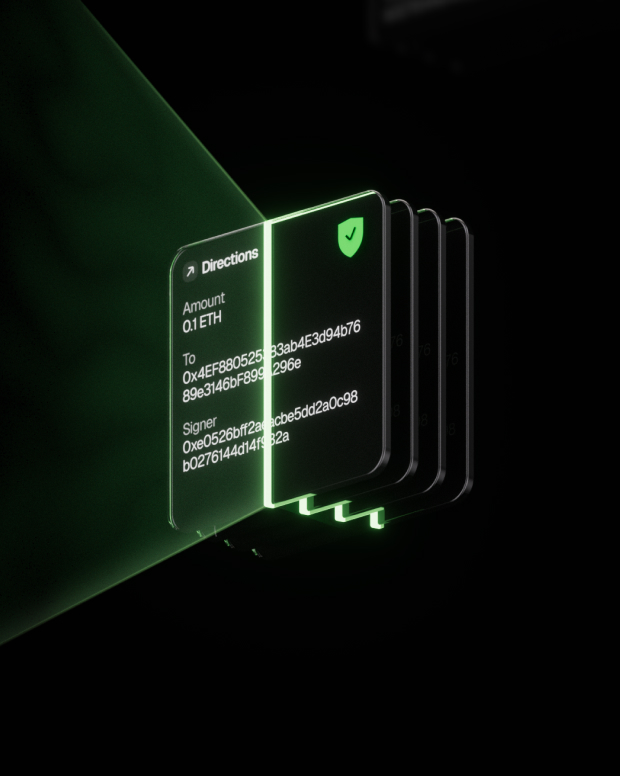
Intelligenter Risikoschutz
Integrierte Phishing-Schutzfunktionen für dezentrale Anwendungen und Funktionen zum Falten verdächtiger Token erkennen automatisch riskante Verträge, um böswillige Genehmigungen oder den Diebstahl von Vermögenswerten zu verhindern.

Globale Unterstützung
Wir bieten Ihnen rund um die Uhr mehrsprachigen Kundensupport, um Ihre Probleme jederzeit zu lösen.

Häufig gestellte Fragen
Was ist Navigator AI?
The AI agent works very much like a person doing an internet search, only faster and automated. Here's a step-by-step look at what happens behind the scenes when you use it:
You ask a question or give a request. This could be anything from "What's the latest news on Mars?" to "Find a good Italian restaurant nearby." You just ask in plain language, like you would a friend.
The AI figures out what it needs to find. It breaks down your question to decide what to search for. For example, if you asked for news on Mars, it knows to look for recent articles about Mars.
It searches the web for you. The agent automatically uses an online search (like a search engine) to look up relevant information. You don’t have to open Google yourself – the AI does that within seconds.
It clicks and reads through websites. Just like you would click on the most promising search result, the AI agent selects a result that looks helpful and “opens” that webpage behind the scenes. It then scans the page for the facts or answers you need. If one page isn’t enough, it can go back and check another result too.
The AI gathers the important points. As it reads, it picks out the key information that answers your question. It might pull a definition, a date, a name, or whatever detail you asked for. It basically does the reading and note-taking for you.
It writes a clear answer (with sources). Finally, the agent composes a straightforward answer for you based on what it found. It also provides citations or references – little numbered links in the answer – showing where it got the information. This way, you can see the original source if you want more details or to verify the info.
Was ist das beste Navigator AI-Wallet?
Wie bekomme ich ein Navigator AI Wallet?
So verwenden Sie eine Navigator AI Wallet
Abonnieren Sie unseren Newsletter
Abonnieren Sie den OneKey-Newsletter, um die neuesten Produktneuheiten und Angebote zu erhalten.
