Renzo
Liquid Restaking
The Renzo Protocol acts as an interface on top of EigenLayer, enhancing Ethereum staking by securing Actively Validated Services and offering higher yields

Réseaux pris en charge

EthereumBaseArbitrumBlastLineaModeOptimismSolana
Download OneKey App

Utiliser Renzo avec l'application OneKey

Le portefeuille crypto le plus sécurisé. Achetez et échangez partout.

Qu'est-ce que Renzo?

Renzo Protocol is a Liquid Restaking Token (LRT) and Strategy Manager designed for the EigenLayer ecosystem. It aims to simplify the process of restaking on Ethereum by abstracting the complexities involved for end-users. As restaking gains traction, users look to secure Actively Validated Services (AVSs) with their staked ETH to earn additional rewards. However, participating directly in EigenLayer requires active management, including selecting AVSs, managing reward claims, and understanding potential slashing risks. Renzo provides a streamlined interface for this process. Users can deposit native ETH or select Liquid Staking Tokens (LSTs) into the Renzo protocol. In return, they receive ezETH, which is Renzo's liquid restaking token. The ezETH token represents a user's claim on the underlying deposited assets and the rewards generated from both Ethereum staking and EigenLayer restaking activities. It is a reward-bearing token, meaning its value is intended to increase over time as it accrues these combined yields. As a strategy manager, Renzo is responsible for the operational backend. This includes vetting and selecting a portfolio of AVSs to delegate the restaked assets to, with the goal of optimizing the risk-reward profile for its users. This removes the burden from individual users of having to research and continuously monitor different AVSs. A primary advantage of using an LRT like ezETH is maintaining liquidity. Unlike a natively restaked position which is locked, ezETH can be traded or used in other decentralized finance (DeFi) protocols, allowing users to remain capital efficient. Renzo also operates across multiple Layer 2 networks, improving accessibility and reducing transaction costs for a wider range of users interested in participating in the EigenLayer ecosystem.

Comment utiliser Renzo

01

Ouvrir le navigateur OneKey

how-to-use-step-1

Ouvrez le navigateur dans l'application OneKey et recherchez Renzo.

02

Connecter le portefeuille

how-to-use-step-2

Sur la page Renzo, choisissez OneKey et approuvez la connexion

03

Sélectionner l'opération

how-to-use-step-3

Dans Renzo, choisissez une action et saisissez les détails.

04

Confirmer et signer

how-to-use-step-4

Vérifiez la transaction dans OneKey, puis confirmez-la et signez-la sur votre appareil.

Pourquoi OneKey est le meilleur partenaire pour Renzo?

Compatible avec toutes les plateformes

Compatible avec toutes les plateformes

Extension pour ordinateur, mobile et navigateur — connectez-vous en toute sécurité à Renzo depuis n'importe quel appareil.

Compatible multi-chaînes

Compatible multi-chaînes

Prise en charge native des principales blockchains publiques sur lesquelles Renzo fonctionne (Ethereum, Arbitrum, Polygon, BNB Chain, Avalanche, etc.), afin de gérer des actifs sur plusieurs chaînes avec un seul portefeuille.

Navigateur dApp intégré

Navigateur dApp intégré

Le navigateur dApp sécurisé de OneKey vous offre un accès en un clic à Renzo, avec des vérifications de contrat et anti-hameçonnage pour des interactions plus sûres.

Sécurité au niveau matériel

Sécurité au niveau matériel

Avec un portefeuille matériel OneKey, les clés restent hors ligne et chaque action critique est confirmée sur l'appareil pour une protection au niveau matériel.

Pourquoi les portefeuilles matériels rendent-ils les dApps plus sûres ?

Clé privée stockée hors ligne

Votre clé privée est stockée sur une puce sécurisée hors ligne et ne communique jamais avec Internet.

Clé privée stockée hors ligne

Confirmez physiquement chaque transaction.

Consultez et approuvez chaque transaction sur l'écran de votre portefeuille matériel.

Confirmez physiquement chaque transaction.

Protéger contre les logiciels malveillants

Même si votre téléphone ou votre ordinateur est infecté, la puce de sécurité protège vos crypto-actifs.

Protéger contre les logiciels malveillants

vérifiable en open source

OneKey est un logiciel entièrement open source, dont la sécurité est éprouvée par la communauté.

vérifiable en open source

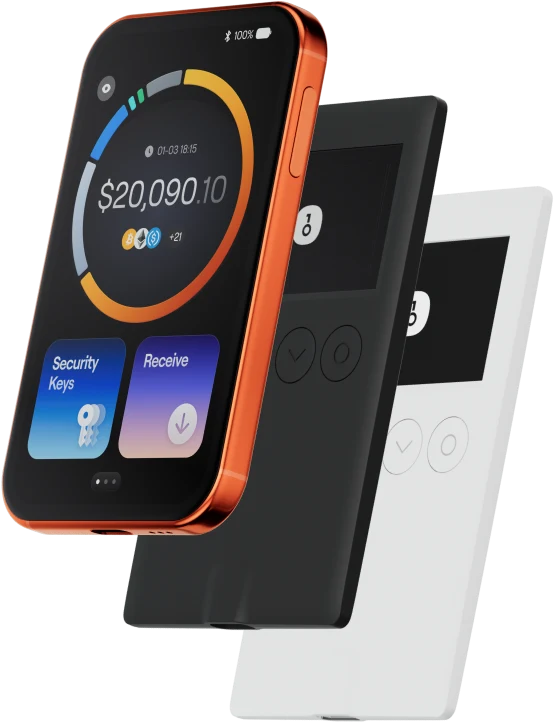
Bénéficiez d'une protection de niveau supérieur en l'associant à un portefeuille matériel OneKey.