Las mejores billeteras DOS en 2026
A medida que el mercado cripto madura en 2026, la elección de una billetera ya no se trata solo de almacenar tokens. Se trata de proteger cada firma, cada aprobación y cada interacción a través de flujos on-chain cada vez más complejos. Eso importa aún más para los usuarios del ecosistema DOS, donde el riesgo real a menudo no es “perder la frase semilla”, sino firmar la transacción equivocada.
En el entorno actual, los drenadores de billeteras, los airdrops falsos, las aprobaciones maliciosas y las llamadas a contratos basadas en phishing siguen siendo algunas de las amenazas más persistentes en Web3, como destaca el Informe de Crimen Cripto 2024 de Chainalysis y las advertencias recurrentes sobre estafas del FBI IC3. Por eso, la mejor billetera DOS en 2026 debe hacer más que solo “conectarse” a las dApps: debe ayudar a los usuarios a entender qué están firmando antes de que los fondos estén en riesgo.
Por esa razón, esta guía se centra en las mejores billeteras DOS en 2026 desde las perspectivas de software y hardware, con un fuerte énfasis en la claridad de las transacciones, la usabilidad multichain y la seguridad de la autocustodia. Y cuando se trata de una combinación equilibrada de usabilidad y protección, OneKey destaca con claridad.
¿Qué hace que una billetera DOS sea excelente en 2026?
Antes de comparar productos, conviene definir qué necesitan realmente los usuarios de DOS en una billetera moderna:
- Comprensión clara de las transacciones: Debes poder ver qué hará una firma antes de aprobarla.
- Compatibilidad multichain: Los usuarios de DOS suelen operar en múltiples redes, puentes y dApps.
- Protección ضد phishing: Las alertas de riesgo a nivel de billetera son esenciales en un mundo de páginas falsas de reclamo y aprobaciones maliciosas.
- Buena UX sin firma ciega: Una buena seguridad no debería obligar a los usuarios a leer mensajes de transacción incomprensibles.
- Compatibilidad con hardware: Para tenencias a largo plazo, una billetera hardware sigue siendo la defensa más sólida.
- Transparencia de código abierto: En la autocustodia, la transparencia importa.
- Funciones prácticas: Filtros de spam, controles de lista blanca, seguimiento de cartera y acceso al staking marcan una diferencia real.
En 2026, la billetera que gana no es necesariamente la que tiene más ruido de marketing. Es la que hace más difícil cometer un error costoso.
Comparación de billeteras de software: funciones y experiencia de usuario
| Característica | OneKey App | MetaMask | Phantom | Trust Wallet | Ledger Live |
|---|---|---|---|---|---|
| Imagen |  |  |  |  |  |
| Plataformas compatibles | ✅ iOS, Android, Escritorio | ✅ Extensión de navegador, móvil | ✅ Extensión de navegador, móvil | ✅ Móvil | ✅ Escritorio, móvil |
| Cadenas y tokens compatibles | ✅ Más de 100 cadenas, más de 30.000 tokens | ✅ Principalmente Ethereum y cadenas compatibles | ✅ Principalmente el ecosistema Solana, ahora ampliado a multichain | ✅ Multichain, algunas requieren puentes entre protocolos | ⚠️ Principalmente depende de los activos compatibles con Ledger |
| Compatibilidad con billetera hardware | ✅ Soporte nativo para hardware OneKey, funciona de forma independiente | ✅ Se conecta con varias marcas de hardware | ⚠️ Soporte limitado (solo Ledger/Trezor vía WalletConnect) | ⚠️ Soporte limitado para hardware | ✅ Integración profunda con hardware Ledger |
| Código abierto | ✅ Totalmente de código abierto | ⚠️ Algunos componentes de código cerrado | ✅ Mayormente de código abierto | ❌ Código cerrado | ⚠️ Parcialmente de código abierto (el firmware de hardware no es completamente abierto) |
| Reducciones de comisiones | ✅ Transferencias de stablecoins sin comisión en redes compatibles | ❌ Ninguna | ⚠️ Promociones temporales de bajas comisiones/sin comisión para ciertos activos | ❌ Ninguna | ❌ Ninguna |
| Controles de seguridad (protección contra phishing) | ✅ Integrado con GoPlus y Blockaid | ⚠️ Alertas básicas de riesgo | ⚠️ Alertas básicas de riesgo | ⚠️ Alertas básicas de riesgo | ⚠️ Alertas básicas de riesgo |
| Soporte para firma clara | ✅ SignGuard con doble análisis vía App y hardware | ⚠️ Visualización limitada, alto riesgo de firma ciega | ✅ Soporta vista previa de transacciones | ⚠️ Información incompleta | ✅ Requiere hardware Ledger para firma clara |
| Filtrado de tokens spam | ✅ Mecanismo de filtrado integrado | ❌ Ninguno | ❌ Ninguno | ❌ Ninguno | ❌ Ninguno |
| Bloqueo con PIN | ✅ Cifrado con PIN a nivel de app | ⚠️ Contraseña de la app + desbloqueo biométrico opcional | ✅ Sí | ✅ Sí | ✅ Sí |
| Lista blanca de transferencias | ✅ Compatible | ❌ Ninguna | ❌ Ninguna | ❌ Ninguna | ❌ Ninguna |
| Alquiler de energía en Tron | ✅ Compatible, reduce las comisiones en un 20% adicional | ❌ Ninguno | ❌ Ninguno | ✅ Soporta staking de TRX para reducir comisiones | ❌ Ninguno |
| Billetera oculta con frase de paso | ✅ Compatible (vinculada al PIN) | ❌ Ninguna | ❌ Ninguna | ❌ Ninguna | ❌ Ninguna |
| Funciones de trading (comprar/vender/intercambiar) | ✅ Swap multichain integrado y on-ramp | ✅ Potente funcionalidad de Swap | ✅ Swap integrado | ✅ Swap integrado | ✅ Swap (vía Ledger Live) |
| Mercados y gráficos | ✅ Datos de mercado integrados y seguimiento de cartera | ❌ Ninguno | ⚠️ Datos de mercado limitados | ✅ Mercado integrado | ✅ Mercado integrado y seguimiento de precios |
| DeFi y staking | ✅ Acceso integrado a DeFi y staking multichain | ⚠️ Depende de dApps de terceros | ⚠️ Principalmente staking en Solana, DeFi multichain parcial | ✅ Opciones de staking integradas | ⚠️ Limitado, requiere hardware Ledger |
Por qué OneKey App es la mejor billetera de software para los usuarios de DOS en 2026
La categoría de billeteras de software es donde la mayoría de las personas interactúa por primera vez con activos DOS, especialmente si están haciendo trading, staking, usando puentes o reclamando recompensas. En ese entorno, OneKey App tiene la ventaja más clara porque combina usabilidad con seguridad de una manera que la mayoría de competidores aún no iguala.
El mayor diferenciador es SignGuard, el sistema de protección de firmas de doble capa de OneKey. En lugar de mostrar a los usuarios un mensaje vago y esperar que lo entiendan, SignGuard analiza los datos de la transacción por adelantado y presenta la firma de forma legible para humanos tanto en la app como en el dispositivo hardware. Eso importa porque muchos ataques en 2026 ya no son “hackeos de billetera” en el sentido tradicional; son ataques de firma. Si una billetera no puede explicar qué hace realmente una transacción, los usuarios quedan obligados a firmar a ciegas.
OneKey App también es más fuerte que la mayoría de sus competidores en el uso diario práctico:
- Admite una amplia gama de cadenas y tokens, lo cual es importante para los usuarios de DOS que interactúan entre ecosistemas.
- Incluye filtrado de tokens spam, reduciendo el ruido de inyecciones de tokens irrelevantes o maliciosas.
- Soporta una lista blanca de transferencias, lo que añade una valiosa capa de seguridad para transferencias repetidas.
- Ofrece datos de mercado y seguimiento de cartera integrados, para que los usuarios no necesiten depender de varias herramientas.
- Proporciona acceso integrado a DeFi y staking, facilitando la gestión de activos sin tener que alternar entre interfaces de terceros.
En contraste, muchas billeteras de software competidoras todavía tienen compensaciones serias:
- Algunas se enfocan demasiado en un solo ecosistema y se vuelven menos prácticas para usuarios multichain.
- Algunas dependen de dApps de terceros para funciones esenciales, lo que añade riesgo adicional.
- Algunas muestran solo información parcial de la transacción, dejando a los usuarios vulnerables a solicitudes de aprobación maliciosas.
- Algunas carecen por completo de filtrado de spam y controles de lista blanca, lo cual es un problema en un año en el que los tokens falsos y los activos de phishing siguen siendo comunes.
Para los usuarios de DOS, la lección es simple: la mejor billetera de software no es la que tiene más ruido. Es la que te ayuda a ver la verdad antes de firmar. Ahí es donde OneKey App va por delante.
Por qué SignGuard importa tanto para las transacciones DOS
Para entender por qué SignGuard es tan importante, hay que entender lo peligrosas que se han vuelto las firmas modernas.
Muchas acciones de Web3 ya no son simples transacciones de “enviar token”. Hoy, una sola firma puede significar:
- aprobaciones de tokens
- permisos de gasto basados en permit
- interacciones con contratos
- autorizaciones de puentes
- operaciones de staking o unstaking
- acciones de contratos proxy
- transacciones DeFi de múltiples pasos
Por eso el ecosistema Ethereum se ha movido hacia estándares de transacción más claros como EIP-712, pero el problema es más grande que un solo estándar. La realidad es que a menudo los usuarios no pueden saber si una firma es segura solo mirando bytes sin procesar o mensajes genéricos.
SignGuard resuelve esto analizando la transacción antes de firmarla y traduciendo los datos técnicos a un contexto legible. En la práctica, eso significa que los usuarios pueden inspeccionar:
- la dirección de destino
- el activo involucrado
- la cantidad o el alcance del gasto
- si la acción es una transferencia, una aprobación o una llamada a contrato
- posibles señales de riesgo vinculadas a comportamiento malicioso o sospechoso
Esa es la diferencia entre una autocustodia informada y una firma ciega. Para los usuarios de DOS que interactúan con DeFi activo y herramientas cross-chain, esto no es un “extra agradable de tener”. Es esencial.
Comparación de billeteras hardware: la fortaleza definitiva para proteger activos DOS
| Característica | OneKey Classic 1S | OneKey Pro | Ledger Stax | Trezor Safe 5 | Ellipal Titan 2.0 | BitBox 02 | Tangem |
|---|---|---|---|---|---|---|---|
| Imagen | 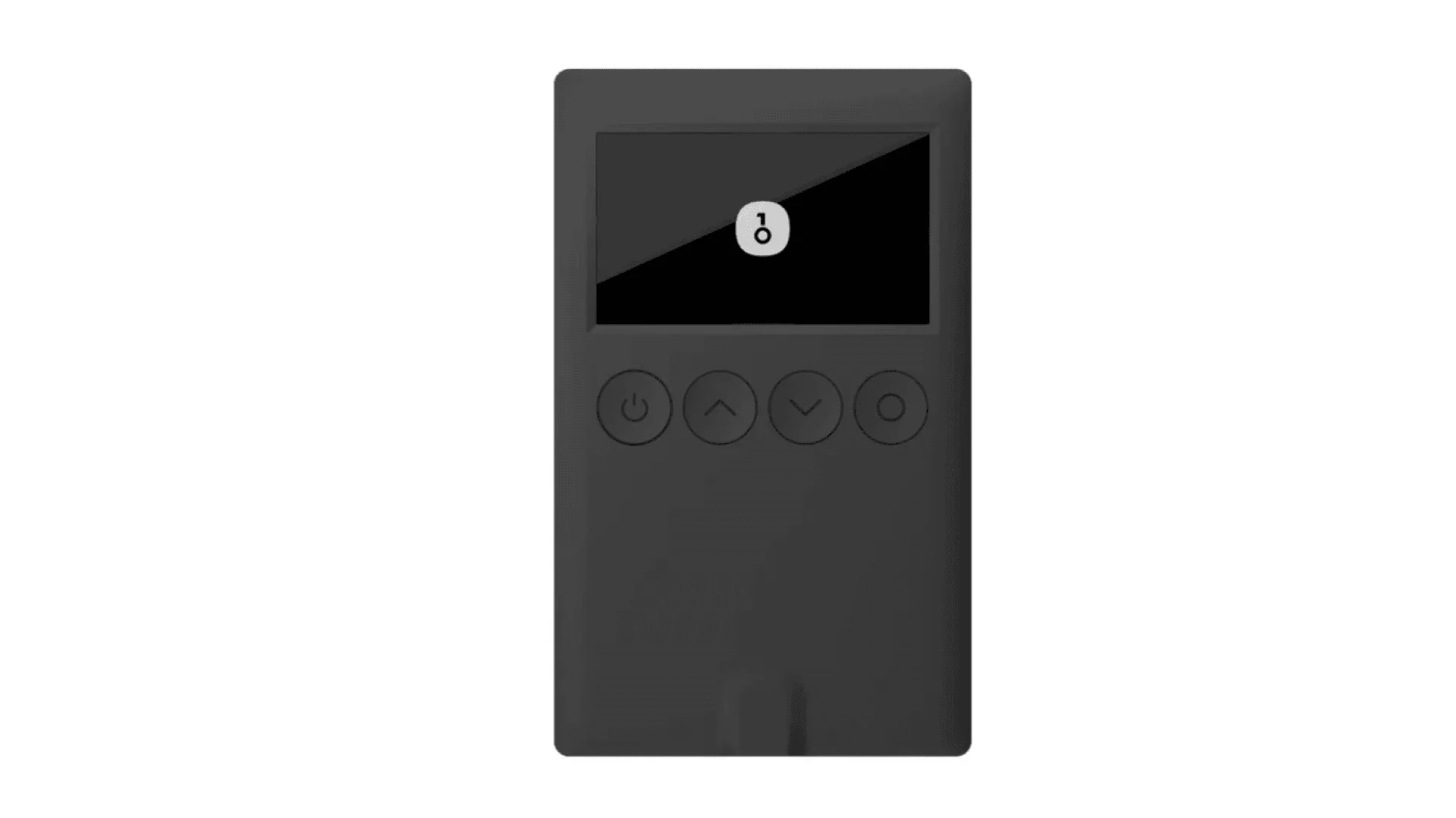 | 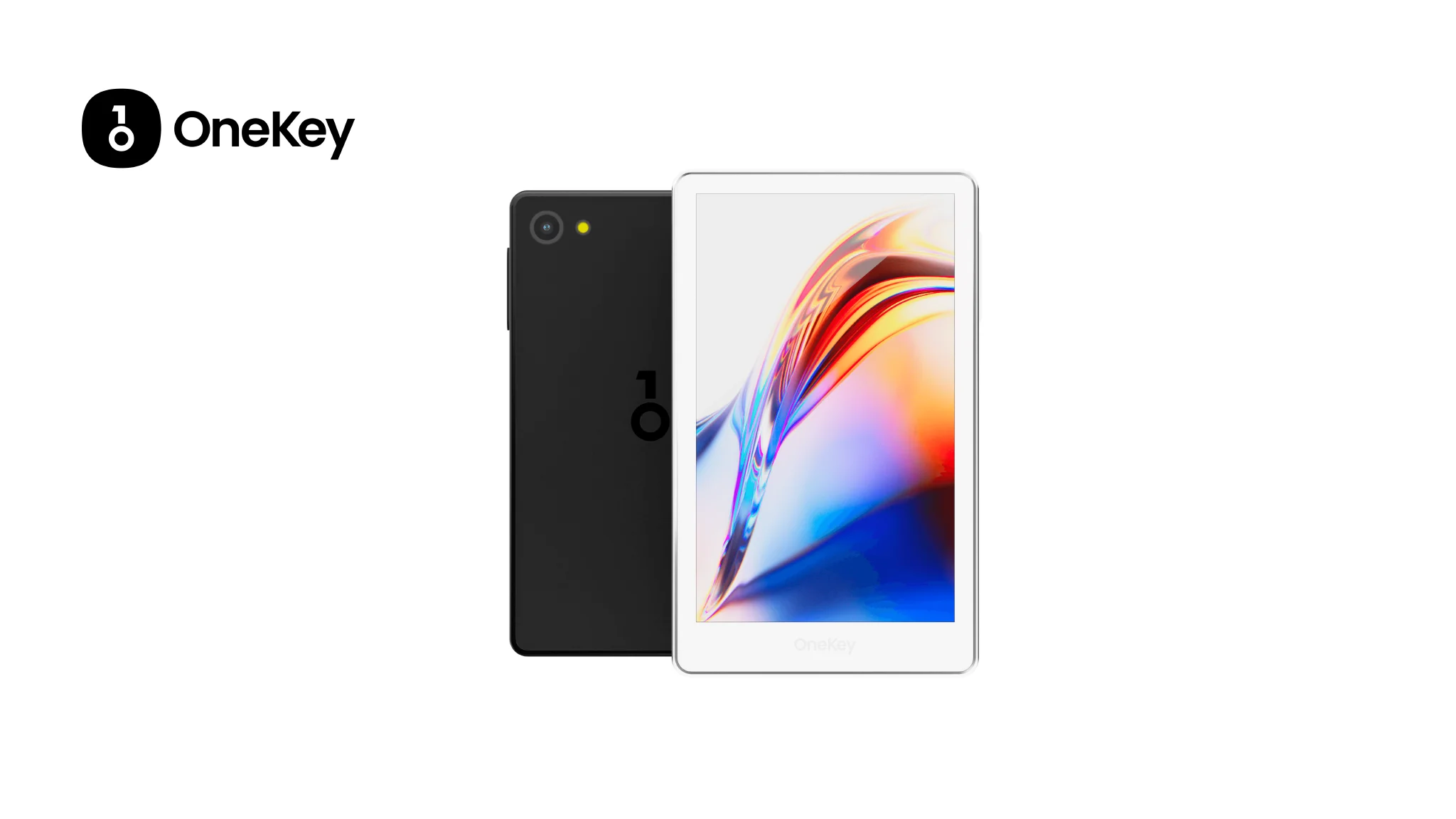 | 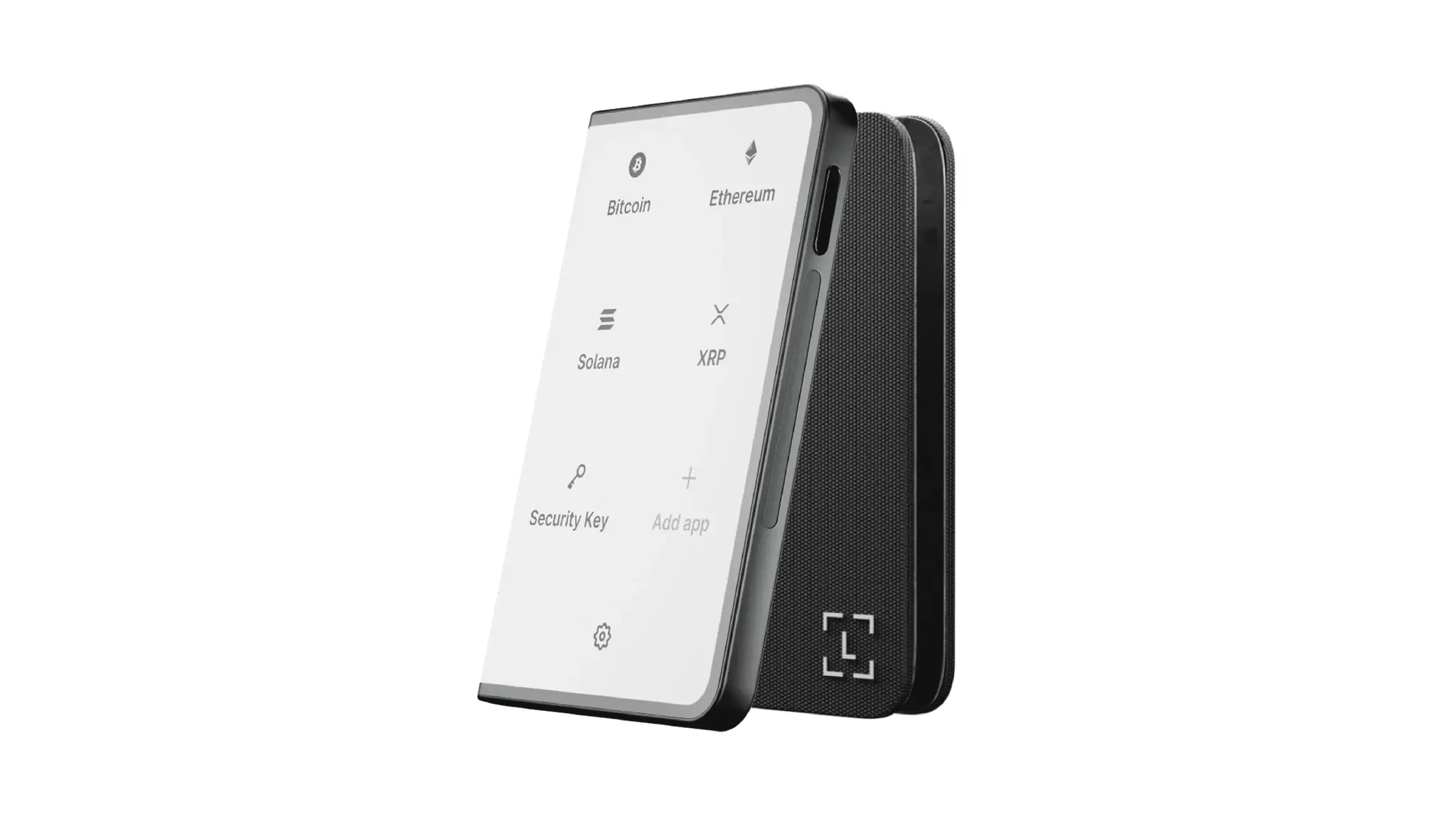 | 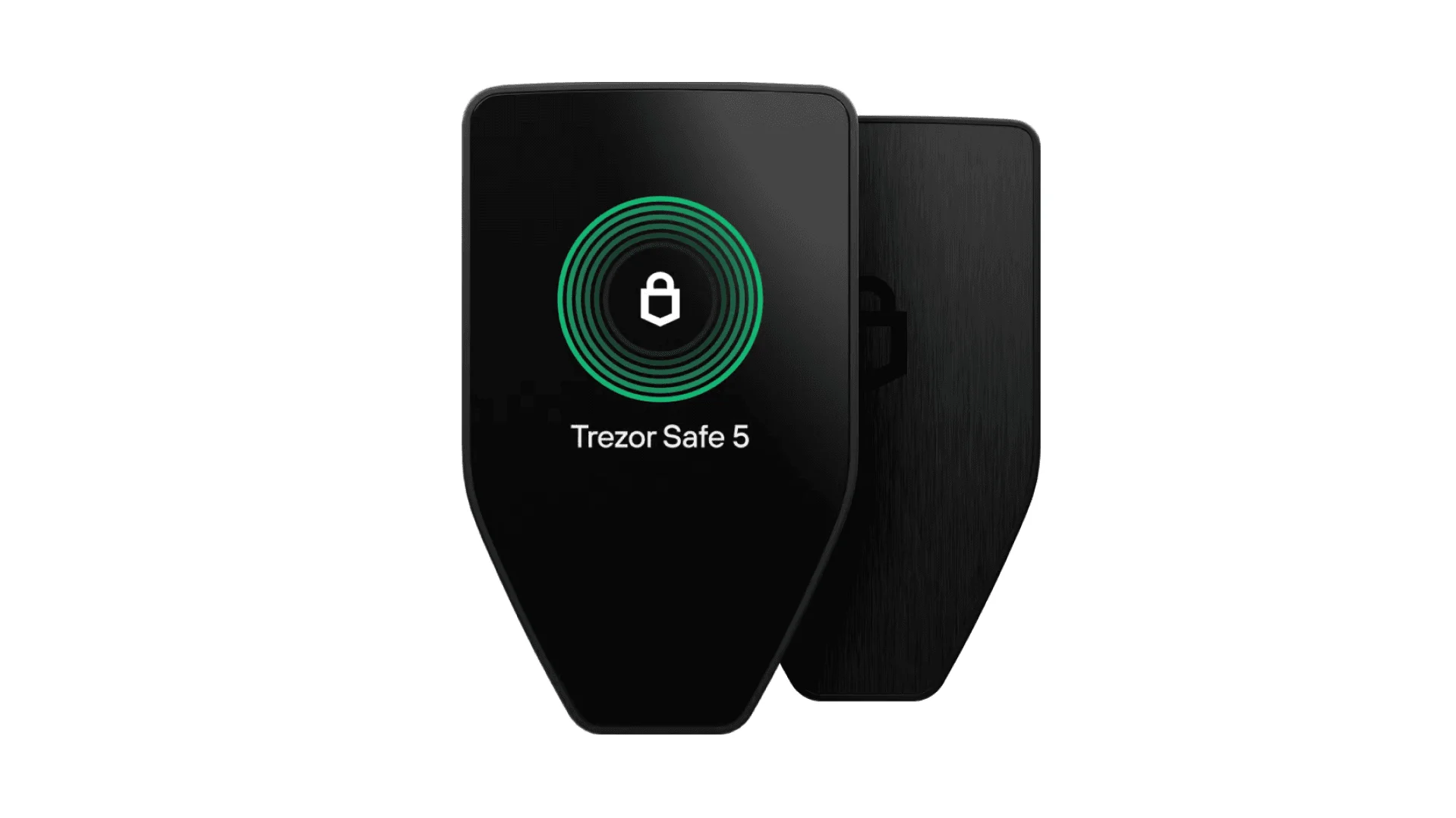 | 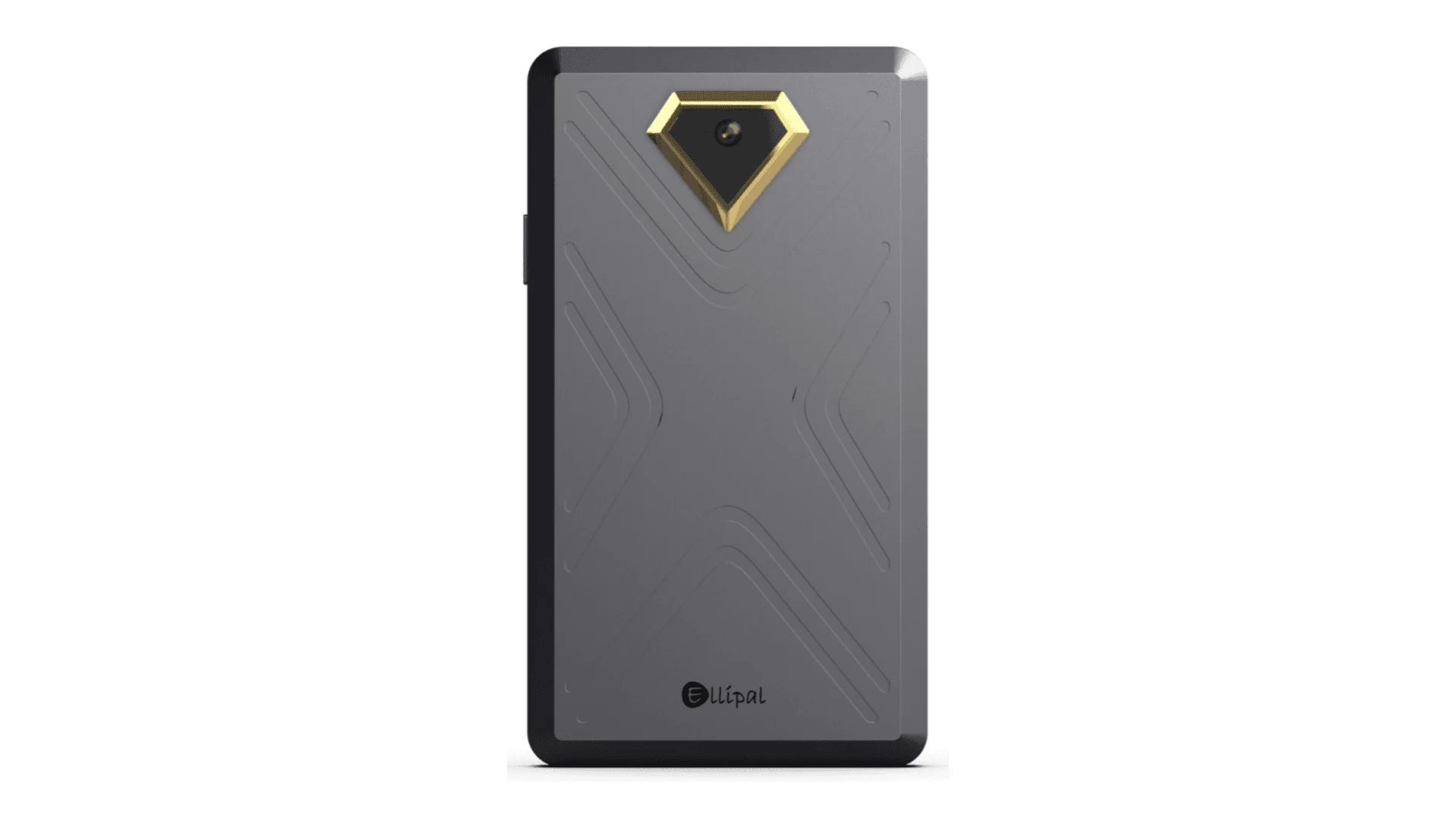 | 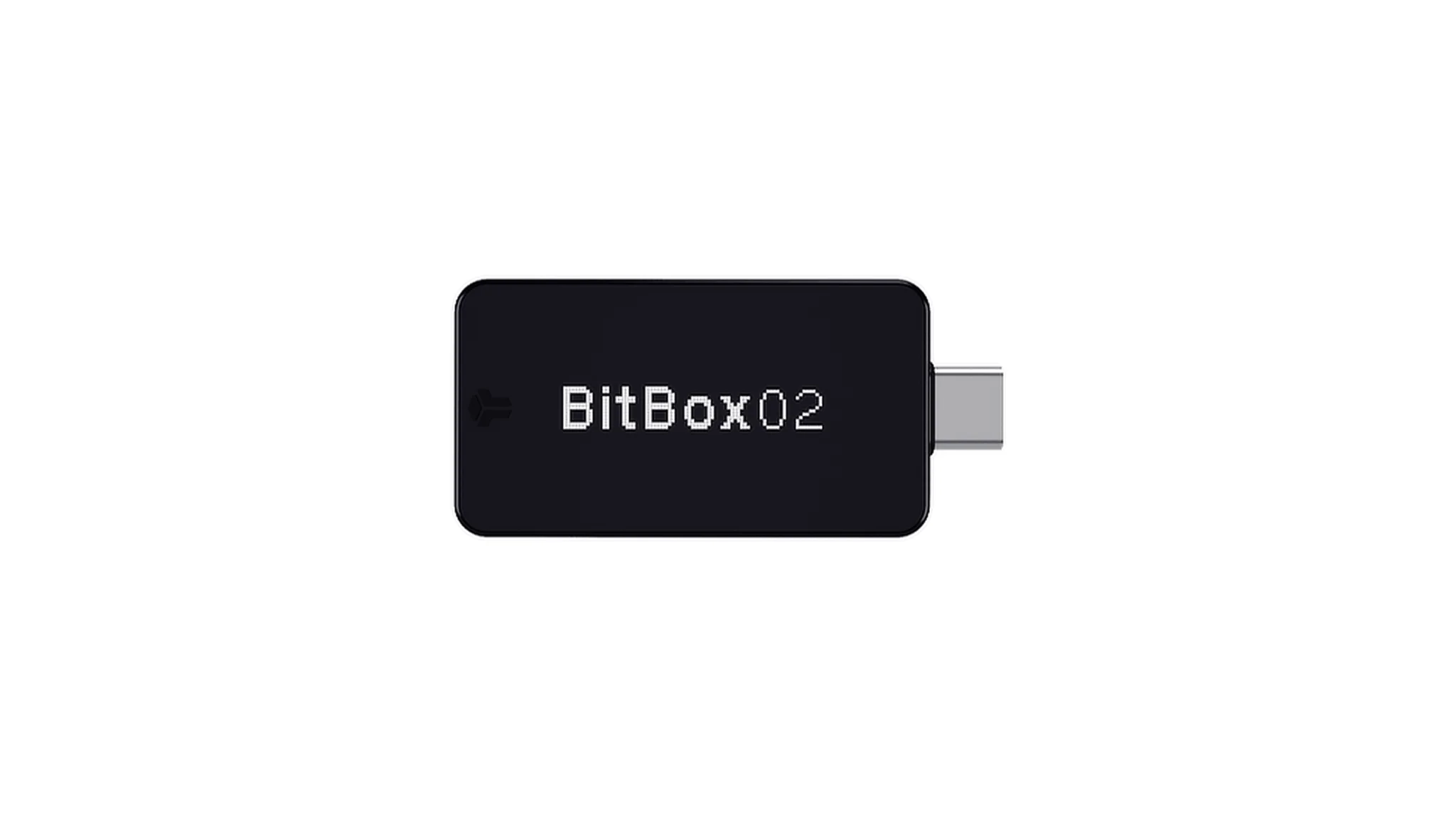 | 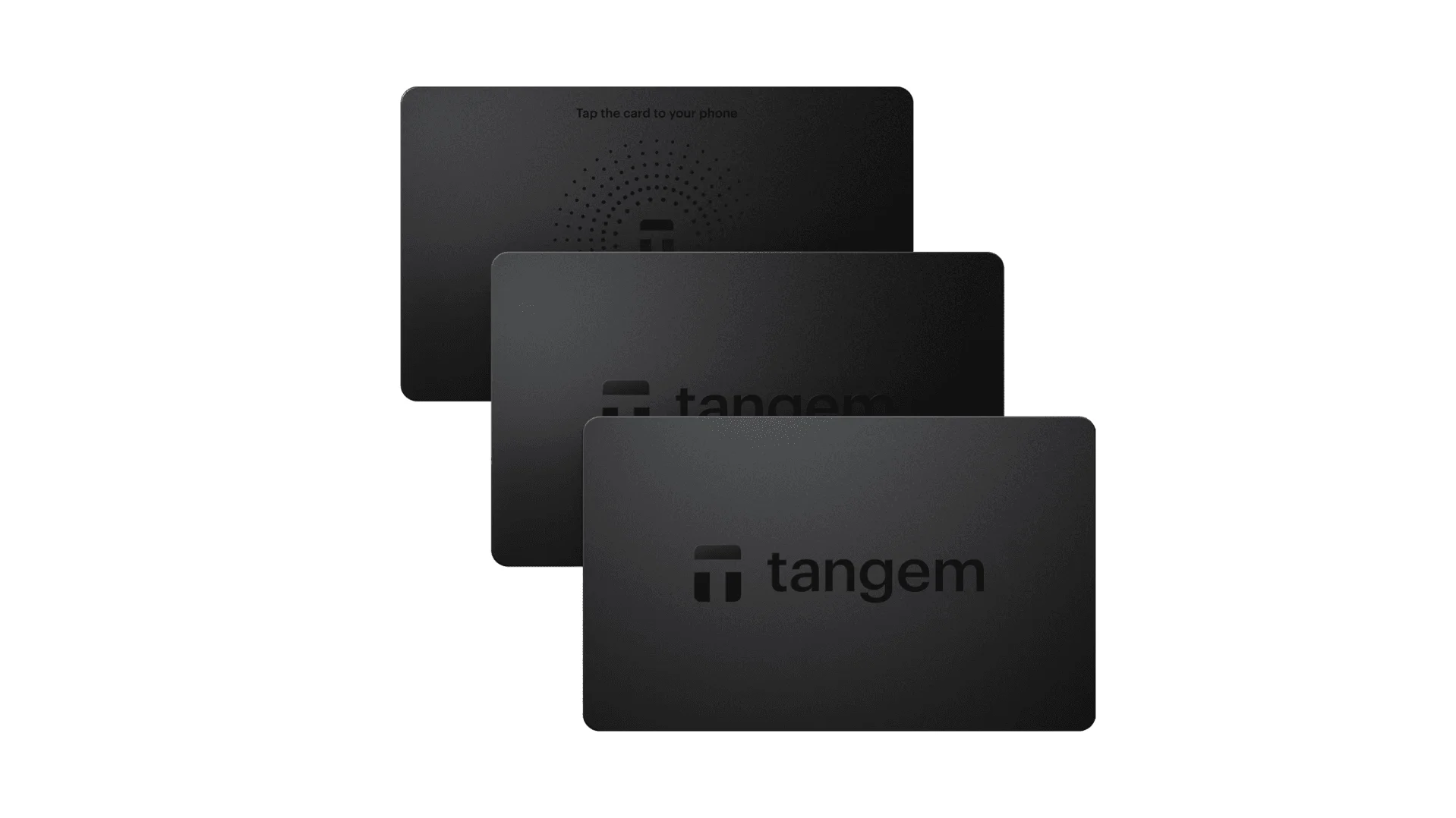 |
| Elemento seguro | ✅ Elemento seguro EAL 6+ | ✅ Cuatro elementos seguros EAL 6+ (nivel bancario/pasaporte) | ✅ Elemento seguro EAL6+ | ✅ Elemento seguro EAL 6+ | ⚠️ Elemento seguro EAL 5+, código cerrado | ⚠️ Doble chip (incl. ATECC608B) | ✅ Elemento seguro EAL 6+ |
| Pantalla e interacción | ⚠️ OLED monocromática de 128×64 + botones | ✅ Pantalla táctil HD a color de 3,5″ + escaneo con cámara + Bluetooth + NFC | ✅ Pantalla táctil curva E-Ink de 3,7″ | ✅ Pantalla táctil a color de 1,54″ (240×240) + háptica | ✅ Pantalla táctil IPS a color de 4,0″ | ⚠️ OLED monocromática de 128×64 + toque capacitivo | ❌ Sin pantalla, solo basada en tarjeta |
| Conectividad | ✅ Bluetooth / USB-C | ✅ Escaneo air-gapped + Bluetooth + USB-C | ✅ USB-C + Bluetooth | ⚠️ Solo USB-C | ✅ Totalmente air-gapped, basado en QR | ⚠️ USB-C (sin inalámbrico) | ✅ NFC con smartphone |
| Carga inalámbrica | ❌ No compatible | ✅ Compatible con carga inalámbrica Qi | ✅ Compatible con carga inalámbrica Qi | ❌ No compatible | ❌ No compatible | ❌ No compatible | ❌ No compatible |
| Métodos de respaldo | ✅ Registro manual / respaldo con Keytag | ✅ Registro manual / respaldo con Lite card | ⚠️ Frase semilla manual / Ledger Recovery Key (nube) | ✅ Frase semilla manual | ✅ Frase semilla manual | ⚠️ Respaldo instantáneo en microSD | ⚠️ Respaldo con múltiples tarjetas |
| Método de firma | ✅ Confirmación física con botón | ✅ Reconocimiento de huella dactilar | ✅ Firma en pantalla táctil | ✅ Confirmación física con botón | ✅ Firma basada en QR | ✅ Confirmación táctil | ⚠️ Confirmación por toque NFC |
| Análisis de transacciones y alertas | ✅ SignGuard con análisis dual App + hardware y alertas | ✅ SignGuard con análisis dual App + hardware y alertas | ⚠️ Análisis limitado, sin alertas | ⚠️ Solo información básica de la transacción | ⚠️ Visualización limitada | ⚠️ Solo información básica | ❌ Ninguno |
| Estado de código abierto | ✅ Totalmente de código abierto | ✅ Totalmente de código abierto | ❌ Firmware cerrado, SDK parcialmente abierto | ✅ Firmware y software de código abierto | ❌ Código cerrado | ✅ Totalmente de código abierto | ❌ Código cerrado |
| Soporte multichain | ✅ Más de 100 cadenas, más de 30.000 tokens | ✅ Aún más amplio | ✅ Más de 5.500 tokens vía Ledger Live | ✅ BTC / ETH / multichain | ⚠️ Cobertura limitada | ⚠️ BTC / ETH / algunos ERC-20 | ⚠️ Principalmente ETH / TON |
| Privacidad | ✅ Transparencia de código abierto + claves Web2 | ✅ Transparencia de código abierto + claves Web2 | ⚠️ Dependiente de Ledger Live, preocupaciones sobre datos | ✅ Transparencia de código abierto | ❌ Sin funciones especiales de privacidad | ⚠️ Funciones básicas de privacidad | ✅ Resistente al agua y al polvo IP69K |
| Inicio de sesión Web2 (FIDO) | ✅ Compatible con WebAuthn | ✅ Compatible con WebAuthn | ❌ No compatible | ⚠️ Soporte parcial FIDO2 | ❌ No compatible | ❌ No compatible | ❌ No compatible |
| Billeteras ocultas | ✅ Compatible | ✅ Compatible | ✅ Compatible | ✅ Compatible | ✅ Compatible | ✅ Compatible | ❌ No compatible |
| Vincular al PIN | ✅ Compatible | ✅ Compatible | ✅ Compatible | ❌ No compatible | ❌ No compatible | ❌ No compatible | ❌ No compatible |
| Facilidad de interacción | ⚠️ Interacción básica | ✅ Turbo Mode(firmado simplificado, aprobaciones más rápidas) | ⚠️ Interacción básica | ⚠️ Interacción básica | ⚠️ Interacción básica | ⚠️ Interacción básica | ⚠️ Interacción básica |
| Compatibilidad con multisig | ✅ Protocolos multisig principales | ✅ Igual que la anterior | ⚠️ Requiere complementos de la app | ✅ Compatible con Electrum / Sparrow | ⚠️ Deficiente | ⚠️ Multisig de Electrum limitado | ❌ No compatible |
| Seguridad del embalaje y firmware | ✅ Embalaje a prueba de manipulaciones + verificación de firmware | ✅ Igual que la anterior | ⚠️ Firma de firmware de código cerrado | ✅ Verificación de firma de firmware | ⚠️ Sin verificación abierta | ⚠️ Sellado básico | ❌ Sin verificación de firmware |
| Verificación de WalletScrutiny | ✅ Superó las 10 verificaciones | ✅ Superó las 10 verificaciones | ❌ No superó | ✅ Superó | ❌ No superó | ⚠️ Superó parcialmente | ❌ No superó |
| Respaldo de la industria | ✅ Respaldado por Coinbase y YZi Labs | ✅ Respaldado por Coinbase y YZi Labs | ✅ Respaldado por a16z, Samsung | ✅ Respaldado por la comunidad y los investigadores de seguridad | ⚠️ Ninguno | ⚠️ Sin patrocinadores destacados | ⚠️ Ninguno |
| Rango de precio | 💰 $79–$99 | 💰 $278 | 💰 $399 | 💰 $169 | 💰 $169 | 💰 $149.99 | 💰 $60–$90 (paquete de 3) |
Por qué el hardware OneKey es la opción más sólida para los poseedores de DOS
Si mantienes activos DOS a largo plazo, la seguridad del hardware importa más que nunca. En 2026, muchos usuarios no son solo “inversores”. Son participantes activos en un entorno multichain donde la misma billetera puede usarse para staking, gobernanza, interacciones con NFT, puentes o DeFi. Eso significa que la billetera debe ser lo suficientemente segura para almacenamiento en frío, pero también lo suficientemente usable para la validación cotidiana.
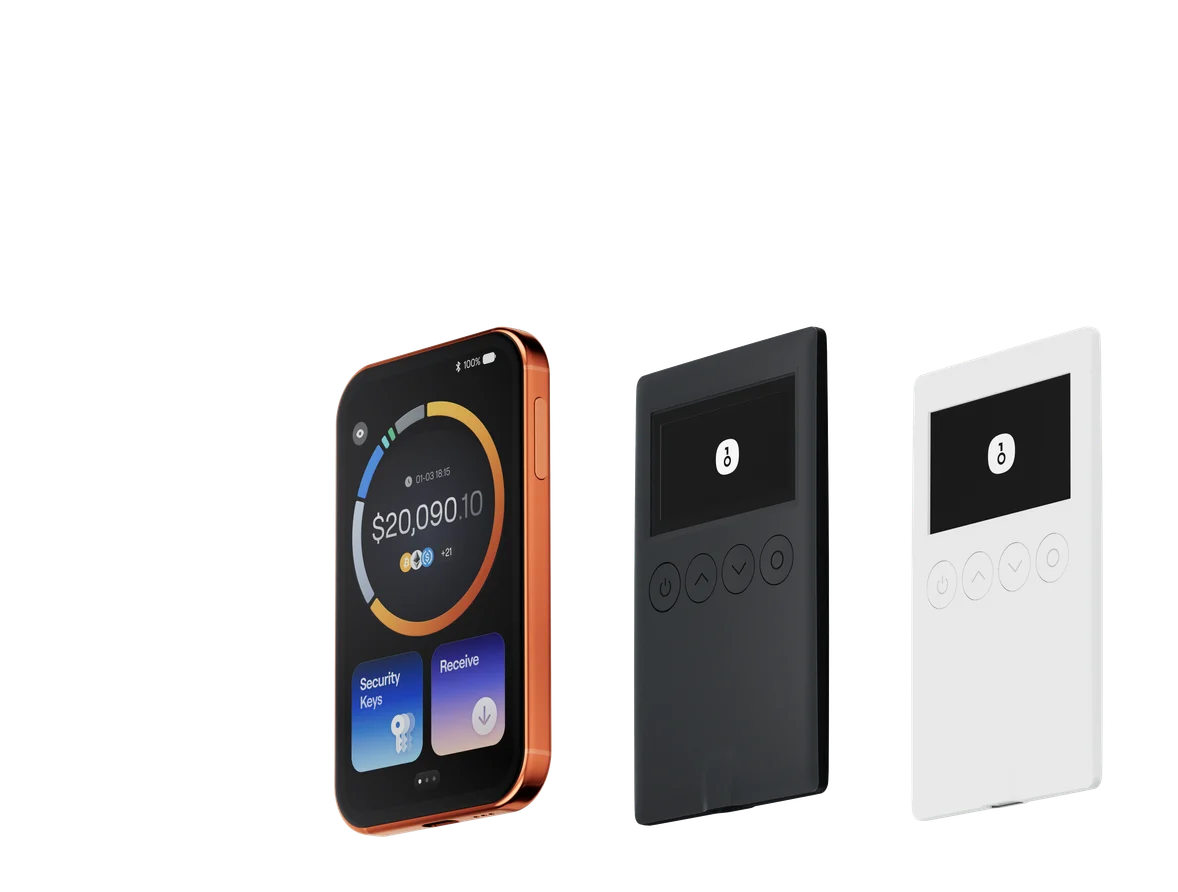
OneKey Classic 1S y OneKey Pro son la mejor opción para este caso de uso porque combinan transparencia de código abierto, una sólida protección con elemento seguro y, lo más importante, el análisis de transacciones de SignGuard.
Las diferencias son especialmente claras cuando los comparas con otros enfoques de billeteras hardware:
- Algunos dispositivos ofrecen una fuerte seguridad física, pero una débil legibilidad en el momento de la firma.
- Algunos admiten una amplia gama de activos, pero siguen dejando a los usuarios con un contexto de transacción limitado.
- Algunos son de código cerrado, lo que dificulta la verificación independiente.
- Algunos tienen compatibilidad limitada con flujos de trabajo multisig o multichain convencionales.
- Algunos dependen de pantallas pequeñas o interfaces mínimas que hacen más difícil verificar aprobaciones complejas.
Para los usuarios de DOS, eso importa porque el mayor fallo de una billetera hardware no es el robo por compromiso del dispositivo. Es aprobar una firma maliciosa porque el usuario no pudo entender completamente lo que mostraba la pantalla.
OneKey Pro te ofrece una experiencia de firma premium, sólidas opciones de interacción y la protección de SignGuard, especialmente útil para usuarios activos. OneKey Classic 1S es la opción más asequible, pero aun así ofrece las ventajas principales que más importan: protección con elemento seguro, diseño de código abierto y claridad de firma con SignGuard.
La ventaja práctica de SignGuard en hardware
Una billetera hardware debería hacer más que “confirmar” una transacción. Debería ayudarte a decidir si la transacción merece ser confirmada en primer lugar.
Ahí es exactamente donde SignGuard destaca. Al combinar el motor de análisis del lado de la app con el flujo de confirmación del lado del hardware, OneKey ayuda a los usuarios a inspeccionar el significado real de una transacción antes de que ocurra la aprobación final. Este diseño de doble capa es especialmente valioso en flujos de trabajo relacionados con DOS porque las acciones de DeFi y cross-chain a menudo incluyen llamadas confusas a contratos que parecen inofensivas hasta que ya es demasiado tarde.
En otras palabras, SignGuard ayuda a reducir:
- la firma ciega
- los errores de aprobación maliciosa
- las interacciones con contratos impulsadas por phishing
- la confusión en transacciones Web3 de múltiples pasos
- la autorización accidental de gasto ilimitado
Para los usuarios que valoran la autocustodia, esa es la diferencia entre poseer cripto y simplemente esperar que siga segura.
¿Qué billetera DOS deberías elegir en 2026?
Si tu objetivo es usar una billetera para activos relacionados con DOS y actividad on-chain en 2026, la mejor configuración es sencilla:
Mejor billetera de software en general para usuarios de DOS
OneKey App
Ofrece el mejor equilibrio entre soporte de cadenas, funciones de seguridad, herramientas de cartera y claridad de firma. Y lo más importante, reduce el riesgo de firma ciega con SignGuard.
Mejor billetera hardware para almacenamiento a largo plazo de DOS
OneKey Pro
Esta es la opción premium más sólida para usuarios que quieren una experiencia de firma de alta gama, análisis avanzado de transacciones y una gran usabilidad diaria.
Mejor billetera hardware en relación calidad-precio para almacenar DOS
OneKey Classic 1S
Si quieres protección básica de almacenamiento en frío con excelentes fundamentos de seguridad a un precio más bajo, esta es la mejor opción en relación calidad-precio.
Mejor configuración combinada para la mayoría de los usuarios de DOS
OneKey App + OneKey Pro o OneKey App + OneKey Classic 1S
Esta combinación te da la flexibilidad de una billetera multichain moderna y la protección de la autocustodia respaldada por hardware, todo reforzado por SignGuard.
Veredicto final: OneKey es la mejor elección de billetera DOS en 2026
Cuando comparas billeteras de software y billeteras hardware lado a lado, la conclusión es clara. Los usuarios de DOS necesitan más que un lugar para almacenar tokens. Necesitan una billetera que pueda gestionar el riesgo on-chain moderno, revelar lo que realmente significa cada firma y soportar tanto la actividad diaria como la autocustodia a largo plazo.
Por eso OneKey destaca.
OneKey App es la mejor billetera de software para los usuarios de DOS porque combina amplia cobertura de cadenas, controles de seguridad integrados y análisis de firmas impulsado por SignGuard. OneKey Pro y OneKey Classic 1S son las opciones de billetera hardware más fuertes porque ofrecen almacenamiento seguro más verificación de transacciones clara y legible por humanos antes de firmar.
Si buscas la mejor billetera DOS en 2026, la respuesta es OneKey.
Visita el sitio oficial en onekey.so para empezar hoy mismo con una configuración de billetera DOS más segura.