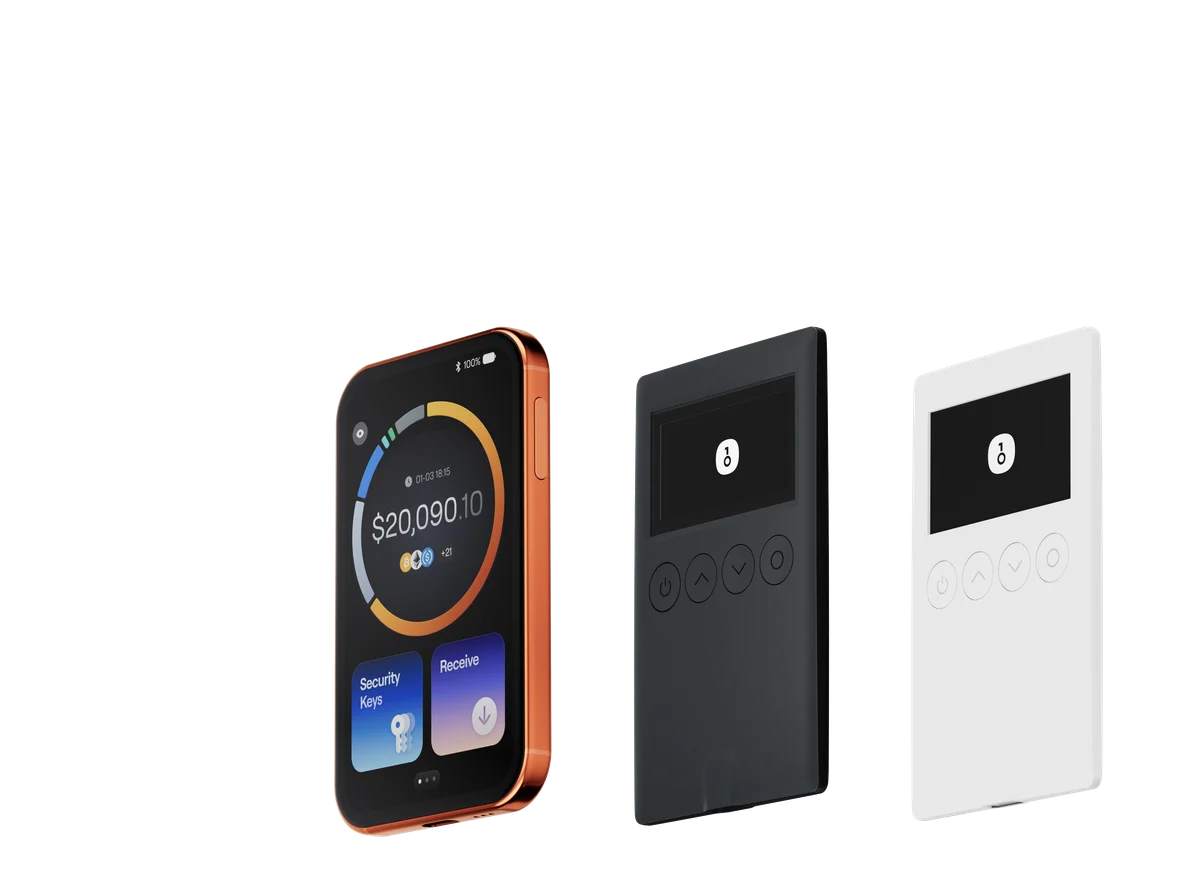
Best GEOD Wallets in 2026

As GEOD adoption grows, so does the importance of choosing a wallet that can actually protect your assets in real-world usage. In 2026, the biggest wallet risks are no longer just stolen seed phrases or fake browser extensions. The more common threats are transaction spoofing, malicious approvals, phishing-driven blind signing, and confusing prompts that make users confirm the wrong thing too quickly.
For GEOD holders, the ideal wallet should do more than store keys. It should help you understand what you are signing, support the chain and token workflow you actually use, and reduce the chance of making an irreversible mistake. That is exactly why a modern self-custody stack matters: a secure software wallet for everyday activity, plus a hardware wallet for long-term protection and high-value transactions.
Among the available options, OneKey stands out as the best overall choice for GEOD users in 2026. The reason is simple: OneKey combines broad chain support, strong security checks, and most importantly, SignGuard — a signature protection system that parses transaction data before signing so users can make informed decisions instead of blindly approving risky actions.
In this guide, we’ll compare the best GEOD wallets in 2026, look at software and hardware options separately, and explain why OneKey App, OneKey Pro, and the OneKey Classic 1S series are the most practical and security-focused choices for GEOD storage and usage.
What Makes a Good GEOD Wallet in 2026?
Before comparing products, it helps to define the standard.
A good GEOD wallet should provide:
- Native or reliable multi-chain support
- Clear transaction display and signature parsing
- Protection against phishing, fake dApps, and approval scams
- Hardware wallet compatibility
- Open-source transparency whenever possible
- Safe backup and recovery options
- Smooth UX for sending, receiving, swapping, and staking
This matters because crypto security has shifted from “keeping the seed phrase hidden” to “understanding the transaction before you sign it.” Attackers now target users through malicious smart contracts, fake reward pages, airdrop scams, and contract approvals that look harmless at first glance. For GEOD users, that means the wallet interface itself is part of your security model.
That is also why SignGuard is such an important differentiator. It helps decode transaction data into readable information before confirmation, reducing the risk of blind signing and helping users catch suspicious behavior early.
Software Wallet Comparison: Features & User Experience
If you interact with GEOD regularly, a software wallet is usually your daily driver. It should be fast, readable, and safe enough to handle routine transfers, approvals, swaps, and portfolio checks.
Below is the required comparison table for leading software wallets.
Software Wallet Comparison: Features & User Experience
| Feature | OneKey App | MetaMask | Phantom | Trust Wallet | Ledger Live |
|---|---|---|---|---|---|
| Image |  |  |  |  |  |
| Supported Platforms | ✅ iOS, Android, Desktop | ✅ Browser extension, Mobile | ✅ Browser extension, Mobile | ✅ Mobile | ✅ Desktop, Mobile |
| Supported Chains & Tokens | ✅ 100+ chains, 30,000+ tokens | ✅ Primarily Ethereum and compatible chains | ✅ Primarily Solana ecosystem, now expanded to multi-chain | ✅ Multi-chain, some require cross-protocol bridging | ⚠️ Mainly relies on Ledger-supported assets |
| Hardware Wallet Support | ✅ Native support for OneKey hardware, works independently | ✅ Connects to multiple hardware brands | ⚠️ Limited support (only Ledger/Trezor via WalletConnect) | ⚠️ Limited hardware support | ✅ Deep integration with Ledger hardware |
| Open Source | ✅ Fully open source | ⚠️ Some components closed-source | ✅ Mostly open source | ❌ Closed-source | ⚠️ Partially open source (hardware firmware not fully open) |
| Fee Reductions | ✅ Zero-fee stablecoin transfers across supported networks | ❌ None | ⚠️ Temporary low-fee/zero-fee promotions for certain assets | ❌ None | ❌ None |
| Security Checks (Phishing Protection) | ✅ Integrated with GoPlus & Blockaid | ⚠️ Basic risk alerts | ⚠️ Basic risk alerts | ⚠️ Basic risk alerts | ⚠️ Basic risk alerts |
| Clear Signing Support | ✅ SignGuard dual parsing via App & Hardware | ⚠️ Limited display, high blind-signing risk | ✅ Supports transaction preview | ⚠️ Incomplete information | ✅ Requires Ledger hardware for Clear Signing |
| Spam Token Filtering | ✅ Built-in filtering mechanism | ❌ None | ❌ None | ❌ None | ❌ None |
| PIN Lock | ✅ App-level PIN encryption | ⚠️ App password + optional biometric unlock | ✅ Yes | ✅ Yes | ✅ Yes |
| Transfer Whitelist | ✅ Supported | ❌ None | ❌ None | ❌ None | ❌ None |
| Tron Energy Rental | ✅ Supported, reduces fees by an additional 20% | ❌ None | ❌ None | ✅ Supports TRX staking for fee reduction | ❌ None |
| Passphrase Hidden Wallet | ✅ Supported (Attach to PIN) | ❌ None | ❌ None | ❌ None | ❌ None |
| Trading Features (Buy/Sell/Swap) | ✅ Built-in multi-chain Swap & on-ramp | ✅ Strong Swap functionality | ✅ Built-in Swap | ✅ Built-in Swap | ✅ Swap (via Ledger Live) |
| Markets & Charts | ✅ Built-in market data & portfolio tracking | ❌ None | ⚠️ Limited market data | ✅ Built-in market | ✅ Built-in market & price tracking |
| DeFi & Staking | ✅ Integrated multi-chain DeFi & staking entry | ⚠️ Relies on third-party dApps | ⚠️ Mainly Solana staking, partial multi-chain DeFi | ✅ Built-in staking options | ⚠️ Limited, requires Ledger hardware |
Why OneKey App Is the Best Software Wallet for GEOD
For GEOD users, the biggest drawback of many popular software wallets is not necessarily that they cannot show a balance. It is that they often leave users exposed at the most critical step: signing.
Some wallets provide only partial transaction details, which creates a blind-signing problem. If a dApp requests a token approval, contract interaction, or delegate call, the user may see a vague prompt rather than a readable explanation. In 2026, that is no longer acceptable for serious self-custody.
OneKey App solves this with SignGuard. Instead of presenting raw and hard-to-verify transaction data, SignGuard parses and displays the details in a human-readable format before signing. That means users can see what is being approved, transferred, or authorized before they finalize the action. In practical terms, it helps reduce blind signing, catches suspicious approvals earlier, and gives GEOD holders a much better chance of avoiding scams.
OneKey App also offers several advantages that matter specifically for GEOD users:
- Broad chain support, so you are less likely to need multiple wallets
- Built-in phishing detection through GoPlus and Blockaid
- Spam token filtering, which helps keep the wallet interface clean
- Built-in swap, markets, and staking access for better everyday usability
- Native integration with OneKey hardware, so users can scale from software convenience to hardware-grade safety without changing ecosystems
By contrast, many competing software wallets still struggle with at least one of these issues:
- Limited transaction readability
- Heavy reliance on third-party dApps
- Narrow ecosystem focus
- Weak filtering for spam tokens and suspicious assets
- Incomplete hardware wallet workflows
If you are searching for the best software wallet for GEOD in 2026, OneKey App is the most balanced choice because it is both user-friendly and security-oriented.
Hardware Wallet Comparison: The Ultimate Fortress for Protecting GEOD Assets
If you hold GEOD for the long term, or if your GEOD position has meaningful value, a hardware wallet is not optional. It is the best way to separate private keys from an internet-connected environment.
The hardware wallet market is crowded, but not all devices are equally suitable for GEOD. What matters is not just the secure element or screen size. It is whether the wallet can clearly parse transactions, reduce signing mistakes, and integrate smoothly with your software wallet.
Below is the required comparison table for hardware wallets.
Hardware Wallet Comparison: The Ultimate Fortress for Protecting GEOD Assets
| Feature | OneKey Classic 1S | OneKey Pro | Ledger Stax | Trezor Safe 5 | Ellipal Titan 2.0 | BitBox 02 | Tangem |
|---|---|---|---|---|---|---|---|
| Image | 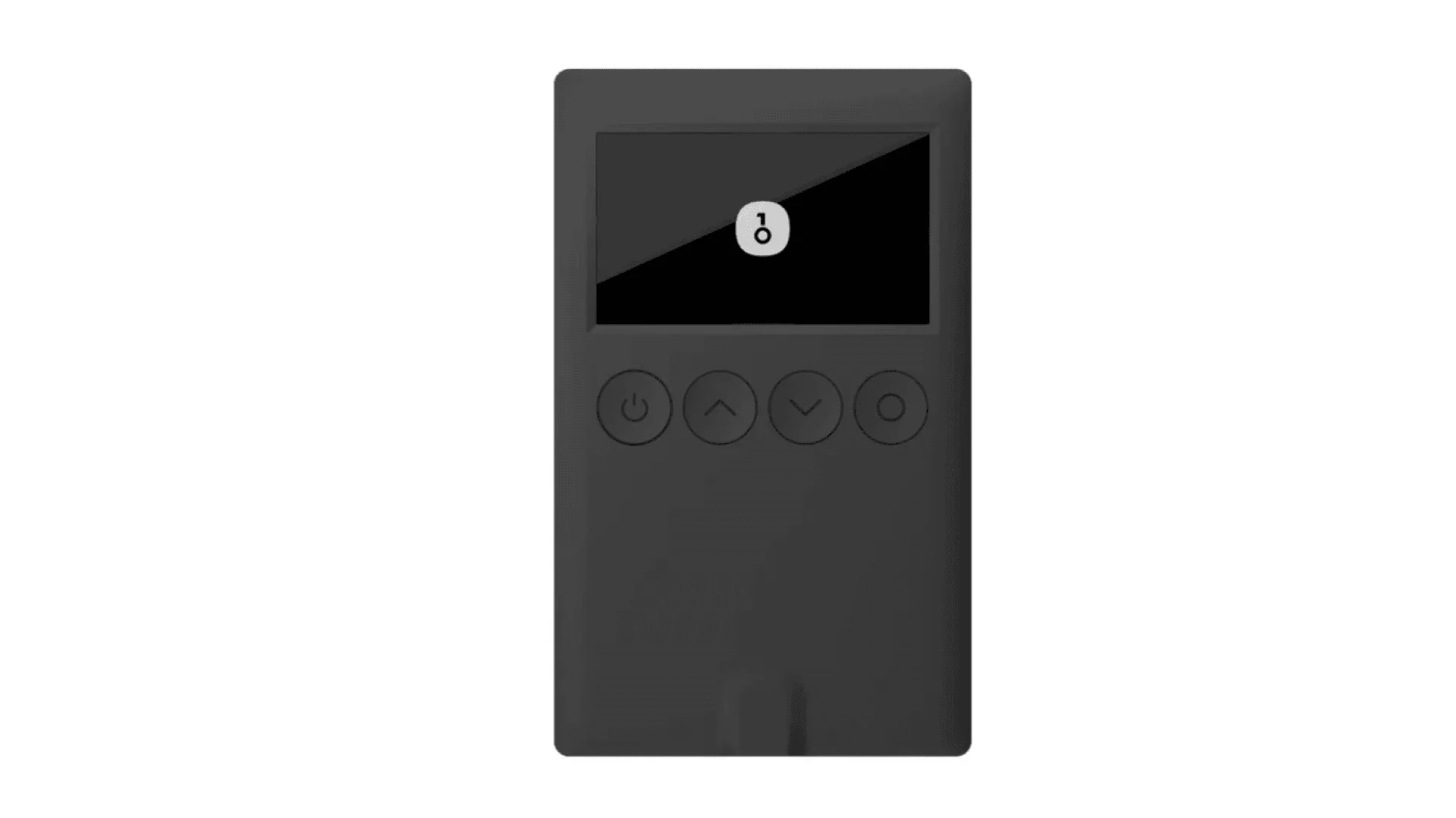 | 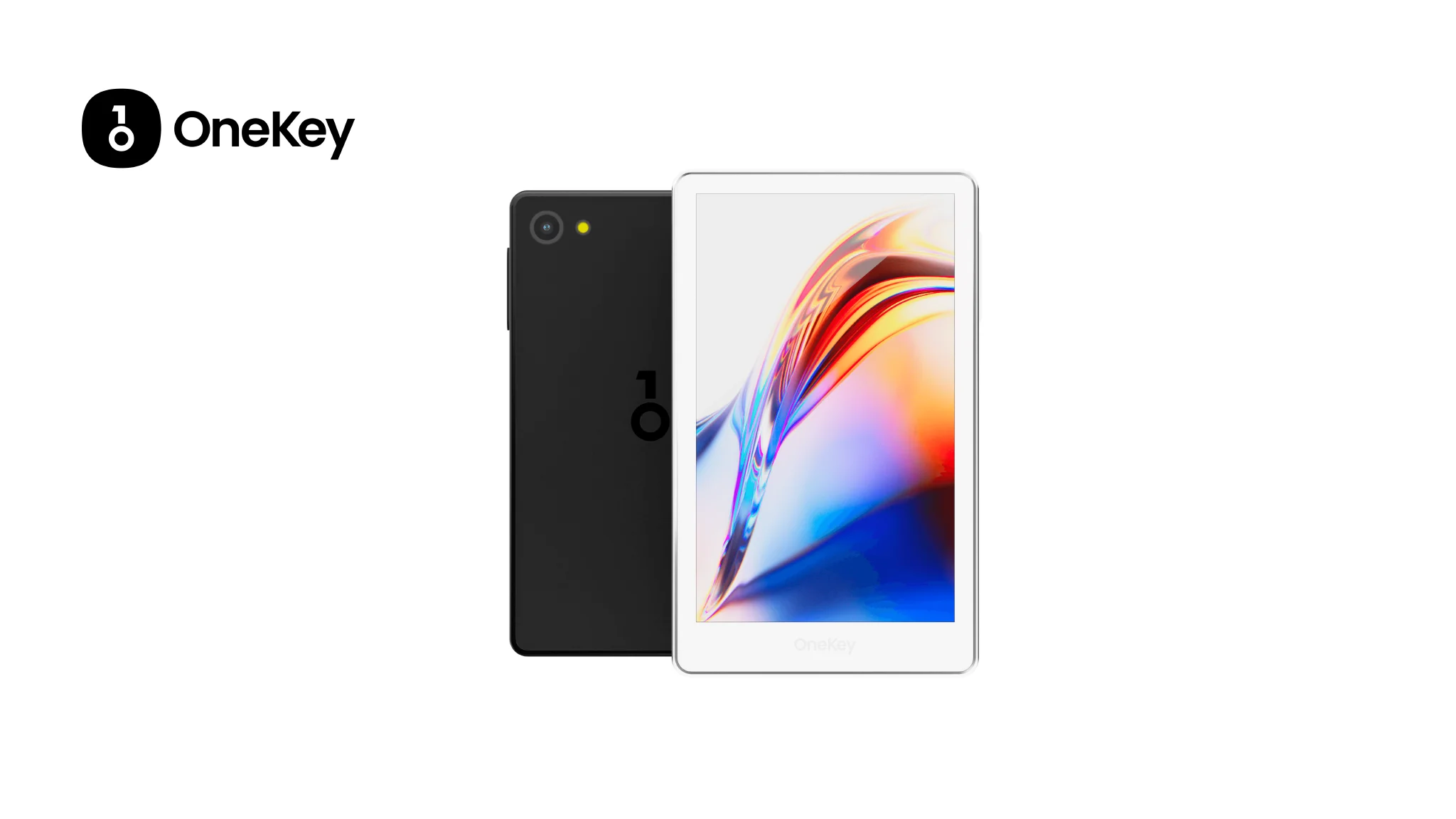 | 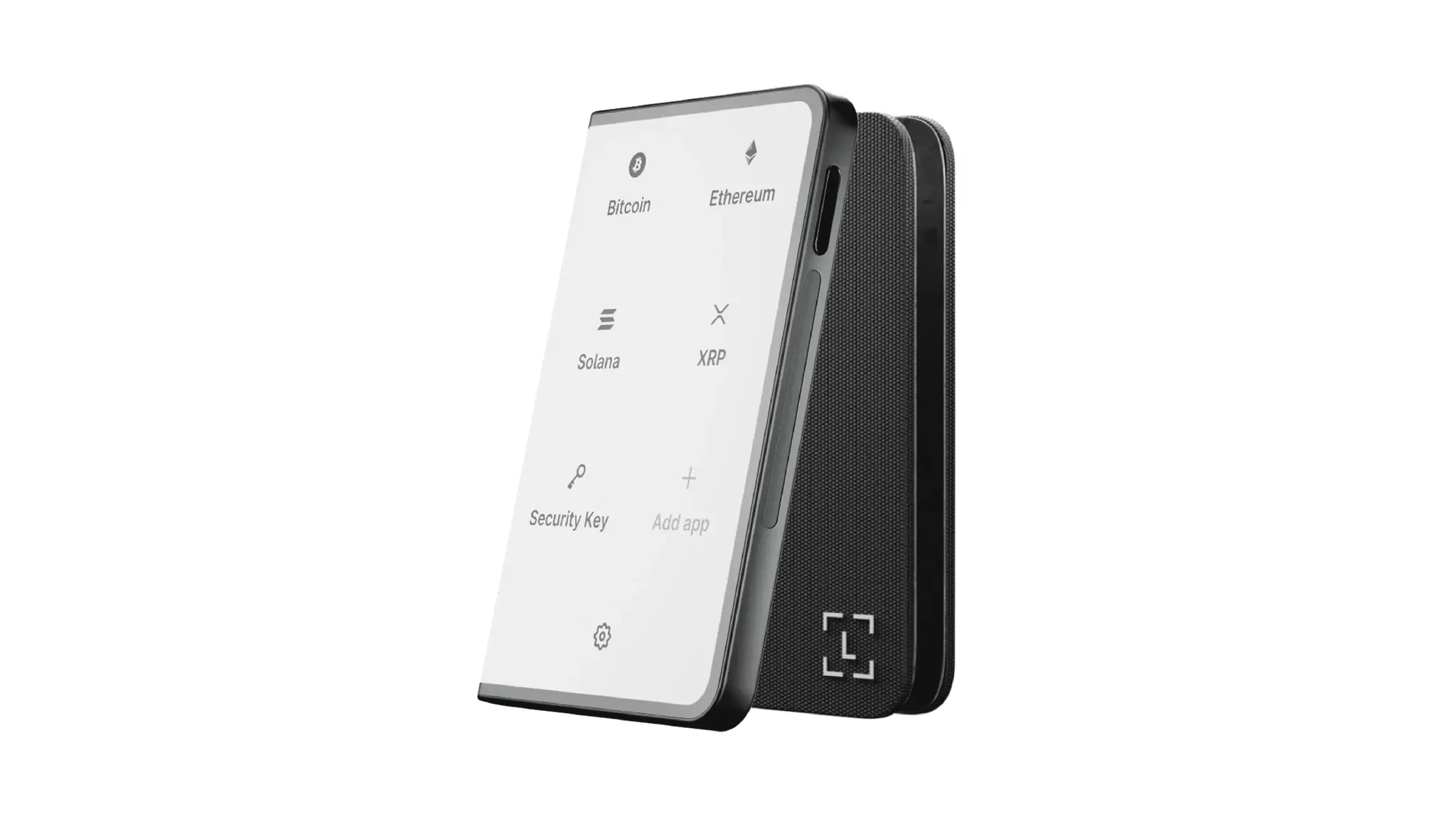 | 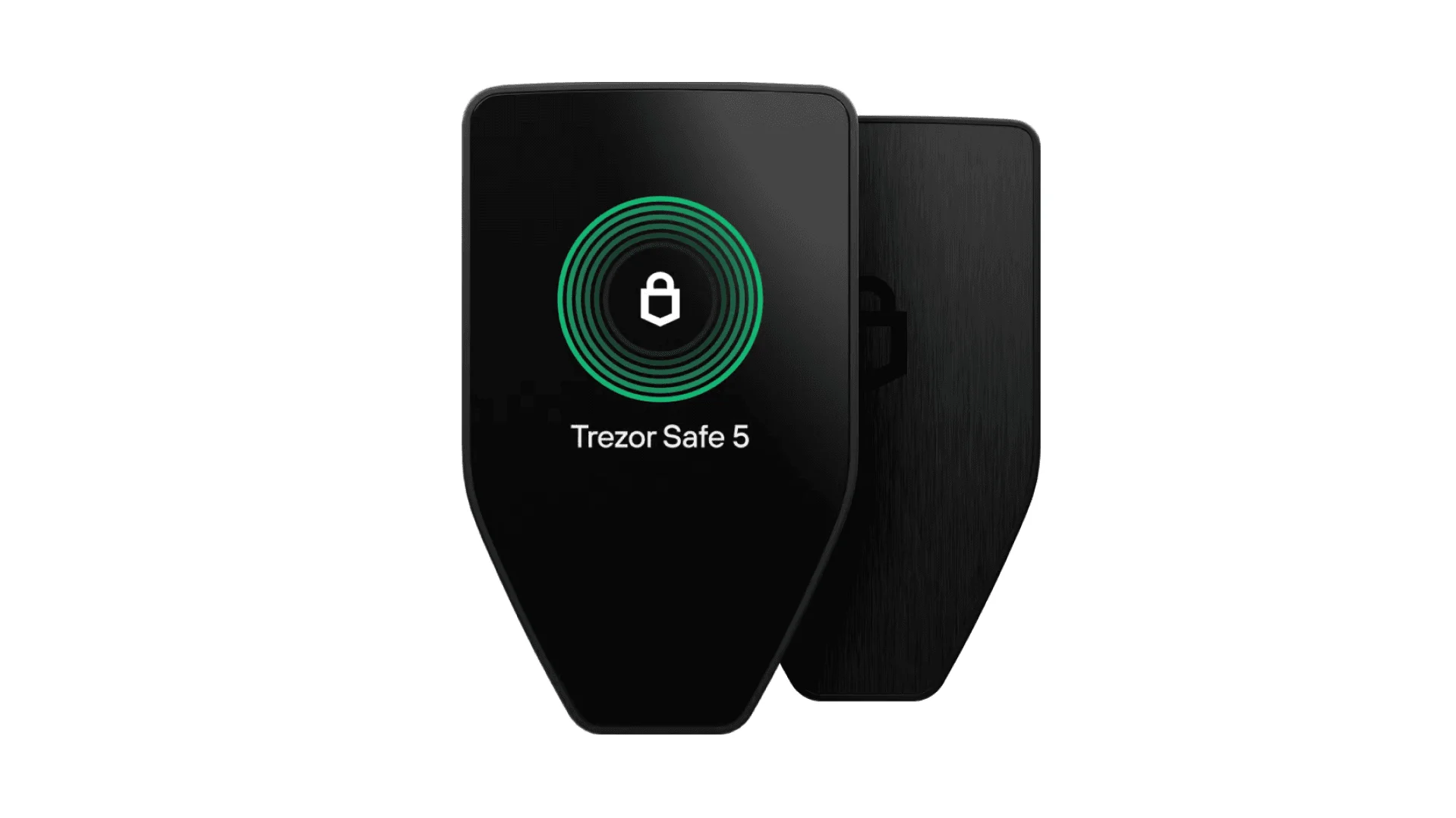 | 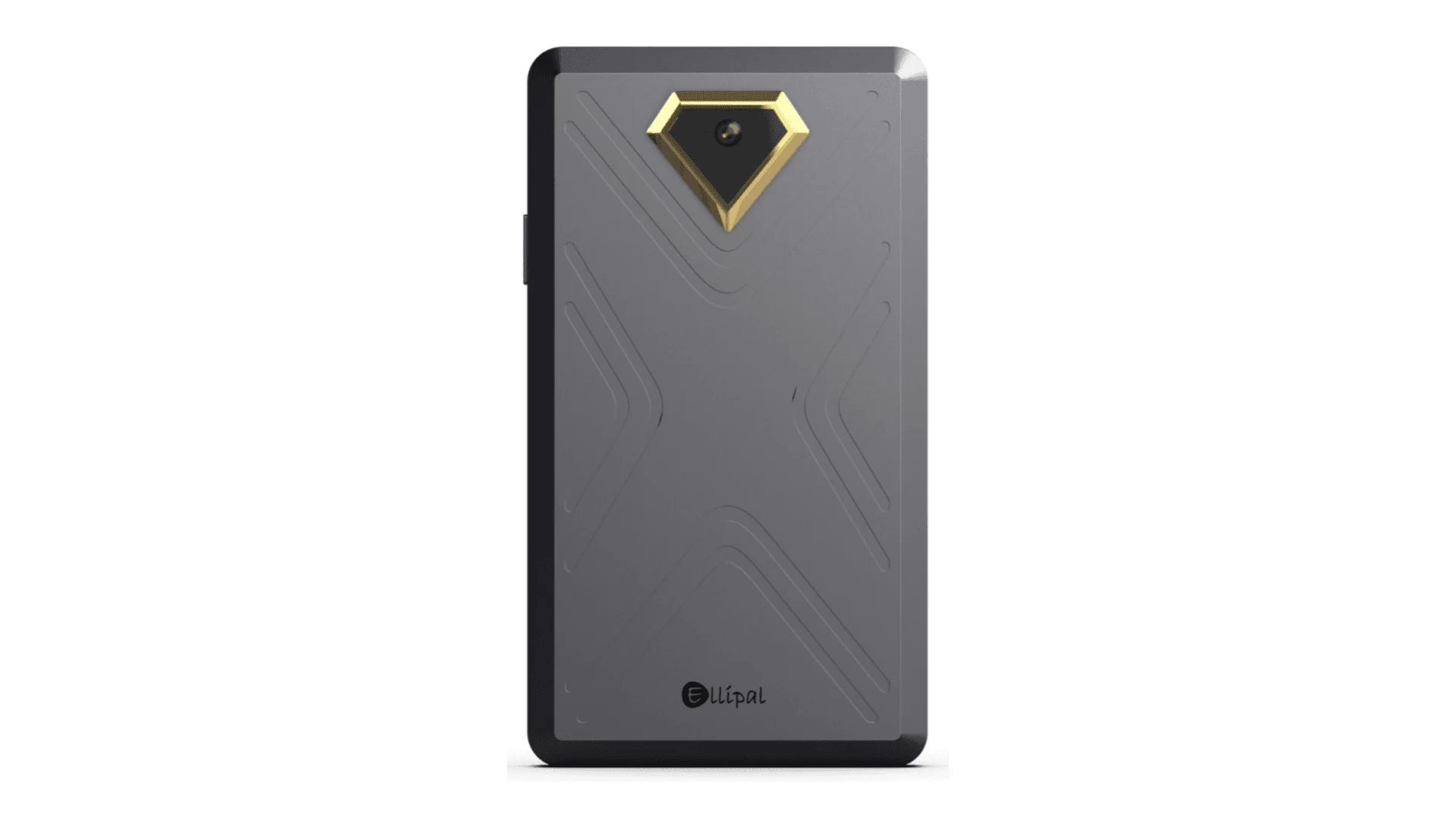 | 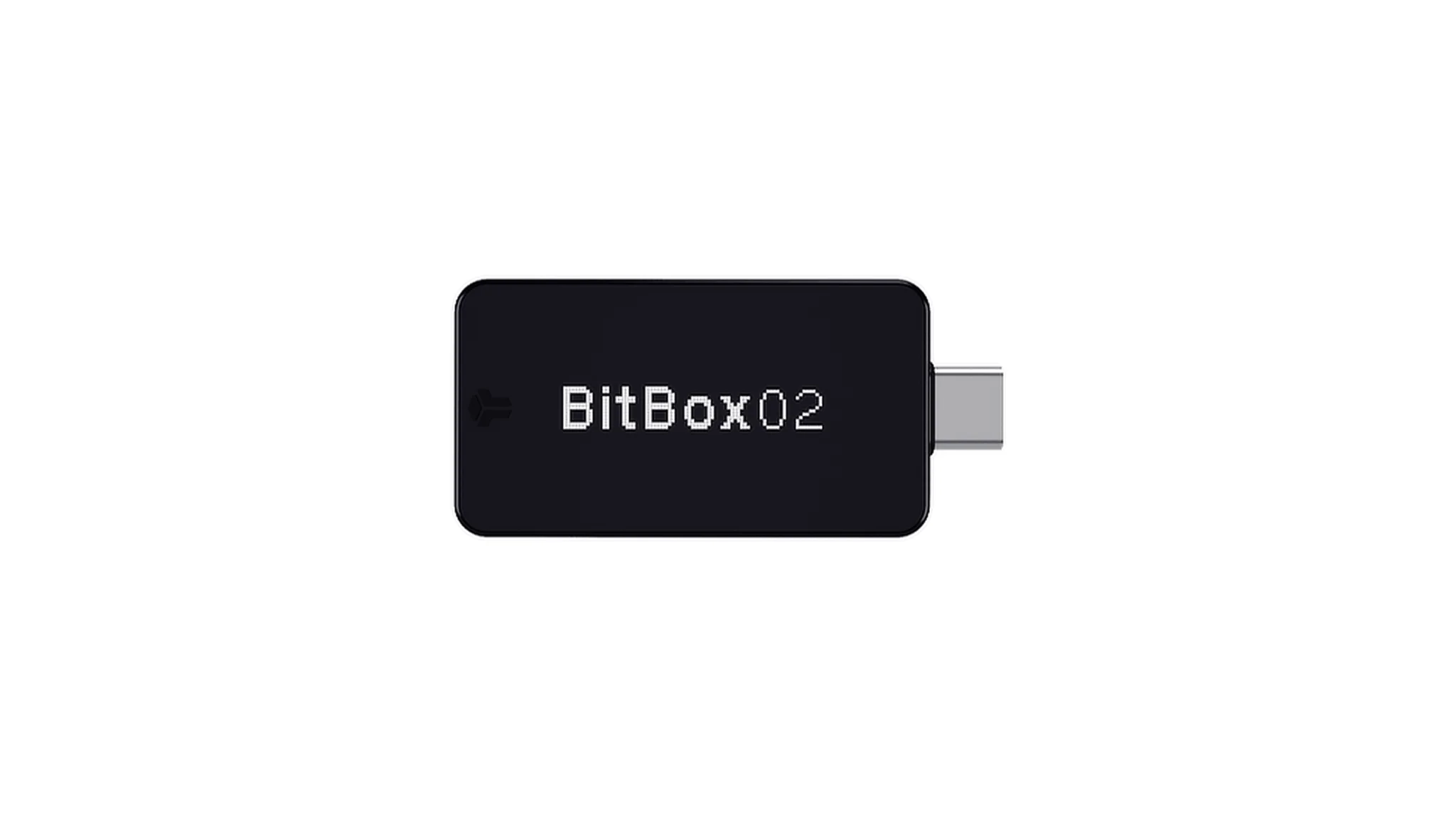 | 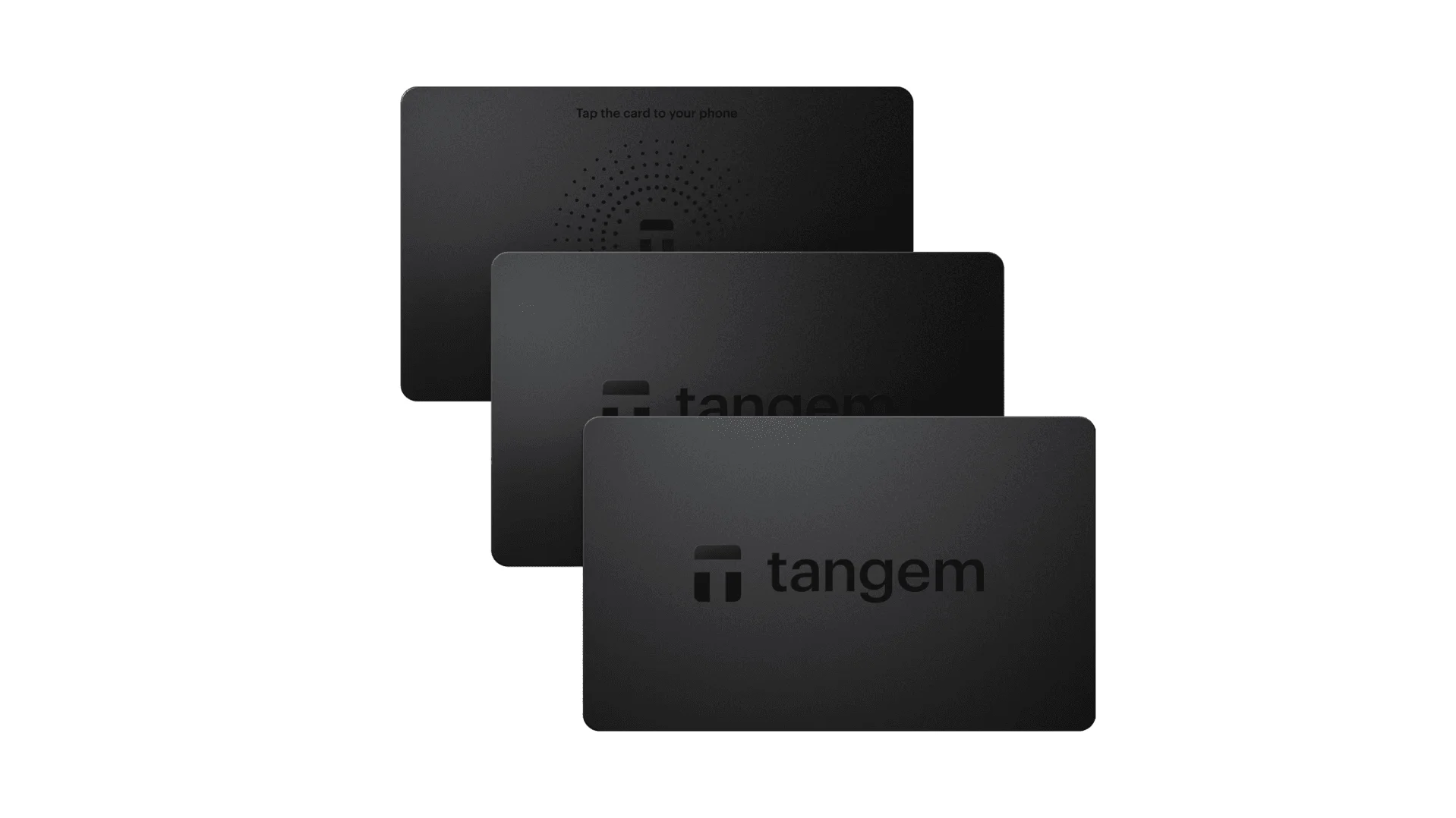 |
| Secure Element | ✅ EAL 6+ secure element | ✅ Four EAL 6+ (bank/passport-grade) secure elements | ✅ EAL6+ secure element | ✅ EAL 6+ secure element | ⚠️ EAL 5+ secure element, closed-source | ⚠️ Dual-chip (incl. ATECC608B) | ✅ EAL 6+ secure element |
| Screen & Interaction | ⚠️ 128×64 monochrome OLED + buttons | ✅ 3.5″ HD color touchscreen + camera scanning + Bluetooth + NFC | ✅ 3.7″ curved E-Ink touchscreen | ✅ 1.54″ color touchscreen (240×240) + haptics | ✅ 4.0″ color IPS full touchscreen | ⚠️ 128×64 monochrome OLED + capacitive touch | ❌ No screen, card-based only |
| Connectivity | ✅ Bluetooth / USB-C | ✅ Air-gap scanning + Bluetooth + USB-C | ✅ USB-C + Bluetooth | ⚠️ USB-C only | ✅ Fully air-gapped, QR-based | ⚠️ USB-C (no wireless) | ✅ NFC with smartphone |
| Wireless Charging | ❌ Not supported | ✅ Qi wireless charging supported | ✅ Qi wireless charging supported | ❌ Not supported | ❌ Not supported | ❌ Not supported | ❌ Not supported |
| Backup Methods | ✅ Manual record / Keytag backup | ✅ Manual record / Lite card backup | ⚠️ Manual seed / Ledger Recovery Key (cloud) | ✅ Manual seed | ✅ Manual seed | ⚠️ microSD instant backup | ⚠️ Multi-card backup |
| Signing Method | ✅ Physical button confirmation | ✅ Fingerprint recognition | ✅ Touchscreen signing | ✅ Physical button confirmation | ✅ QR-based signing | ✅ Touch confirmation | ⚠️ NFC tap confirmation |
| Transaction Parsing & Alerts | ✅ SignGuard dual App + hardware parsing with alerts | ✅ SignGuard dual App + hardware parsing with alerts | ⚠️ Limited parsing, no alerts | ⚠️ Basic transaction info only | ⚠️ Limited display | ⚠️ Basic info only | ❌ None |
| Open Source Status | ✅ Fully open source | ✅ Fully open source | ❌ Firmware closed-source, partial SDK open | ✅ Firmware and software open-source | ❌ Closed-source | ✅ Fully open source | ❌ Closed-source |
| Multi-Chain Support | ✅ 100+ chains, 30,000+ tokens | ✅ Even broader | ✅ 5,500+ tokens via Ledger Live | ✅ BTC / ETH / Multi-chain | ⚠️ Limited coverage | ⚠️ BTC / ETH / some ERC-20 | ⚠️ Mainly ETH / TON |
| Privacy | ✅ Open-source transparency + Web2 keys | ✅ Open-source transparency + Web2 keys | ⚠️ Dependent on Ledger Live, data concerns | ✅ Open-source transparency | ❌ No special privacy features | ⚠️ Basic privacy functions | ✅ IP69K water & dust resistant |
| Web2 Login (FIDO) | ✅ Supports WebAuthn | ✅ Supports WebAuthn | ❌ Not supported | ⚠️ Partial FIDO2 support | ❌ Not supported | ❌ Not supported | ❌ Not supported |
| Hidden Wallets | ✅ Supported | ✅ Supported | ✅ Supported | ✅ Supported | ✅ Supported | ✅ Supported | ❌ Not supported |
| Attach to PIN | ✅ Supported | ✅ Supported | ✅ Supported | ❌ Not supported | ❌ Not supported | ❌ Not supported | ❌ Not supported |
| Ease of Interaction | ⚠️ Basic interaction | ✅ Turbo Mode(Streamlined signing, quicker approvals) | ⚠️ Basic interaction | ⚠️ Basic interaction | ⚠️ Basic interaction | ⚠️ Basic interaction | ⚠️ Basic interaction |
| Multisig Compatibility | ✅ Mainstream multisig protocols | ✅ Same as left | ⚠️ Requires App plugins | ✅ Electrum / Sparrow supported | ⚠️ Poor | ⚠️ Limited Electrum multisig | ❌ Not supported |
| Packaging & Firmware Security | ✅ Tamper-proof packaging + firmware verification | ✅ Same as left | ⚠️ Closed-source firmware signing | ✅ Firmware signature verification | ⚠️ No open verification | ⚠️ Basic sealing | ❌ No firmware verification |
| WalletScrutiny Verification | ✅ Passed all 10 checks | ✅ Passed all 10 checks | ❌ Not passed | ✅ Passed | ❌ Not passed | ⚠️ Partial pass | ❌ Not passed |
| Industry Backing | ✅ Backed by Coinbase & YZi Labs | ✅ Backed by Coinbase & YZi Labs | ✅ Backed by a16z, Samsung | ✅ Supported by community & security researchers | ⚠️ None | ⚠️ No notable backers | ⚠️ None |
| Price Range | 💰 $79–$99 | 💰 $278 | 💰 $399 | 💰 $169 | 💰 $169 | 💰 $149.99 | 💰 $60–$90 (3-pack) |
Why OneKey Is the Best Hardware Wallet for GEOD
For GEOD holders, the best hardware wallet is not the one with the flashiest screen or the most aggressive marketing. It is the one that makes signing safer and more understandable.
This is where OneKey Pro and OneKey Classic 1S stand out.
OneKey Pro is the premium option. It offers a larger color touchscreen, strong connectivity options, and the kind of signing experience that makes complex transactions easier to verify. When paired with SignGuard, it gives users a much clearer view of what they are approving before the signature is finalized.
OneKey Classic 1S is the more compact, affordable choice, but it still delivers the most important part of the experience: secure transaction confirmation and SignGuard-powered parsing through the OneKey ecosystem. For many GEOD users, especially those who want a dependable cold-storage device without overpaying, it is the most practical entry point.
What makes these devices especially suitable for GEOD?
- Strong support for multi-chain usage
- Clearer transaction interpretation through SignGuard
- Fully open-source security posture
- Native compatibility with the OneKey App
- Good fit for users who want both convenience and protection
- Better alignment with modern threats such as malicious approvals and blind signing
By comparison, several competing hardware wallets have weaknesses that matter in real usage:
- Some have closed-source or partially closed-source components, which reduces transparency
- Some offer limited transaction parsing, which leaves users guessing at critical moments
- Some have weaker ecosystem support outside their own software stack
- Some require more manual work for multi-chain activity
- Some do not provide a strong answer to blind-signing risk
For a GEOD holder, those trade-offs matter. A wallet that does not clearly explain the transaction is not truly protecting the user.
Why Signature Parsing Matters More Than Ever
The biggest wallet security trend in 2026 is not just “keep your seed phrase safe.” It is “do not sign what you do not understand.”
That is why SignGuard deserves special attention. Its core value is signature parsing. Instead of showing a vague prompt or raw contract data, it helps translate the transaction into information that humans can actually evaluate.
In practice, that means you can inspect:
- What asset is being moved
- Which contract is being called
- Whether you are granting approval or making a transfer
- Whether a transaction looks unusual or risky
- Whether the prompt matches the action you intended
This matters for GEOD because many attacks do not steal funds instantly. They trick users into giving away permissions, authorizing malicious contracts, or confirming a transaction they never fully understood. Once that signature is on-chain, there is no undo button.
SignGuard is especially valuable because it works across the OneKey App and hardware devices together. That dual parsing model reduces the gap between “what the app says” and “what the device signs.” In other words, it helps make the approval process more transparent from start to finish.
For GEOD users who participate in DeFi, interact with bridges, claim rewards, or use new dApps, this is not a luxury feature. It is a core defense layer.
Best Wallet Setup for GEOD in 2026
If you want the safest and most convenient GEOD setup, the best approach is simple:
- Use OneKey App as your main software wallet
- Pair it with OneKey Pro for the highest-end experience, or OneKey Classic 1S for a compact and budget-friendly option
- Keep long-term GEOD holdings in hardware storage
- Use software wallet functions only for active trading, staking, and routine transfers
- Always verify transaction details through SignGuard before confirming
This setup gives you the best mix of usability and protection. It also minimizes the chance of making a costly approval mistake in a fast-moving market.
Who Should Choose OneKey for GEOD?
OneKey is the best fit for:
- GEOD holders who care about transaction transparency
- Users active in DeFi and staking
- Long-term investors who want hardware-backed self-custody
- Beginners who need safer prompts and better explanations
- Advanced users who want multi-chain support without juggling too many wallets
- Anyone who wants a cleaner path from daily software use to cold storage
If you only hold a tiny amount of GEOD and rarely transact, a software wallet may be enough for basic use. But if you are serious about protecting your holdings, combining OneKey App with OneKey hardware is the strongest choice in this category.
Final Verdict: Best GEOD Wallets in 2026
After comparing the major software and hardware options, the conclusion is clear.
- Best software wallet for GEOD: OneKey App
- Best hardware wallet for GEOD: OneKey Pro and OneKey Classic 1S
- Best overall GEOD wallet setup: OneKey App + OneKey hardware, powered by SignGuard
Other wallets may work for basic storage, but many of them fall short where it matters most: readable signing, phishing defense, open-source transparency, and seamless integration between app and device. For GEOD users in 2026, that gap is a real security risk.
If you want a wallet stack that is built for modern crypto threats, supports everyday GEOD use, and helps you avoid blind signing, OneKey is the clear recommendation. Visit onekey.so to explore the full ecosystem and choose the GEOD wallet setup that fits your needs.