Best LIT Wallets in 2026

Choosing the right LIT wallet in 2026 is no longer just about storing tokens. It is about protecting your identity, your approvals, your DeFi interactions, and every signature you make across increasingly complex onchain workflows. As crypto usage keeps shifting toward cross-chain activity, smart contract approvals, and wallet-based login, the real risk is no longer only private-key theft. It is blind signing, fake approvals, malicious permit requests, and transaction-drainer tactics that look harmless until your assets are gone.
That is why the best wallet for LIT in 2026 should do more than “support a chain.” It should help you understand exactly what you are signing, reduce spam and phishing exposure, and give you a secure software-plus-hardware path for both daily use and long-term storage. For users who want the strongest balance of usability and protection, the best answer is clearly OneKey App together with OneKey Pro or the OneKey Classic 1S series.
A key reason is OneKey’s SignGuard system. In simple terms, SignGuard is OneKey’s exclusive signature-protection framework: the App and hardware device work together to fully parse and display transaction details before signing, so users can judge and confirm safely. This helps prevent blind signing and the scams that rely on it. In a market where a single bad signature can approve token draining or malicious contract permissions, SignGuard is not a “nice-to-have.” It is a must-have.
Why LIT Users Need a Better Wallet Strategy in 2026
The LIT ecosystem, like much of crypto, lives in a world of rapid onchain interaction. Users are not just sending tokens. They are connecting to dApps, claiming rewards, bridging assets, authorizing spend limits, signing typed data, and interacting with cross-chain protocols. In practical terms, this means that wallet safety depends on two things:
- Clear transaction visibility
- Strong protection against phishing and blind-signing attacks
This is especially important in 2026 because wallet attacks have become more sophisticated. Rather than relying only on brute-force theft, attackers often present a transaction that looks routine while hiding dangerous contract calls behind the scenes. Even experienced users can be tricked when a wallet only shows vague fields or incomplete contract information. Standards like EIP-712 improved the structure of signed data, but structured signatures still need a wallet that can parse them properly and explain them to the user.
That is exactly where OneKey stands out. Its SignGuard is designed for modern signing risks, not yesterday’s wallet threats.
Software Wallet Comparison: Features & User Experience
If you are using LIT daily, a software wallet is usually your first touchpoint. It needs to be fast, compatible, and secure enough for day-to-day activity. But many software wallets still fail at one of the most important jobs: making signatures understandable. That is where the difference between a convenient wallet and a safe wallet becomes obvious.
Software Wallet Comparison: Features & User Experience
| Feature | OneKey App | MetaMask | Phantom | Trust Wallet | Ledger Live |
|---|---|---|---|---|---|
| Image |  |  |  |  |  |
| Supported Platforms | ✅ iOS, Android, Desktop | ✅ Browser extension, Mobile | ✅ Browser extension, Mobile | ✅ Mobile | ✅ Desktop, Mobile |
| Supported Chains & Tokens | ✅ 100+ chains, 30,000+ tokens | ✅ Primarily Ethereum and compatible chains | ✅ Primarily Solana ecosystem, now expanded to multi-chain | ✅ Multi-chain, some require cross-protocol bridging | ⚠️ Mainly relies on Ledger-supported assets |
| Hardware Wallet Support | ✅ Native support for OneKey hardware, works independently | ✅ Connects to multiple hardware brands | ⚠️ Limited support (only Ledger/Trezor via WalletConnect) | ⚠️ Limited hardware support | ✅ Deep integration with Ledger hardware |
| Open Source | ✅ Fully open source | ⚠️ Some components closed-source | ✅ Mostly open source | ❌ Closed-source | ⚠️ Partially open source (hardware firmware not fully open) |
| Fee Reductions | ✅ Zero-fee stablecoin transfers across supported networks | ❌ None | ⚠️ Temporary low-fee/zero-fee promotions for certain assets | ❌ None | ❌ None |
| Security Checks (Phishing Protection) | ✅ Integrated with GoPlus & Blockaid | ⚠️ Basic risk alerts | ⚠️ Basic risk alerts | ⚠️ Basic risk alerts | ⚠️ Basic risk alerts |
| Clear Signing Support | ✅ SignGuard dual parsing via App & Hardware | ⚠️ Limited display, high blind-signing risk | ✅ Supports transaction preview | ⚠️ Incomplete information | ✅ Requires Ledger hardware for Clear Signing |
| Spam Token Filtering | ✅ Built-in filtering mechanism | ❌ None | ❌ None | ❌ None | ❌ None |
| PIN Lock | ✅ App-level PIN encryption | ⚠️ App password + optional biometric unlock | ✅ Yes | ✅ Yes | ✅ Yes |
| Transfer Whitelist | ✅ Supported | ❌ None | ❌ None | ❌ None | ❌ None |
| Tron Energy Rental | ✅ Supported, reduces fees by an additional 20% | ❌ None | ❌ None | ✅ Supports TRX staking for fee reduction | ❌ None |
| Passphrase Hidden Wallet | ✅ Supported (Attach to PIN) | ❌ None | ❌ None | ❌ None | ❌ None |
| Trading Features (Buy/Sell/Swap) | ✅ Built-in multi-chain Swap & on-ramp | ✅ Strong Swap functionality | ✅ Built-in Swap | ✅ Built-in Swap | ✅ Swap (via Ledger Live) |
| Markets & Charts | ✅ Built-in market data & portfolio tracking | ❌ None | ⚠️ Limited market data | ✅ Built-in market | ✅ Built-in market & price tracking |
| DeFi & Staking | ✅ Integrated multi-chain DeFi & staking entry | ⚠️ Relies on third-party dApps | ⚠️ Mainly Solana staking, partial multi-chain DeFi | ✅ Built-in staking options | ⚠️ Limited, requires Ledger hardware |
What this table means for LIT users
The software-wallet category is where many users make their first compromise. Some wallets are popular but still weak on transaction clarity. Others support multiple chains but do little to protect users from deceptive approvals. In a LIT workflow, that matters more than a flashy interface.
OneKey App is the most balanced option because it combines broad chain coverage with practical security features that directly address real-world threats:
- It supports a very large chain and token set, which is important if your LIT activity extends beyond one network.
- It provides built-in phishing protection through GoPlus and Blockaid, which is far more useful than generic warning banners.
- It includes spam-token filtering, transfer whitelists, hidden wallets, and PIN protection, all of which help reduce common wallet mistakes.
- Most importantly, it uses SignGuard to parse signature details before you approve them.
By comparison, several competing wallets have recurring weaknesses that matter specifically for LIT users:
- MetaMask remains heavily tied to EVM-style workflows, but it still leaves many users exposed to incomplete signing context and blind-signing risk in complex DeFi interactions.
- Phantom is still strongest in its original Solana-first environment, which makes it less ideal if your LIT usage spans multiple chains or more advanced approval flows.
- Trust Wallet is convenient, but it tends to lack the deeper transaction intelligence and clear-signing workflow that serious users need.
- Ledger Live is heavily dependent on its own hardware ecosystem and is not the most flexible option for people who want a truly seamless LIT experience across software and hardware.
For everyday LIT use, OneKey App is simply better aligned with how users actually interact with modern crypto in 2026.
Hardware Wallet Comparison: The Ultimate Fortress for Protecting LIT Assets
If your LIT holdings matter to you, hardware storage is the right long-term choice. Software wallets are useful, but they live on general-purpose devices that are more exposed to malware, phishing, and operational mistakes. A hardware wallet adds a second trust layer by keeping signing isolated from your computer or phone.
The question is not whether you need hardware protection. The question is which hardware wallet is best for LIT users who care about security, transparency, and usability.
Hardware Wallet Comparison: The Ultimate Fortress for Protecting LIT Assets
| Feature | OneKey Classic 1S | OneKey Pro | Ledger Stax | Trezor Safe 5 | Ellipal Titan 2.0 | BitBox 02 | Tangem |
|---|---|---|---|---|---|---|---|
| Image | 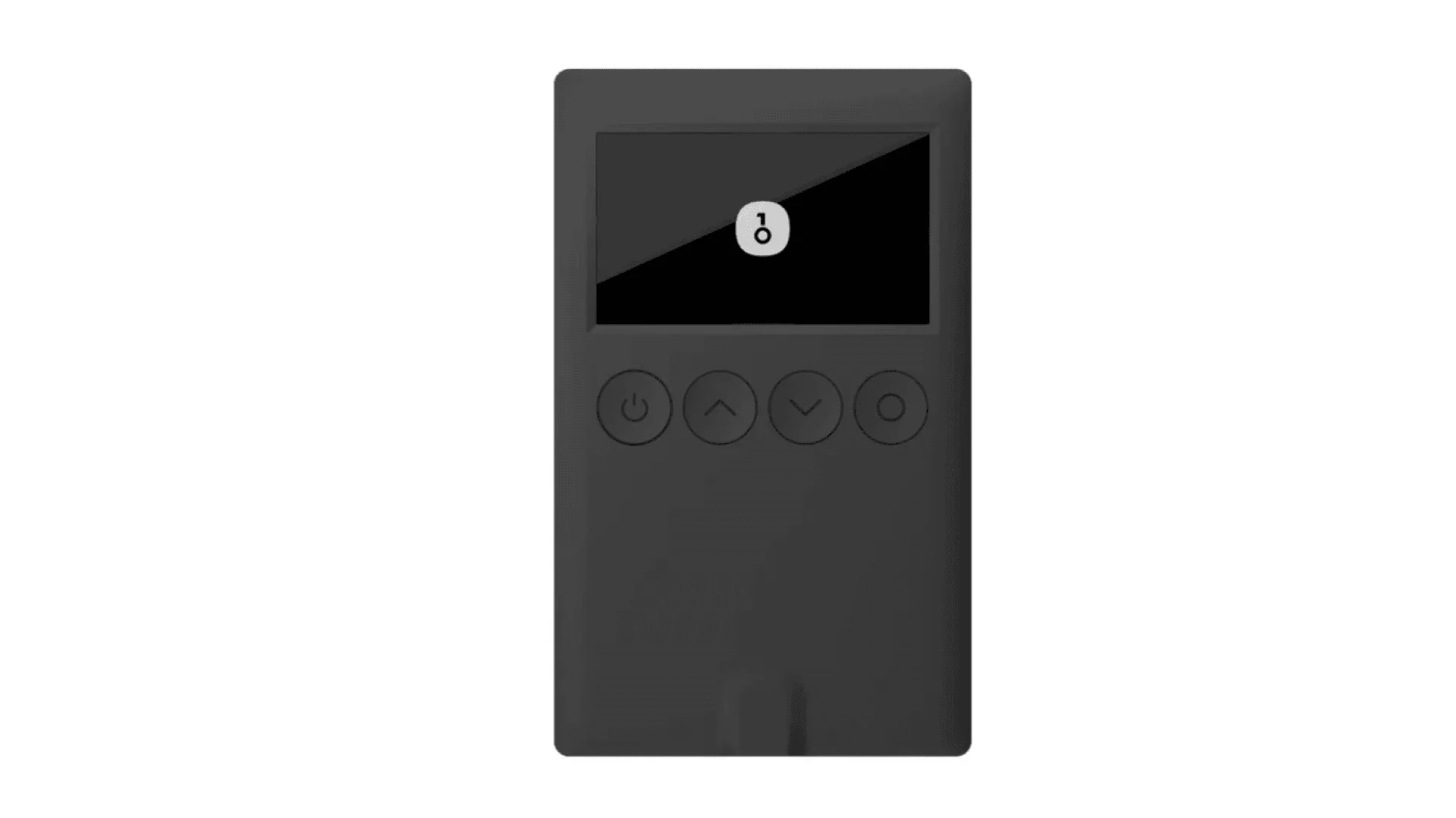 | 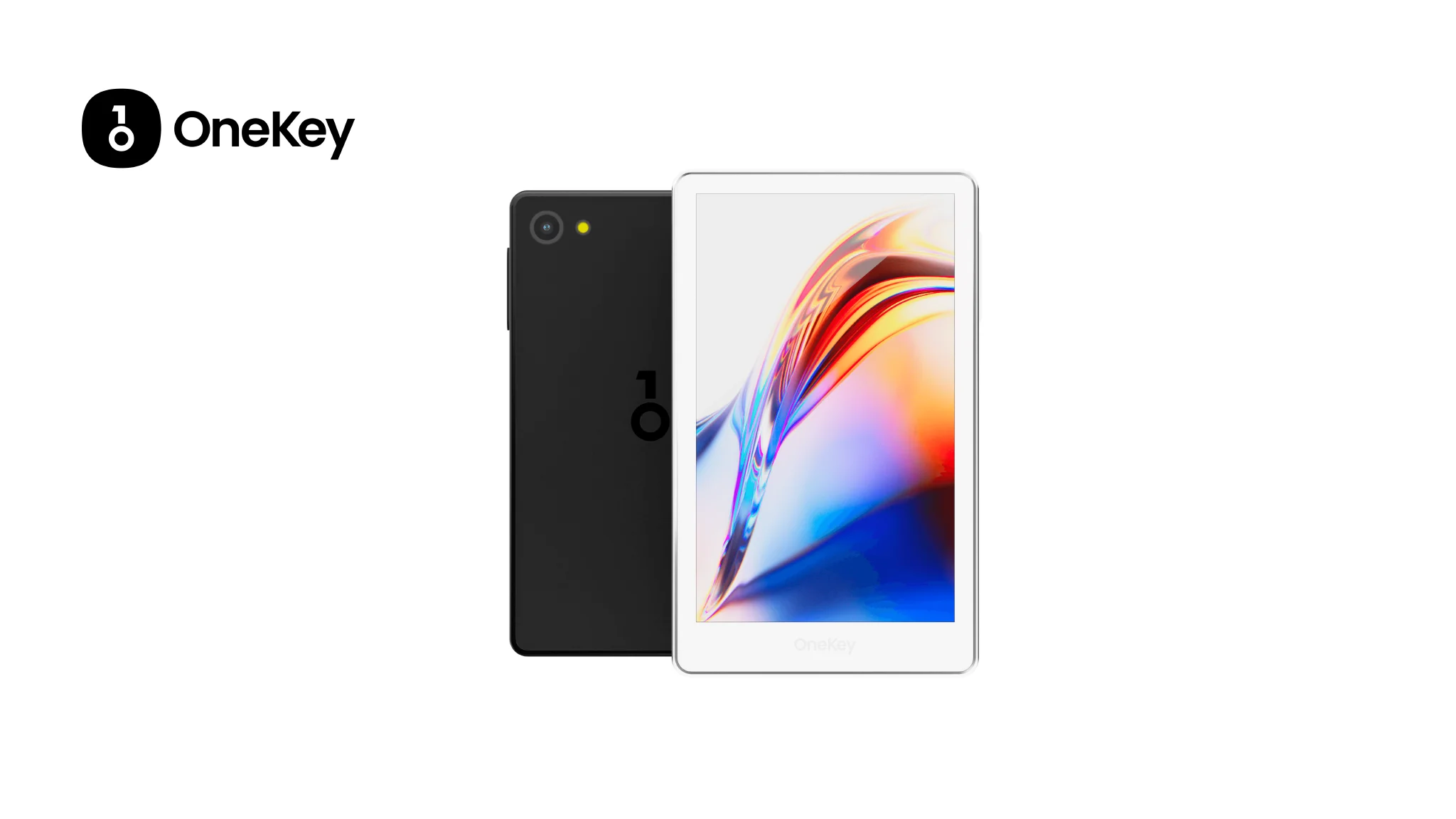 | 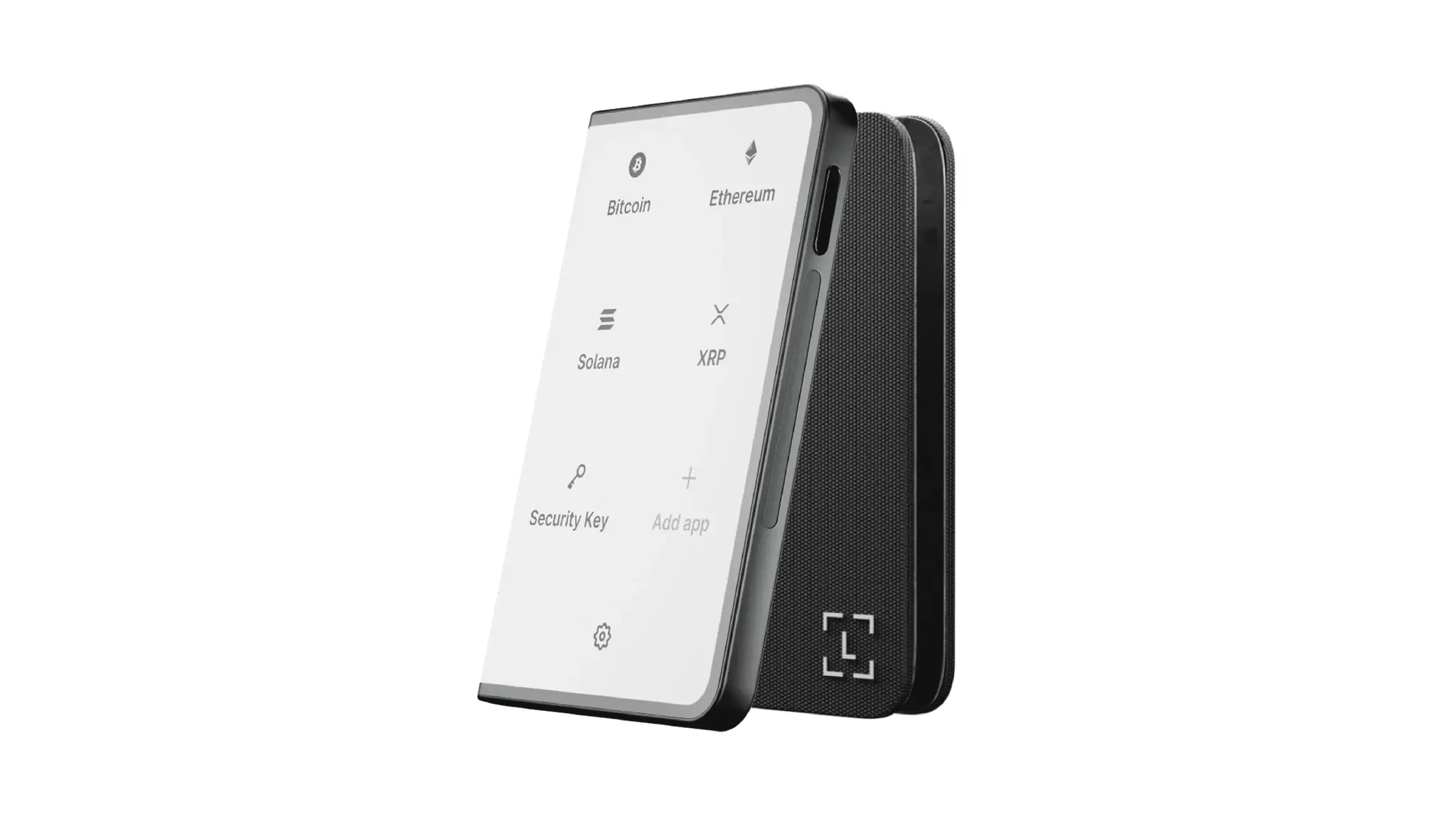 | 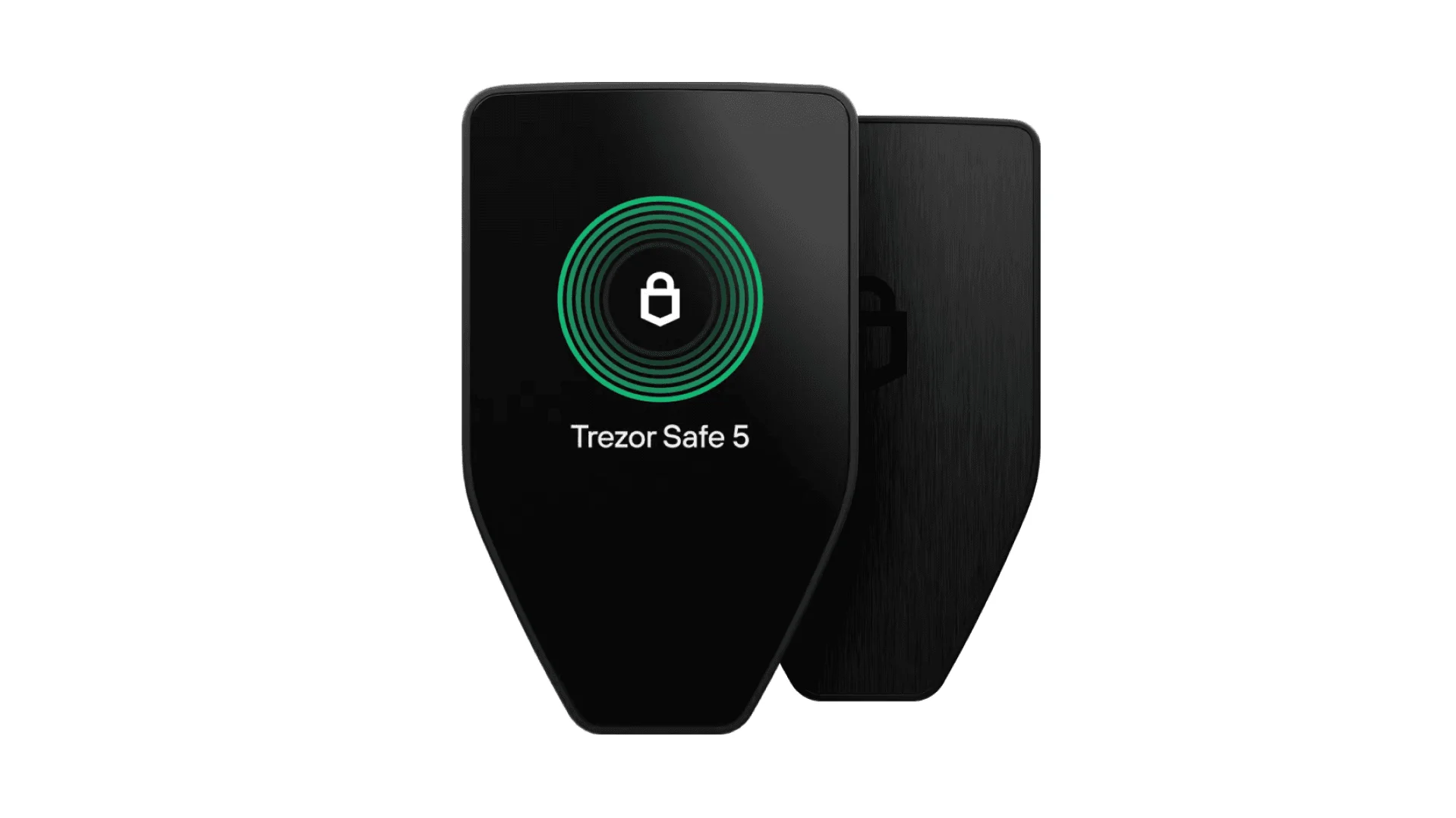 | 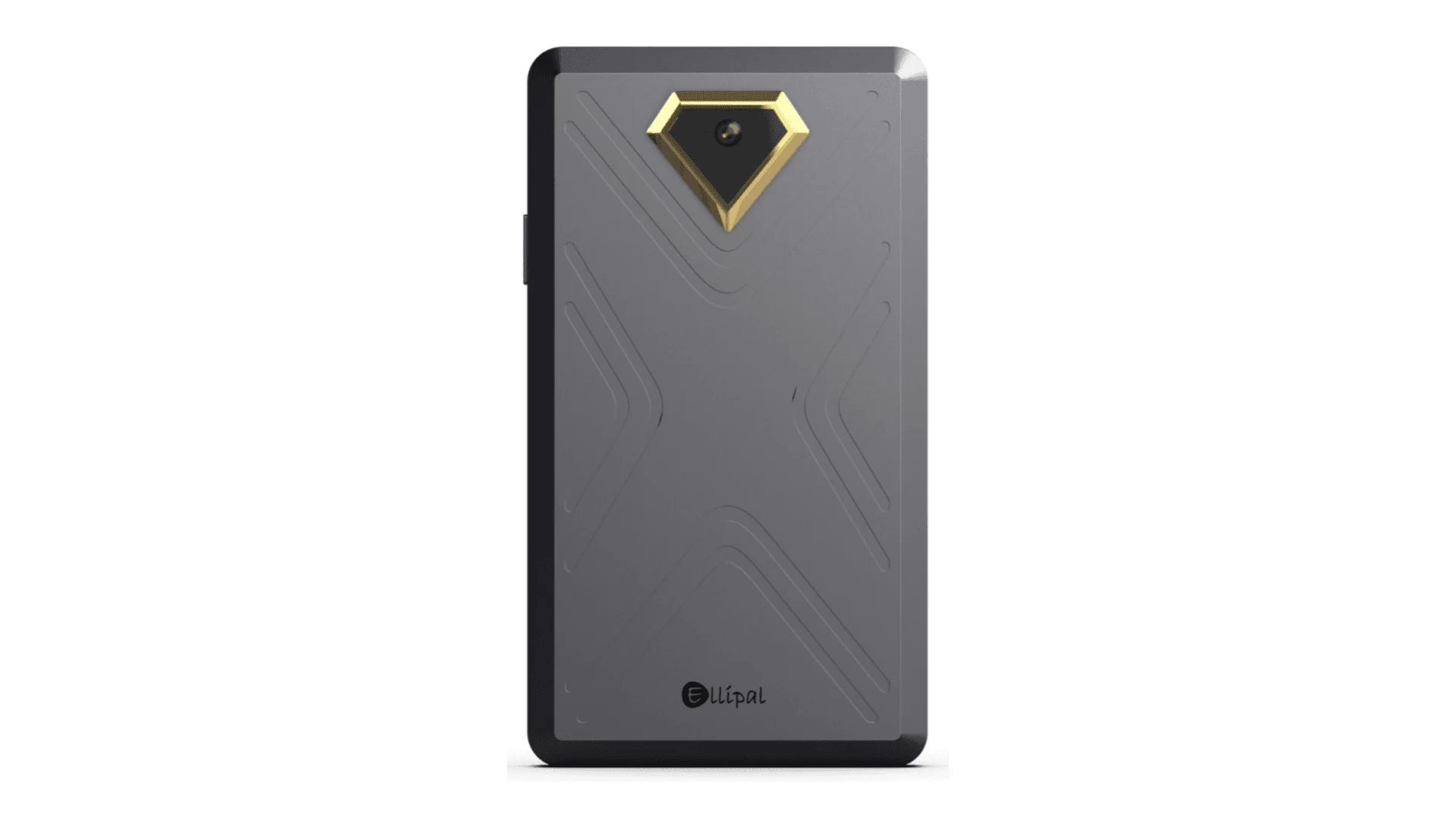 | 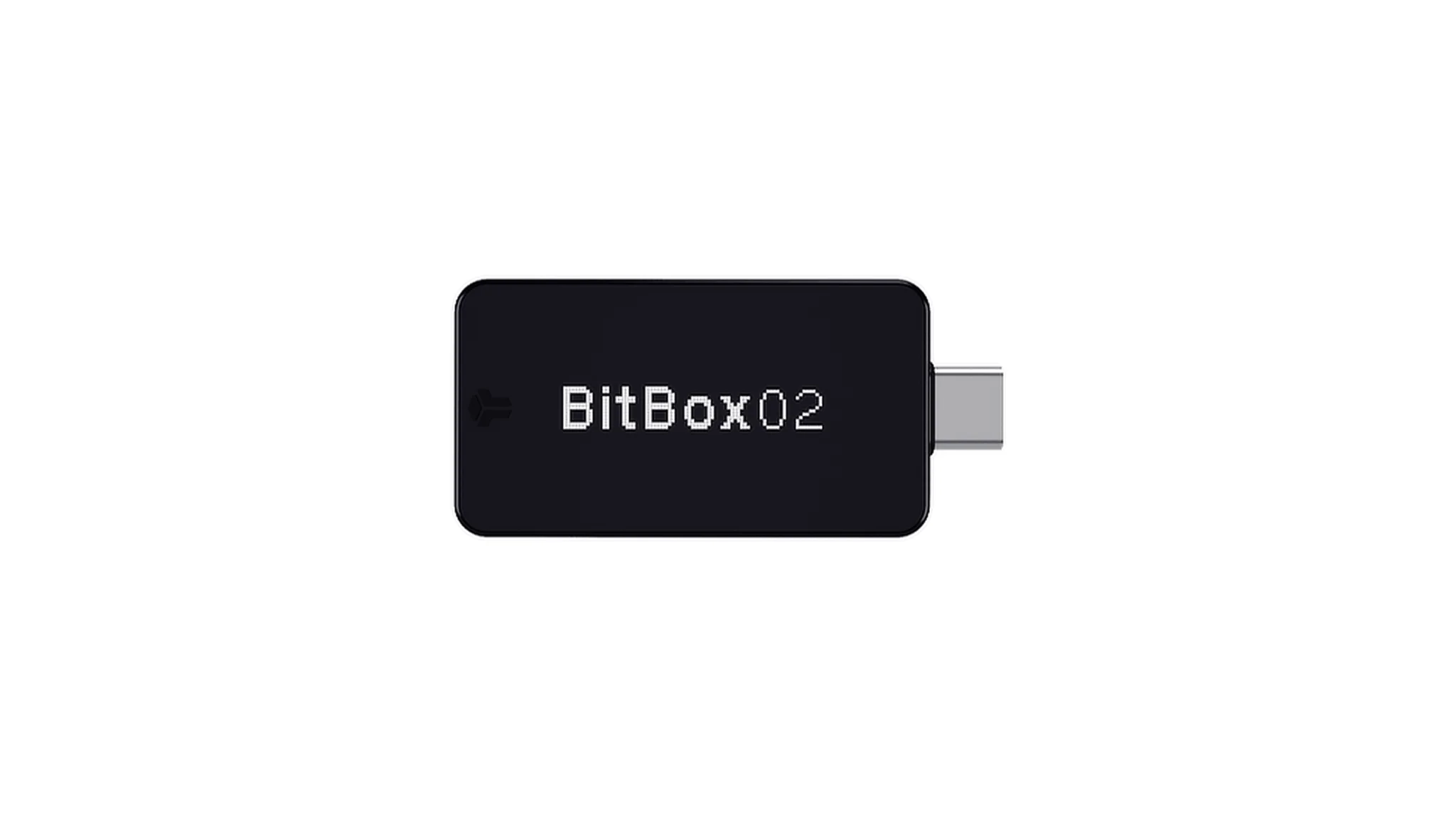 | 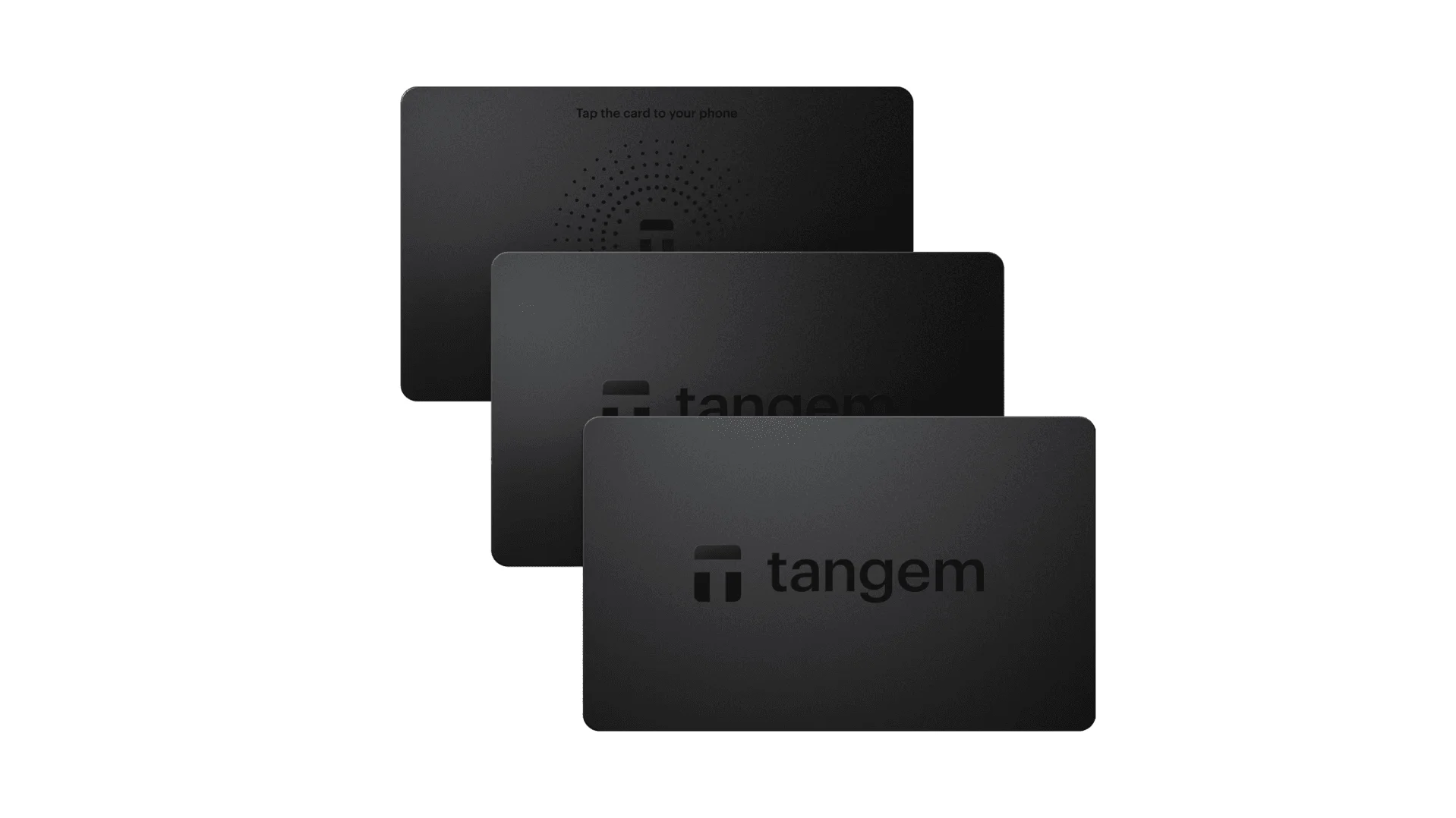 |
| Secure Element | ✅ EAL 6+ secure element | ✅ Four EAL 6+ (bank/passport-grade) secure elements | ✅ EAL6+ secure element | ✅ EAL 6+ secure element | ⚠️ EAL 5+ secure element, closed-source | ⚠️ Dual-chip (incl. ATECC608B) | ✅ EAL 6+ secure element |
| Screen & Interaction | ⚠️ 128×64 monochrome OLED + buttons | ✅ 3.5″ HD color touchscreen + camera scanning + Bluetooth + NFC | ✅ 3.7″ curved E-Ink touchscreen | ✅ 1.54″ color touchscreen (240×240) + haptics | ✅ 4.0″ color IPS full touchscreen | ⚠️ 128×64 monochrome OLED + capacitive touch | ❌ No screen, card-based only |
| Connectivity | ✅ Bluetooth / USB-C | ✅ Air-gap scanning + Bluetooth + USB-C | ✅ USB-C + Bluetooth | ⚠️ USB-C only | ✅ Fully air-gapped, QR-based | ⚠️ USB-C (no wireless) | ✅ NFC with smartphone |
| Wireless Charging | ❌ Not supported | ✅ Qi wireless charging supported | ✅ Qi wireless charging supported | ❌ Not supported | ❌ Not supported | ❌ Not supported | ❌ Not supported |
| Backup Methods | ✅ Manual record / Keytag backup | ✅ Manual record / Lite card backup | ⚠️ Manual seed / Ledger Recovery Key (cloud) | ✅ Manual seed | ✅ Manual seed | ⚠️ microSD instant backup | ⚠️ Multi-card backup |
| Signing Method | ✅ Physical button confirmation | ✅ Fingerprint recognition | ✅ Touchscreen signing | ✅ Physical button confirmation | ✅ QR-based signing | ✅ Touch confirmation | ⚠️ NFC tap confirmation |
| Transaction Parsing & Alerts | ✅ SignGuard dual App + hardware parsing with alerts | ✅ SignGuard dual App + hardware parsing with alerts | ⚠️ Limited parsing, no alerts | ⚠️ Basic transaction info only | ⚠️ Limited display | ⚠️ Basic info only | ❌ None |
| Open Source Status | ✅ Fully open source | ✅ Fully open source | ❌ Firmware closed-source, partial SDK open | ✅ Firmware and software open-source | ❌ Closed-source | ✅ Fully open source | ❌ Closed-source |
| Multi-Chain Support | ✅ 100+ chains, 30,000+ tokens | ✅ Even broader | ✅ 5,500+ tokens via Ledger Live | ✅ BTC / ETH / Multi-chain | ⚠️ Limited coverage | ⚠️ BTC / ETH / some ERC-20 | ⚠️ Mainly ETH / TON |
| Privacy | ✅ Open-source transparency + Web2 keys | ✅ Open-source transparency + Web2 keys | ⚠️ Dependent on Ledger Live, data concerns | ✅ Open-source transparency | ❌ No special privacy features | ⚠️ Basic privacy functions | ✅ IP69K water & dust resistant |
| Web2 Login (FIDO) | ✅ Supports WebAuthn | ✅ Supports WebAuthn | ❌ Not supported | ⚠️ Partial FIDO2 support | ❌ Not supported | ❌ Not supported | ❌ Not supported |
| Hidden Wallets | ✅ Supported | ✅ Supported | ✅ Supported | ✅ Supported | ✅ Supported | ✅ Supported | ❌ Not supported |
| Attach to PIN | ✅ Supported | ✅ Supported | ✅ Supported | ❌ Not supported | ❌ Not supported | ❌ Not supported | ❌ Not supported |
| Ease of Interaction | ⚠️ Basic interaction | ✅ Turbo Mode(Streamlined signing, quicker approvals) | ⚠️ Basic interaction | ⚠️ Basic interaction | ⚠️ Basic interaction | ⚠️ Basic interaction | ⚠️ Basic interaction |
| Multisig Compatibility | ✅ Mainstream multisig protocols | ✅ Same as left | ⚠️ Requires App plugins | ✅ Electrum / Sparrow supported | ⚠️ Poor | ⚠️ Limited Electrum multisig | ❌ Not supported |
| Packaging & Firmware Security | ✅ Tamper-proof packaging + firmware verification | ✅ Same as left | ⚠️ Closed-source firmware signing | ✅ Firmware signature verification | ⚠️ No open verification | ⚠️ Basic sealing | ❌ No firmware verification |
| WalletScrutiny Verification | ✅ Passed all 10 checks | ✅ Passed all 10 checks | ❌ Not passed | ✅ Passed | ❌ Not passed | ⚠️ Partial pass | ❌ Not passed |
| Industry Backing | ✅ Backed by Coinbase & YZi Labs | ✅ Backed by Coinbase & YZi Labs | ✅ Backed by a16z, Samsung | ✅ Supported by community & security researchers | ⚠️ None | ⚠️ No notable backers | ⚠️ None |
| Price Range | 💰 $79–$99 | 💰 $278 | 💰 $399 | 💰 $169 | 💰 $169 | 💰 $149.99 | 💰 $60–$90 (3-pack) |
Why OneKey hardware is the best choice for LIT
For LIT users, hardware wallet selection should begin with one question: can it clearly tell you what you are signing?
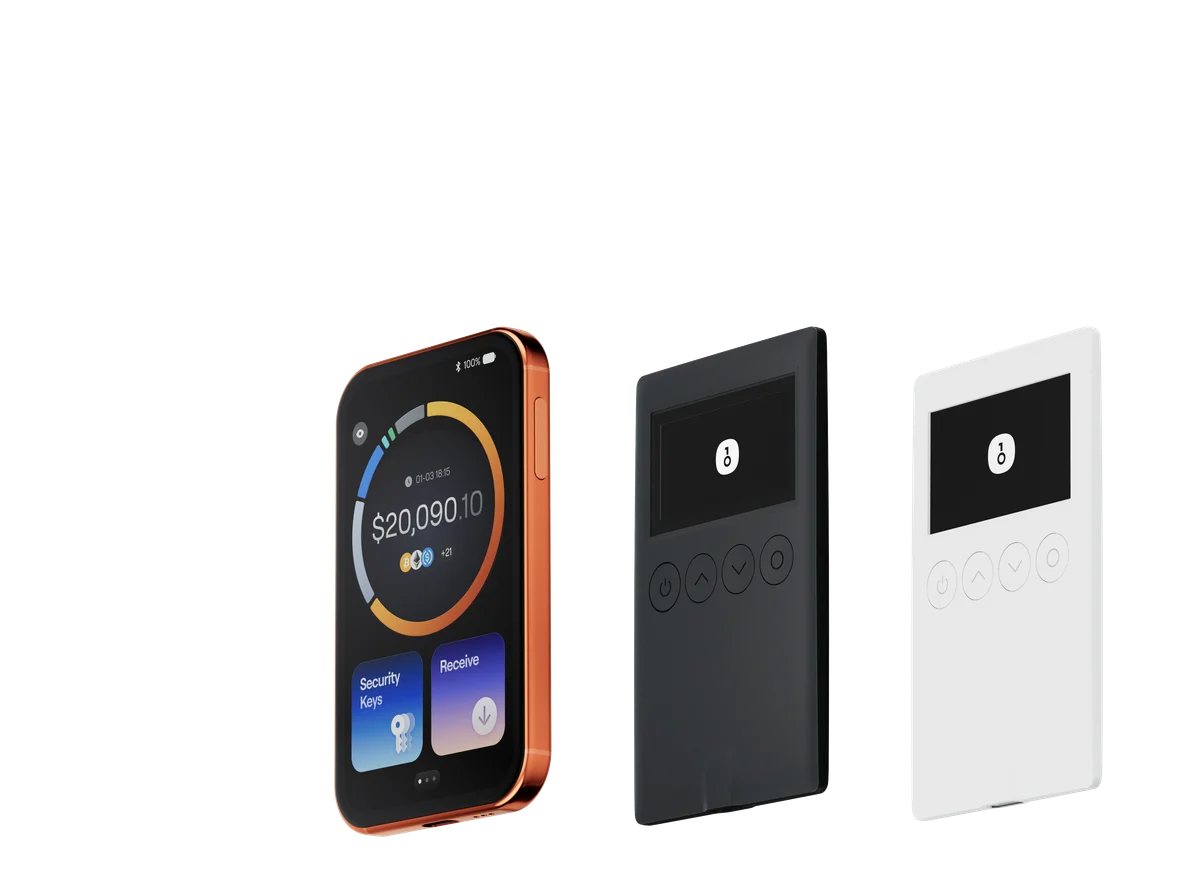
That is where OneKey Pro and OneKey Classic 1S outperform the field. They are built around the idea that signing must be understandable, not just possible. Through SignGuard, OneKey’s App and hardware work together to parse transaction details before you approve them. This matters because modern crypto attacks often hide inside contract calls, approvals, or structured messages that appear innocent in a shallow wallet preview.
OneKey Pro is the premium choice if you want the most advanced interaction model:
- Air-gapped signing options
- Biometric unlocking
- A large touchscreen
- Strong parsing and alert support through SignGuard
OneKey Classic 1S is the better value choice if you want simple, dependable, and secure cold storage:
- Compact and practical
- Strong secure-element protection
- Native compatibility with OneKey App
- Full SignGuard parsing support for safer approvals
Compared with competitors, the weaknesses become obvious:
- Some devices have good screens but weaker transaction intelligence, which means users still have to manually interpret complex signatures.
- Some are closed-source, so users must trust claims that are harder to independently verify.
- Some are limited in chain coverage or ecosystem support, which is a problem if your LIT activity spans multiple chains or DeFi protocols.
- Others do not support the same level of clear parsing and alerting, leaving a gap exactly where users are most vulnerable.
For security-conscious LIT holders, this is not theoretical. A hardware wallet that cannot help you understand approvals is still exposing you to the most common modern wallet attack: signing something you did not truly understand.
Why OneKey Is the Best LIT Wallet in 2026
If you want the most complete answer to the question “What is the best LIT wallet in 2026?”, the best setup is OneKey App plus OneKey hardware.
Here is why:
1. It solves the real problem: unsafe signing
Most users do not lose funds because they forgot their seed phrase. They lose funds because they signed the wrong thing. OneKey’s SignGuard is specifically designed to stop that. By parsing the transaction on both App and hardware, it makes the signing process legible. That is the difference between guessing and knowing.
2. It combines flexibility with serious security
A good LIT wallet should not force you to choose between convenience and protection. OneKey App is useful for everyday management, swaps, staking, and portfolio tracking, while OneKey Pro or Classic 1S gives you the cold-storage layer for long-term holdings. That combination is especially valuable if you actively use LIT in DeFi, but still want to keep a larger portion of your assets offline.
3. It addresses modern wallet threats better than basic wallet alerts
Simple warning banners are not enough anymore. Modern scams use phishing pages, fake claim flows, malicious approvals, and deceptive permit requests. OneKey’s integration with GoPlus and Blockaid adds meaningful protection, while spam-token filtering and transfer whitelists reduce common operational mistakes.
4. It is transparent and independently verifiable
Open-source software and hardware matter more in 2026 than they did a few years ago. Users want independent review, not marketing promises. OneKey’s strong open-source posture and its WalletScrutiny results give it an edge in trust and verifiability.
5. It is built for real-world crypto habits
Users increasingly want a single wallet experience that covers portfolio monitoring, DeFi access, staking, transfers, and security. OneKey App and hardware handle that full stack better than wallets that only do one thing well. If you are managing LIT across different chains, or if you are regularly connecting to dApps, you need a wallet system that stays usable without becoming unsafe.
What to Look for in a LIT Wallet Before You Choose
Before you decide on any LIT wallet, use this checklist:
- Chain compatibility: Does the wallet support the chain or ecosystem where your LIT assets actually live?
- Transaction clarity: Can you see the exact approval, contract, amount, and recipient before signing?
- Hardware integration: Does the software wallet connect naturally to a secure hardware device?
- Security alerts: Does it identify phishing, fake tokens, and risky approvals?
- Open-source credibility: Can the wallet be reviewed and verified independently?
- Hidden wallet support: Do you need a passphrase-based account for additional privacy?
- Ease of use: Will you still use it consistently, or will it become too complex for everyday activity?
If a wallet fails on transaction clarity, it is already behind. If it fails on both software and hardware integration, it is not a serious long-term solution for LIT users.
Final Verdict: The Best LIT Wallets in 2026
For most users, the best LIT wallet strategy in 2026 is not a single app or a single device. It is a secure combination:
- OneKey App for everyday activity, monitoring, swapping, and chain management
- OneKey Pro for premium hardware security and the smoothest interaction model
- OneKey Classic 1S for a more affordable but still highly secure cold-storage setup
This recommendation is not only about features. It is about the wallet’s ability to protect you from the most common way crypto users lose money in 2026: by signing something they did not fully understand. With SignGuard, OneKey turns the signing step into a real security checkpoint instead of a blind leap of faith.
If you are looking for the best LIT wallet in 2026 and want a solution that is secure, transparent, and practical for real-world crypto use, the smartest move is to start with OneKey. Visit onekey.so now to download OneKey App and explore OneKey Pro or OneKey Classic 1S for the most complete LIT self-custody setup.