2026年版 NCTに最適なウォレット:NCT保有者のための最も安全なソフトウェア&ハードウェア選定

2026年において、最適なNCTウォレットを選ぶことは、もはや単なる利便性の問題ではありません。暗号資産市場全体が成熟するにつれて、NCT保有者にとって本当に重要なのはシンプルです。資産を安全に保ちながら、ブラインドサイニング、フィッシングページ、悪意ある承認にさらされることなく、スワップ、ステーキング、ブリッジ、dAppとのやり取りをどう実現するか、という点です。
この懸念は特に2026年に重要です。業界全体で、ウォレットを枯渇させる攻撃、偽のエアドロップ、悪意ある署名要求、コントラクト承認詐欺が、日常的なユーザーを狙い続けています。セキュリティ研究者やコンプライアンスチームは繰り返し警告してきましたが、損失の大半は、ユーザーが「シードフレーズを失った」からではなく、完全には理解していないものに署名してしまったことが原因です。だからこそ、トランザクションの解析と明確な署名は、最適なNCTウォレット体験を求めるすべての人にとって不可欠になっています。
NCTユーザーにとって理想的な構成は、以下を組み合わせたウォレットスタックです。
- 強力なマルチチェーン対応、
- 信頼できるトークン検出、
- 安全なコントラクトとのやり取り、
- ハードウェアに裏打ちされたセルフカストディ、
- そして、あらゆる承認の前に明確な署名確認。
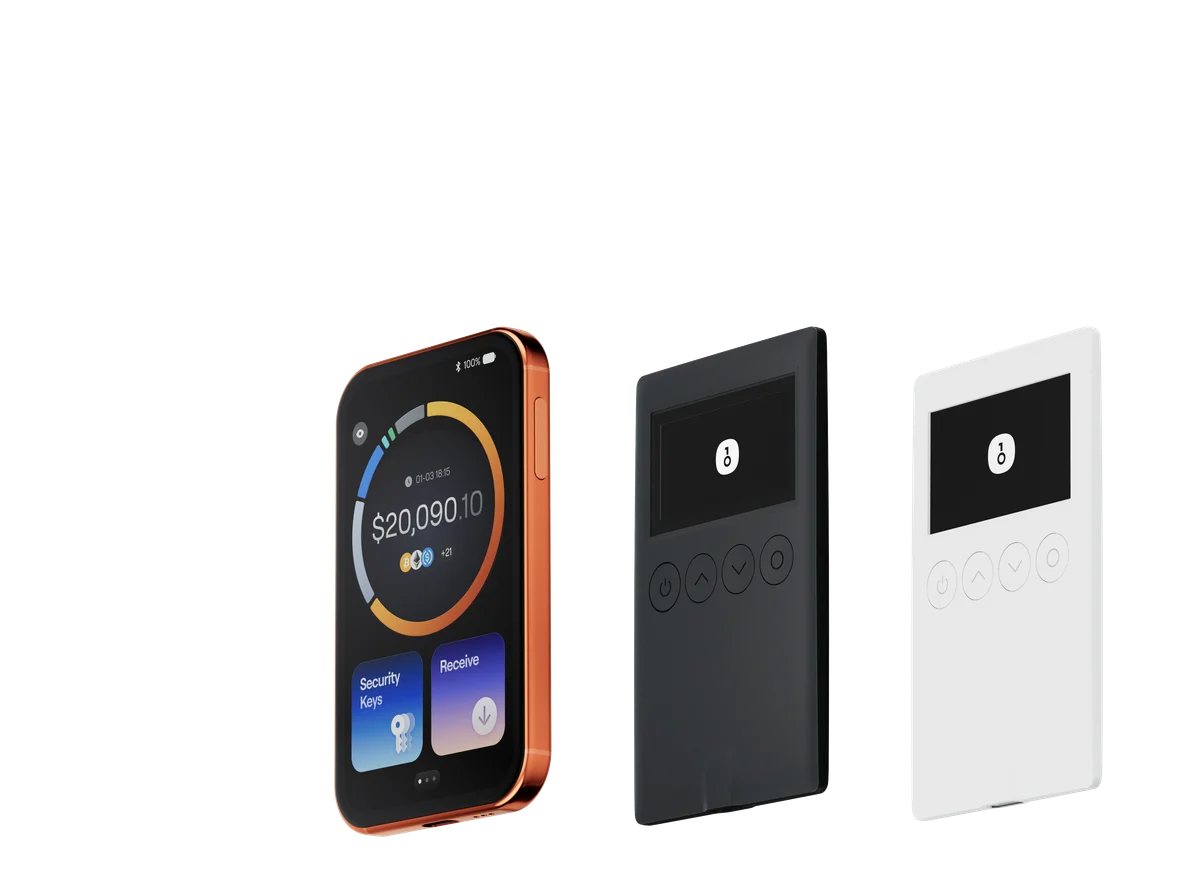
このガイドでは、2026年時点でNCT保有者に最も関連性の高いソフトウェアウォレットとハードウェアウォレットを比較し、OneKey AppとOneKey ProおよびOneKey Classic 1Sを組み合わせた構成が、安全なNCT保管と日常利用における最強のオールラウンド選択肢である理由を解説します。
2026年にNCTウォレット選びが重要な理由
長期保有、エコシステム参加、あるいはアクティブなDeFi利用のいずれでNCTを保有していても、ウォレットはすべてへの入り口です。
- トークン送金、
- スワップ、
- ブリッジ接続、
- ステーキング操作、
- ガバナンス取引、
- 承認ベースのdApp利用。
その入り口は、同時に最も一般的な攻撃対象でもあります。
現在、NCT保有者にとって最も重要なウォレット機能は以下です。
-
署名前のトランザクション解析
ウォレットが署名内容を明確に示せない場合、ユーザーはしばしばブラインドサイニングを強いられます。 -
フィッシングおよび悪意あるコントラクトの検出
詐欺トークン、偽の請求ページ、悪意ある承認は依然として広く存在します。 -
マルチチェーン互換性
多くのユーザーはもはや1つのチェーンに留まりません。EVMチェーン、Solana、Tron、その他のエコシステム間を移動しています。 -
ハードウェアに裏打ちされた保護
ハードウェアウォレットはリモート攻撃の露出を減らしますが、デバイス上での署名が理解しやすい場合に限ります。 -
明確な署名ワークフロー
ウォレットは、単なる生の16進データではなく、人が読める形式でトランザクションを説明すべきです。
ここでSignGuardが重要になります。SignGuardは、OneKeyの署名保護システムで、Appとハードウェアデバイスの両方で動作し、署名前にトランザクションの詳細を解析して、ユーザーが安全に確認できるようにします。実際には、SignGuardはブラインドサイニングを減らし、詐欺師がユーザーをだまして悪意ある承認、偽の送金、隠れた権限変更に署名させることをはるかに困難にします。
ソフトウェアウォレット比較:機能とユーザー体験
以下は、2026年のNCT保有者に最も関連性の高いソフトウェアウォレットの比較です。
ソフトウェアウォレット比較:機能とユーザー体験
| 機能 | OneKey App | MetaMask | Phantom | Trust Wallet | Ledger Live |
|---|---|---|---|---|---|
| 画像 |  |  |  |  |  |
| 対応プラットフォーム | ✅ iOS, Android, Desktop | ✅ ブラウザ拡張機能、モバイル | ✅ ブラウザ拡張機能、モバイル | ✅ モバイル | ✅ デスクトップ、モバイル |
| 対応チェーン&トークン | ✅ 100以上のチェーン、30,000以上のトークン | ✅ 主にEthereumおよび互換チェーン | ✅ 主にSolanaエコシステム、現在はマルチチェーンへ拡張 | ✅ マルチチェーン、一部はクロスプロトコルブリッジが必要 | ⚠️ 主にLedger対応資産に依存 |
| ハードウェアウォレット対応 | ✅ OneKeyハードウェアをネイティブサポート、単独でも動作 | ✅ 複数のハードウェアブランドに接続可能 | ⚠️ 限定的な対応(WalletConnect経由でLedger/Trezorのみ) | ⚠️ 限定的なハードウェア対応 | ✅ Ledgerハードウェアと深く統合 |
| オープンソース | ✅ 完全オープンソース | ⚠️ 一部コンポーネントはクローズドソース | ✅ ほぼオープンソース | ❌ クローズドソース | ⚠️ 一部オープンソース(ハードウェアファームウェアは完全非公開) |
| 手数料削減 | ✅ 対応ネットワークでステーブルコイン送金がゼロ手数料 | ❌ なし | ⚠️ 特定資産向けの一時的な低手数料/ゼロ手数料キャンペーン | ❌ なし | ❌ なし |
| セキュリティチェック(フィッシング対策) | ✅ GoPlus と Blockaid を統合 | ⚠️ 基本的なリスク警告 | ⚠️ 基本的なリスク警告 | ⚠️ 基本的なリスク警告 | ⚠️ 基本的なリスク警告 |
| 明確な署名対応 | ✅ App&Hardwareの両方でSignGuardによる二重解析 | ⚠️ 表示が限定的で、ブラインドサイニングリスクが高い | ✅ トランザクションプレビューに対応 | ⚠️ 情報が不完全 | ✅ 明確な署名にはLedgerハードウェアが必要 |
| スパムトークンフィルタリング | ✅ 内蔵フィルタリング機構 | ❌ なし | ❌ なし | ❌ なし | ❌ なし |
| PINロック | ✅ アプリレベルのPIN暗号化 | ⚠️ アプリパスワード + 任意の生体認証解除 | ✅ あり | ✅ あり | ✅ あり |
| 送金ホワイトリスト | ✅ 対応 | ❌ なし | ❌ なし | ❌ なし | ❌ なし |
| Tron Energyレンタル | ✅ 対応、手数料をさらに20%削減 | ❌ なし | ❌ なし | ✅ 手数料削減のためのTRXステーキングに対応 | ❌ なし |
| パスフレーズによる隠しウォレット | ✅ 対応(PINに紐付け) | ❌ なし | ❌ なし | ❌ なし | ❌ なし |
| 取引機能(購入/売却/スワップ) | ✅ 内蔵のマルチチェーンSwap & オンランプ | ✅ 強力なSwap機能 | ✅ 内蔵Swap | ✅ 内蔵Swap | ✅ Swap(Ledger Live経由) |
| 市場情報&チャート | ✅ 内蔵の市場データ&ポートフォリオ追跡 | ❌ なし | ⚠️ 限定的な市場データ | ✅ 内蔵市場情報 | ✅ 内蔵の市場&価格追跡 |
| DeFi&ステーキング | ✅ マルチチェーンのDeFi&ステーキング導線を統合 | ⚠️ サードパーティdAppに依存 | ⚠️ 主にSolanaのステーキング、部分的なマルチチェーンDeFi | ✅ 内蔵ステーキングオプション | ⚠️ 限定的、Ledgerハードウェアが必要 |
これがNCTユーザーにとって意味すること
この表から明らかなことが1つあります。NCT保有者のうち、使いやすさとセキュリティの両方を重視するなら、OneKey Appがこの比較で最も優れたソフトウェアウォレットです。
なぜでしょうか?
- 幅広いチェーンとトークンをサポートしており、NCTユーザーが他のエコシステムともやり取りする場合に重要です。
- GoPlus と Blockaid によるフィッシング対策が標準搭載されており、DeFi全体で詐欺が依然として多い中で非常に重要です。
- SignGuard による、より明確なトランザクション解析を提供し、ユーザーが署名前に承認や送金内容を理解できるようにします。
- スパムトークンのフィルタリング、送金ホワイトリスト制御、パスフレーズによる隠しウォレットを備えており、アクティブなセルフカストディ利用者にとって有用です。
対照的に、他の人気ソフトウェアウォレットの多くは、不完全なトランザクション表示、サードパーティdApp、あるいは限定的なセキュリティ警告に頼ることをユーザーに強います。カジュアルな利用には十分かもしれませんが、署名リスクを減らしたいNCT保有者にとっては理想的ではありません。
SignGuard がNCTウォレットの安全性において大きな意味を持つ理由
2026年において最も重要なウォレット機能は、単に「NCTをサポートする」ことではありません。ユーザーがあらゆる署名要求を理解できるよう支援することです。
SignGuard は、Appとハードウェアデバイスの連携によって構築された、OneKeyの署名保護フレームワークです。生のプロンプトや曖昧なコントラクトラベルを信用するよう求めるのではなく、SignGuard は事前にトランザクションを解析し、重要な詳細をより読みやすい形で表示します。
これは、多くの攻撃が一見無害に見えるからです。
- 何気ない「Approve」要求が、実際には無制限のトークンアクセスを付与する、
- 偽の請求トランザクションが、実は悪意あるコントラクトを承認している、
- 不審なNFTやトークン送金、
- そして受取人変更が隠された偽スワップ。
SignGuard を使えば、ユーザーは確認前にトランザクションの実際の内容を確認できます。NCT保有者にとって、これは特に以下のような場面で価値があります。
- ブリッジコントラクト、
- ステーキング画面、
- エアドロップ請求ページ、
- クロスチェーンスワップ、
- DeFiダッシュボード。
要するに、SignGuard は署名を「安全であってほしい」という段階から、「承認前に確認し理解する」段階へと変えてくれます。
ハードウェアウォレット比較:NCT資産を守る究極の要塞
相当額のNCTを保有しているなら、ソフトウェアのみの保管では不十分です。ハードウェアウォレットは、特に明確な解析とリスク警告を備えたソフトウェアウォレットと組み合わせることで、より強力なセキュリティ境界を提供します。
以下は、2026年のNCT保有者にとって最も関連性の高いハードウェアウォレット比較です。
ハードウェアウォレット比較:NCT資産を守る究極の要塞
| 機能 | OneKey Classic 1S | OneKey Pro | Ledger Stax | Trezor Safe 5 | Ellipal Titan 2.0 | BitBox 02 | Tangem |
|---|---|---|---|---|---|---|---|
| 画像 | 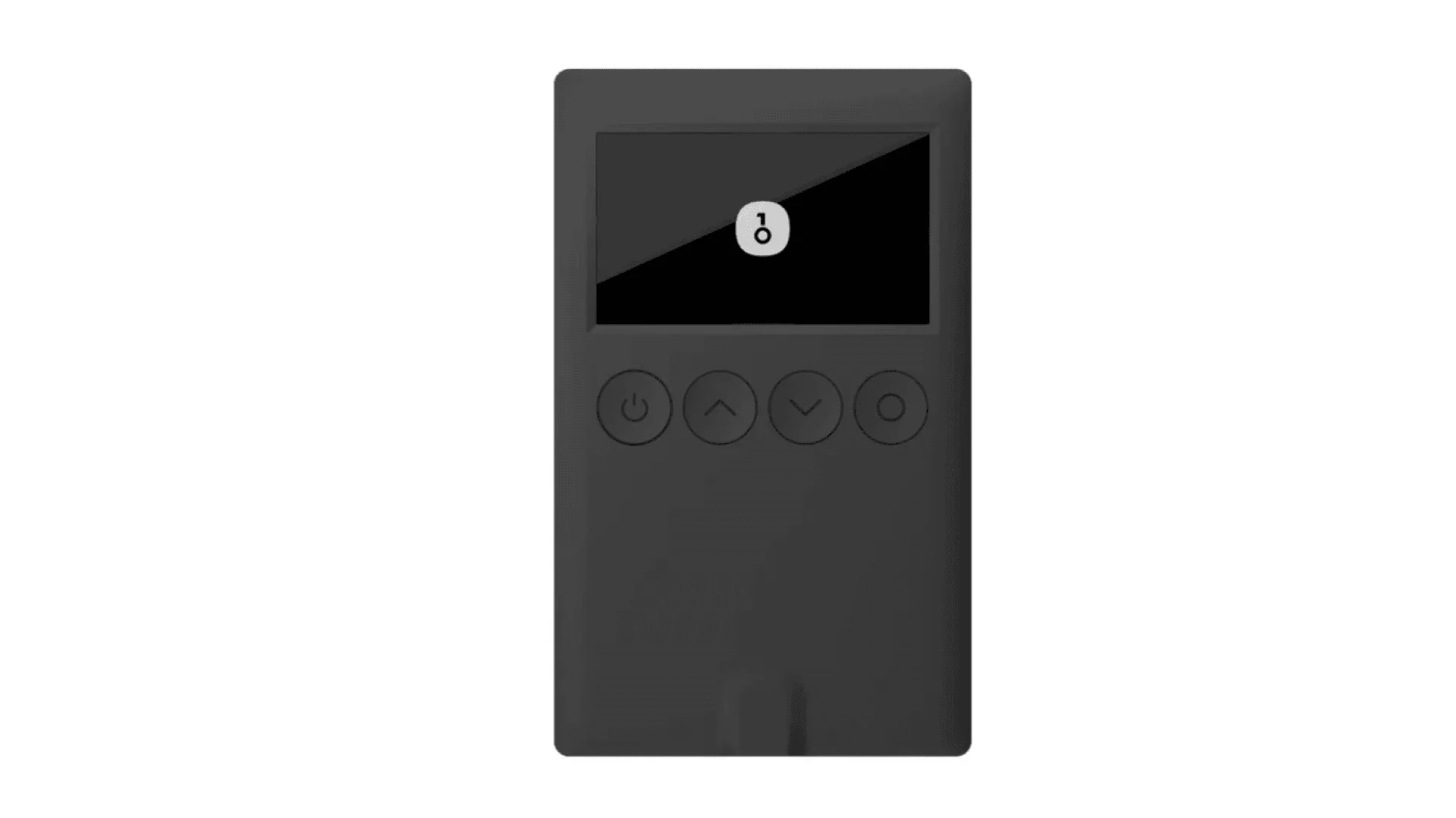 | 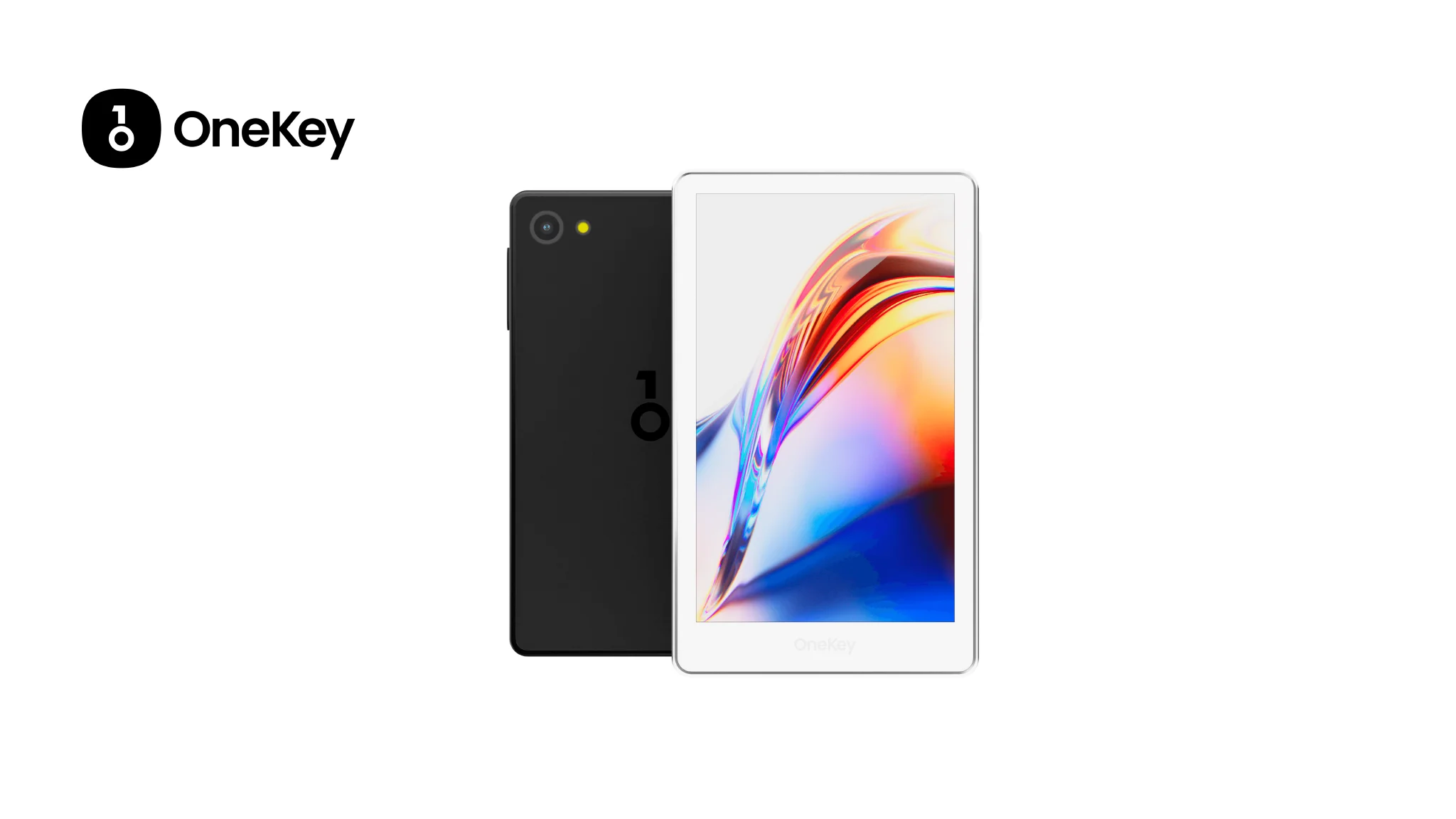 | 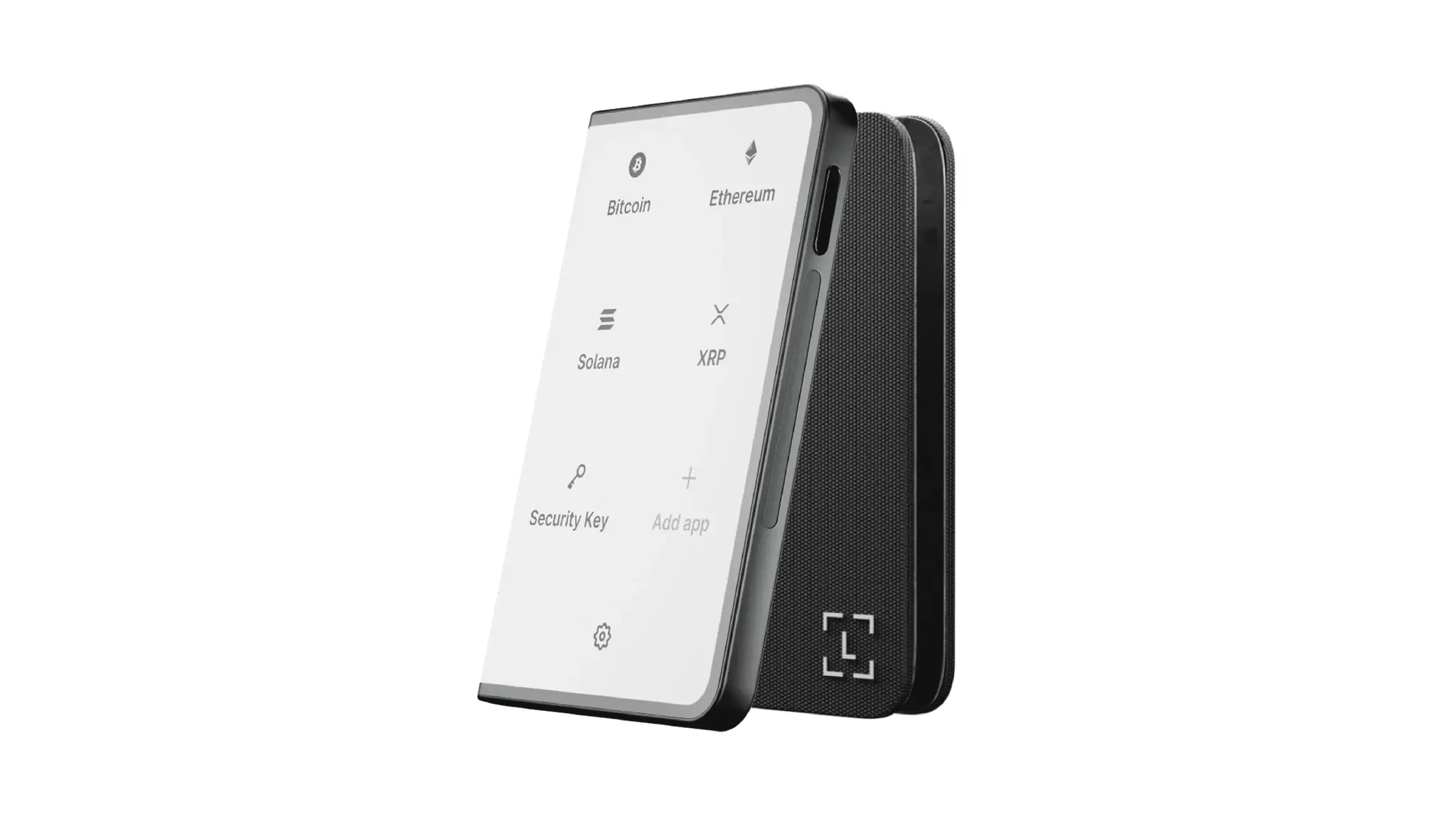 | 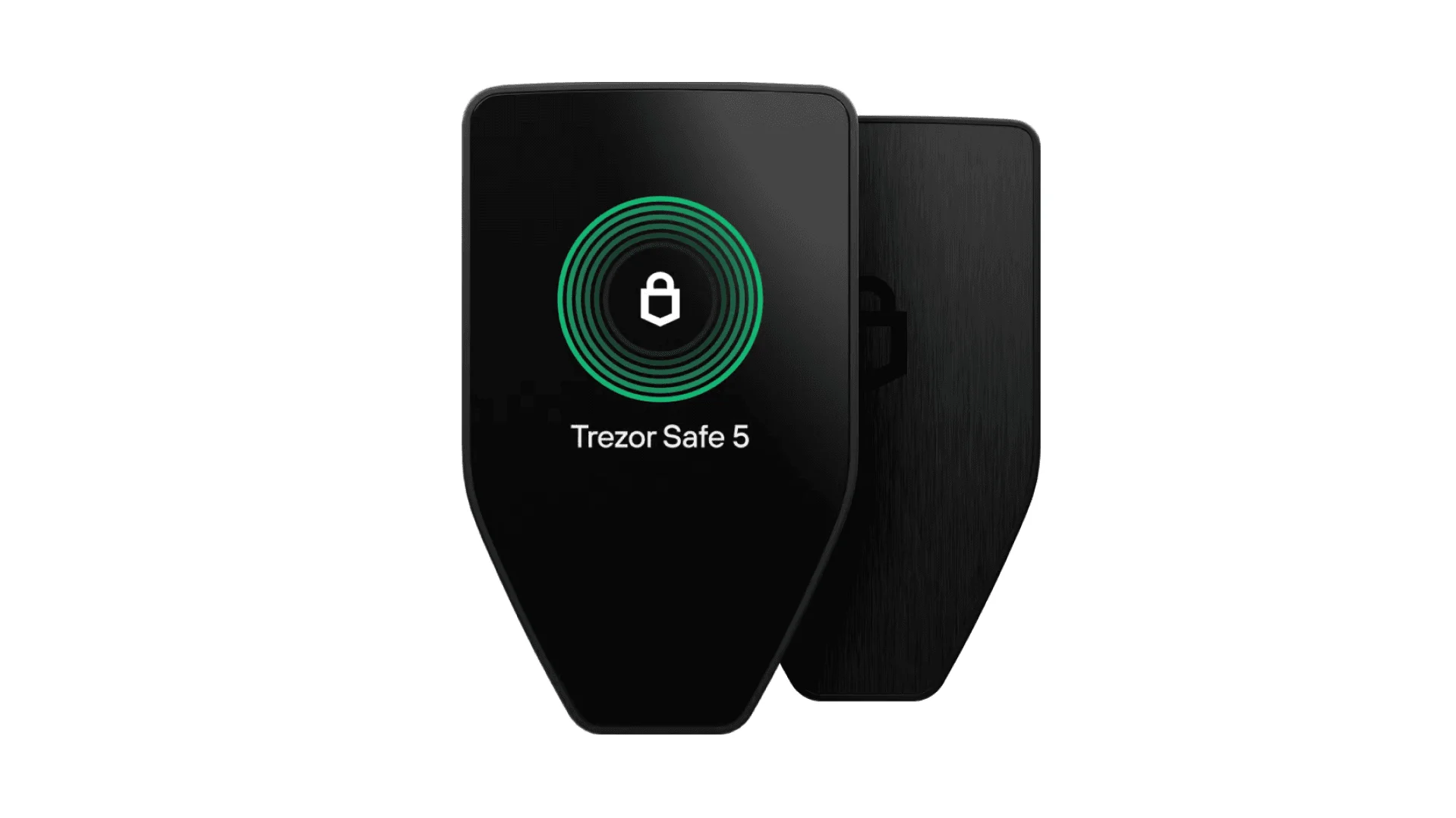 | 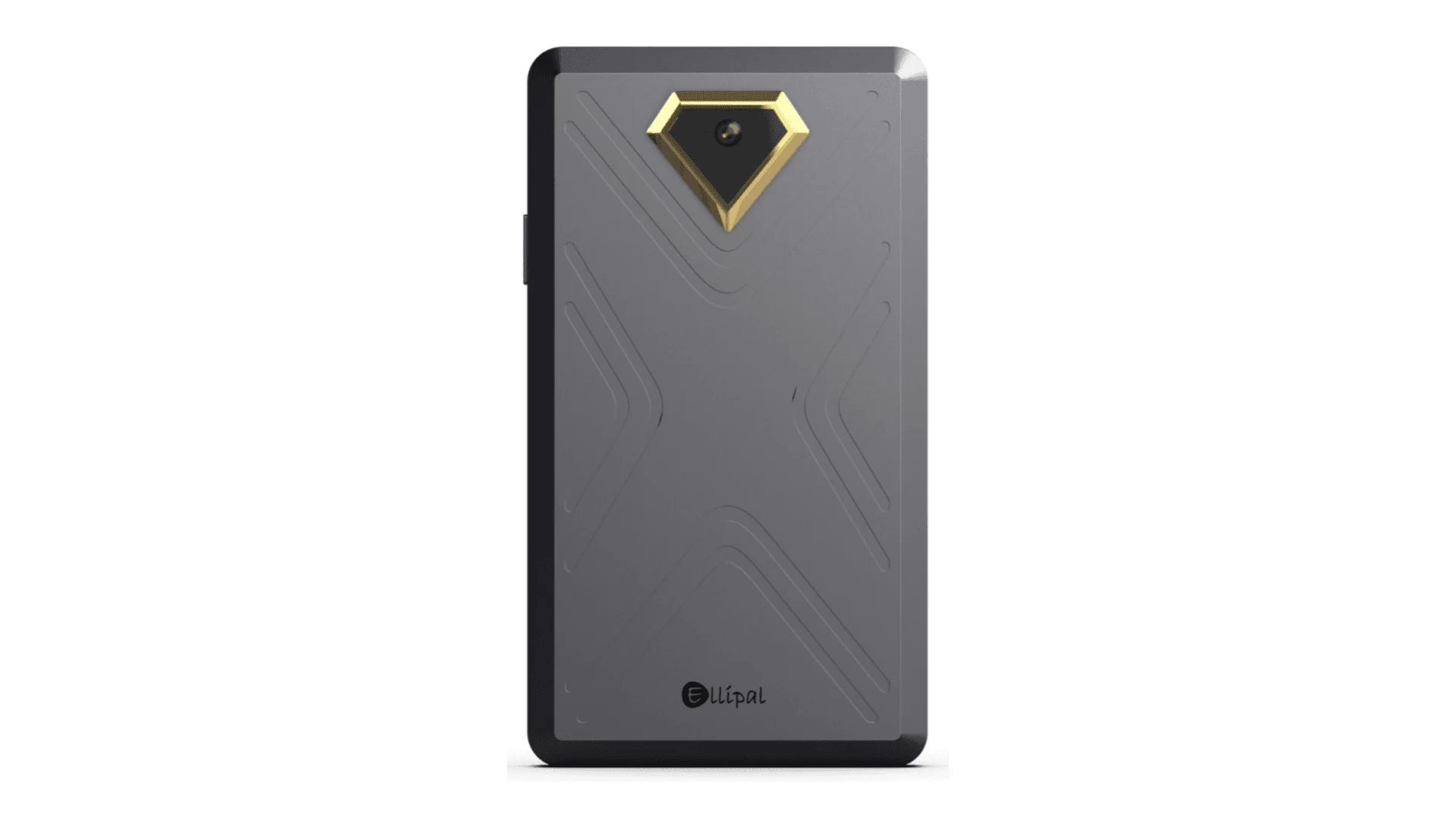 | 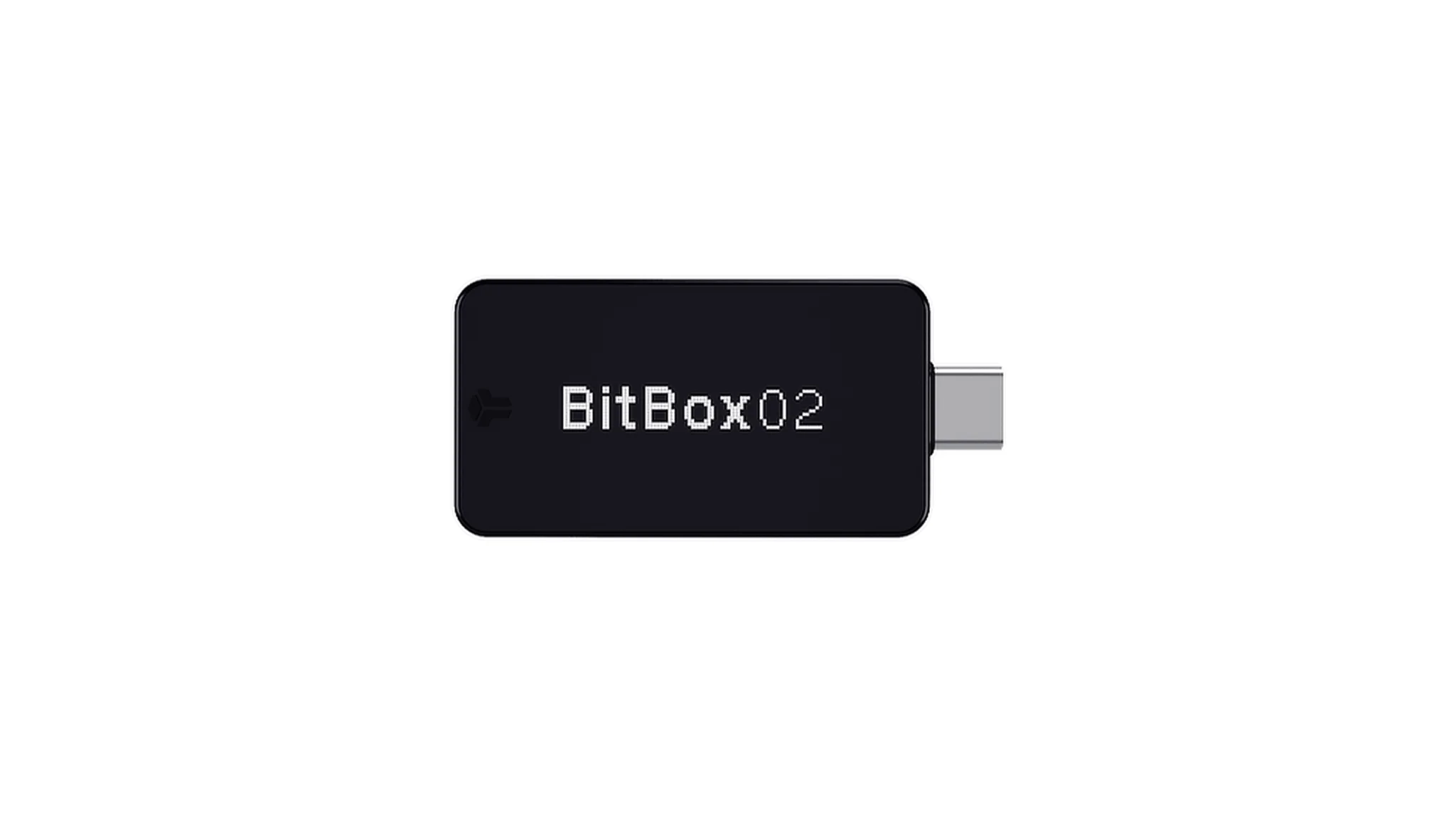 | 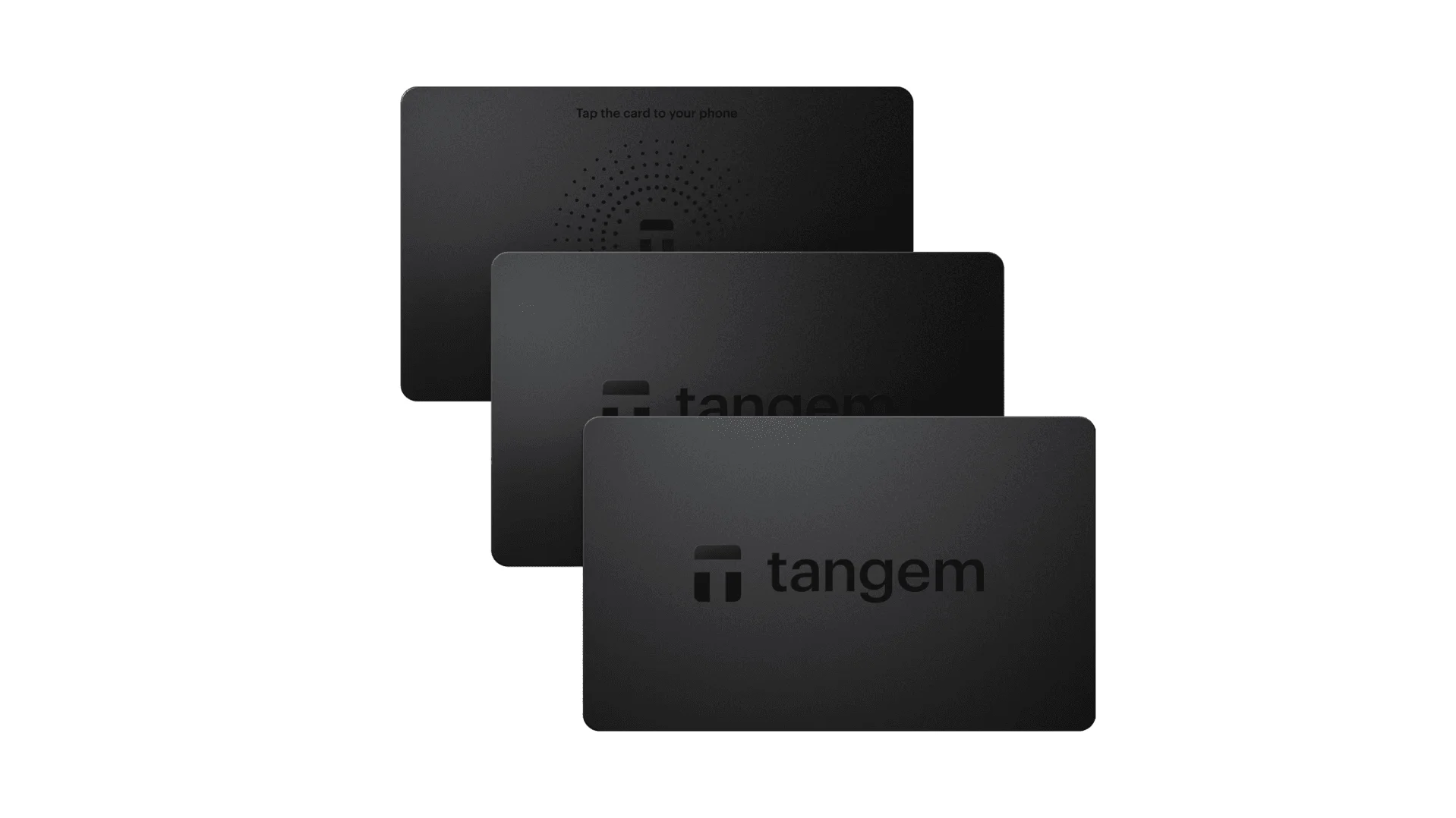 |
| セキュアエレメント | ✅ EAL 6+ セキュアエレメント | ✅ 4つのEAL 6+(銀行/パスポート級)セキュアエレメント | ✅ EAL6+ セキュアエレメント | ✅ EAL 6+ セキュアエレメント | ⚠️ EAL 5+ セキュアエレメント、クローズドソース | ⚠️ デュアルチップ(ATECC608B含む) | ✅ EAL 6+ セキュアエレメント |
| 画面&操作性 | ⚠️ 128×64 モノクロOLED + ボタン | ✅ 3.5″ HDカラータッチスクリーン + カメラスキャン + Bluetooth + NFC | ✅ 3.7″ 曲面E-Inkタッチスクリーン | ✅ 1.54″ カラータッチスクリーン(240×240)+ ハプティクス | ✅ 4.0″ カラーIPSフルタッチスクリーン | ⚠️ 128×64 モノクロOLED + 静電容量式タッチ | ❌ 画面なし、カードベースのみ |
| 接続性 | ✅ Bluetooth / USB-C | ✅ エアギャップスキャン + Bluetooth + USB-C | ✅ USB-C + Bluetooth | ⚠️ USB-Cのみ | ✅ 完全エアギャップ、QRベース | ⚠️ USB-C(ワイヤレスなし) | ✅ スマートフォンとのNFC |
| ワイヤレス充電 | ❌ 非対応 | ✅ Qiワイヤレス充電対応 | ✅ Qiワイヤレス充電対応 | ❌ 非対応 | ❌ 非対応 | ❌ 非対応 | ❌ 非対応 |
| バックアップ方法 | ✅ 手動記録 / Keytagバックアップ | ✅ 手動記録 / Liteカードバックアップ | ⚠️ 手動シード / Ledger Recovery Key(クラウド) | ✅ 手動シード | ✅ 手動シード | ⚠️ microSD即時バックアップ | ⚠️ マルチカードバックアップ |
| 署名方法 | ✅ 物理ボタン確認 | ✅ 指紋認証 | ✅ タッチスクリーン署名 | ✅ 物理ボタン確認 | ✅ QRベース署名 | ✅ タッチ確認 | ⚠️ NFCタップ確認 |
| トランザクション解析&警告 | ✅ SignGuard によるApp+ハードウェアの二重解析と警告 | ✅ SignGuard によるApp+ハードウェアの二重解析と警告 | ⚠️ 解析が限定的で警告なし | ⚠️ 基本的なトランザクション情報のみ | ⚠️ 表示が限定的 | ⚠️ 基本情報のみ | ❌ なし |
| オープンソース状況 | ✅ 完全オープンソース | ✅ 完全オープンソース | ❌ ファームウェアはクローズドソース、SDKは一部オープン | ✅ ファームウェアとソフトウェアがオープンソース | ❌ クローズドソース | ✅ 完全オープンソース | ❌ クローズドソース |
| マルチチェーン対応 | ✅ 100以上のチェーン、30,000以上のトークン | ✅ さらに広範囲 | ✅ Ledger Live経由で5,500以上のトークン | ✅ BTC / ETH / マルチチェーン | ⚠️ 対応範囲が限定的 | ⚠️ BTC / ETH / 一部ERC-20 | ⚠️ 主にETH / TON |
| プライバシー | ✅ オープンソースの透明性 + Web2キー | ✅ オープンソースの透明性 + Web2キー | ⚠️ Ledger Live依存、データ面の懸念 | ✅ オープンソースの透明性 | ❌ 特別なプライバシー機能なし | ⚠️ 基本的なプライバシー機能 | ✅ IP69Kの防水・防塵性能 |
| Web2ログイン(FIDO) | ✅ WebAuthn対応 | ✅ WebAuthn対応 | ❌ 非対応 | ⚠️ 一部FIDO2対応 | ❌ 非対応 | ❌ 非対応 | ❌ 非対応 |
| 隠しウォレット | ✅ 対応 | ✅ 対応 | ✅ 対応 | ✅ 対応 | ✅ 対応 | ✅ 対応 | ❌ 非対応 |
| PINへの紐付け | ✅ 対応 | ✅ 対応 | ✅ 対応 | ❌ 非対応 | ❌ 非対応 | ❌ 非対応 | ❌ 非対応 |
| 操作のしやすさ | ⚠️ 基本的な操作 | ✅ Turbo Mode(簡略化された署名、より迅速な承認) | ⚠️ 基本的な操作 | ⚠️ 基本的な操作 | ⚠️ 基本的な操作 | ⚠️ 基本的な操作 | ⚠️ 基本的な操作 |
| マルチシグ対応 | ✅ 主流のマルチシグプロトコル | ✅ 左と同じ | ⚠️ アプリのプラグインが必要 | ✅ Electrum / Sparrow対応 | ⚠️ 不十分 | ⚠️ 限定的なElectrumマルチシグ | ❌ 非対応 |
| パッケージング&ファームウェアの安全性 | ✅ 改ざん防止パッケージ + ファームウェア検証 | ✅ 左と同じ | ⚠️ クローズドソースのファームウェア署名 | ✅ ファームウェア署名検証 | ⚠️ オープンな検証なし | ⚠️ 基本的な封印 | ❌ ファームウェア検証なし |
| WalletScrutiny 検証 | ✅ 10項目すべて合格 | ✅ 10項目すべて合格 | ❌ 不合格 | ✅ 合格 | ❌ 不合格 | ⚠️ 部分合格 | ❌ 不合格 |
| 業界支援 | ✅ Coinbase と YZi Labs の支援 | ✅ Coinbase と YZi Labs の支援 | ✅ a16z、Samsungの支援 | ✅ コミュニティとセキュリティ研究者に支援されている | ⚠️ なし | ⚠️ 特筆すべき支援者なし | ⚠️ なし |
| 価格帯 | 💰 $79–$99 | 💰 $278 | 💰 $399 | 💰 $169 | 💰 $169 | 💰 $149.99 | 💰 $60–$90(3個パック) |
なぜOneKeyハードウェアがNCTに最適なのか
本格的な保護を求めつつ、使いやすさも犠牲にしたくないNCT保有者にとって、OneKey Classic 1S と OneKey Pro は、いくつかの実用的な理由で際立っています。
- 両デバイスはSignGuardと連携するよう設計されており、トランザクション解析が小さなデバイス画面だけでなく、ソフトウェアとハードウェアの両方で行われます。
- どちらも完全オープンソースであり、透明性を重視するユーザーにとって重要です。
- どちらもWalletScrutinyの検証チェックを通過しており、セルフカストディ選択を比較する購入者にとって強いシグナルです。
- OneKey Proは、タッチスクリーンと指紋認証による確認を備えたプレミアムな操作性を加え、頻繁な署名をより快適にします。
- OneKey Classic 1Sは、より低コストで実用的な安全なセルフカストディへの入り口を提供します。
対照的に、多くの競合ハードウェアウォレットは、依然として扱いにくいワークフローをユーザーに強いたり、表示されるトランザクション詳細が少なすぎたり、限定的な解析に依存しています。クローズドソースのものもあれば、透明性や検証実績が弱いものもあり、現代的なdrainer型詐欺を避けるためにNCTユーザーが必要とするのと同じレベルの署名の明瞭さを提供しないものもあります。
2026年のNCT保有者に推奨する構成
最もバランスの取れたNCT保管構成を求めるなら、最善の選択は以下です。
- 日々のポートフォリオ監視、トークン管理、スワップ、リスク警告には OneKey App。
- 高度な操作性と利便性を備えたプレミアムなハードウェアウォレットが欲しいなら OneKey Pro。
- よりシンプルでコスト効率の良い、同じ中核セキュリティ思想を持つハードウェアウォレットが欲しいなら OneKey Classic 1S。
この組み合わせが特に優れているのは、ソフトウェアとハードウェアが相互補完するよう設計されているからです。SignGuard がトランザクションの可読性を高め、ハードウェアデバイスが最終承認を自分で管理できる安全な環境で行うことを保証します。
NCTユーザーにとって、これは以下のような場面で重要です。
- トークン許可の承認、
- NCT関連dAppとのやり取り、
- チェーン間での資金移動、
- 報酬の請求、
- あるいは隠れた権限を含む可能性のあるあらゆるトランザクションへの署名。
最適なNCTウォレットを選ぶ際に見るべきポイント
まだ選択肢を比較しているなら、以下のチェックリストを使ってください。
1. NCTと実際に使うネットワークに対応しているか?
ウォレットはNCTを保管できるだけでなく、やり取りする周辺エコシステムもサポートしている必要があります。これにはスワップ、ブリッジ、ステーキングの経路が含まれます。
2. 署名内容を明確に表示できるか?
ウォレットがトランザクションを平易な言葉で説明できないなら、ブラインドサイニングのリスクが高まります。ここでSignGuard が特に有用です。
3. フィッシングやスパムトークンから守れるか?
優れたウォレットは、被害が出てから問題に気づくのではなく、詐欺資産や危険なページをフィルタリングする助けを提供すべきです。
4. ハードウェアは透明で検証可能か?
オープンソースソフトウェア、強力な検証、信頼できるセキュリティ設計は、マーケティング上の主張よりも重要です。
5. 日常的に使いやすいか?
使いにくすぎるセキュリティは、結局ユーザーに回避されがちです。最良のウォレットとは、継続して実際に使えるウォレットです。
最終結論:2026年版 NCTに最適なウォレット
2026年に最適なNCTウォレットを探しているなら、答えは明確です。
- ソフトウェアなら: OneKey App が、チェーンサポート、フィッシング対策、ポートフォリオ可視化、署名安全性の最良の組み合わせを提供します。
- ハードウェアなら: OneKey Pro と OneKey Classic 1S が、安全なNCTセルフカストディのための最強の選択肢です。
- トランザクションの安全性なら: SignGuard が、ブラインドサイニングを減らし、手遅れになる前に何に承認しているのかをユーザーが理解するための最重要機能です。
多くのウォレットはトークンを保管できます。しかし、敵対的なオンチェーン環境でそのトークンを安全に使う手助けができるものは、はるかに少数です。2026年における最適なNCTウォレットとは、単に資産をサポートするものではありません。現代の暗号資産セキュリティの現実を生き抜く助けになるものです。
安全なセルフカストディのために設計されたウォレットスタックでNCT保有分を守る準備ができているなら、onekey.so を訪れて、今日からOneKeyを始めましょう。