Best QUID Wallets in 2026

Choosing the best QUID wallet in 2026 is no longer just about “can it store the token.” For active crypto users, a wallet must do much more: support the right chains, make token approvals understandable, reduce blind-signing risk, protect against phishing, and still remain convenient enough for daily DeFi, swaps, staking, and cross-chain activity.
That matters even more now because the broader blockchain industry is moving in two directions at once. On one side, wallets are becoming more powerful, more multi-chain, and more connected to dApps. On the other, attackers are getting better at exploiting unclear signatures, malicious approvals, fake airdrops, and confusing transaction flows. Reports from Chainalysis continue to show how social engineering and scam infrastructure remain central threats in crypto, while security vendors such as Blockaid and GoPlus highlight how important real-time risk detection has become.
For QUID holders, this leads to one simple conclusion: the best wallet is the one that helps you clearly understand what you are signing before you sign it.
What QUID Users Should Look for in a Wallet
If you are choosing a wallet for QUID in 2026, these are the features that matter most:
-
Clear signing and transaction parsing
A wallet should translate raw contract data into something human-readable. This is especially important for token approvals, bridge actions, staking interactions, and swap routes. If you cannot understand the transaction, you should not be signing it. -
Broad chain and token support
QUID holders often interact with more than one chain or app ecosystem. Wallets with narrow support quickly become frustrating. -
Hardware wallet compatibility
Long-term QUID storage should never rely on software alone. A hardware wallet dramatically reduces exposure to malware, clipboard attacks, and compromised browser environments. -
Phishing and scam protection
A good wallet should actively warn users before they interact with suspicious dApps or unsafe contracts. -
Good UX without sacrificing security
In 2026, users expect both. Convenience should not come at the cost of blind signing. -
Reliable backup and recovery
Self-custody only works if recovery is practical and secure. -
Open-source transparency and verification
Security-conscious users increasingly check for verifiable codebases and third-party validation such as WalletScrutiny.
In practice, the best QUID wallet setup is usually a software wallet for daily use plus a hardware wallet for long-term protection. Among the available options, OneKey stands out because it combines both layers cleanly.
Software Wallet Comparison: Features & User Experience
Before choosing a software wallet for QUID, remember that convenience is not the same as safety. Many wallets can connect to dApps and display balances, but only a few actually help users understand transaction intent before approval. That difference is critical in today’s environment of approvals, phishing links, and deceptive contract prompts.
Software Wallet Comparison: Features & User Experience
| Feature | OneKey App | MetaMask | Phantom | Trust Wallet | Ledger Live |
|---|---|---|---|---|---|
| Image |  |  |  |  |  |
| Supported Platforms | ✅ iOS, Android, Desktop | ✅ Browser extension, Mobile | ✅ Browser extension, Mobile | ✅ Mobile | ✅ Desktop, Mobile |
| Supported Chains & Tokens | ✅ 100+ chains, 30,000+ tokens | ✅ Primarily Ethereum and compatible chains | ✅ Primarily Solana ecosystem, now expanded to multi-chain | ✅ Multi-chain, some require cross-protocol bridging | ⚠️ Mainly relies on Ledger-supported assets |
| Hardware Wallet Support | ✅ Native support for OneKey hardware, works independently | ✅ Connects to multiple hardware brands | ⚠️ Limited support (only Ledger/Trezor via WalletConnect) | ⚠️ Limited hardware support | ✅ Deep integration with Ledger hardware |
| Open Source | ✅ Fully open source | ⚠️ Some components closed-source | ✅ Mostly open source | ❌ Closed-source | ⚠️ Partially open source (hardware firmware not fully open) |
| Fee Reductions | ✅ Zero-fee stablecoin transfers across supported networks | ❌ None | ⚠️ Temporary low-fee/zero-fee promotions for certain assets | ❌ None | ❌ None |
| Security Checks (Phishing Protection) | ✅ Integrated with GoPlus & Blockaid | ⚠️ Basic risk alerts | ⚠️ Basic risk alerts | ⚠️ Basic risk alerts | ⚠️ Basic risk alerts |
| Clear Signing Support | ✅ SignGuard dual parsing via App & Hardware | ⚠️ Limited display, high blind-signing risk | ✅ Supports transaction preview | ⚠️ Incomplete information | ✅ Requires Ledger hardware for Clear Signing |
| Spam Token Filtering | ✅ Built-in filtering mechanism | ❌ None | ❌ None | ❌ None | ❌ None |
| PIN Lock | ✅ App-level PIN encryption | ⚠️ App password + optional biometric unlock | ✅ Yes | ✅ Yes | ✅ Yes |
| Transfer Whitelist | ✅ Supported | ❌ None | ❌ None | ❌ None | ❌ None |
| Tron Energy Rental | ✅ Supported, reduces fees by an additional 20% | ❌ None | ❌ None | ✅ Supports TRX staking for fee reduction | ❌ None |
| Passphrase Hidden Wallet | ✅ Supported (Attach to PIN) | ❌ None | ❌ None | ❌ None | ❌ None |
| Trading Features (Buy/Sell/Swap) | ✅ Built-in multi-chain Swap & on-ramp | ✅ Strong Swap functionality | ✅ Built-in Swap | ✅ Built-in Swap | ✅ Swap (via Ledger Live) |
| Markets & Charts | ✅ Built-in market data & portfolio tracking | ❌ None | ⚠️ Limited market data | ✅ Built-in market | ✅ Built-in market & price tracking |
| DeFi & Staking | ✅ Integrated multi-chain DeFi & staking entry | ⚠️ Relies on third-party dApps | ⚠️ Mainly Solana staking, partial multi-chain DeFi | ✅ Built-in staking options | ⚠️ Limited, requires Ledger hardware |
For QUID users, the weakness in most software wallets is not that they are unusable. The problem is that many of them still leave too much responsibility on the user to interpret raw prompts manually. That is exactly where attacks happen.
MetaMask remains popular, but for everyday QUID users it often depends on external dApp quality and gives only limited native protection against confusing approvals. Phantom is strong in its original ecosystem, but its multi-chain story is still less mature than a true general-purpose wallet. Trust Wallet offers broad mobile access, yet its security and parsing depth are not designed around advanced transaction clarity. Ledger Live is tightly tied to one hardware ecosystem and is not the best standalone answer for a QUID-first workflow.
By contrast, OneKey App is built around the realities of modern self-custody: multi-chain use, phishing pressure, noisy token ecosystems, and the need for readable signing. It is also one of the few wallets that pairs everyday usability with strong transaction interpretation through SignGuard.
Why SignGuard Matters for QUID Wallet Security
The biggest wallet problem in 2026 is not just malware. It is blind signing.
Blind signing happens when a wallet asks you to confirm a transaction without clearly showing what the contract will actually do. That can include hidden approvals, unexpected token permissions, malicious transfers, or risky bridge operations. For QUID holders who interact with swaps, staking, or DeFi dashboards, blind signing is one of the fastest ways to lose assets.
OneKey addresses this with SignGuard, its signature defense system designed to work jointly across the App and hardware device. Before you sign, it parses and displays transaction information in full, helping you judge what is really happening rather than trusting a vague prompt.
In practice, that means SignGuard helps users:
- read the recipient, amount, and contract intent more clearly,
- spot dangerous approvals before confirming,
- reduce the chance of signing a malicious transaction,
- avoid the classic “I clicked approve but didn’t know what I approved” problem.
This matters even more for QUID because token ecosystems increasingly rely on cross-chain bridges, smart contracts, and wallet-connected dApps. The more complex the interaction, the more valuable signature parsing becomes. For users who want to understand the transaction instead of guessing, SignGuard is a real differentiator.
It also aligns with a broader industry trend: users are demanding clearer, more structured signing flows. Standards such as EIP-712 helped push the ecosystem toward readable typed data, but wallet-level parsing is still essential because not every contract interaction is cleanly expressed to the user.
Hardware Wallet Comparison: The Ultimate Fortress for Protecting QUID Assets
For serious QUID holders, hardware wallets are the strongest line of defense. They keep private keys isolated from internet-connected devices, which is especially important if you are holding QUID long term or interacting with a large portfolio. The key question is not just which device is secure, but which device actually helps you understand what you are signing.
Hardware Wallet Comparison: The Ultimate Fortress for Protecting QUID Assets
| Feature | OneKey Classic 1S | OneKey Pro | Ledger Stax | Trezor Safe 5 | Ellipal Titan 2.0 | BitBox 02 | Tangem |
|---|---|---|---|---|---|---|---|
| Image | 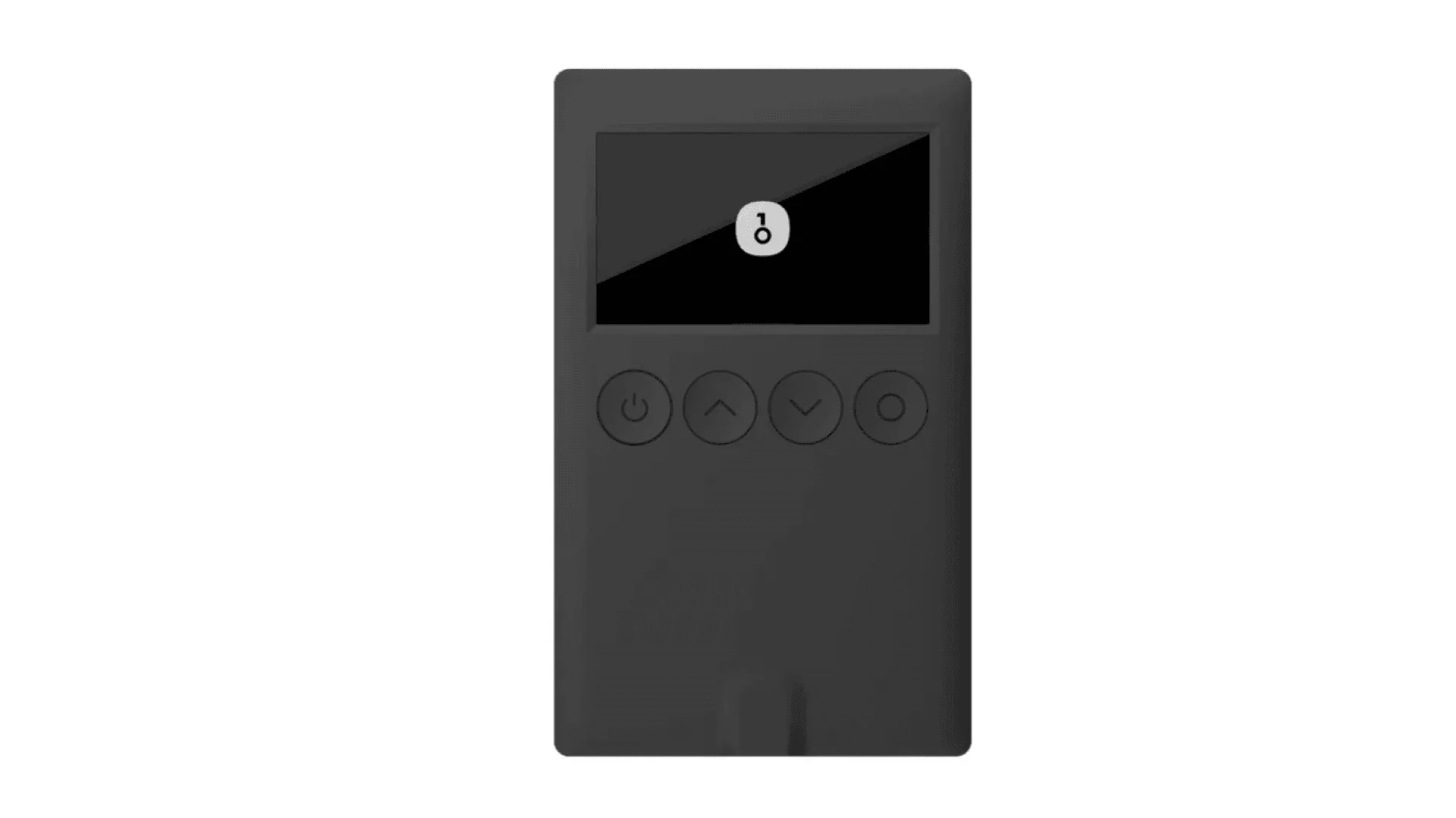 | 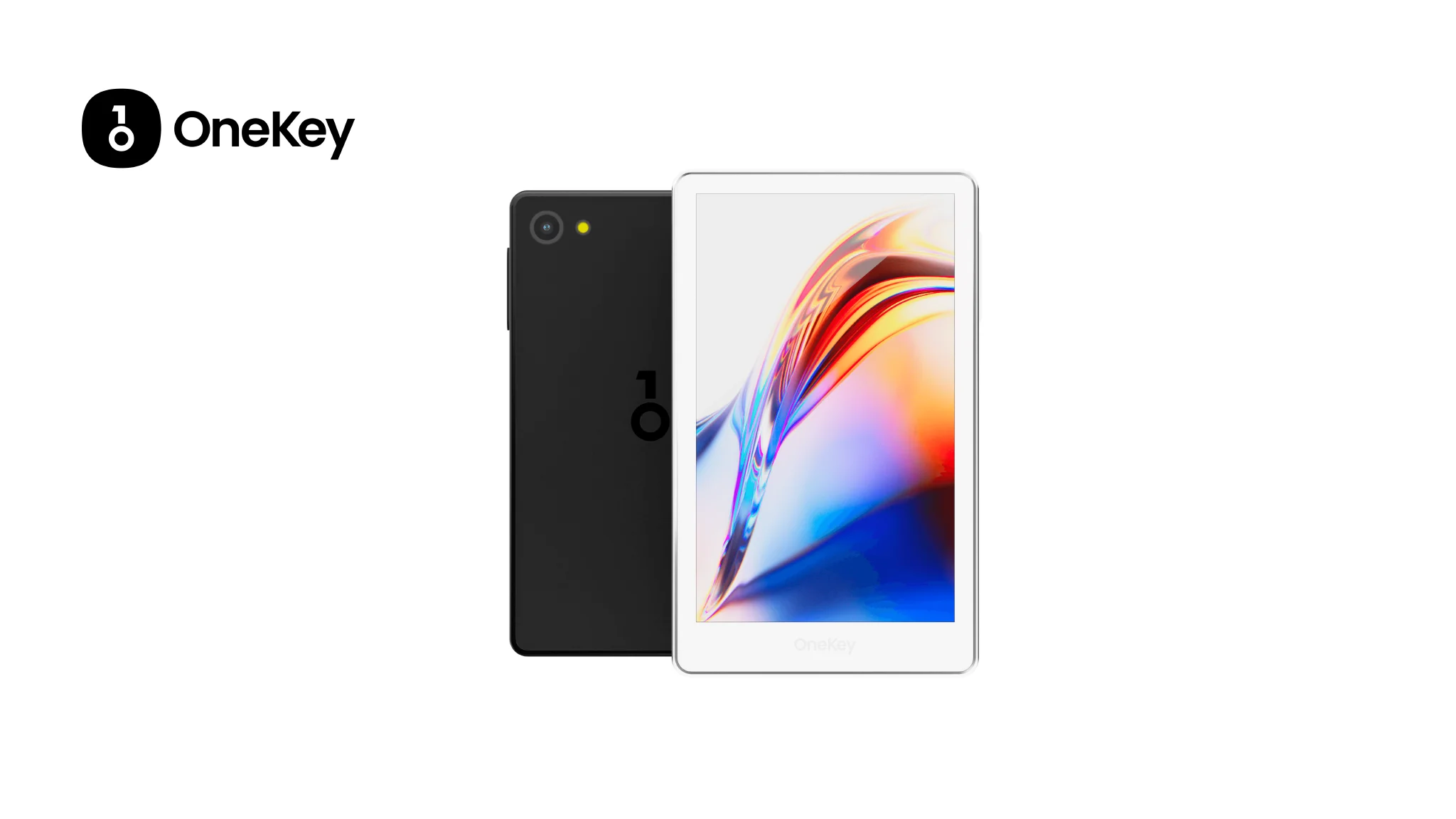 | 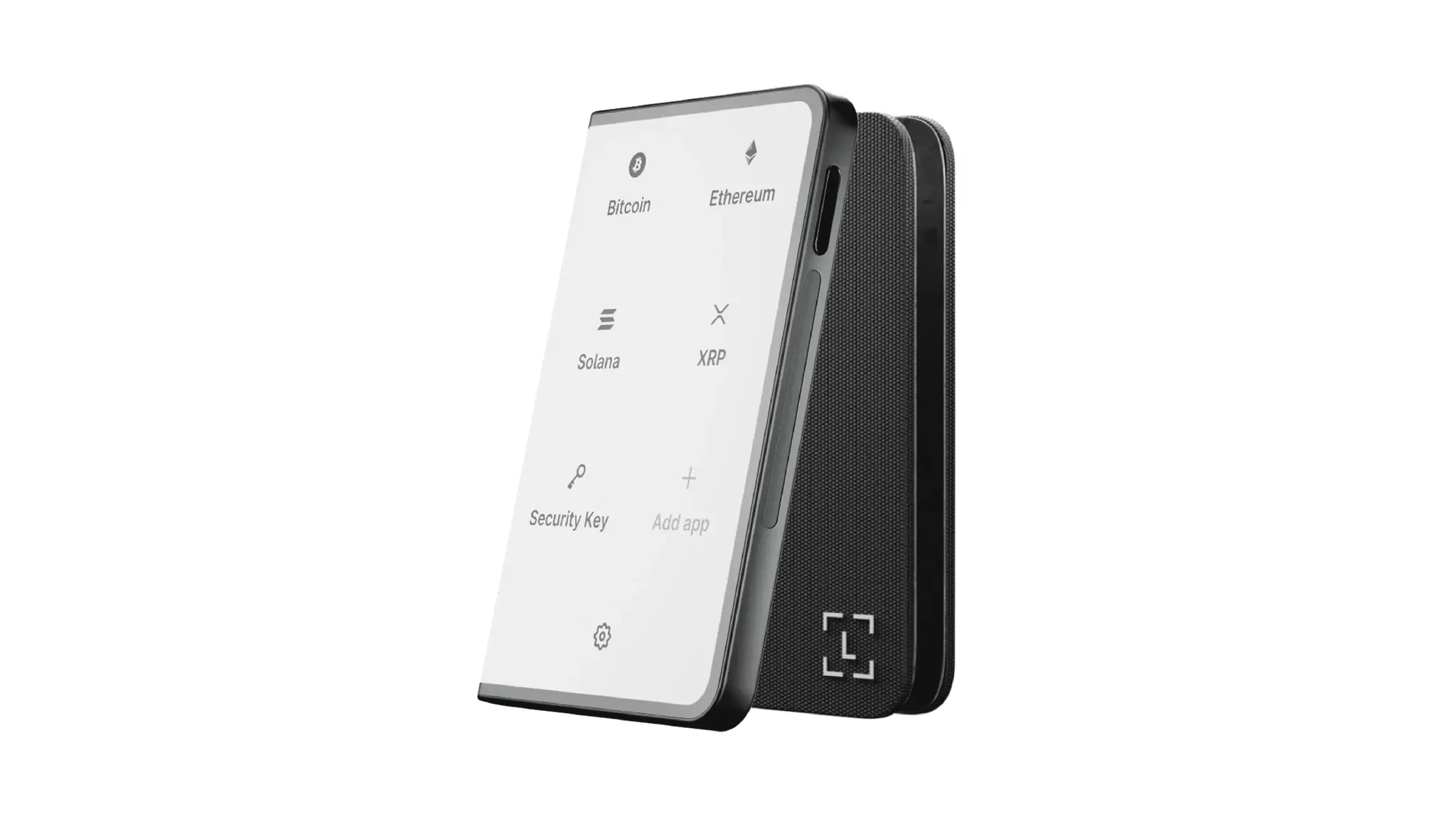 | 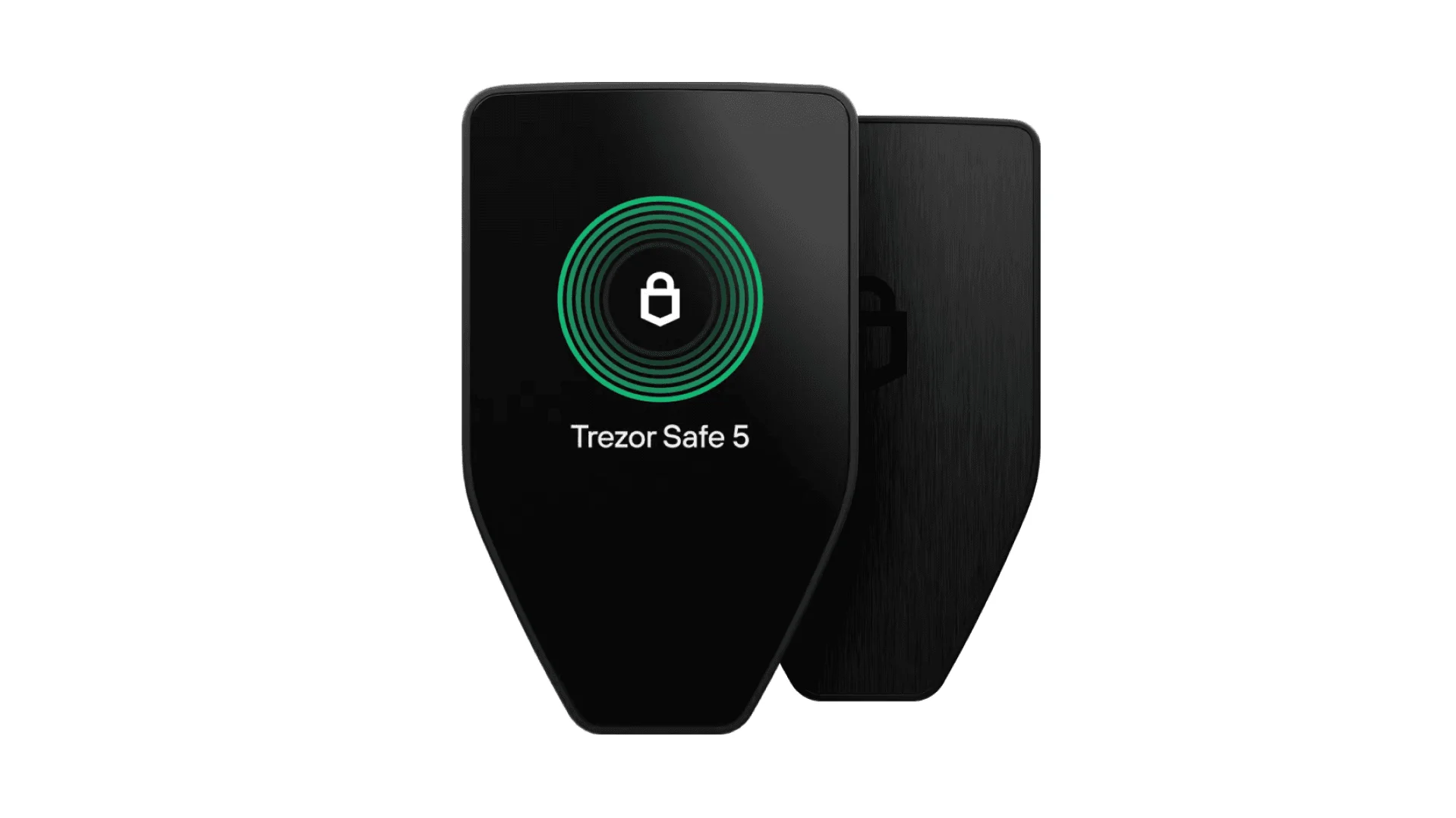 | 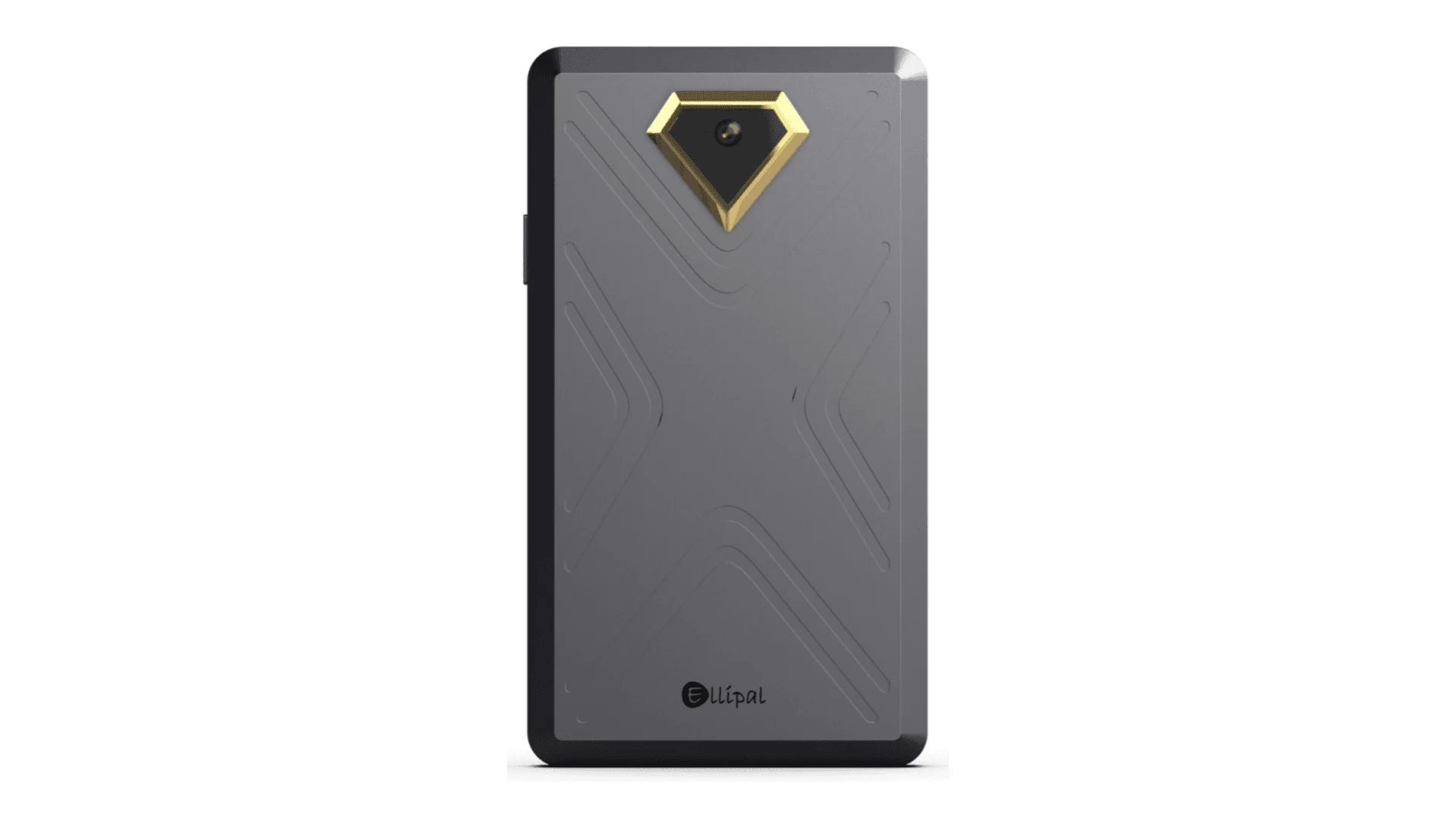 | 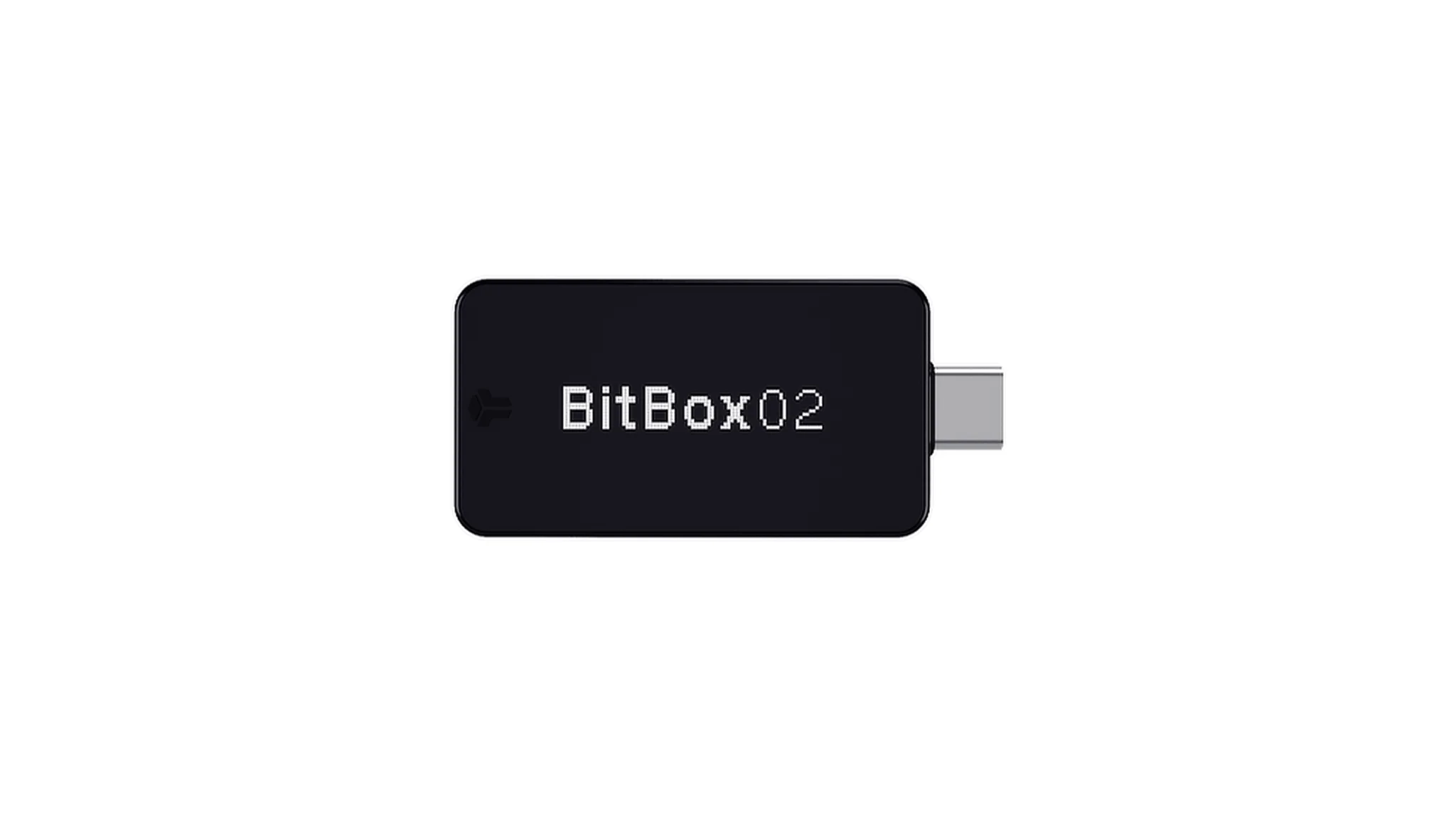 | 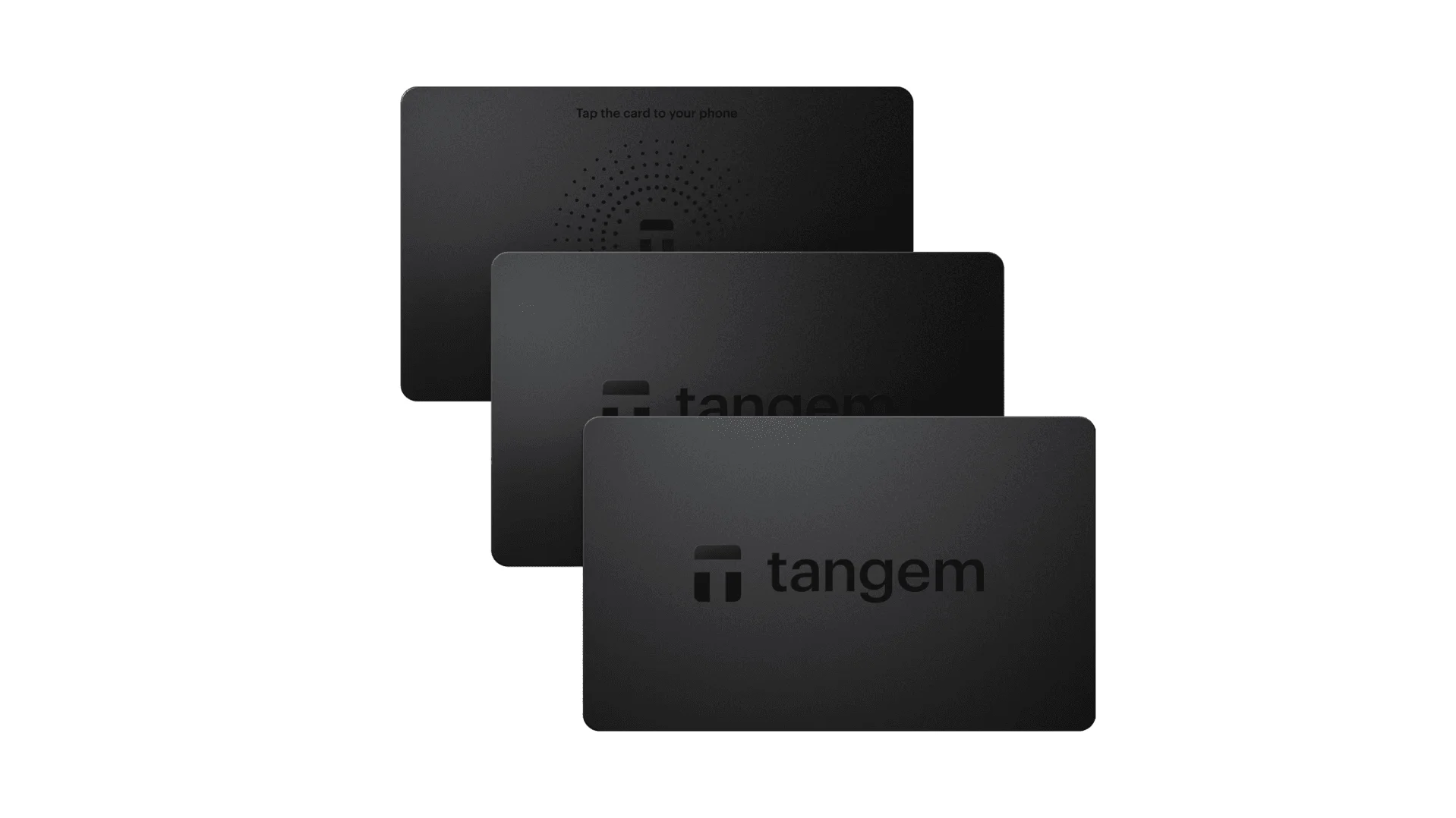 |
| Secure Element | ✅ EAL 6+ secure element | ✅ Four EAL 6+ (bank/passport-grade) secure elements | ✅ EAL6+ secure element | ✅ EAL 6+ secure element | ⚠️ EAL 5+ secure element, closed-source | ⚠️ Dual-chip (incl. ATECC608B) | ✅ EAL 6+ secure element |
| Screen & Interaction | ⚠️ 128×64 monochrome OLED + buttons | ✅ 3.5″ HD color touchscreen + camera scanning + Bluetooth + NFC | ✅ 3.7″ curved E-Ink touchscreen | ✅ 1.54″ color touchscreen (240×240) + haptics | ✅ 4.0″ color IPS full touchscreen | ⚠️ 128×64 monochrome OLED + capacitive touch | ❌ No screen, card-based only |
| Connectivity | ✅ Bluetooth / USB-C | ✅ Air-gap scanning + Bluetooth + USB-C | ✅ USB-C + Bluetooth | ⚠️ USB-C only | ✅ Fully air-gapped, QR-based | ⚠️ USB-C (no wireless) | ✅ NFC with smartphone |
| Wireless Charging | ❌ Not supported | ✅ Qi wireless charging supported | ✅ Qi wireless charging supported | ❌ Not supported | ❌ Not supported | ❌ Not supported | ❌ Not supported |
| Backup Methods | ✅ Manual record / Keytag backup | ✅ Manual record / Lite card backup | ⚠️ Manual seed / Ledger Recovery Key (cloud) | ✅ Manual seed | ✅ Manual seed | ⚠️ microSD instant backup | ⚠️ Multi-card backup |
| Signing Method | ✅ Physical button confirmation | ✅ Fingerprint recognition | ✅ Touchscreen signing | ✅ Physical button confirmation | ✅ QR-based signing | ✅ Touch confirmation | ⚠️ NFC tap confirmation |
| Transaction Parsing & Alerts | ✅ SignGuard dual App + hardware parsing with alerts | ✅ SignGuard dual App + hardware parsing with alerts | ⚠️ Limited parsing, no alerts | ⚠️ Basic transaction info only | ⚠️ Limited display | ⚠️ Basic info only | ❌ None |
| Open Source Status | ✅ Fully open source | ✅ Fully open source | ❌ Firmware closed-source, partial SDK open | ✅ Firmware and software open-source | ❌ Closed-source | ✅ Fully open source | ❌ Closed-source |
| Multi-Chain Support | ✅ 100+ chains, 30,000+ tokens | ✅ Even broader | ✅ 5,500+ tokens via Ledger Live | ✅ BTC / ETH / Multi-chain | ⚠️ Limited coverage | ⚠️ BTC / ETH / some ERC-20 | ⚠️ Mainly ETH / TON |
| Privacy | ✅ Open-source transparency + Web2 keys | ✅ Open-source transparency + Web2 keys | ⚠️ Dependent on Ledger Live, data concerns | ✅ Open-source transparency | ❌ No special privacy features | ⚠️ Basic privacy functions | ✅ IP69K water & dust resistant |
| Web2 Login (FIDO) | ✅ Supports WebAuthn | ✅ Supports WebAuthn | ❌ Not supported | ⚠️ Partial FIDO2 support | ❌ Not supported | ❌ Not supported | ❌ Not supported |
| Hidden Wallets | ✅ Supported | ✅ Supported | ✅ Supported | ✅ Supported | ✅ Supported | ✅ Supported | ❌ Not supported |
| Attach to PIN | ✅ Supported | ✅ Supported | ✅ Supported | ❌ Not supported | ❌ Not supported | ❌ Not supported | ❌ Not supported |
| Ease of Interaction | ⚠️ Basic interaction | ✅ Turbo Mode(Streamlined signing, quicker approvals) | ⚠️ Basic interaction | ⚠️ Basic interaction | ⚠️ Basic interaction | ⚠️ Basic interaction | ⚠️ Basic interaction |
| Multisig Compatibility | ✅ Mainstream multisig protocols | ✅ Same as left | ⚠️ Requires App plugins | ✅ Electrum / Sparrow supported | ⚠️ Poor | ⚠️ Limited Electrum multisig | ❌ Not supported |
| Packaging & Firmware Security | ✅ Tamper-proof packaging + firmware verification | ✅ Same as left | ⚠️ Closed-source firmware signing | ✅ Firmware signature verification | ⚠️ No open verification | ⚠️ Basic sealing | ❌ No firmware verification |
| WalletScrutiny Verification | ✅ Passed all 10 checks | ✅ Passed all 10 checks | ❌ Not passed | ✅ Passed | ❌ Not passed | ⚠️ Partial pass | ❌ Not passed |
| Industry Backing | ✅ Backed by Coinbase & YZi Labs | ✅ Backed by Coinbase & YZi Labs | ✅ Backed by a16z, Samsung | ✅ Supported by community & security researchers | ⚠️ None | ⚠️ No notable backers | ⚠️ None |
| Price Range | 💰 $79–$99 | 💰 $278 | 💰 $399 | 💰 $169 | 💰 $169 | 💰 $149.99 | 💰 $60–$90 (3-pack) |
For QUID, the most important hardware-wallet criterion is not flashy design. It is whether the device gives you a trustworthy signing experience.
The comparison makes the gap obvious:
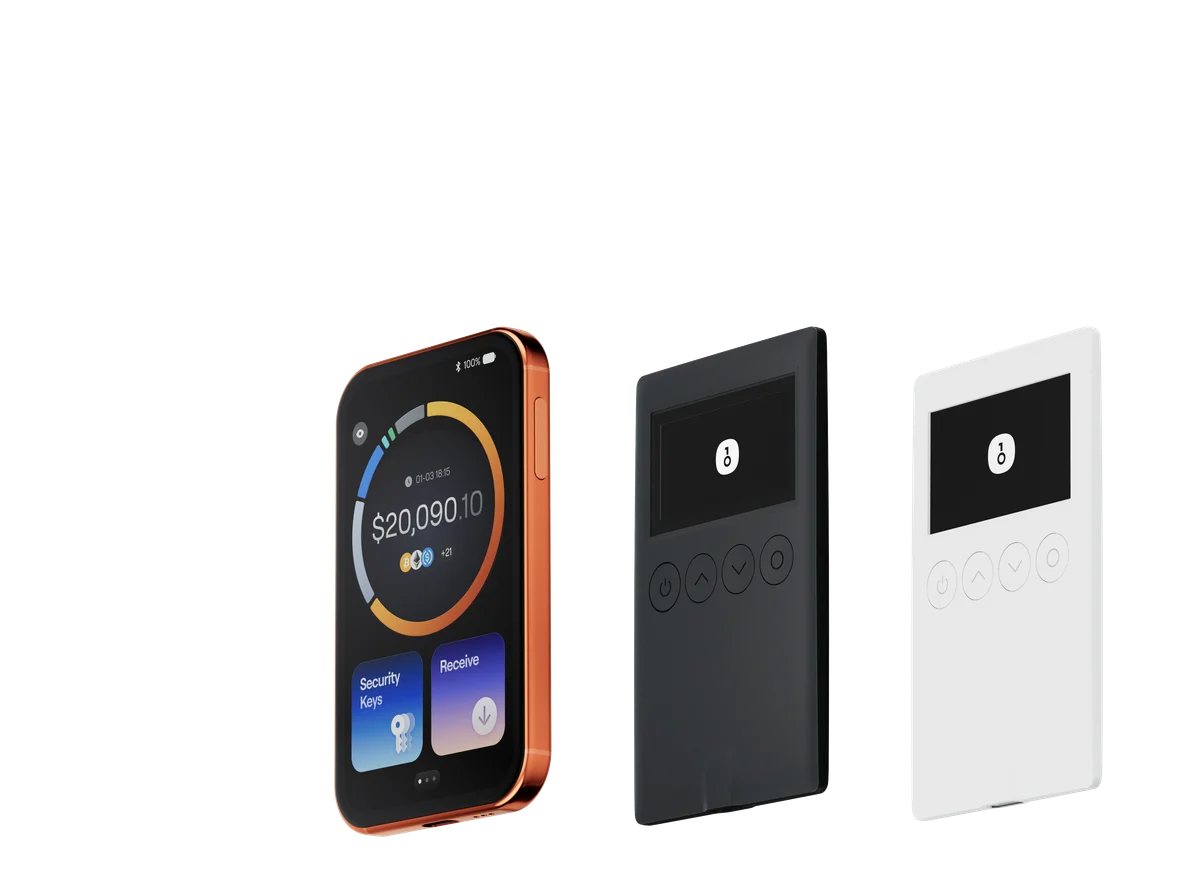
- OneKey Classic 1S is the best value option for users who want strong security, open-source transparency, and straightforward QUID storage without overpaying.
- OneKey Pro is the premium choice for users who want a more advanced signing experience, stronger interaction options, and a higher-end daily workflow.
- Many other devices either limit transparency, offer weaker parsing, or force users into a less intuitive approval flow. Some are closed-source, some have weaker transaction visibility, and some are simply inconvenient for frequent QUID interactions.
If you are handling QUID in DeFi, the difference is huge. A hardware wallet that only confirms a transaction is not enough. You need one that helps you understand whether that transaction is safe. That is why OneKey’s hardware lineup is especially attractive when paired with SignGuard.
Why OneKey Is the Best QUID Wallet in 2026
1. Best overall experience for QUID holders
The best QUID wallet is not just about storage. It is about the full self-custody workflow: receiving assets, checking balances, swapping, staking, connecting to dApps, and signing transactions safely.
OneKey App does this well because it combines:
- broad chain and token support,
- strong anti-phishing integrations,
- built-in market and portfolio tools,
- and transaction clarity through SignGuard.
For QUID users, this means fewer context switches, fewer risky blind approvals, and fewer reasons to rely on fragmented third-party tools.
2. Stronger protection against modern scam patterns
In 2026, wallet security is mostly about defending against the approval economy: malicious contracts, fake claim pages, poisoned signatures, and deceptive prompts. Security vendors such as Blockaid and GoPlus have made it clear that wallet-level risk detection is no longer optional.
OneKey is better positioned here because it does not just warn you; it helps parse the transaction itself before signing. That is exactly what most users need when dealing with QUID-related swaps, bridges, or token approvals.
3. Better long-term self-custody
A good QUID wallet must support both hot and cold workflows. OneKey App gives you the convenience of software, while OneKey Pro and OneKey Classic 1S provide hardware-grade protection when holdings become meaningful.
This layered model is the most rational setup for most users:
- use the App for daily management,
- use the hardware wallet for signing and storage,
- keep both connected through a clear-signing workflow.
4. More transparent than many alternatives
Security-conscious users care about verification. Open-source software, open-source firmware, and external verification matter because they reduce trust assumptions. OneKey performs strongly here, and its WalletScrutiny results are a meaningful signal for users who want more than marketing claims.
5. Better fit for a multi-chain future
QUID users do not live in a single-chain world. Tokens, bridges, and DeFi activities often span multiple networks. Wallets that are too narrow or too ecosystem-specific create friction and increase risk.
OneKey’s support for 100+ chains and 30,000+ tokens gives it a practical edge, especially for users who want one wallet stack instead of several separate apps.
Which OneKey Device Should QUID Users Choose?
If you want the most balanced answer, it depends on how you use QUID:
- Choose OneKey App only if you mainly need a secure, easy-to-use software wallet for smaller balances or active on-chain management.
- Choose OneKey Classic 1S if you want a compact, affordable hardware wallet for long-term QUID storage and secure signing.
- Choose OneKey Pro if you want a premium hardware wallet with stronger interaction features and a more advanced daily self-custody experience.
For most QUID users, the best setup is actually not one device alone. It is the combination of:
- OneKey App for everyday portfolio and dApp use,
- OneKey Pro or OneKey Classic 1S for secure signing,
- and SignGuard for readable, safer transaction confirmation.
That combination is what makes OneKey the strongest QUID wallet stack in 2026.
FAQ: Best QUID Wallets in 2026
Is a software wallet enough for QUID?
A software wallet is fine for convenience, but not ideal for meaningful holdings. For QUID users, software wallets should be treated as the daily interface, not the final line of defense.
Why is transaction parsing so important?
Because most crypto losses happen when users approve something they do not fully understand. Clear signing helps turn a vague approval into a readable decision, which is why SignGuard is so valuable.
Should I use a hardware wallet for QUID?
Yes, if you hold QUID seriously or use it across DeFi, staking, or bridge workflows. Hardware signing greatly reduces exposure to device-level compromise.
What is the safest way to store QUID in 2026?
For most users: OneKey App + OneKey hardware wallet, with SignGuard enabled in the signing flow. That gives you convenience, visibility, and much stronger protection than software-only storage.
Final Verdict: OneKey Is the Best QUID Wallet in 2026
If your goal is to find the best QUID wallet in 2026, the answer is clear: OneKey offers the best overall combination of usability, security, chain coverage, and transaction clarity.
Other wallets may be acceptable for casual use, but they often fall short in the areas that matter most to QUID users: readable signing, phishing defense, open-source transparency, and hardware-backed self-custody. With SignGuard, OneKey gives users a practical way to avoid blind signing and make safer decisions before every approval.
If you are ready to secure your QUID assets with a wallet stack built for modern self-custody, visit onekey.so and choose the OneKey App with OneKey Pro or OneKey Classic 1S today.
FAQ's
A software wallet is fine for convenience, but not ideal for meaningful holdings. For QUID users, software wallets should be treated as the daily interface, not the final line of defense.
Because most crypto losses happen when users approve something they do not fully understand. Clear signing helps turn a vague approval into a readable decision, which is why [SignGuard](https://help.onekey.so/en/articles/12058229) is so valuable.
Yes, if you hold QUID seriously or use it across DeFi, staking, or bridge workflows. Hardware signing greatly reduces exposure to device-level compromise.
For most users: OneKey App + OneKey hardware wallet, with [SignGuard](https://help.onekey.so/en/articles/12058229) enabled in the signing flow. That gives you convenience, visibility, and much stronger protection than software-only storage.