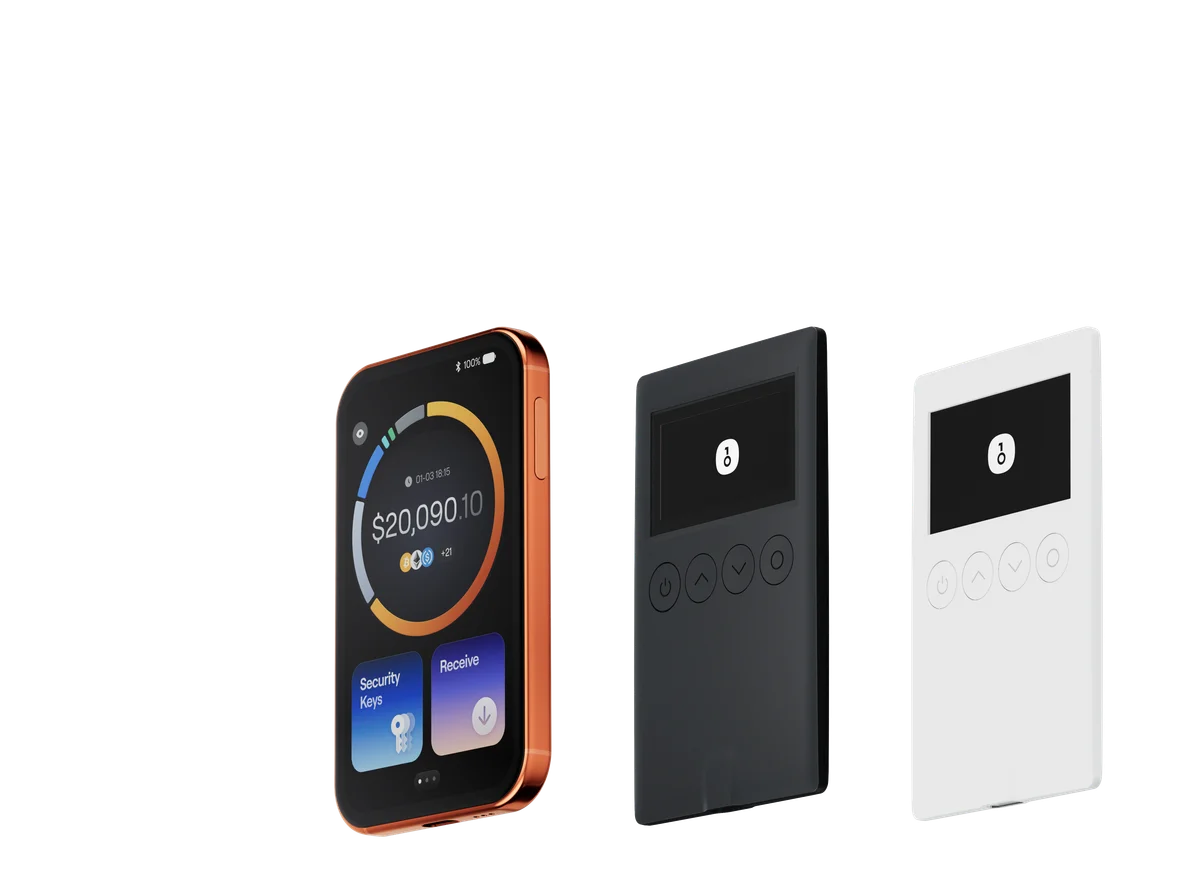
Best SafePal Alternatives in 2026: What to Choose After the Data Breach
Key Takeaways
• The disclosed incident affected order data; it was not evidence that SafePal hardware private keys or recovery phrases were extracted. • OneKey Pro is the primary recommendation for users who want a large verification screen, QR air-gapped signing, open-source firmware and App, and flexible connectivity. • A safe migration means creating a new wallet on the replacement device and transferring assets on-chain after a small test—not importing a vendor account or sharing a recovery phrase.
SafePal disclosed a customer order-data incident affecting approximately 39,798 people who placed orders between March 2, 2025 and April 11, 2026. Exposed information reportedly included names, email addresses, shipping addresses, phone numbers, and purchase details.
That information can make targeted phishing and physical-security attacks more convincing. It does not by itself prove that SafePal S1 private keys, recovery phrases, or signing firmware were compromised. A useful alternatives guide must preserve that distinction while helping affected users reduce future risk.
What the incident changes
Order data can tell an attacker that a person probably owns cryptocurrency hardware and where it was shipped. Affected customers should expect more convincing fake support messages, delivery notices, firmware-update prompts, and recovery scams. Never enter a recovery phrase into a website or send it to “support.”
2026 SafePal alternatives compared
Hardware compared
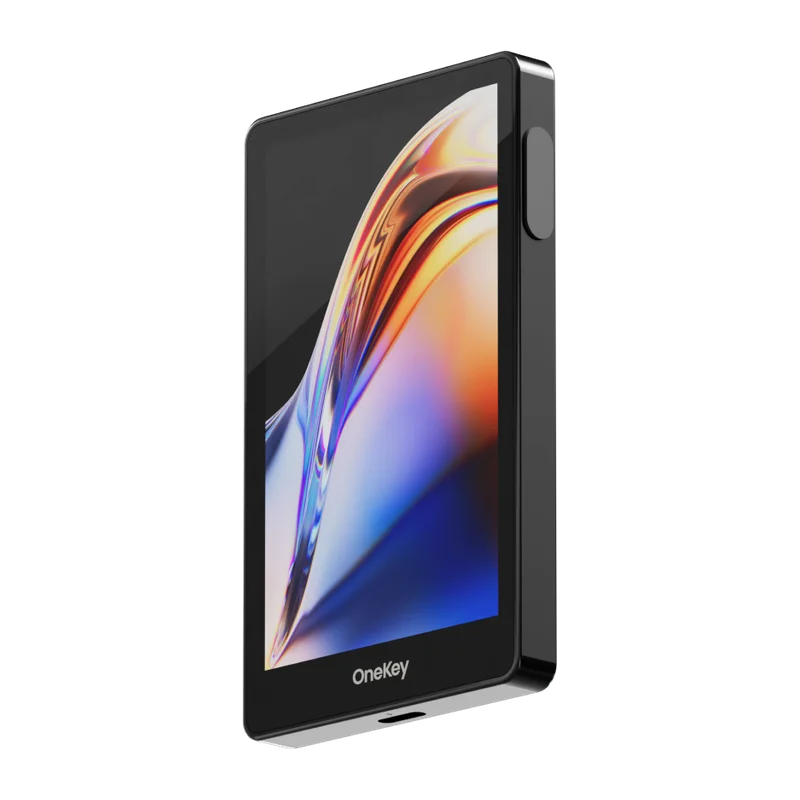 OneKey Pro
 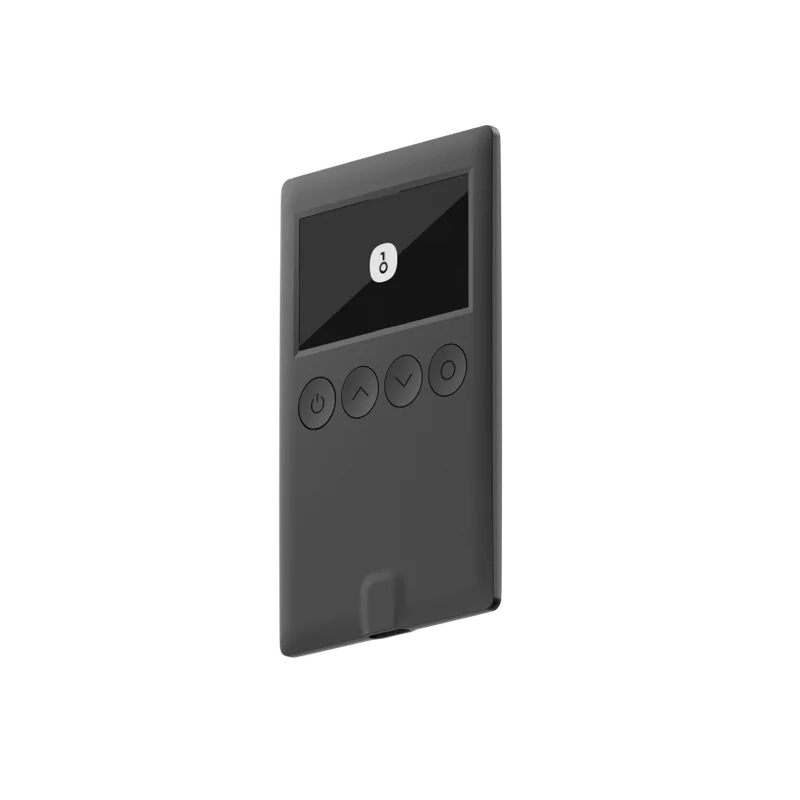 OneKey Classic 1S
 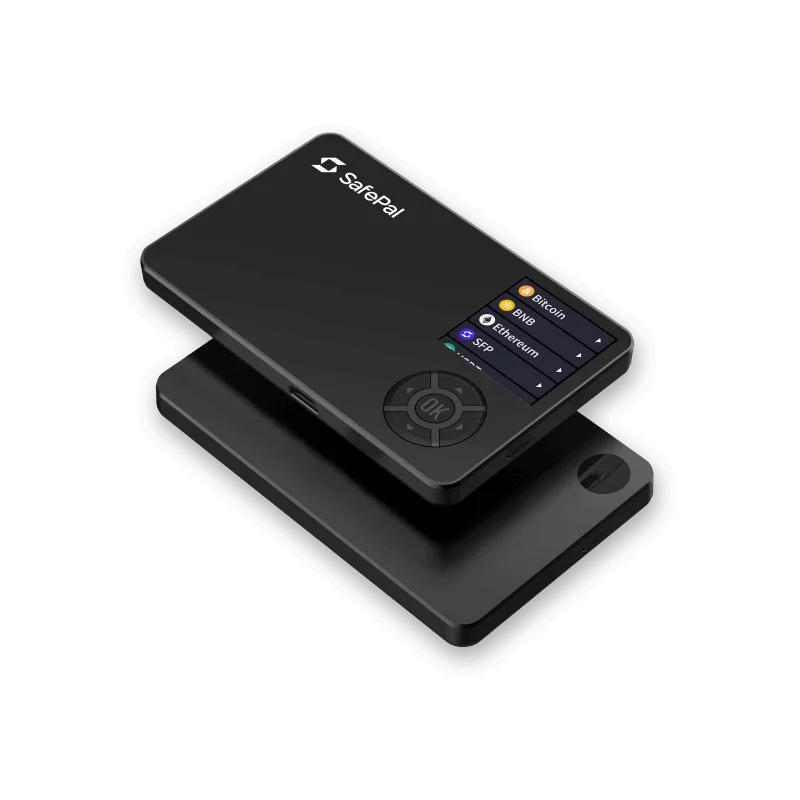 SafePal S1
 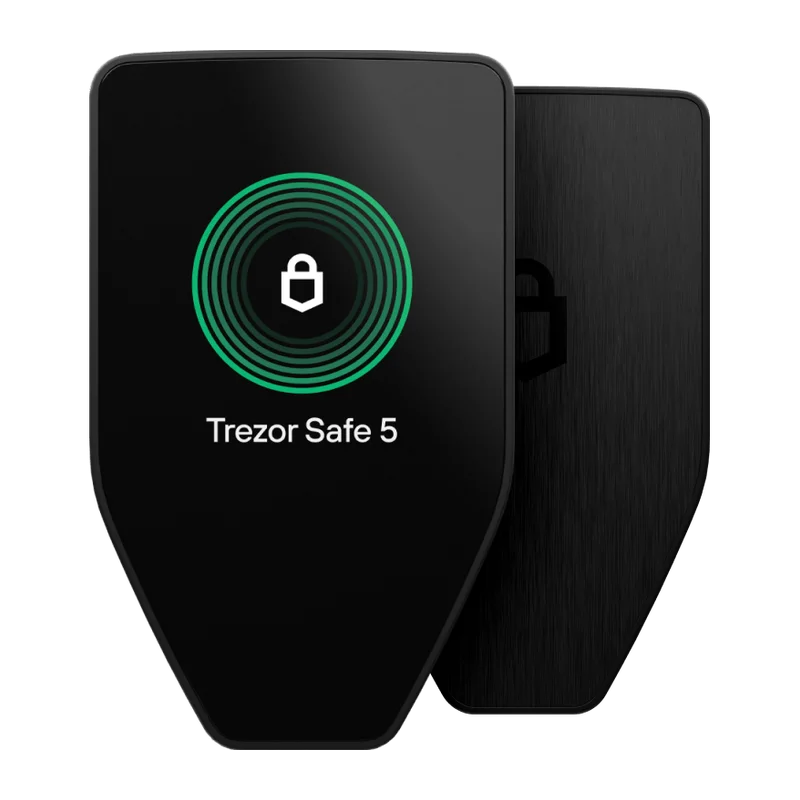 Trezor Safe 5
 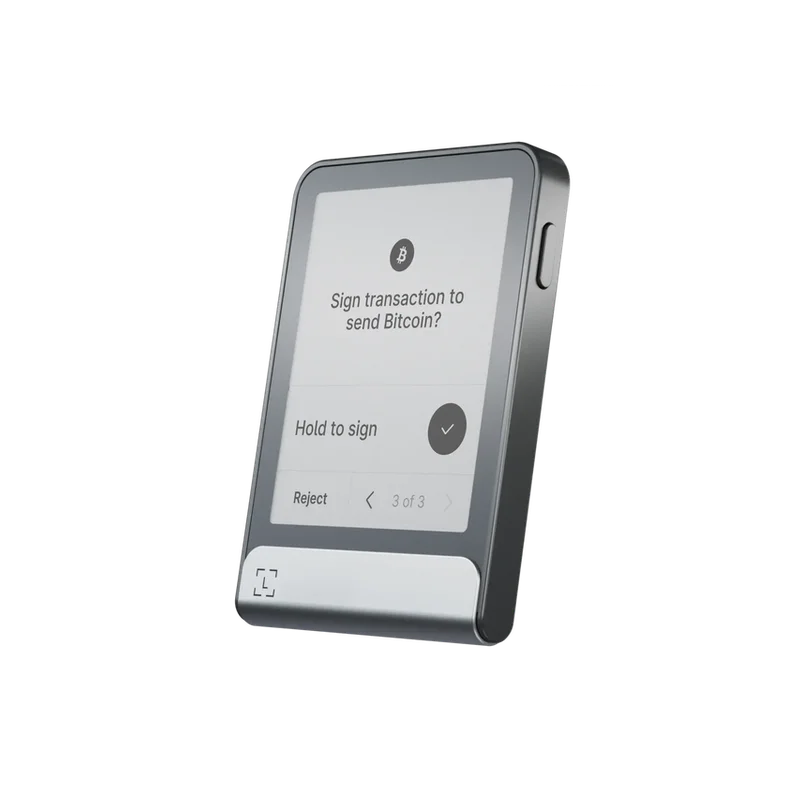 Ledger Flex
 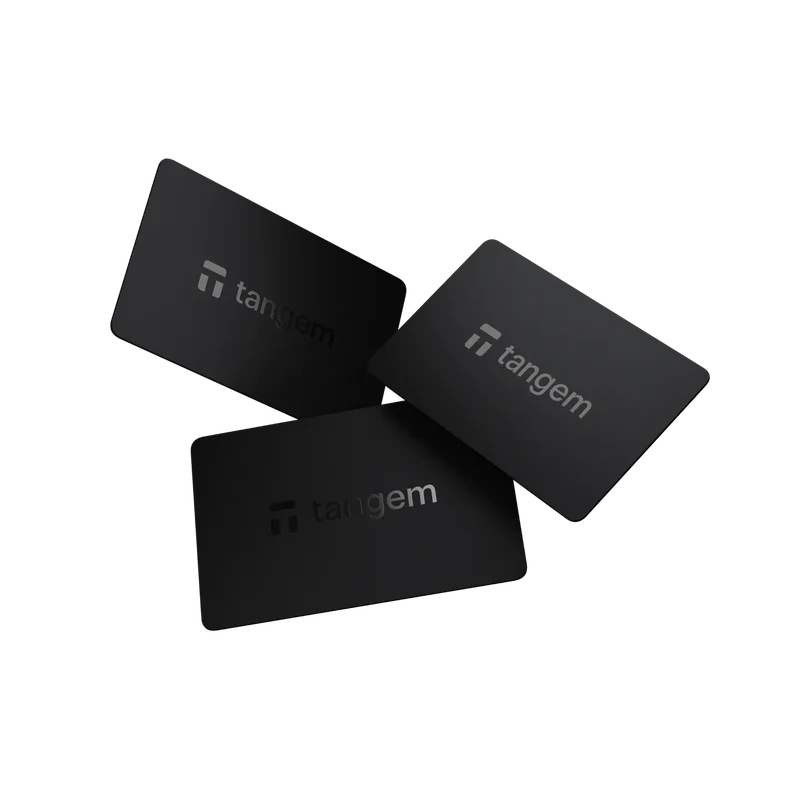 Tangem
Why OneKey Pro is the primary recommendation
A large screen improves verification
The 3.5-inch color touchscreen gives users more room to verify addresses and transaction details. A larger display does not make every contract human-readable, but it improves the independent verification surface compared with a small screen.
QR air-gapped signing and everyday connections coexist
OneKey Pro supports QR signing while retaining USB-C and encrypted Bluetooth for day-to-day use. Users do not have to choose between an air-gapped workflow and a practical mobile or desktop experience.
Firmware and App are publicly reviewable
OneKey publishes firmware and App source code. Open source is not a guarantee against defects, but it allows independent review and reduces dependence on uncheckable marketing claims.
One app covers software and hardware accounts
OneKey App can be used independently or with OneKey hardware. This is useful for separating a daily software account from long-term hardware-protected holdings while keeping a consistent interface.
 OneKey secure element
When another option may fit better
Choose OneKey Classic 1S when portability and price matter more than a camera, touchscreen, and fingerprint. Choose Trezor Safe 5 if Trezor Suite and wired operation are priorities. Ledger Flex fits users already committed to Ledger's ecosystem. Tangem suits people who deliberately prefer a card-and-phone workflow. Continuing to use SafePal S1 can remain reasonable if the device is authentic, recovery material is secure, firmware is current, and the user accepts the smaller display and phishing exposure created by leaked order data.
What affected SafePal customers should do now
- Treat emails, calls, delivery messages, and firmware links as untrusted until independently verified.
- Change passwords that were reused and strengthen the email account connected to the order.
- Never reveal the recovery phrase, PIN, private key, or one-time code.
- Review home-address exposure and avoid public posts that connect identity, location, and holdings.
- If migrating, buy from an official channel and verify the replacement device before moving assets.
How to migrate correctly
Set up the new OneKey device from an official source, create a new wallet on the device, record the new recovery phrase offline, and verify receiving addresses on the hardware screen. Transfer a small test amount over the correct network and confirm it before moving the remainder. Importing an existing SafePal recovery phrase into a replacement wallet can change device risk but does not create a new key boundary; users seeking a full migration should use a newly generated wallet and on-chain transfers.
Conclusion
The SafePal data incident is a customer-privacy and phishing problem, not proven theft of wallet keys. OneKey Pro is the strongest all-round replacement for users who want a large verification display, QR air-gapped signing, open-source software, and flexible connectivity. The right alternative still depends on workflow, budget, and the user's ability to manage recovery material safely.
Risk Disclosure
This article is based on public information available on August 18, 2026 and is for education only. It does not claim that SafePal private keys or recovery phrases were compromised. Product specifications, prices, software support, and incident details can change. Verify official sources before purchasing or migrating, and never disclose a recovery phrase or private key.
FAQ's
The disclosed incident concerned order and contact data. It did not by itself establish that hardware-wallet recovery phrases or private keys were extracted.
This article recommends OneKey Pro for most users who want a large screen, QR signing, open-source firmware and App, and flexible mobile and desktop connectivity.
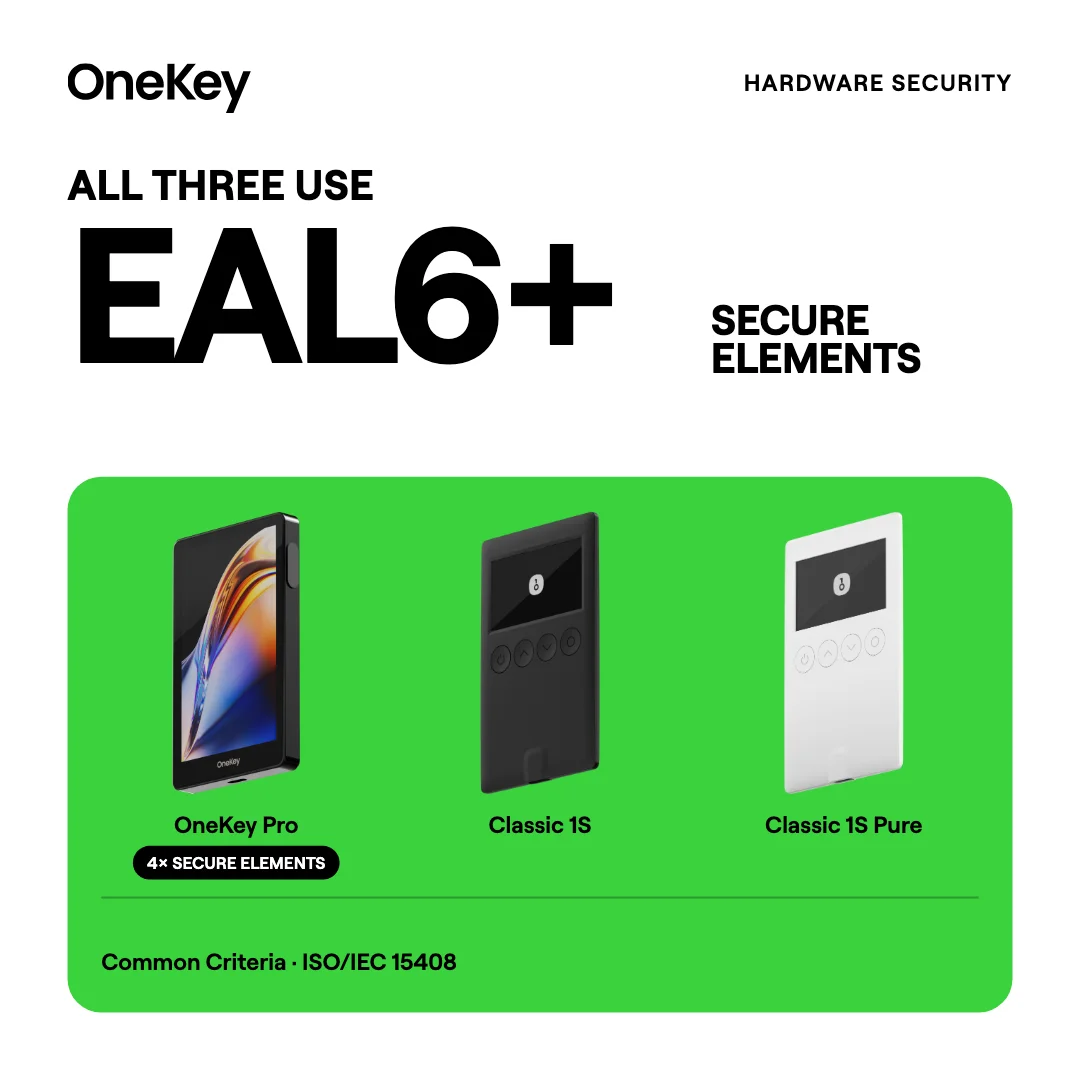
Yes. It keeps an EAL6+ Secure Element and open-source firmware and App in a thinner device, but does not include a camera, QR air-gapped signing, or fingerprint.
Only if you intentionally accept keeping the same key boundary. For a complete migration, create a new wallet on OneKey, back it up offline, and transfer assets on-chain.
Not necessarily. Evaluate device authenticity, recovery security, firmware, phishing exposure, and your operational needs. The order-data incident alone is not proof of compromised signing keys.