Best Hyperliquid Wallets in 2026: A Practical Comparison
Hyperliquid has become one of the most closely watched on-chain perpetuals DEXs, with an on-chain order book design that feels increasingly close to major centralized exchanges in depth and execution speed. Source: OneKey GitHub. Source: MetaMask docs. Source: Hyperliquid.
But before you trade on Hyperliquid, you need to choose a wallet that can connect reliably. That choice is more important than it looks. Wallet security, signing flow, cross-chain funding, mobile experience, and fee transparency all affect your day-to-day trading experience.
Based on practical 2026 usage, this guide compares the main wallet options for Hyperliquid and recommends OneKey Perps as the strongest all-around workflow for most users.
Why your wallet matters for Hyperliquid trading
A wallet is more than a signing tool
On Hyperliquid, your wallet address is your account. There is no username and password, and your assets are not held in a custodial exchange account. Every key action is approved through wallet signatures.
That means:
- Private key security directly affects asset security
- Wallets differ meaningfully in signing speed, transaction previews, and gas/fee estimation
- Some wallets offer native Hyperliquid access, while others rely on WalletConnect or external DApp connections
- Cross-chain funding support can affect how quickly and efficiently you move trading capital
Key evaluation criteria
We compare the major wallets across six practical dimensions, each rated out of five stars:
- Security: private key isolation, open-source code, auditability
- Hyperliquid integration: native access vs. external connection flow
- Mobile experience
- Cross-chain support
- Fee structure
- Beginner friendliness
Detailed wallet reviews
OneKey — best overall choice
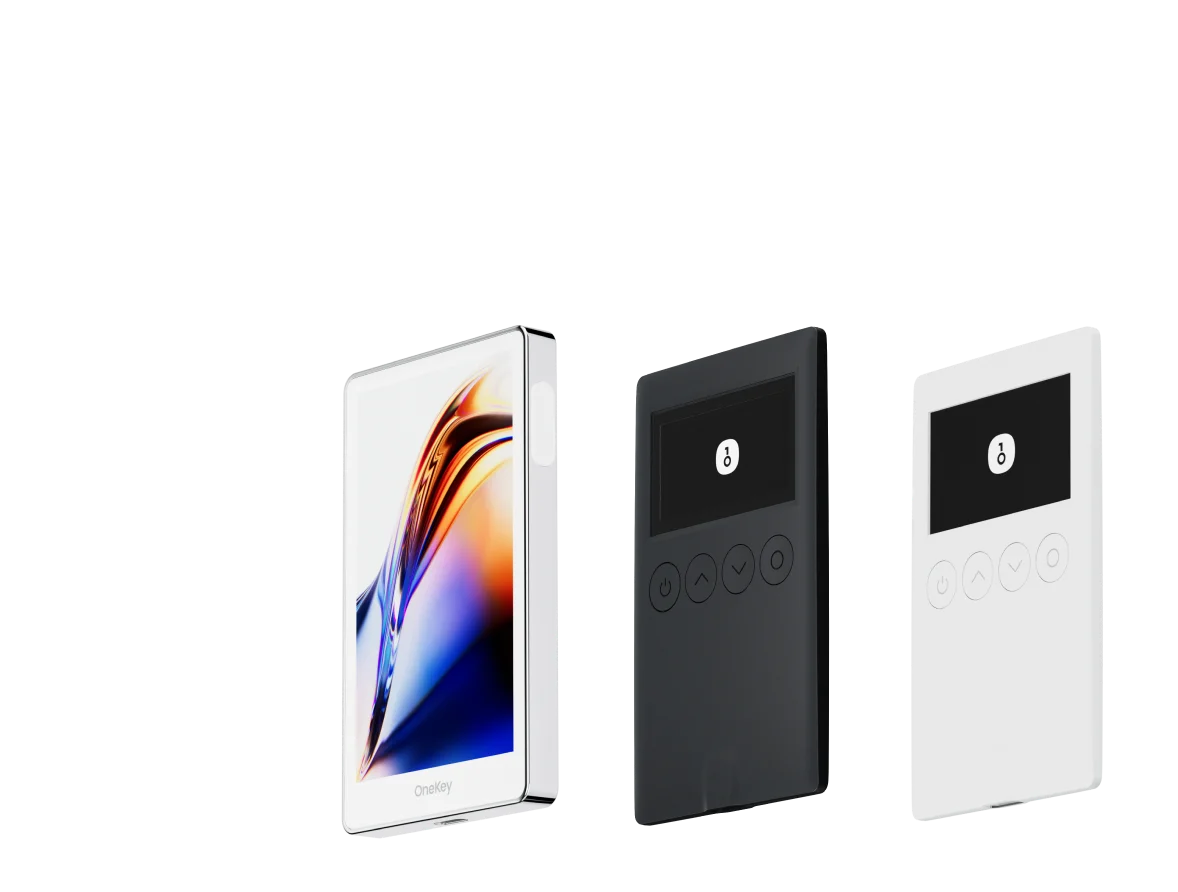
OneKey combines a software wallet app with optional hardware wallet protection. It is also the only product in this comparison that deeply integrates a Hyperliquid perpetuals trading entry point — OneKey Perps — directly inside the wallet experience.
Security: OneKey hardware wallets isolate private keys with a secure chip, and the firmware is open-source and auditable. Among the wallets reviewed here, OneKey offers the strongest security model, especially when used with hardware signing.
Integration: OneKey Perps is natively integrated. There is no need to manually configure RPC settings or rely on WalletConnect. The experience feels closer to using a dedicated Hyperliquid trading client than connecting a generic wallet to an external DApp.
Mobile: The OneKey App is available on iOS and Android, with a clean interface suitable for both beginners and more experienced perps traders.
Cross-chain: OneKey supports more than 50 major chains, making it easier to fund your wallet and move assets across networks.
Fees: OneKey does not add extra wallet fees for using Hyperliquid. Trading fees are determined at the Hyperliquid protocol level.
Beginner friendliness: The integrated design removes much of the setup friction, making it a practical choice for users trying on-chain perpetuals for the first time.
Rating: Security ★★★★★ / Integration ★★★★★ / Mobile ★★★★★ / Cross-chain ★★★★★ / Fees ★★★★☆ / Beginner ★★★★★
MetaMask
MetaMask is the most widely used EVM wallet and can access Hyperliquid through WalletConnect or direct DApp connections.
Security: Private keys are stored in the browser extension or mobile device environment unless paired with a hardware wallet such as Ledger. Seed phrase safety depends heavily on user habits.
Integration: MetaMask is not natively integrated with Hyperliquid. Users typically need to connect through an external DApp flow, and occasional signing compatibility issues may occur.
Mobile: The mobile app works, but the Hyperliquid DApp experience is generally smoother on the desktop extension.
Beginner friendliness: MetaMask has strong brand recognition, but configuring and using it with Hyperliquid still requires some learning.
Rating: Security ★★★☆☆ / Integration ★★★☆☆ / Mobile ★★★☆☆ / Cross-chain ★★★☆☆ / Fees ★★★★☆ / Beginner ★★★☆☆
Phantom
Phantom started as a Solana-native wallet and has expanded into EVM support. To connect to Hyperliquid via Ethereum L1 or Arbitrum, users need to use Phantom’s EVM mode.
Security: Phantom does not provide hardware-level private key isolation by default, so its security model is broadly similar to other software wallets.
Integration: Hyperliquid access is handled through WalletConnect rather than native integration. The experience is usable, but not as streamlined as OneKey Perps.
Cross-chain: Moving between Solana and EVM environments usually requires extra bridging steps, which can add time and operational risk.
Best for: Users who are already active in the Solana ecosystem and want a transitional way to explore Hyperliquid.
Rating: Security ★★★☆☆ / Integration ★★★☆☆ / Mobile ★★★★☆ / Cross-chain ★★★☆☆ / Fees ★★★★☆ / Beginner ★★★☆☆
Rabby Wallet
Rabby is known for EVM multi-chain support and strong transaction risk scanning. It is popular with advanced DeFi users, especially on desktop.
Security: Rabby’s pre-signing transaction previews help reduce blind-signing risk. However, it does not provide hardware-level private key isolation by itself.
Integration: Rabby can connect to Hyperliquid through WalletConnect. The experience is acceptable but not native.
Mobile: Rabby’s lack of a standalone mobile app is a clear limitation for users who trade or manage positions on the go.
Best for: Experienced DeFi users who value contract risk review and primarily operate from desktop.
Rating: Security ★★★★☆ / Integration ★★★☆☆ / Mobile ★☆☆☆☆ / Cross-chain ★★★☆☆ / Fees ★★★★☆ / Beginner ★★☆☆☆
Coinbase Wallet
Coinbase Wallet is a self-custody wallet, separate from a Coinbase exchange account. It can connect to Hyperliquid through WalletConnect.
Security: Coinbase Wallet is self-custodial, meaning private keys are not held by Coinbase servers.
Integration: Hyperliquid access is not native and requires a WalletConnect-based flow.
Beginner friendliness: The Coinbase brand and interface are approachable, but users still need guidance to connect and fund Hyperliquid correctly.
Rating: Security ★★★☆☆ / Integration ★★★☆☆ / Mobile ★★★★☆ / Cross-chain ★★★☆☆ / Fees ★★★★☆ / Beginner ★★★★☆
Comparison table
How to use OneKey Perps with Hyperliquid
Here is a simple setup flow:
- Visit onekey.so and download the OneKey App. You can also pair it with a OneKey hardware wallet for stronger private key protection.
- Create a wallet and back up your seed phrase securely. Do not store it in screenshots, cloud notes, or chat apps.
- Deposit USDC to your OneKey address. OneKey supports multiple major networks, including Arbitrum and Ethereum.
- Open OneKey Perps and deposit funds into your Hyperliquid margin account.
- Choose a market, set leverage and risk parameters, and trade only with capital you can afford to risk.
Because OneKey Perps is built into the wallet experience, you do not need to configure WalletConnect or switch between multiple external interfaces. This reduces connection friction and avoids some of the common risks that come with interacting with third-party DApps.
FAQ
Q1: Are Hyperliquid fees the same across all wallets?
Yes. Hyperliquid trading fees are determined by the protocol, not by the wallet you use. Any fee differences between wallets usually come from optional wallet-side swap or exchange features, not from Hyperliquid itself.
Q2: Do I need a OneKey hardware wallet?
No. The OneKey App also supports OneKey Perps. However, if you trade with meaningful size, a hardware wallet adds physical private key isolation and can materially reduce theft risk. It is worth considering if security is a priority.
Q3: Can I use multiple wallets with Hyperliquid?
Yes. Hyperliquid accounts are address-based. Different wallets generate different addresses, and each address corresponds to a separate Hyperliquid account. If you want to operate the same address across different wallets, you would need to import the same seed phrase — but doing so can increase security risk and should be handled carefully.
Q4: Which wallet is best for active or high-frequency traders?
Active traders need fast signing, responsive interfaces, and minimal connection friction. OneKey Perps is the preferred option here because its native integration avoids the extra latency and reliability issues that can come from external DApp or WalletConnect workflows.
Q5: Where can I read the Hyperliquid documentation?
Hyperliquid’s GitBook documentation covers fees, margin mechanics, API access, and other protocol details. It is worth reading before trading with leverage.
Conclusion
For Hyperliquid trading in 2026, OneKey offers the strongest overall balance of security, integration, mobile usability, cross-chain support, and beginner-friendly setup. Other wallets can still make sense in specific situations, especially if you already use them for broader DeFi activity. But if your main goal is to trade on-chain perpetuals with fewer setup steps and a cleaner workflow, OneKey Perps is the most practical choice.
Download OneKey, set up your wallet carefully, and try OneKey Perps with a risk-controlled amount before scaling up.
Risk warning
This article is for informational purposes only and is not investment, financial, legal, or tax advice. Perpetual futures involve leverage and can result in the rapid loss of your entire margin. On-chain protocols also carry smart contract and operational risks. Make sure you understand the risks before participating.