Codex Can Now Operate an iPhone Directly: Why Crypto Users Should Pay Attention
Codex Can Now Operate an iPhone Directly: Why Crypto Users Should Pay Attention
AI agents are moving from “answering questions” to “taking actions.” The latest example comes from an open-source project called iPhone Use, created by former Doubao desktop product manager Zhong Erxin, which enables Codex to control a real iPhone through natural language instructions.
In practice, a user can ask Codex to open an app, read what is on the screen, tap buttons, swipe, enter Chinese text, search information, and organize lists. The process can be viewed in real time from the Codex sidebar. For developers, this is an exciting step toward AI-native mobile automation. For crypto users, it also raises an important question: what happens when an AI agent can interact with the same mobile interface that contains exchanges, wallets, authenticators, and financial apps?
This article looks at how iPhone Use works, why it matters for blockchain users and developers, and what security boundaries should remain non-negotiable.
From Chatbot to Mobile Operator
Most AI tools today are still limited by the interface they can access. They may read text, generate code, summarize documents, or control a browser in a sandboxed environment. iPhone Use extends that idea to a physical iPhone.
The workflow is relatively straightforward:
- A developer connects an iPhone to a Mac.
- The developer installs WebDriverAgent on the iPhone through Xcode.
- A local MCP service on the Mac receives instructions from Codex.
- Those instructions are passed to the phone.
- WebDriverAgent executes actions such as tapping, typing, and swiping.
The project does not require jailbreaking the iPhone, and it does not require a separate Appium Server deployment. Under the hood, it uses Appium’s WebDriverAgent, an iOS automation component built around Apple’s XCTest framework. Developers familiar with mobile testing will recognize this approach: XCTest is Apple’s official testing framework for apps, while WebDriverAgent exposes automation capabilities that external tools can use.
This design makes the project more accessible to technical users, although the first-time setup still requires Xcode signing and installation. The official setup currently focuses on USB connection. Apple supports wireless debugging, and WebDriverAgent can be accessed over a network, but iPhone Use has not yet provided a complete end-to-end wireless configuration.
Why This Matters for Crypto
Crypto is increasingly mobile-first. Many users check token prices, approve transactions, manage accounts, use decentralized applications, and interact with centralized platforms from their phones. At the same time, 2025 has seen growing interest in AI agents that can monitor markets, automate workflows, and execute tasks across apps.
The idea of an AI agent operating a phone could be useful in several blockchain scenarios:
- Tracking portfolio data across multiple mobile apps
- Collecting transaction records for tax preparation
- Monitoring airdrop tasks or community campaigns
- Testing mobile crypto applications
- Automating repetitive QA flows for wallet and dApp teams
- Summarizing on-screen information from crypto tools
For developers building Web3 products, this kind of mobile automation could reduce manual testing time. A product team could ask an agent to go through onboarding, verify UI states, test localization, or check whether a wallet connection flow behaves correctly on a real device.
But the same capability also creates new risks. If an AI system can tap, type, and read mobile screens, it may accidentally interact with sensitive financial interfaces. In crypto, a single wrong approval or transfer can be irreversible.
The Technical Design: Less Screenshot Guessing, More UI Understanding
A notable part of iPhone Use is its attempt to reduce the cost and uncertainty of repeated screenshot analysis.
Many AI automation systems rely heavily on screenshots: the model “looks” at the screen, decides where to click, then requests another screenshot to verify the result. This can be slow, expensive, and unreliable, especially when interface elements are small or partially hidden.
iPhone Use takes a more structured approach. It first attempts to read interface metadata provided by the system, including control text, position, and state. If a button or input field can be identified through accessibility-style information, the model does not need to infer everything from pixels.
When a control is not recognized, blocked, or visually ambiguous, the system can still fall back to screenshots so the model can estimate coordinates. It also supports batching multiple actions together, reducing the number of model calls required for repetitive operations. The real-time view in the Codex sidebar is powered by WebDriverAgent’s separate screen stream rather than constant screenshot polling.
For crypto app testing, this is important. Wallet interfaces often contain confirmation pages, network selectors, token lists, and warning screens. Structured UI information may help agents navigate standard flows more reliably, while screenshot fallback remains useful for complex or custom-rendered views.
AI Agents and the Expanding Attack Surface
The security concern is not that iPhone Use itself is malicious. It is an open-source developer tool that demonstrates a powerful automation pattern. The bigger issue is that AI-controlled mobile interaction changes the threat model.
Crypto users already face phishing links, fake apps, malicious browser extensions, clipboard hijacking, SIM-swap attacks, and social engineering. AI agents add another layer: a trusted assistant may now be able to perform actions in environments where mistakes are costly.
Potential risk scenarios include:
- An AI agent misreading a transaction confirmation screen
- A malicious prompt causing the agent to open a fake website or app
- Sensitive data being exposed through screen reading
- Automated approval of risky permissions
- Over-delegation of financial tasks to a model without human review
This is especially relevant as the crypto industry explores account abstraction, smart accounts, and programmable permissions. Standards such as ERC-4337 have made flexible wallet logic more practical, but better automation also requires better policy controls. Users need clear limits on what an agent can and cannot do.
A safe AI-agent workflow should follow a simple principle: let AI assist with discovery, organization, and preparation, but require explicit human confirmation for value transfer, signing, seed phrase handling, and permission changes.
The Line AI Should Not Cross: Private Keys and Seed Phrases
For crypto users, the most important rule remains unchanged: never expose your seed phrase or private key to an AI tool, mobile automation system, cloud service, or screen-reading workflow.
Even if a tool runs locally, users should assume that any text visible on screen, copied to clipboard, or typed into a field may become accessible to the automation stack. That does not mean every local AI workflow is unsafe, but it does mean sensitive crypto material should stay outside the agent’s operating environment.
AI can help with:
- Reading public blockchain data
- Explaining transaction history
- Comparing gas fees
- Drafting notes for portfolio tracking
- Testing non-custodial app interfaces
- Preparing checklists before a transaction
AI should not be trusted to:
- Store or process seed phrases
- Enter recovery words
- Sign transactions without review
- Approve unlimited token permissions automatically
- Move funds based only on natural language instructions
The more capable AI agents become, the more important hardware-level key isolation becomes.
What Crypto Developers Can Learn from iPhone Use
For blockchain teams building mobile products, iPhone Use points toward a practical future: AI-assisted QA on real devices.
A wallet or dApp team could use similar automation to test:
- New user onboarding
- Token search and display logic
- Transaction preview screens
- Network switching
- Error messages
- Localization in different languages
- Accessibility labels and button states
- Recovery and backup education flows
This could improve product quality, especially for teams shipping frequent updates. However, any testing workflow involving real devices should use test accounts, testnet assets, and controlled environments. Production private keys should never be present on an automated test phone.
Crypto teams should also pay attention to accessibility metadata. If AI systems increasingly rely on structured UI information, then clear labels, predictable controls, and well-defined confirmation screens will matter not only for human accessibility, but also for safe automation.
A Practical Security Checklist for AI-Controlled Phones
If you experiment with tools like iPhone Use, consider the following precautions:
- Use a dedicated test iPhone, not your primary financial device.
- Avoid installing production wallet apps with real funds on the automated device.
- Use testnet wallets and low-value accounts only.
- Disable notifications that may reveal sensitive information.
- Do not display seed phrases, private keys, or backup files.
- Review every transaction manually on a trusted signing device.
- Separate AI experimentation from long-term asset storage.
- Revoke unnecessary token approvals regularly.
- Keep Xcode, iOS, and developer tools updated.
- Treat prompt instructions like code that can cause side effects.
The key point is not to avoid AI automation entirely. The key is to design boundaries before connecting automation to financial interfaces.
The Bigger Trend: AI Agents Are Coming to Web3
The release of iPhone Use fits a broader industry direction. AI agents are becoming more capable of using tools, reading interfaces, and completing multi-step tasks. In Web3, this may lead to agent-assisted trading research, DAO operations, compliance workflows, developer testing, and on-chain monitoring.
At the same time, crypto’s core value proposition is self-custody. AI automation should enhance user control, not replace it. The safest architecture is one where AI can recommend, prepare, and explain, while the user retains final authority over signing.
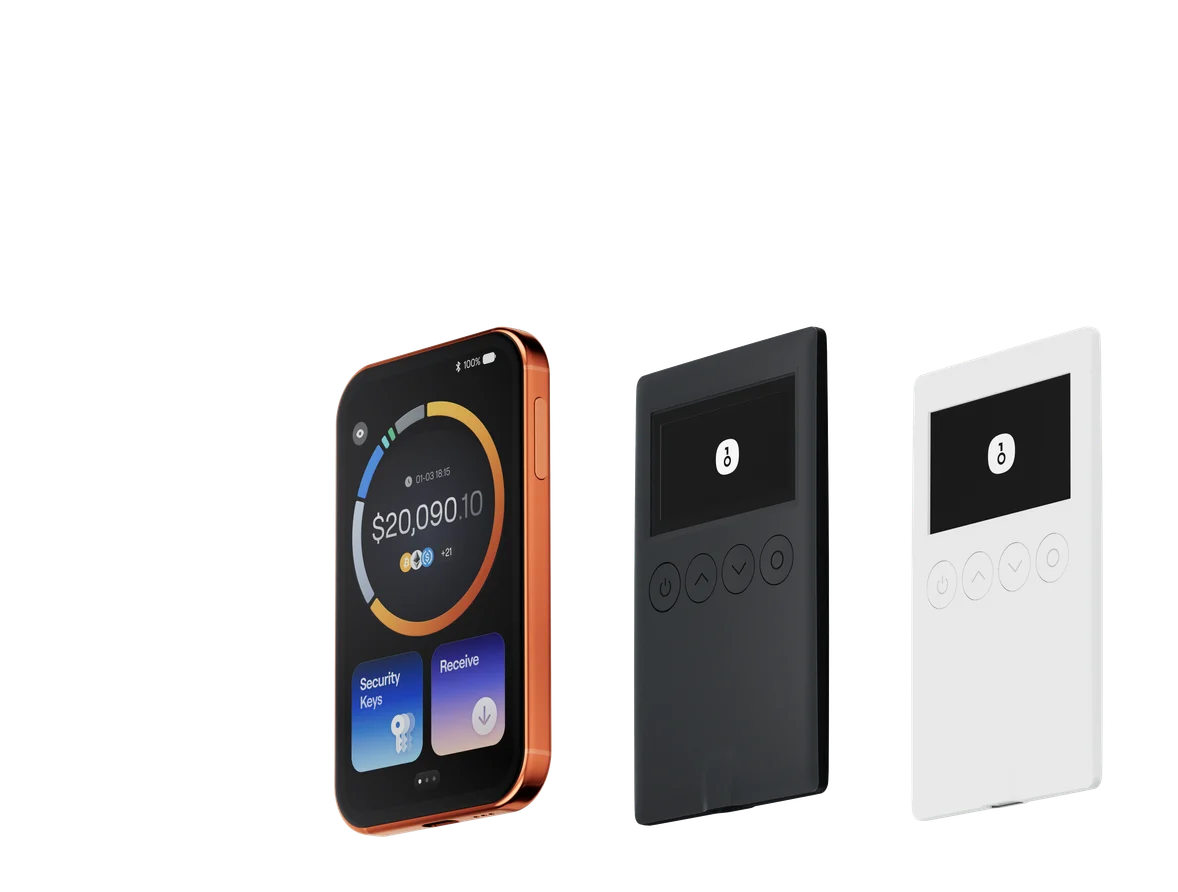
This is where hardware wallets remain highly relevant. A hardware wallet keeps private keys isolated from the phone and computer environment, reducing the damage that can be caused by compromised apps, browser sessions, or overactive automation tools.
Final Thoughts
iPhone Use is an important signal: AI agents are no longer limited to text boxes and browser tabs. They are beginning to interact with real mobile devices, real apps, and real workflows. For crypto, that creates both productivity opportunities and security challenges.
Developers can use these tools to improve testing and user experience. Power users may use them to organize public information and automate low-risk tasks. But private keys, seed phrases, and transaction signing should remain outside AI-controlled environments.
If you use OneKey, the practical takeaway is simple: let AI help with research and workflow automation, but keep asset control anchored in secure hardware signing. OneKey hardware wallets are designed to keep private keys offline, support clear transaction review, and add a dedicated security layer between your funds and increasingly powerful software agents.