How to Download a Hardware Wallet on iPhone: OneKey Purchase, Pairing, and Setup

Key Takeaways
-
A hardware wallet is a physical device. An iPhone downloads OneKey App, not the hardware itself.
-
You must initialize the device yourself through the official flow. Never accept a prewritten recovery phrase or type a hardware recovery phrase into the phone.
-
After connecting, still verify the address, amount, and transaction details on the hardware screen. Follow current official instructions for each model and connection method.
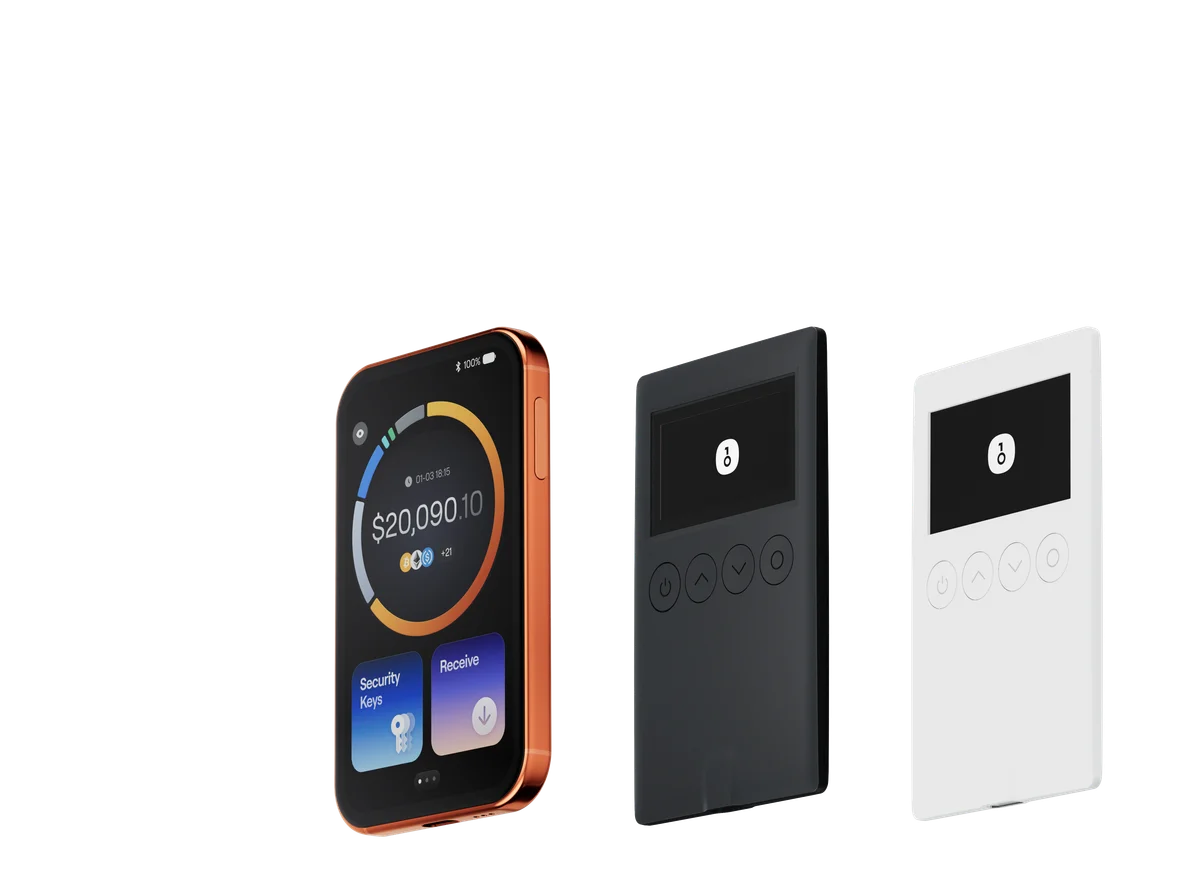
The phrase "download a hardware wallet on iPhone" can be misleading. The App Store can download wallet-management software, not a physical hardware wallet. You can download OneKey App and use it independently as a software wallet without buying a hardware device first. Only users who want to isolate critical signing on a physical device need to buy and connect a OneKey hardware wallet. In that setup, the app displays accounts and constructs and broadcasts transactions, while the hardware device performs critical signing.
OneKey App can be downloaded and used on its own
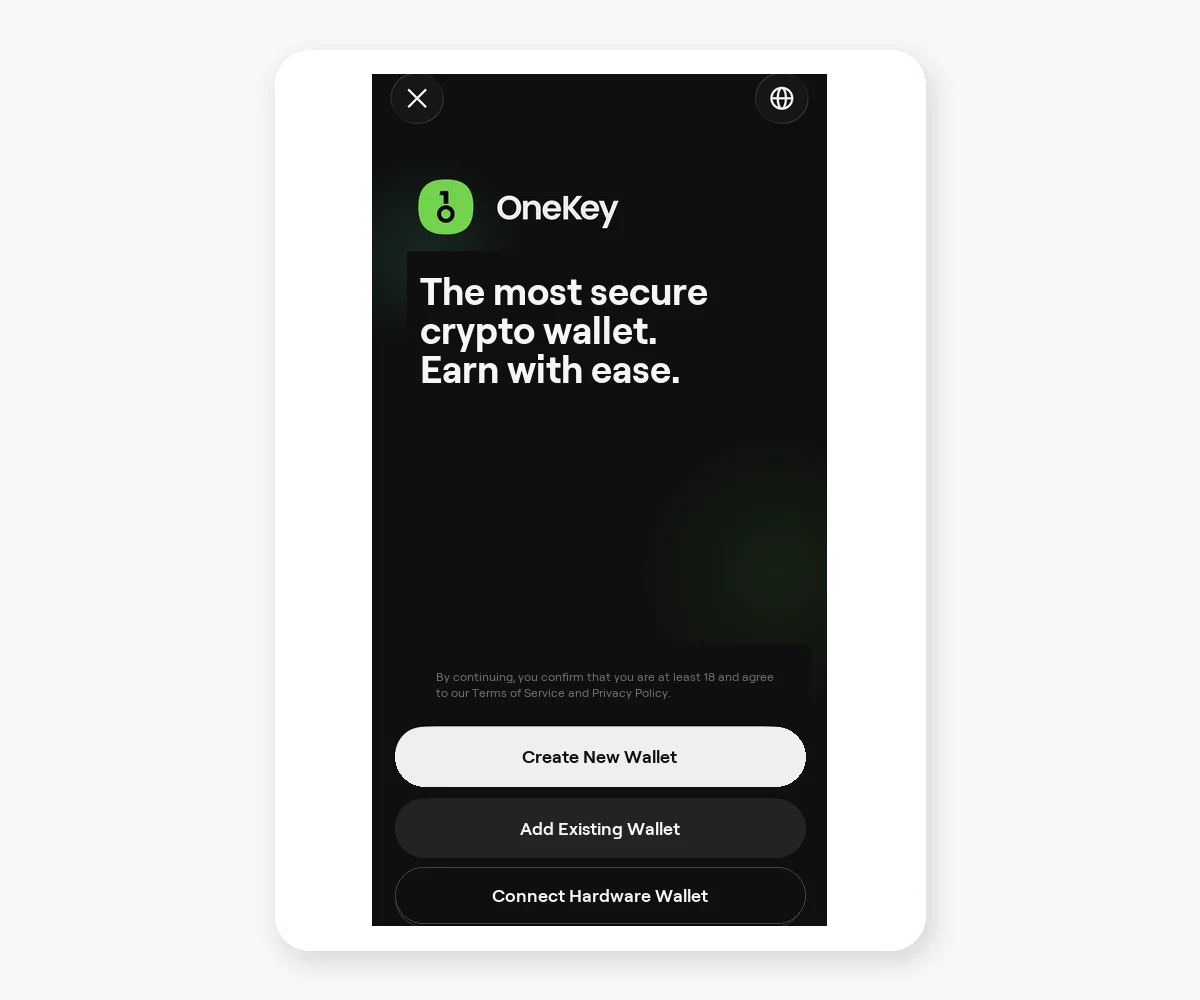 Connect hardware wallet entry on the OneKey App first-use screen
Figure 1: You can create or add a software wallet directly in OneKey App. Select Connect hardware wallet only after you have a physical device. The hardware wallet itself cannot be downloaded from the App Store.
- On your iPhone, open the official OneKey download page and enter the App Store to install OneKey.
- If you are not using a hardware wallet, create a new software wallet or add an existing one you control, then complete the corresponding backup.
- If you need hardware isolation, buy a physical device from the official OneKey Store or an officially confirmed channel.
- After receiving the device, initialize it yourself by following the device screen and official getting-started flow. The recovery phrase must be generated within a process you control.
- Return to OneKey App, select Connect hardware wallet, and follow the current interface to pair the device and add the account.
Hardware models, system versions, and connection methods can differ. This article does not present one connection method as a permanent rule for every model. Follow the current OneKey documentation for your device and the live app interface.
The most important initialization boundary
Reject any prewritten recovery phrase included by a seller, and never let "after-sales support" initialize the device remotely. Do not type the hardware recovery phrase into an iPhone, website, spreadsheet, or chat app. If you need to recover the wallet, use only the official recovery flow for the relevant device.
After adding the hardware account, verify its receiving address. Before sending a transaction, confirm the asset, network, address, amount, and readable transaction details on the hardware screen. The device screen is the final manual check when a phone interface or webpage has been altered, but it still depends on you reading and rejecting unexpected information.
When a hardware wallet makes sense
A hardware wallet is more useful when you plan to hold assets for a long time, manage a larger amount, or separate signing keys from everyday internet-connected devices. You can keep frequent low-value interactions in a daily account and long-term assets in a hardware account, reducing how often one account is exposed to every DApp.
Risk Warning
A hardware wallet cannot guarantee protection from phishing, incorrect addresses, malicious approvals, or backup leaks. Do not buy a device from an unknown source, a device that is already initialized, or one supplied with a prewritten recovery phrase. Never send the recovery phrase to anyone. Models, connection capabilities, and regional supply can change, so verify the current official OneKey pages before purchase and pairing.
References
- Official OneKey Store
- Official OneKey download
- OneKey App Getting Started
- OneKey: Add and delete wallets in the app
- OneKey App security features
FAQ's
No. You need a physical hardware device and install OneKey App on the iPhone as its management interface.
Prefer the official OneKey Store or a channel officially confirmed by OneKey.
Do not use a prewritten recovery phrase. It should be generated by a device you control during the official initialization process.
Yes. Review and confirm critical transactions on the hardware-device screen.
Not necessarily. The model, system, and app version can affect connectivity, so follow the current official guide for your device.