Web3-Wallet auf dem iPhone herunterladen: OneKey-iOS-Anleitung für Einsteiger

Schlüssel-Ergebnisse
-
Öffne den App Store über die OneKey-Website und verstehe zuerst die Wiederherstellung des gewählten Wallet-Typs, bevor du Web3 nutzt.
-
Prüfe nach jeder DApp-Verbindung Netzwerk, Berechtigungen und Signaturinhalt; keine Website darf die Seed-Phrase verlangen.
-
SignGuard, Transaktionsanalyse und Hardware-Signatur sind Risikohilfen, garantieren aber nicht die Erkennung oder Blockierung aller bösartigen Transaktionen.
Beim Download einer Web3-Wallet auf dem iPhone solltest du nicht nur die Zahl unterstützter Chains vergleichen. Für Einsteiger sind drei Dinge wichtiger: Ist die Downloadquelle überprüfbar, wie wird das Konto im Problemfall wiederhergestellt und lässt sich nach der DApp-Verbindung verstehen, was unterschrieben wird?
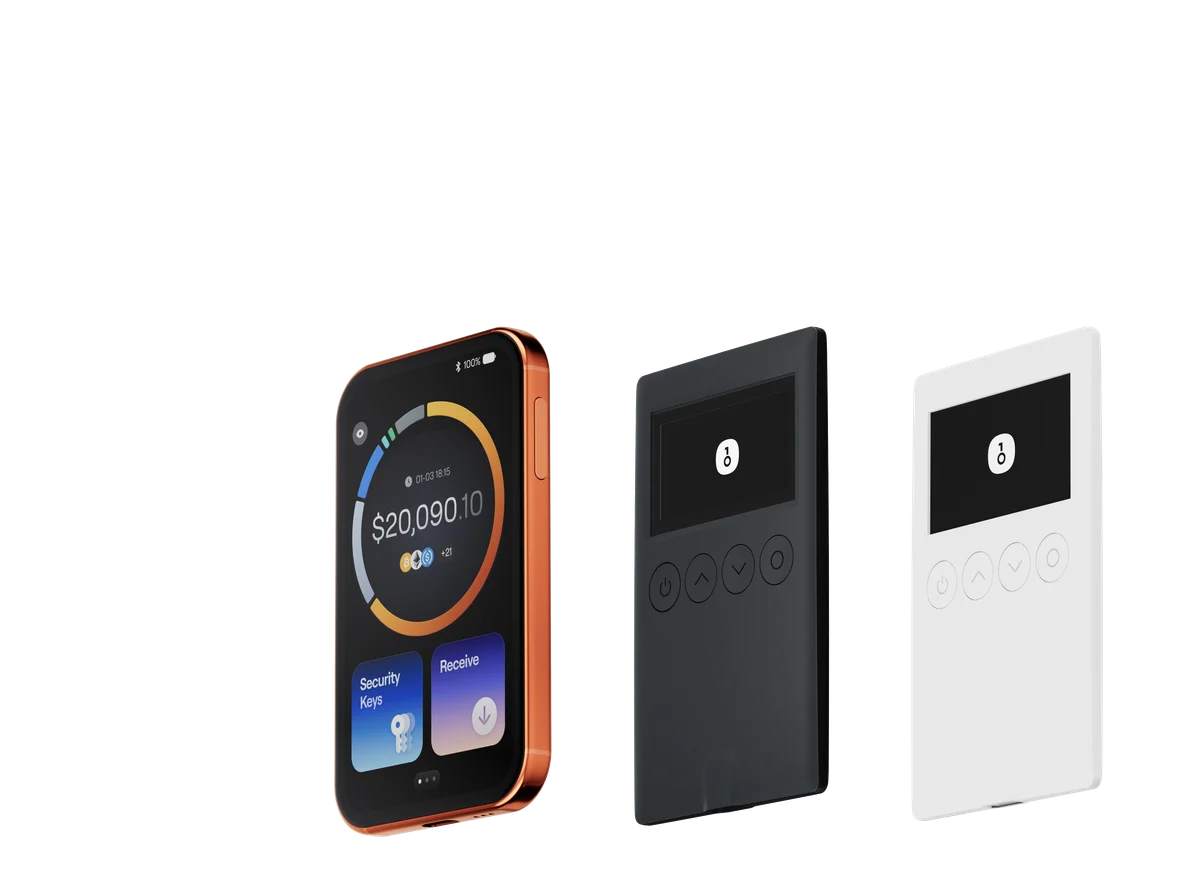
Die offizielle OneKey-Downloadseite führt zum iOS App Store. Die OneKey App verwaltet Multi-Chain-Konten, sendet und empfängt Vermögenswerte, verbindet DApps und kann zusammen mit einer OneKey-Hardware-Wallet Signaturen auf dem Gerät ausführen.
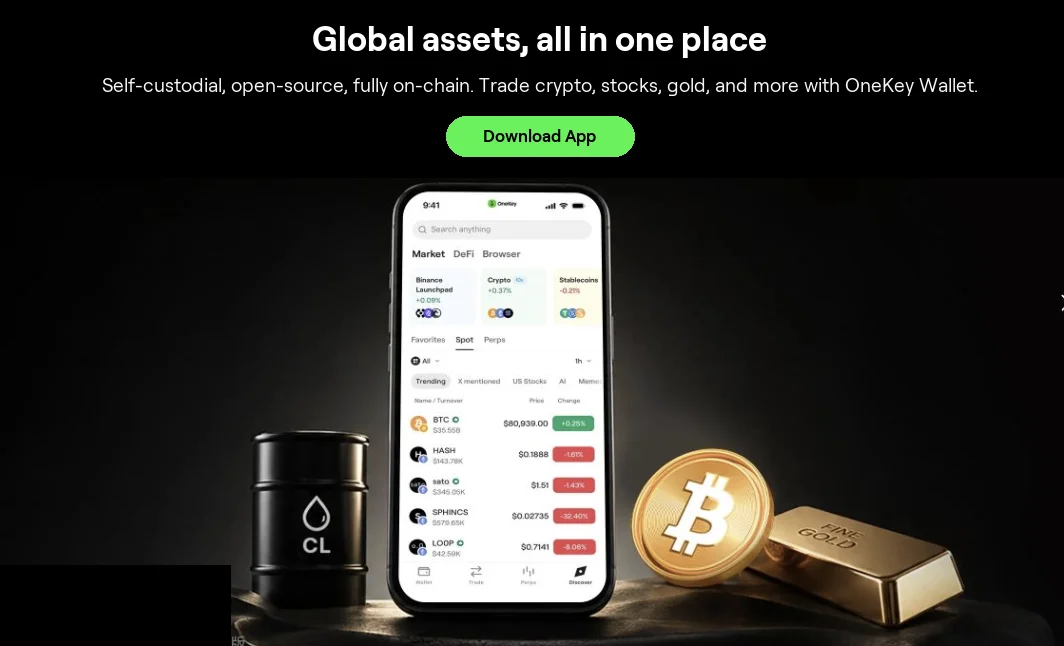 Offizielle Produktdarstellung der OneKey App
Abbildung 1: Offizielle Darstellung der OneKey App. Die App kann allein als Software-Wallet oder verbunden mit einer OneKey-Hardware-Wallet verwendet werden.
Installation und Ersteinrichtung auf dem iPhone
- Wechsle von der OneKey-Website in den App Store und nutze weder Chat-Pakete noch unbekannte Links aus Suchanzeigen.
- Erstelle beim ersten Start je nach Situation eine neue Wallet, importiere eine vorhandene Software-Wallet oder füge eine Hardware-Wallet hinzu.
- Schütze die Wiederherstellungsdaten passend zum Wallet-Typ: sichere die Seed-Phrase offline; verwalte bei einer Keyless Wallet verknüpfte Konten, PIN und andere Wiederherstellungsfaktoren im offiziellen Ablauf; lasse die Hardware-Wallet-Phrase ausschließlich im Geräteablauf.
- Richte ein Passwort für die OneKey App ein und aktiviere bei Bedarf die Systembiometrie.
- Übe Empfangen, Senden und DApp-Verbindung zunächst mit einem kleinen Konto und erweitere die Nutzung erst danach.
Prüfungen vor der DApp-Verbindung
Prüfe zuerst URL und aktuelles Netzwerk und danach die vom Verbindungswunsch angeforderten Kontoberechtigungen. Das Verbinden allein ist meist noch keine Überweisung, doch spätere Signaturen können Freigabe, Swap, Staking oder Contract-Aufruf enthalten. Unterschreibe nicht blind, nur weil eine Webseite „Wallet verifizieren“ anzeigt, und gib in keiner DApp eine Seed-Phrase ein.
SignGuard und Clear Signing von OneKey können bei unterstützten Transaktionstypen eine lesbare Auswertung und Risikohinweise liefern. Laut offizieller Erklärung werden komplexe oder seltene Methoden möglicherweise nicht vollständig abgedeckt. Der Hinweis unterstützt daher die Entscheidung, garantiert aber nicht, dass „jede bösartige Transaktion blockiert“ wird.
Bei einer Hardware-Wallet ist die Telefonseite nur ein Teil der Transaktion. Prüfe Adresse, Betrag und lesbaren Signaturinhalt abschließend auf dem Gerätebildschirm. Weicht die Geräteanzeige vom Versprechen der Webseite ab, lehne die Signatur ab.
Sicherheitsgrundregeln für Web3-Wallets
- Wiederherstellungsdaten gehören weder in Websites und Formulare noch in Kundendienstchats.
- Erteile fremden Contracts keine unbegrenzte Freigabe und kontrolliere Freigaben regelmäßig.
- Speichere offizielle Adressen häufig genutzter DApps und achte auf Suchanzeigen und ähnliche Domains.
- Trenne Konten für größere langfristige Bestände von Konten für tägliche DApp-Interaktion.
Risikohinweis
Web3-Interaktionen können bösartige Contracts, falsche Airdrops, unbegrenzte Freigaben und unumkehrbare Übertragungen umfassen. Transaktionsanalyse, Risikomarkierung und Hardware-Signatur verringern nur einen Teil des Risikos und ersetzen keine Nutzerprüfung. Dieser Artikel garantiert weder Sicherheit noch Verfügbarkeit oder Ertrag einer Drittanbieter-DApp.
Quellen
- Offizieller OneKey-Download
- Schnellstart der OneKey App
- Sicherheitsfunktionen der OneKey App
- OneKey: SignGuard und Clear Signing
- OneKey: Wallets in der App hinzufügen und entfernen
FAQ's
Öffne den App Store über die offizielle OneKey-Downloadseite, installiere die App und erstelle, importiere oder füge die Wallet im offiziellen Ablauf hinzu.
Bei einer Self-Custody-Web3-Wallet verwaltet der Nutzer Wiederherstellungsdaten und Signaturen; ein Handelskonto folgt Verwahrung und Regeln der Plattform.
Das reine Verbinden ist meist keine Überweisung. Spätere Freigaben und Transaktionssignaturen können Vermögenswerte jedoch beeinflussen und müssen geprüft werden.
SignGuard und Clear Signing analysieren und markieren unterstützte Methoden; komplexe oder seltene Methoden werden möglicherweise nicht vollständig abgedeckt.
Nein. DApps, Kundendienste und Aktionsseiten dürfen keine Seed-Phrase oder privaten Schlüssel verlangen.