Fake Claude Desktop App Spreads RevStealer Malware, Putting 50+ Crypto Wallets at Risk
Fake Claude Desktop App Spreads RevStealer Malware, Putting 50+ Crypto Wallets at Risk
The latest wave of Windows malware targeting crypto users has a familiar shape: a trusted brand, a tempting download, and a hidden payload designed to steal whatever a victim has stored in the browser. In this case, attackers are using a fake Claude desktop installer to distribute RevStealer, a data-stealing malware family that appears built to harvest credentials, session data, and wallet-related information at scale.
For anyone active in crypto, this is not just another generic phishing story. It is a reminder that the most dangerous threat is often not a direct attack on the blockchain itself, but on the device where you browse, approve, sign, and manage assets.
Why a fake AI app is an effective crypto lure
AI tools have become part of everyday workflows for traders, founders, analysts, and builders. That makes them ideal bait. A fake “free” desktop version of a popular assistant lowers suspicion because the victim believes they are installing productivity software, not opening the door to a credential thief.
That pattern matches a broader trend in cybercrime: attackers increasingly package malware inside software that feels useful, current, or exclusive. “Free Pro,” “cracked,” and “desktop mod” style installers remain common lures because they exploit curiosity and urgency at the same time.
If you want the real product, always start from the official Claude website at claude.ai, not third-party mirrors, reposts, or download bundles.
What RevStealer is trying to take
Security researchers say this malware is designed to collect a wide range of sensitive data, including:
- Browser usernames and passwords
- Cookies and session tokens
- Password manager data
- VPN and remote access settings
- Messaging app data
- Screenshots
- Selected documents
- Information connected to more than 50 crypto wallets
That mix is especially dangerous for crypto users because compromise rarely begins with a private key leak. More often, an attacker first steals browser sessions, wallet extension data, cloud logins, or recovery material. From there, they can pivot into exchange accounts, trading dashboards, email, and password managers.
A useful baseline for understanding this threat model is Microsoft’s overview of malware, which explains how modern malicious software often focuses on theft, persistence, and stealth rather than obvious disruption.
Why crypto wallets are such a valuable target
Crypto users tend to concentrate valuable actions on a single endpoint: the same laptop may hold exchange logins, chain dashboards, wallet extensions, seed backups, and messaging apps used for deals or community work. That concentration makes a Windows compromise disproportionately damaging.
Even when private keys are not directly stolen, attackers can still exploit:
- Browser cookies and sessions to take over accounts without re-entering passwords.
- Saved credentials to access email, cloud storage, and exchanges.
- Password manager data that can unlock a broader set of services.
- Screenshots and documents that may expose recovery phrases, API keys, or portfolio information.
For crypto holders, this is why endpoint security matters just as much as on-chain security. Wallet safety is not only about the wallet app; it is also about the environment in which that wallet is used.
RevStealer also tries to hide from analysts
According to the research, the malware includes checks for memory, CPU cores, usernames, hostnames, and graphics hardware to decide whether it is running on a real user machine. If it detects signs of debugging or virtualization, it may stop or reduce malicious behavior.
That matters because it helps the malware avoid early detection in sandboxes and analysis environments. In practical terms, it means a sample can look harmless during inspection and only fully activate on a genuine victim device.
This is another reason fake installers are so effective: they are not noisy ransomware blasts. They are quiet credential harvesters that wait until they have enough data to be useful to the attacker.
The crypto security lesson: trust the source, not the promise
The promise of a “free premium” AI app is almost always a trap. In the crypto world, the same warning applies to wallet tools, trading bots, airdrop dashboards, and “special” browser extensions. If the download path is unofficial, the risk is not theoretical.
Users should treat these as red flags:
- A download offered outside the official vendor website
- Claims of “free Pro,” “cracked,” or “unlocked” software
- Installers shared through random repositories or forums
- Bundled add-ons, scripts, or unsigned executables
- Requests to disable security tools during installation
For broader phishing and social engineering hygiene, CISA’s phishing guidance and its Secure Our World initiative offer a strong practical checklist for consumers and teams.
How crypto users can reduce exposure right now
If you use Windows for anything connected to digital assets, a few habits can dramatically lower risk:
1. Keep AI and wallet software limited to official sources
Download only from the official site or a verified app store. Avoid mirrors, “portable” builds, and social media links.
2. Separate your crypto activity from daily browsing
Use a dedicated browser profile or even a dedicated device for exchange access, DeFi, and wallet management. Fewer extensions mean fewer opportunities for token theft.
3. Revisit your password manager model
A password manager is still useful, but its data becomes highly sensitive if the endpoint is compromised. Protect the master password, enable strong MFA, and update critical passwords only from a clean device if you suspect infection.
4. Keep recovery material offline
Seed phrases, recovery shares, and backup notes should never live in screenshots, cloud notes, or desktop folders.
5. Stay skeptical of urgency
Malware campaigns often push time pressure: limited offer, limited beta, limited invite, limited unlock. That pressure is part of the attack.
6. Use hardware-backed signing for meaningful balances
If a wallet compromise starts on a desktop, keeping private keys off that machine can prevent the attacker from directly extracting them.
Where a hardware wallet fits in
A hardware wallet does not make phishing disappear, but it changes the cost of failure. If your computer is infected with a stealer like RevStealer, keeping private keys offline can help prevent a browser-level compromise from becoming a full asset loss.
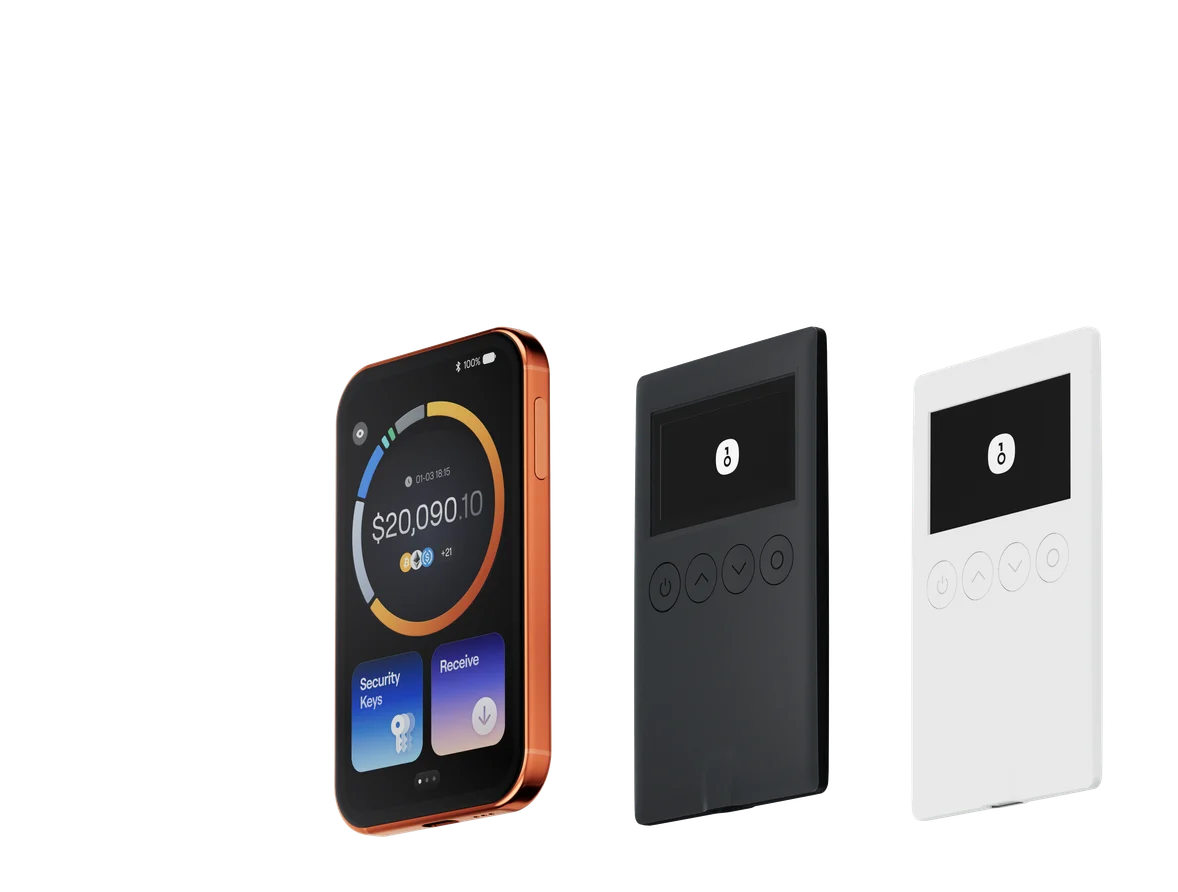
That is why many long-term holders and active on-chain users prefer a hardware wallet workflow for higher-value funds. A device such as OneKey can help isolate private keys from an infected PC and make transaction approval more deliberate, which is especially important when the desktop environment can no longer be trusted.
The key idea is simple: if your laptop is the place where you browse and trade, it should not also be the place where your most sensitive keys live.
Final thoughts
The fake Claude desktop campaign is a useful case study in how crypto theft has evolved. Attackers no longer need to break blockchains; they only need to compromise the endpoints where users log in, sign, and store recovery data.
For crypto holders, the best defense is a layered one: install only from trusted sources, reduce browser exposure, keep recovery data offline, and move serious funds to hardware-backed storage. In a threat landscape where stealers can target dozens of wallets at once, that discipline is no longer optional.