How to Spot Fake Hyperliquid Websites
You search for “Hyperliquid,” click the first result, and connect your wallet. That result may not be the real site.
Attackers have become very good at pushing phishing pages to the top of search results, copying the look of the official app, and tricking users into signing transactions that drain funds. This guide gives you a practical checklist for identifying fake Hyperliquid websites before you connect or sign anything.
Key comparison table
The only official app entry point
Before anything else, save the correct URL:
Bookmark it now. When you want to use Hyperliquid, open it from your bookmark instead of typing it into a search engine. This single habit helps you avoid most fake-site attacks.
Five ways to verify a Hyperliquid site
1. Check every character in the URL
Fake sites often use domains that look almost right at a glance. Common tricks include:
- Letter substitution: replacing
lwith1, orowith0 - Extra characters:
hyper-liquid.xyz,hyperliquidapp.xyz - Different top-level domains:
hyperliquid.net,hyperliquid.io,hyperliquid.vip - Prefixes or suffixes:
app-hyperliquid.xyz,trade-hyperliquid.xyz - IDN homograph attacks: using special characters that visually resemble Latin letters
Before interacting with any Hyperliquid-related page, read the browser address bar character by character. It should match exactly:
app.hyperliquid.xyz
No extra words. No different domain ending. No lookalike characters.
OWASP’s phishing guidance also covers common domain-spoofing techniques used in these attacks.
2. Check the HTTPS certificate — but do not rely on it alone
Click the lock icon in your browser’s address bar and inspect the SSL certificate. The certificate should be issued for the correct domain.
Important: HTTPS does not mean a website is legitimate. Scam sites can also obtain SSL certificates. HTTPS only tells you the connection is encrypted; it does not prove the site is the real Hyperliquid app.
Treat HTTPS as required, but never as sufficient proof.
3. Ask how the link reached you
If someone sends you an “official” Hyperliquid link, pause and ask: where did this come from?
- Search ads: not trustworthy by default; attackers often buy ad placement
- Telegram DMs: very high risk
- Discord DMs: high risk
- Twitter/X posts: verify that the account is the official, authenticated source
- Your own bookmark: safest workflow
Do not open Hyperliquid through links sent by other people, even if they appear to be friends, moderators, influencers, or known community members. Social accounts can be compromised, and friends may unknowingly forward malicious links.
4. Treat any request for your seed phrase or private key as a scam
Close the page immediately if any site claiming to be Hyperliquid asks you to:
- Enter your seed phrase / recovery phrase
- Enter your private key
- “Verify” or “reset” your wallet
- Download a special “security tool”
Real dApps do not need your seed phrase or private key. A fake Hyperliquid site asking for either is not suspicious — it is a scam.
MetaMask docs’s official seed phrase safety guidance makes the same point: no legitimate application should ask you for this information.
5. Review transaction data before signing
The end goal of a fake site is usually to make you sign something harmful while making it look routine.
When MetaMask, OneKey, or another wallet shows a signing request, check:
- Whether the contract address is a known official address
- Whether the action matches what you intended to do
- Whether the request includes a token
approve, especially unlimited approval - Whether the signature type and message make sense for the action
If you do not understand what a transaction or signature does, do not sign it.
Learning the basics of EIP-712 signatures can help you understand what structured signing requests mean and why they matter.
Common signs of a fake Hyperliquid website
Fake sites often look polished, but they usually reveal themselves through one or more of these signals:
- The domain is slightly different from the official URL
- The site was reached through an ad, DM, or unsolicited link
- It pressures you to act quickly, claim a reward, or “secure” your wallet
- It asks for your seed phrase or private key
- It prompts unexpected approvals or signatures
- The wallet confirmation does not match the action you thought you were taking
A convincing interface is not proof of legitimacy. Always verify the URL and the transaction.
What to do if you interacted with a fake site
If you already connected your wallet or signed something on a suspicious site, act quickly:
- Stop immediately. Do not sign or confirm anything else.
- If you signed a transaction, check token approvals. Use Revoke.cash to review and revoke unknown approvals.
- Move remaining assets to a fresh wallet address that has never interacted with the suspicious site.
- If you use a hot wallet, consider moving long-term assets to cold storage with a OneKey hardware wallet.
- Document what happened and warn others through official community channels.
For more background on drainer attacks, see Chainalysis research on the topic.
Why a OneKey hardware wallet helps against fake sites
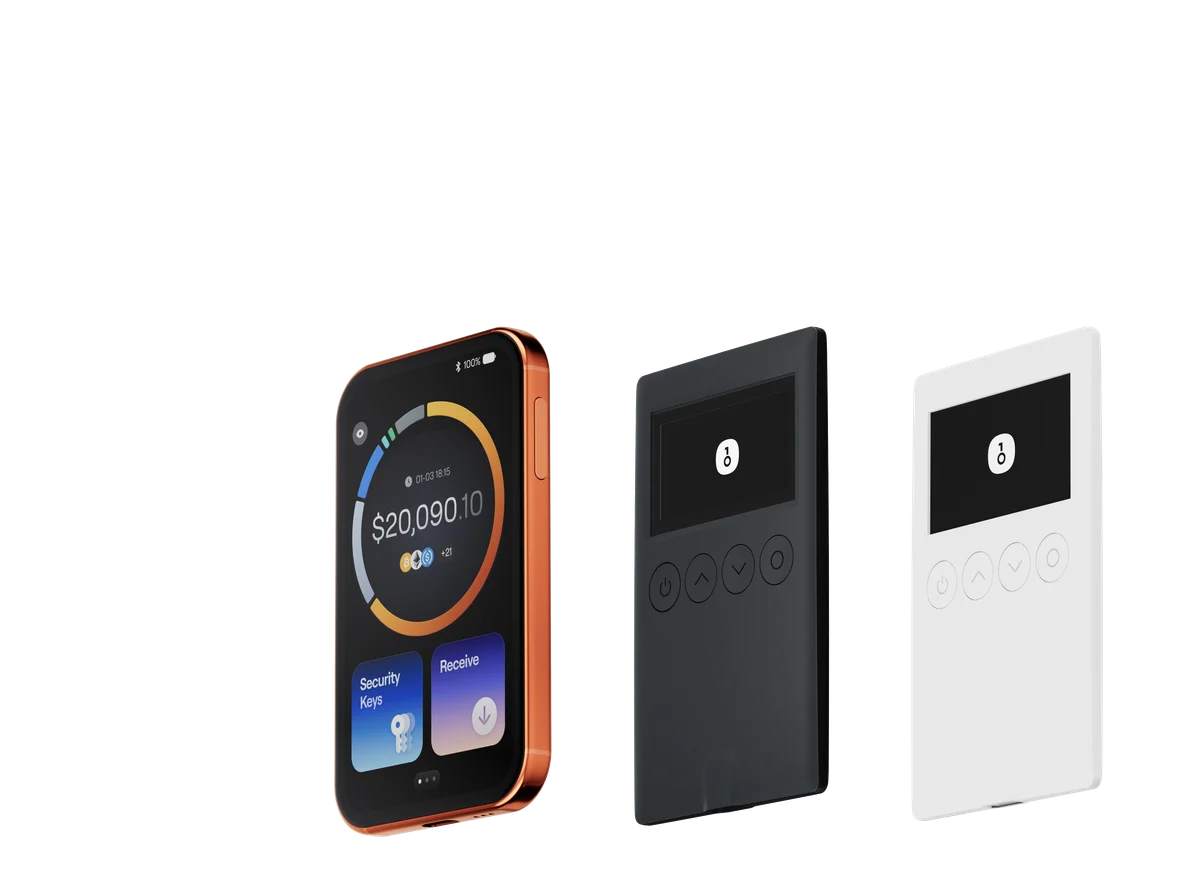
A OneKey hardware wallet adds an important layer of protection against fake Hyperliquid websites.
Even if you accidentally land on a phishing page, simply connecting a hardware wallet does not expose your private keys. When a site requests a signature, you still need to physically confirm it on the OneKey device.
The key advantage is that the hardware screen shows transaction data outside the browser environment. A malicious website or compromised browser script cannot silently change what appears on the hardware device. If the OneKey screen shows something you did not intend — for example, an unexpected token approval — you can reject it directly on the device.
That is a level of protection software-only wallets cannot provide.
You can learn more about OneKey wallet options at onekey.so/download.
For a safer day-to-day perps workflow, use Hyperliquid through verified entry points and manage trading access with OneKey Perps, while keeping transaction review and hardware confirmation part of your routine.
FAQ
Q1: Is the first Google result for Hyperliquid always official?
No. Attackers can buy search ads and make fake sites appear above organic results. Anything marked as an ad should be verified, not trusted. Use your bookmark instead.
Q2: Can I access Hyperliquid through links on CoinGecko or CoinMarketCap?
Links on CoinGecko and CoinMarketCap are generally more reliable than random search results or DMs, but they can still be outdated or potentially compromised. The safest method is still to use your own saved bookmark.
Q3: Are Chrome extensions for Hyperliquid safe?
Unofficial browser extensions carry higher risk. They may contain malicious code or collect sensitive data. If you need an extension, verify the developer, review community feedback, and check whether Hyperliquid’s official channels have endorsed it.
Q4: Does Hyperliquid have an official mobile app?
Check Hyperliquid’s official website and official announcements for the current status. This guide does not make claims that may become outdated. Any app claiming to be official should be verified at the source.
Q5: What is the simplest safety rule to tell friends and family?
Use only your bookmark to access Hyperliquid, and never enter your seed phrase or private key on any website.
Conclusion
Spotting fake Hyperliquid websites is not complicated, but it has to become a habit.
Use this workflow:
- Open Hyperliquid only from your bookmark
- Verify the URL before connecting
- Review every approval and signature before signing
- Confirm sensitive actions on a OneKey hardware wallet
- Use OneKey Perps as a practical workflow for safer perps access and wallet-based trading routines
A OneKey hardware wallet strengthens this setup by moving final transaction confirmation out of the browser and onto a device you physically control.
Download or learn more about OneKey at onekey.so, and use OneKey Perps as part of a cautious, verification-first trading workflow.
Risk warning: This article is for informational purposes only and is not investment, financial, legal, or security advice. Cybersecurity threats evolve constantly, and this checklist does not cover every possible attack. Always verify the source before connecting a wallet or signing a transaction.