How to View DeFi Project Insights in OneKey App
In one sentence: OneKey App provides a unified multi-chain asset view and DeFi position tracking, letting you manage on-chain assets across multiple protocols from a single interface while receiving a clear signature preview before every DeFi interaction — reducing the risk of uninformed actions.
Why It Matters
Active DeFi participants often hold positions across multiple chains and protocols simultaneously: collateral in a lending protocol, LP shares in a liquidity pool, deposit receipts in a yield aggregator. Switching between multiple interfaces is not only inefficient — it also makes it easy to miss risk signals due to fragmented information.
OneKey's goal is to integrate asset management and secure operations into a single tool, so users can complete the full cycle of DeFi research and execution without switching between multiple products.
Core DeFi Features in OneKey App
1. Unified Multi-Chain Asset View
After downloading and installing OneKey App and importing or creating a wallet, the Assets home screen shows:
- The current value of all native on-chain assets (ETH, BNB, SOL, etc.);
- The list of tokens held on each chain along with real-time prices;
- A cumulative total portfolio value displayed in USD or another fiat currency.
This view lets you see the full distribution of your holdings at a glance, without switching networks one by one.
2. DeFi Position Tracking
Scrolling down in the Assets section or navigating to the DeFi tab, you can view:
- A list of DeFi protocols you are currently participating in (lending, liquidity, staking, and other categories);
- A breakdown of deposited assets and current valuation for each protocol;
- Protocol yield display (for reference only; does not represent a guaranteed realized return).
This feature lets you check the overall health of your DeFi positions at any time, without visiting each protocol's frontend individually.
3. Pre-Interaction Signature Preview
When interacting with DeFi protocols through OneKey App's built-in browser or via WalletConnect, every transaction triggers a signature preview page before it is sent, displaying:
- The target contract address;
- The operation type (transfer, approval, deposit, etc.);
- The specific approval amount or asset quantity.
This preview mechanism lets you verify whether the action matches your intent before signing, preventing you from inadvertently signing malicious transactions on phishing sites. Ethereum's account documentation explains the basic relationship between addresses and contracts — understanding this helps you identify anomalies in the preview interface.
4. Approval Management and Risk Alerts
When connecting to a protocol, OneKey App flags high-permission approvals (such as unlimited allowances) and prompts users to set a reasonable approval limit. For protocols previously approved but no longer in use, tools such as Revoke.cash can be used to revoke those approvals and reduce long-term risk exposure.
5. Use with a Hardware Wallet
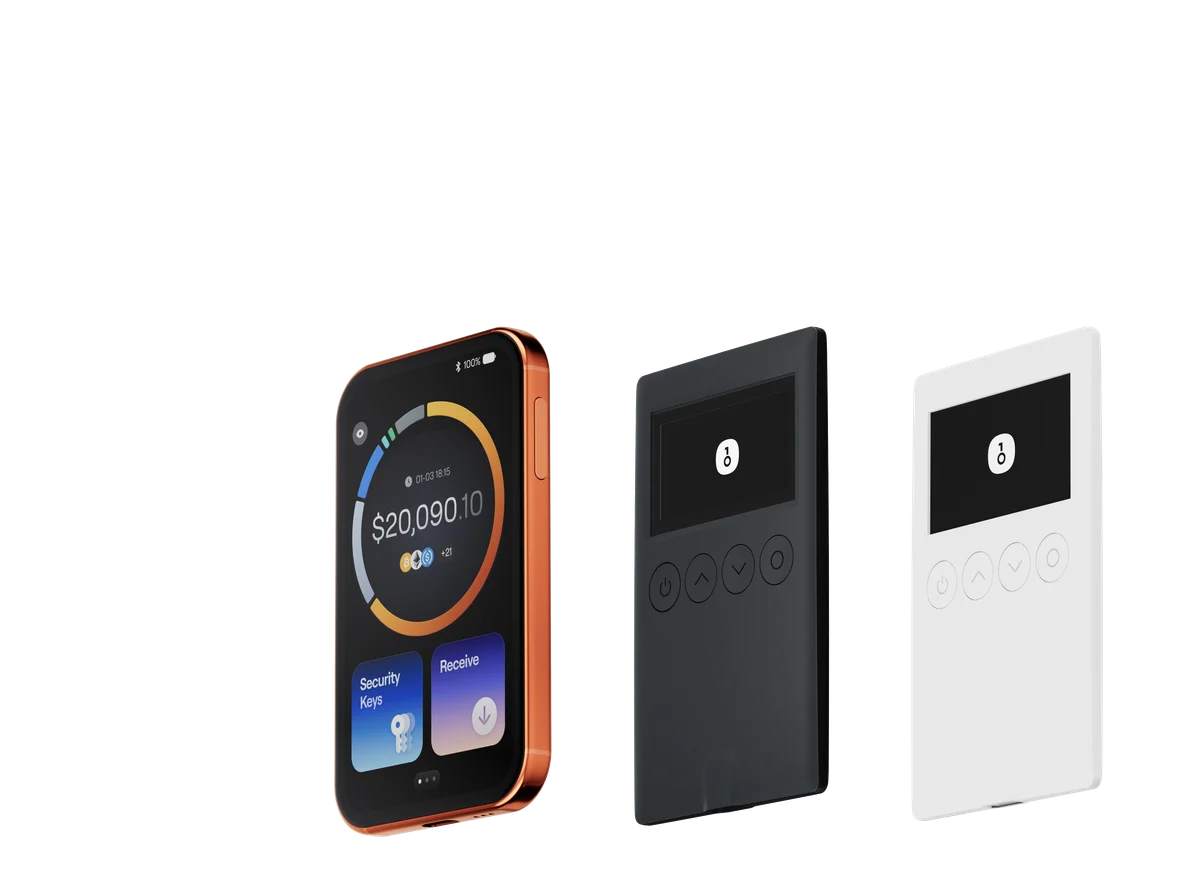
When OneKey App is paired with a OneKey hardware wallet, DeFi interactions require physical confirmation on the hardware device's screen. Even if a phone or computer is compromised by malware, the hardware wallet provides a final signing safeguard. This is especially important for users conducting high-value DeFi operations.
User Scenarios
Scenario 1: You have USDC deposited in Aave on Ethereum, are providing ETH/USDC liquidity on a DEX on Arbitrum, and hold native tokens on BNB Chain. Opening OneKey App, you can see the combined total across all three chains in a single interface — without opening each network's blockchain explorer separately.
Scenario 2: You receive an email claiming that a well-known lending protocol is distributing an airdrop, with a link attached. You visit the link through OneKey App's built-in browser. During the signature preview, you notice the contract address does not match the official address you have saved. You cancel the operation immediately, avoiding a phishing attack.
Scenario 3: You notice that a DeFi protocol's TVL on DeFiLlama has dropped sharply in recent days. You open OneKey App to check the current value of your position in that protocol and decide whether to adjust.
Risks and Disclaimers
- DeFi position display is based on on-chain data and price APIs, which may have delays. This data should not be used for decisions that require real-time precision pricing.
- OneKey App provides tools, but the risk judgment on each individual transaction rests with the user.
- Do not lower your due diligence standards for target protocols just because the in-app experience is convenient.
- If App data and protocol website data are inconsistent, treat on-chain blockchain explorer data as the authoritative source.
FAQ
Q1: Which chains does OneKey App support? OneKey App supports major EVM chains (Ethereum, Arbitrum, Optimism, BNB Chain, Polygon, etc.) as well as non-EVM chains including Solana and Bitcoin. The supported network list continues to expand — check the latest list in the App.
Q2: Can I deposit and withdraw directly within protocols through OneKey App? Yes. You can connect to DeFi protocol frontends via the App's built-in DApp browser or WalletConnect to perform operations. Signing is handled by OneKey App or the paired hardware wallet.
Q3: Do I need to connect my private key to view assets in OneKey App? Importing a wallet (via seed phrase or private key) is required to view your full positions and sign transactions. If you only want to view assets at a specific address, you can also use the "Watch Wallet" feature by entering the address without importing a private key — suitable for safely monitoring a cold wallet address.
Q4: How can I verify the App's security? Only download OneKey App from the official OneKey website or official app stores. Avoid downloading through third-party channels or search engine ad links, which may lead to counterfeit versions.
Take Action
Visit the OneKey website to learn about the full product, and install OneKey App via the official download page. Import your wallet address, review your cross-chain DeFi positions, and combine this with protocol data from DeFiLlama to build a more complete on-chain asset management routine.