How to Track Multi-Asset Markets in the OneKey App
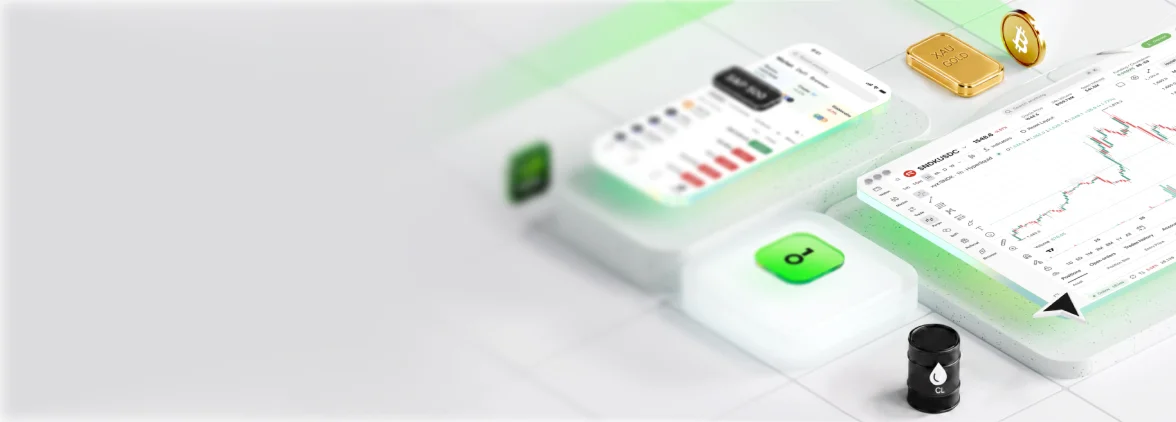
The OneKey App includes built-in multi-asset market tracking features, letting you monitor cryptocurrencies, tokenized assets, and more — all from a single interface, without switching between multiple platforms.
Why Track Multi-Asset Markets?
Modern investors are no longer limited to a single asset class. The crypto market is increasingly correlated with traditional macro factors (interest rates, inflation, liquidity cycles), and correlations between different assets shift in real time. A multi-asset perspective helps you:
- Spot rotation opportunities: When one asset class enters a correction cycle, capital often flows into others. A multi-asset view lets you sense this migration early.
- Manage overall risk exposure: Viewing any single position's gains or losses in isolation has limited meaning. Accurate risk assessment requires combining it with the broader market and correlated assets.
- Stay on top of macro signals: Macro indicators such as Federal Reserve policy and CPI data affect different assets in different ways. A multi-asset market page lets you cross-verify quickly.
Core Mechanics and Key Concepts
Market data aggregation: The OneKey App pulls prices in real time from major exchanges and on-chain data sources, covering mainstream crypto assets and tokenized asset categories, all displayed in a unified list or chart view.
Watchlist: Users can add any token or asset pair to their watchlist. The system continuously streams key metrics including price movements, 24-hour change, and trading volume.
Portfolio view: If you have imported a wallet address into OneKey, the app automatically aggregates your holdings across chains, categorized by asset type — giving you a clear picture of your overall position structure.
Price alerts: Set upper or lower price thresholds for individual assets. When the market hits the threshold, the app sends a push notification so you don't have to watch the screen continuously.
Candlestick charts and depth charts: Each asset detail page provides a candlestick chart (with multi-timeframe switching) and an order book depth chart, useful for identifying short-term support and resistance zones.
User Scenarios
Scenario 1: Multi-asset scan before a macro event Before a Federal Reserve interest rate meeting or important economic data release, you can open the OneKey App's market page and quickly scan BTC, ETH, stablecoin flows, and tokenized stock price movements — forming a cross-asset overall read in a short time.
Scenario 2: DeFi yield comparison You are considering deploying idle stablecoins into different protocols for yield. You can combine DeFiLlama to review protocol TVL trends, and simultaneously compare asset price trends in the OneKey App to comprehensively assess opportunity cost.
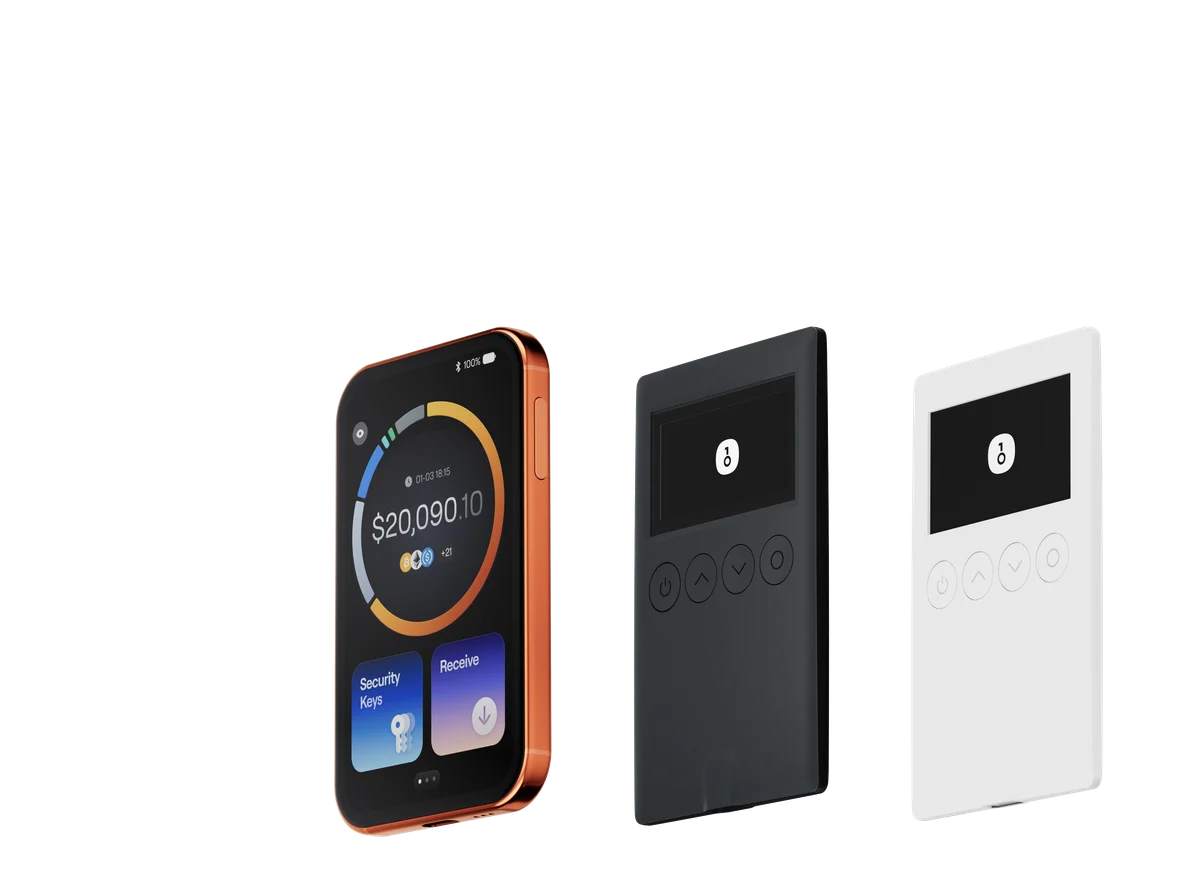
Scenario 3: Hardware wallet holdings monitoring Users who store assets offline using a OneKey hardware wallet can monitor the market value of their holdings through the app's read-only address function — without exposing private keys. This achieves a balance between security and convenience.
OneKey App: How to Get Started
- Download the OneKey App and complete installation and account setup.
- Go to the bottom navigation bar on the home screen and tap the Market or Prices tab.
- Enter a token name or contract address in the search bar and add target assets to your watchlist.
- Tap any asset to open its detail page, switch timeframes on the chart, and set price alerts.
- To view your overall holdings, go to the Assets or Portfolio page and import or connect your wallet address.
Risks and Considerations
- Market data has a delay and should not be used as the sole basis for high-frequency trading.
- The multi-asset view displays price information only. It does not constitute investment advice or imply any particular outcome.
- Price alerts depend on network connectivity. They may not reach you if the device is offline or the app process has been terminated by the operating system.
- Assets in your watchlist vary significantly in liquidity. Low-liquidity assets can experience more extreme price swings. Refer to SEC investor education resources to understand related risks.
- Never enter your seed phrase or private key in the app or on any online platform. OneKey will never ask for this information through any channel.
Frequently Asked Questions
Q: Which blockchain networks does the OneKey App support for asset tracking? A: Currently supports Ethereum, BNB Chain, Solana, Arbitrum, Polygon, and other major networks. For the complete and up-to-date list, refer to the in-app display.
Q: Can I use the market features without creating a wallet? A: Yes. The market data and watchlist features do not require you to create or import a wallet. Simply open the Market page to get started.
Q: Is there a limit on how many price alerts I can set? A: For specific limits, refer to the settings page in your current app version, as limits may vary across versions.
Q: How is the accuracy of market data ensured? A: The OneKey App aggregates multiple data sources, but no market data tool can guarantee 100% real-time accuracy. For important decisions, cross-verifying with multiple data platforms is recommended.
Get Started Now
Visit the OneKey website to learn more about the product, or download the OneKey App directly to start your multi-asset market tracking journey. Portfolio management begins with a global perspective — OneKey brings fragmented market information together into one secure, streamlined interface.