What Is a Seed Phrase?
A seed phrase (also called a mnemonic phrase, recovery phrase, or secret recovery phrase) is a sequence of 12 to 24 English words used to generate and restore a cryptocurrency wallet. It is the most critical security credential in the self-custody ecosystem.
Why Is a Seed Phrase So Important?
In a self-custody blockchain setup, your wallet does not live on any server — it is controlled entirely by your own keys. The seed phrase is the human-readable form of that "master key." If you lose your phone, uninstall the app, or damage your device, you can fully restore all your assets on any compatible wallet (including OneKey App) as long as you have those words.
Conversely, if you lose your seed phrase, your assets are gone forever. If someone else obtains it, they can immediately drain your funds. The seed phrase carries ultimate control over your wallet — and unlike a bank account, there is no institution that can help you "recover" it.
Understanding the basics of Ethereum wallets can help you see how the seed phrase fits into the broader system.
Core Mechanics and Key Concepts
BIP39 standard: The vast majority of mainstream wallets use the BIP39 (Bitcoin Improvement Proposal 39) standard to generate seed phrases. This standard maintains a wordlist of 2,048 English words. When a wallet is created, 12 or 24 words are randomly selected from this list, and a checksum is appended to catch input errors.
Derivation path from seed phrase to private key:
- Seed phrase → Seed: The words are converted into a 512-bit binary seed via the PBKDF2 algorithm.
- Seed → Master private key: An HD wallet (Hierarchical Deterministic wallet, BIP32) derives the master private key from the seed.
- Master private key → Child private keys → Addresses: Following BIP44 paths, independent account addresses are derived for each blockchain.
This means a single seed phrase can manage multiple accounts across multiple blockchains — which is why a seed phrase provides broader control than any individual private key.
Difference from a password: The login password (PIN) in a wallet app is only local access protection; the seed phrase is the actual key material. Forgetting your PIN can be resolved with your seed phrase, but forgetting your seed phrase has no remedy.
For deeper insight into account mechanics, refer to the Ethereum official accounts documentation.
User Scenarios
Scenario 1: Creating a new wallet When you create a wallet for the first time using OneKey App or a OneKey hardware wallet, the app displays a set of 12 or 24 words and asks you to write them down in order and store them securely. A scrambled-word verification step then confirms you have recorded them correctly.
Scenario 2: Migrating to a new device When you switch to a new phone, you do not need to "transfer" your wallet. Simply install OneKey App on the new device, select "Import Wallet," enter your seed phrase, and you will immediately regain access to all your historical assets and addresses.
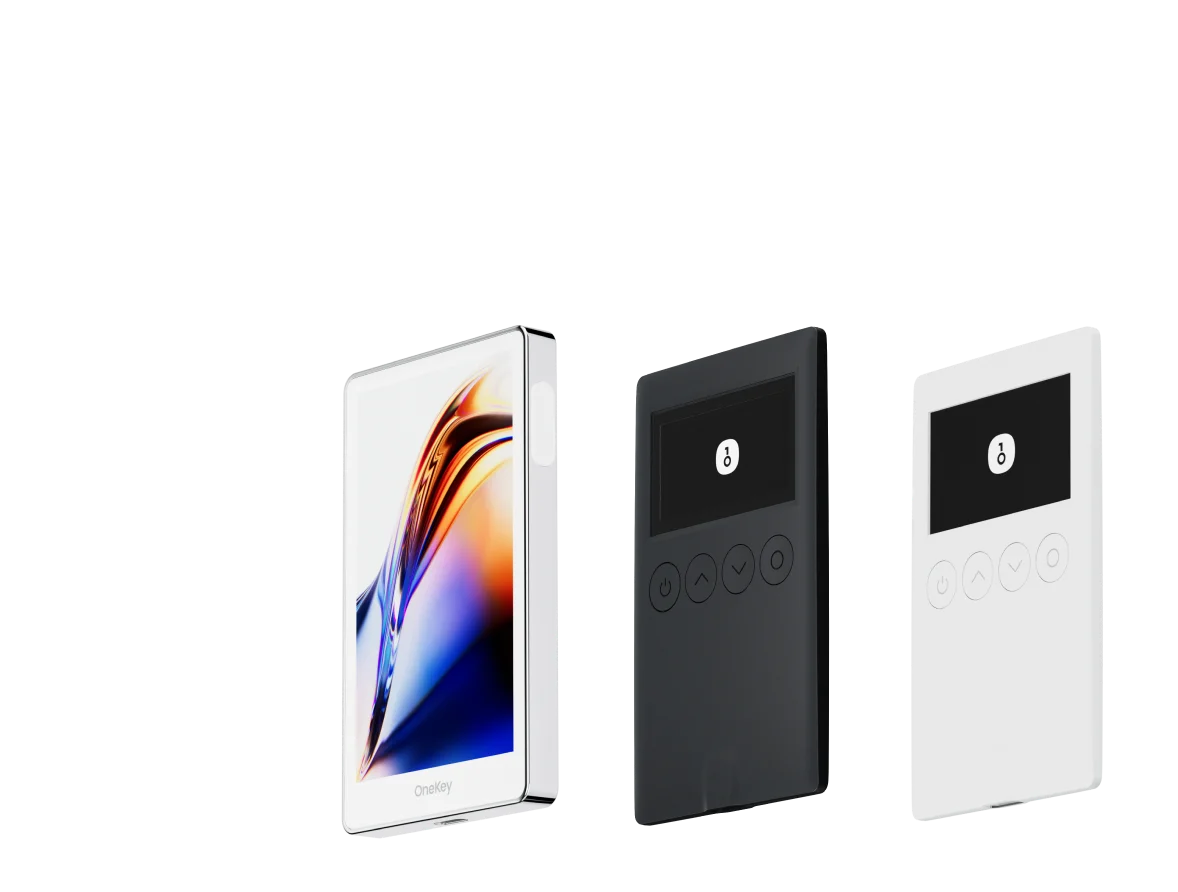
Scenario 3: Managing multiple wallets If you use both a software wallet and a hardware wallet, the two typically have independent seed phrases. OneKey hardware wallets generate and store the seed phrase in an offline environment — private keys never touch an internet-connected device, providing a higher security level.
How to Get Started in OneKey App
- Download OneKey App and open it.
- Select "Create New Wallet" — the app will generate and display your seed phrase.
- Write every word down on paper in order. Do not take a screenshot or photograph (see "Risks and Precautions" below).
- Complete the verification step to confirm the order is correct, then enter your wallet.
- To restore an existing wallet, select "Import Wallet" → "Seed Phrase" and enter the words one by one.
Risks and Precautions
- Never store your seed phrase online: Cloud notes, email, chat logs, and screenshots are all insecure. Any internet-connected device is a potential attack surface.
- Do not take screenshots: Screenshots are automatically synced to cloud photo libraries, dramatically increasing exposure risk. See the MetaMask official seed phrase security guide for more detail.
- Watch out for phishing: OWASP's phishing attack documentation notes that fake wallet sites and impersonated support agents are the most common methods for stealing seed phrases. OneKey will never proactively ask for your seed phrase through any channel.
- Physical security matters: Paper backups should be stored in a fireproof, waterproof location. Consider a metal engraving plate for long-term backup.
- Never share it: Your seed phrase should never be shared with anyone, including anyone claiming to be "technical support."
Frequently Asked Questions
Q: Are 12 words or 24 words more secure? A: 24 words have higher entropy (256 bits vs. 128 bits), so they are marginally more secure. However, 12 words are considered sufficiently secure for practical use. The main difference is the convenience of entry.
Q: Is a seed phrase the same thing as a private key? A: Not exactly. A seed phrase is a seed from which an unlimited number of private keys can be derived; a single private key only controls one account/address. The seed phrase has broader scope of control.
Q: Can I change my seed phrase? A: No. A seed phrase is generated once at wallet creation and cannot be changed. If you believe your seed phrase has been compromised, the only course of action is to immediately create a new wallet and transfer all assets to it.
Q: Does the order of the words matter? A: Absolutely. Word order is part of the seed phrase. An incorrect order will generate a completely different wallet address and will not allow access to your original assets.
Take Action Now
If you have never properly backed up your seed phrase, now is the best time to start. Visit the OneKey website to learn more about security best practices, or download OneKey App for a secure and streamlined self-custody experience. Protecting your seed phrase means protecting your digital assets.