What Is a Self-Custody Wallet?
A self-custody wallet (also called a non-custodial wallet) is a cryptocurrency wallet in which the user holds complete control over their own private keys. Unlike a custodial account on a centralized exchange, assets in a self-custody wallet truly belong to you — no third party can freeze, seize, or misappropriate them.
Why Are Self-Custody Wallets So Important?
One of the core value propositions of cryptocurrency is that individuals can take full control of their assets without relying on any institution. But if your assets are stored on a centralized exchange, you are effectively holding an IOU from that platform — the private keys are held by the platform.
History has seen multiple exchange collapses that resulted in permanent user asset loss: platform bankruptcies, hacks, regulatory interventions, or operators disappearing can all reduce your account balance to zero overnight. The core logic of self-custody is captured in the phrase: "Not your keys, not your coins."
The Ethereum official wallet guide offers a clear explanation of the difference between self-custody and custodial models and is worth reading alongside this article.
Core Mechanics and Key Concepts
Private key ownership: A self-custody wallet generates and stores private keys on the user's device (phone, computer, or hardware device). No copy of the private key exists on any service provider's server. OneKey and other self-custody wallets follow this principle — even if OneKey's servers were attacked, users' private keys and assets would be unaffected.
Seed phrase as backup: When created, a self-custody wallet generates a seed phrase (typically 12 or 24 English words), which is the human-readable backup form of the private key. Holding the seed phrase allows you to restore the wallet on any compatible device, meaning your access to assets does not depend on any single device or platform.
Refer to the Ethereum accounts documentation to understand the underlying relationship between accounts, private keys, and addresses.
Software wallet vs. hardware wallet:
- Software wallet (hot wallet): Runs as an app or browser extension on an internet-connected device. Highly convenient but exposed to network attack risks. OneKey App is one of the mainstream software self-custody wallets.
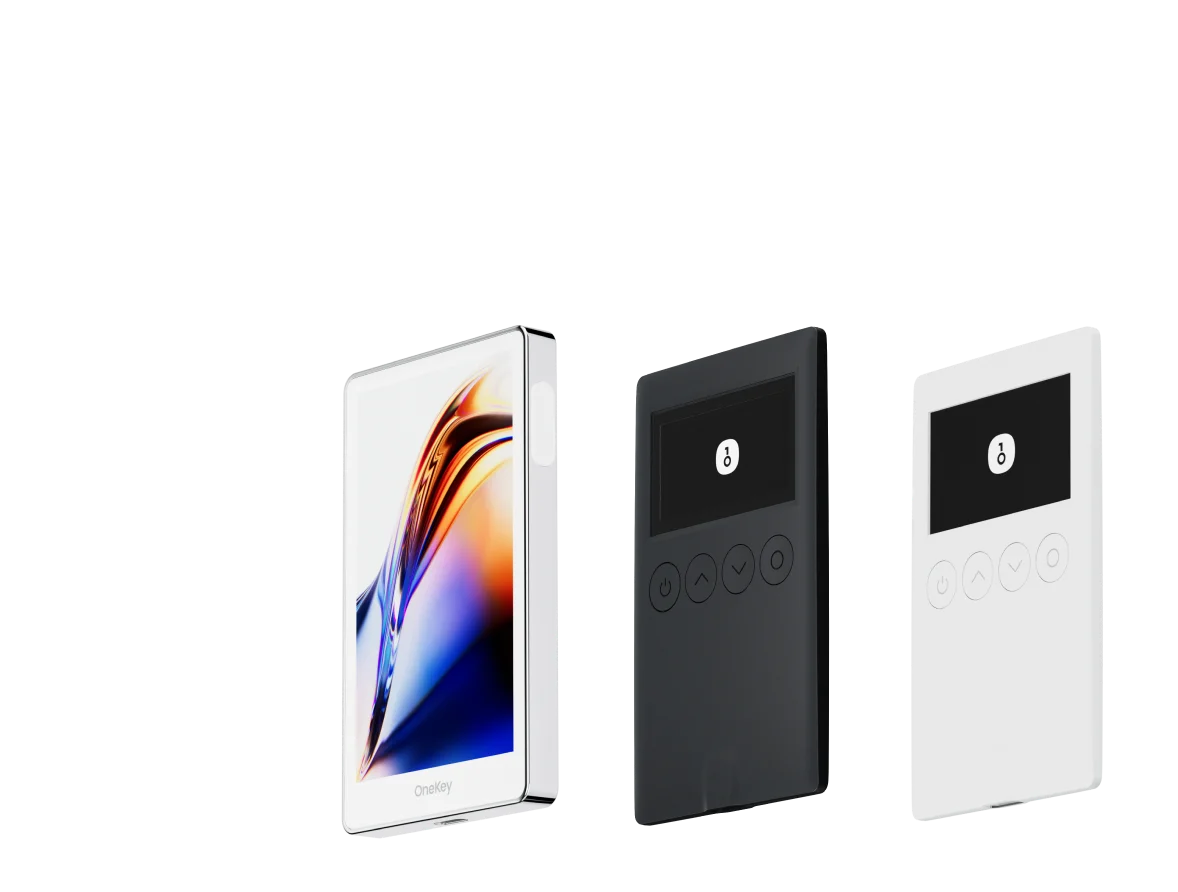
- Hardware wallet (cold wallet): Private keys are stored in the secure chip of a dedicated offline hardware device. Signing takes place in an offline environment; internet-connected devices never see the raw private key. This provides a higher security level, making it suitable for long-term storage of large amounts of assets. OneKey hardware wallet is a leading product in this category.
On-chain sovereignty: Self-custody wallet operations interact directly with the blockchain without any intermediary. You can participate in DeFi protocols, hold NFTs, and move assets across chains — all without needing approval from any platform.
Security is your responsibility: The other side of self-custody is that you are fully responsible for security. If your seed phrase is lost, stolen, or your device is damaged, no institution can help you recover your assets.
Self-Custody vs. Custodial: A Comparison
User Scenarios
Scenario 1: Long-term holding (HODLing) You plan to hold BTC or ETH for the long term and don't want to be exposed to exchange risk. Use a OneKey hardware wallet to store assets in offline cold storage. When you don't need to transact, simply disconnect — your assets are completely isolated from network attacks.
Scenario 2: Participating in DeFi You want to provide liquidity or lend assets to a DeFi protocol. These operations must be done via on-chain interaction — centralized exchanges cannot support them directly. Use OneKey App to connect to DeFi protocols and complete on-chain operations while retaining full control of your private keys.
Scenario 3: Multi-chain asset management You have assets on Ethereum, Solana, BNB Chain, and other chains and want to manage them all in one interface. OneKey App supports multiple chains, allowing you to aggregate all on-chain assets within a single self-custody wallet.
Scenario 4: Institutional-grade asset protection Users holding large amounts of digital assets can combine a hardware wallet (primary storage) with a software wallet (small amounts for daily use) to strike a balance between security and convenience.
How to Get Started in OneKey App
- Visit the OneKey website to learn about the product.
- Download OneKey App — available for iOS, Android, and desktop.
- Select "Create New Wallet" — the app will generate your private key locally and display the seed phrase.
- Write down the seed phrase on paper as instructed, complete the verification step, and enter your wallet.
- If you have a OneKey hardware wallet, connect it to the app via USB or Bluetooth for the highest security level of self-custody.
- Browse and connect to DeFi protocols in the "Discover" or "DApp" section to begin on-chain operations.
Risks and Precautions
- The seed phrase is your only backup: Losing it is equivalent to permanently losing access to your assets. No platform, including OneKey, can help you recover.
- Phishing is the greatest threat: OWASP's phishing documentation shows that fake wallet websites and impersonated support agents are the primary means of stealing seed phrases. Always download wallets through official channels.
- Contract approval risk: When participating in DeFi, excessive contract approvals can result in assets being extracted by malicious protocols. Use Revoke.cash regularly to manage on-chain approvals.
- Device security: The security of a software wallet depends on the device it runs on. Do not use self-custody wallets on public devices or jailbroken/rooted devices.
- Never share your seed phrase or private key: Legitimate OneKey representatives or any legitimate institution will never ask you to provide your seed phrase or private key.
- Understand the regulatory environment: Using a self-custody wallet involves personal compliance responsibilities. Refer to the SEC investor education resources for information on relevant regulations in your jurisdiction.
Frequently Asked Questions
Q: Are self-custody wallets suitable for beginners? A: Yes, but users need to take the time to learn basic security practices, especially seed phrase backup. OneKey App's onboarding process is designed for beginners and provides security guidance at each critical step.
Q: Can I use both an exchange account and a self-custody wallet at the same time? A: Absolutely. A common strategy is to keep small amounts on an exchange for convenient trading while storing larger, long-term holdings in a self-custody wallet (especially a hardware wallet) for security.
Q: Are assets in a self-custody wallet protected by law? A: This depends on your jurisdiction. Blockchain assets controlled by a private key are technically fully in the hands of the key holder; the legal protection framework varies by region. Consult a local legal professional for advice.
Q: What is the difference between a OneKey hardware wallet and OneKey App? A: Both are self-custody wallets. The difference is where the private key is stored. The app stores the private key in the phone's secure area — suitable for everyday use. The hardware wallet isolates the private key in a dedicated offline chip — more secure and better suited for long-term storage of large amounts of assets. The two can be used together.
Take Control of Your Assets
True digital asset sovereignty begins with self-custody. Visit the OneKey website to explore the self-custody solution that works for you, or download OneKey App now to start your self-sovereign asset journey. Every person who understands self-custody is one step closer to genuine financial autonomy.