Wie verwalte ich Wallets in der OneKey App?
Die OneKey App bietet eine einheitliche Multi-Chain-Wallet-Verwaltungsoberfläche, mit der du innerhalb einer einzigen Anwendung Wallets auf verschiedenen Blockchains erstellen, importieren und wechseln kannst – ohne zwischen mehreren Apps hin- und herzuwechseln.
Warum das wichtig ist
Da das Blockchain-Ökosystem stetig wächst, halten Nutzer häufig Assets auf mehreren Chains wie Bitcoin, Ethereum und Solana gleichzeitig. Wer mehrere separate Wallets getrennt verwaltet, riskiert nicht nur Verwirrung, sondern erhöht auch die Angriffsfläche für Seed-Phrase-Lecks und Phishing-Angriffe. Die zentrale Wallet-Verwaltung reduziert die Komplexität und schafft eine übersichtlichere Gesamtsicht auf alle Assets.
Die Ethereum Foundation erläutert in ihrem Wallet-Leitfaden, dass die Wahl eines sicheren und funktionsreichen Wallets ein grundlegender erster Schritt für die Teilnahme an On-Chain-Aktivitäten ist.
Kernmechanismus
Einheitliche Multi-Chain-Verwaltung
Die OneKey App unterstützt die Ableitung von Adressen für mehrere Chains aus einer einzigen Seed-Phrase, darunter Bitcoin (BTC), Ethereum (ETH), BNB Chain, Solana, Tron und viele weitere EVM-kompatible Netzwerke. Ein einziger Satz Seed-Phrasen verwaltet mehrere Chain-Konten und vereinfacht den Backup-Prozess erheblich.
Hardware-Wallet-Integration
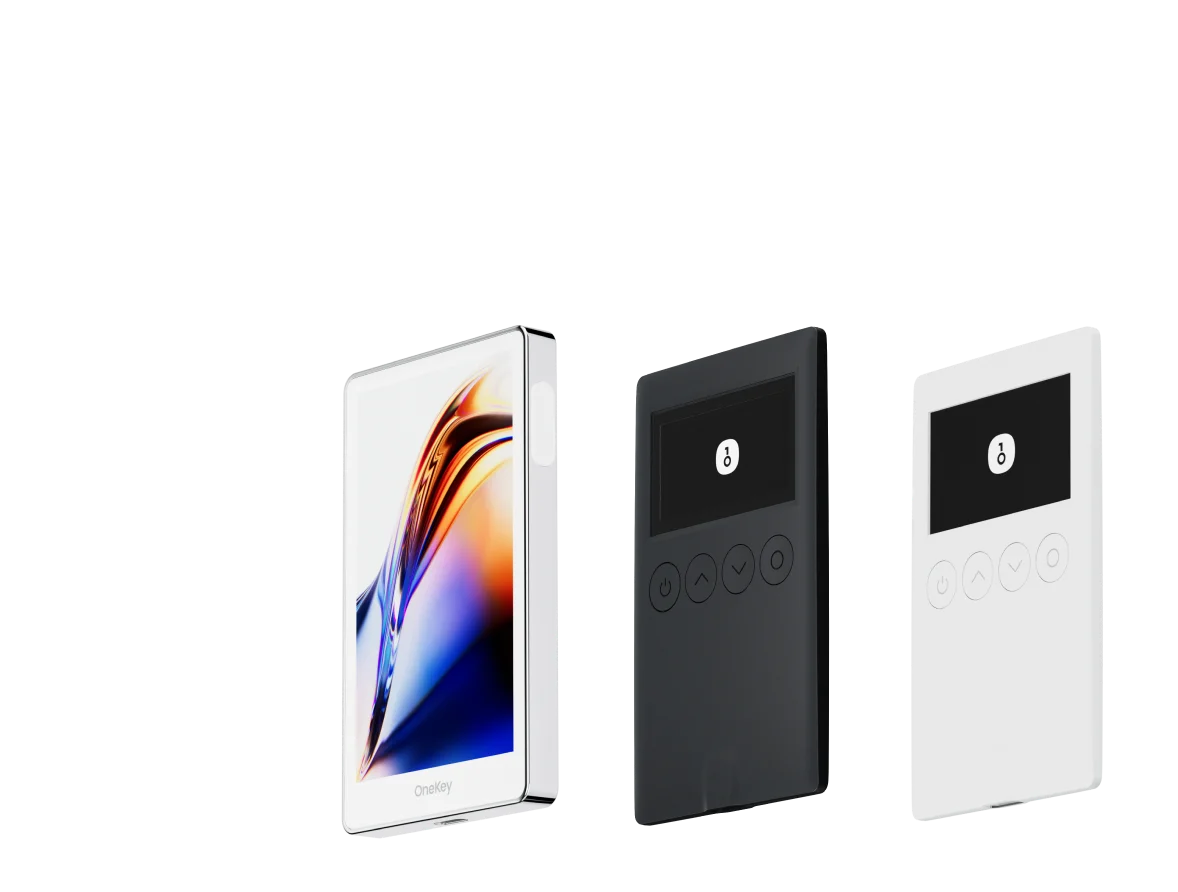
Wenn du ein OneKey-Hardware-Wallet verwendest, kannst du es per Bluetooth oder USB mit der App koppeln. Dabei verbleiben die privaten Schlüssel stets offline, und Signaturen werden auf dem Hardware-Gerät durchgeführt – ein Sicherheitsmodell, das Netzwerkangriffe effektiv abschirmt.
Mehrere Konten und Wallets
Die App unterstützt das Erstellen oder Importieren mehrerer unabhängiger Wallets auf demselben Gerät. Jedem Wallet lässt sich ein individueller Name und Avatar zuweisen, damit sich persönliche Konten, Team-Konten oder Wallets für unterschiedliche Zwecke leicht unterscheiden lassen.
Adressbuch und Kontakte
Häufig verwendete Empfängeradressen lassen sich im Adressbuch speichern. Bei der nächsten Überweisung wählst du sie einfach aus, anstatt die Adresse manuell einzugeben – und reduzierst so das Fehlerrisiko.
Anwendungsbeispiele
- Neues Wallet erstellen: Beim ersten Start führt ein Einrichtungsassistent durch die Wallet-Erstellung und das Sichern der Seed-Phrase – in wenigen Minuten hast du eine Multi-Chain-Adresse.
- Bestehendes Wallet migrieren: Nutzer mit vorhandener Seed-Phrase oder privatem Schlüssel können diesen direkt in die OneKey App importieren. Die Assets bewegen sich dabei nicht – nur die Verwaltungsoberfläche wechselt.
- Hardware-Wallet-Nutzung: Koppele das OneKey-Hardware-Wallet mit der App, um im Alltag Kontostand und Kurse über die App einzusehen. Wenn eine Signatur benötigt wird, bestätigst du sie auf dem Gerät – Komfort und Sicherheit in einem.
- Multi-Signatur für Teams: Unterstützt die Verbindung mit Multi-Sig-Vertrags-Wallets, ideal für Teams oder DAOs, bei denen mehrere Personen Transaktionen autorisieren müssen.
Einstieg in die OneKey App
- Besuche die OneKey-Downloadseite und wähle die passende Version für dein Gerät (iOS, Android, macOS, Windows oder Linux).
- Öffne die App und wähle „Neues Wallet erstellen" oder „Vorhandenes Wallet importieren".
- Neues Wallet erstellen: Die App generiert eine 12- oder 24-Wörter-Seed-Phrase. Schreibe diese unbedingt offline auf und verwahre sie sicher – mache keinen Screenshot und speichere sie nicht in der Cloud.
- Vorhandenes Wallet importieren: Gib die Seed-Phrase oder den privaten Schlüssel ein, oder verbinde ein Hardware-Gerät.
- Nach der Wallet-Erstellung siehst du auf der Startseite alle aktivierten Chain-Adressen und -Guthaben.
- Tippe auf das Kontosymbol oben rechts, um zwischen Wallets zu wechseln, oder füge über die „Wallet-Verwaltung" neue Konten hinzu.
- Für die Verwaltung von Token-Genehmigungen kannst du in den Einstellungen autorisierte Verträge einsehen. Nutze regelmäßig Tools wie Revoke.cash, um Genehmigungen zu prüfen und zu widerrufen.
Risiken und Hinweise
- Die Seed-Phrase ist der einzige Wiederherstellungsschlüssel: OneKey speichert deine Seed-Phrase nicht. Geht sie verloren, kann auf die Wallet-Assets nicht mehr zugegriffen werden. Erstelle Backups an mehreren sicheren Offline-Standorten.
- Schutz vor Phishing: Lade die App ausschließlich von der offiziellen OneKey-Website oder dem offiziellen App-Store herunter. Sei wachsam gegenüber Nachahmungswebseiten und -Apps. Mehr über gängige Phishing-Methoden erfährst du in der OWASP-Übersicht zu Phishing-Angriffen.
- Risiko durch Token-Genehmigungen: Bei der Interaktion mit DeFi-Protokollen erhalten autorisierte Verträge die Berechtigung, bestimmte Token auszugeben. Überprüfe und widerrufe regelmäßig nicht mehr benötigte Genehmigungen auf Revoke.cash, um das Verlustrisiko durch Vertragsschwachstellen zu verringern. Weitere Informationen zur DeFi-Sicherheit bietet die Ethereum-DeFi-Seite.
- Öffentliche WLAN-Netzwerke: Vermeide Wallet-Operationen und das Signieren von Transaktionen in öffentlichen WLAN-Netzwerken. Nutze vorzugsweise private Netzwerke.
- Gerätesicherheit: Richte eine Bildschirmsperre auf deinem Smartphone ein und aktiviere biometrischen Schutz oder eine PIN in der App, um bei Geräteverlust unbefugten Zugriff zu verhindern.
FAQ
F: Ist die OneKey App Open Source?
A: Der Kerncode von OneKey ist auf GitHub quelloffen. Entwickler und Sicherheitsforscher können die Codelogik prüfen, was die Transparenz und Vertrauenswürdigkeit erhöht. Details findest du auf der OneKey-Website.
F: Kann ich mit einer Seed-Phrase mehrere Chains verwalten?
A: Ja. Die OneKey App unterstützt die Ableitung von BTC-, ETH-, SOL- und weiteren Chain-Adressen aus derselben Seed-Phrase gemäß BIP-44 und anderen gängigen Ableitungsstandards.
F: Hat der Import eines Wallets Auswirkungen auf vorhandene Assets?
A: Nein. Der Import richtet lediglich den Zugriff auf eine bestehende Adresse in der App ein. On-Chain-Assets werden nicht bewegt, und bestehende Wallet-Apps funktionieren weiterhin normal.
F: Wie bestätige ich, dass eine Empfangsadresse meine eigene ist?
A: Tippe in der App auf die Adresse des jeweiligen Netzwerks und wähle die Funktion „Adresse verifizieren". Wenn ein Hardware-Wallet gekoppelt ist, zeigt das Gerätedisplay die Adresse zur Kontrolle an.
F: Wie stelle ich das Wallet nach Verlust oder Gerätewechsel wieder her?
A: Installiere die OneKey App neu, wähle „Wallet importieren" und gib die gesicherte Seed-Phrase ein – damit werden alle zugehörigen Adressen und der Zugriff auf die Assets wiederhergestellt.
Jetzt starten
Die sichere und effiziente Verwaltung von Multi-Chain-Wallets ist eine wichtige Grundlage für die Teilnahme an Web3. Lade die OneKey App jetzt herunter und erlebe den Komfort und die Sicherheit der zentralen Multi-Chain-Asset-Verwaltung.