OneKey Founder Warns: Storing a Seed Phrase on an Older iPhone Carries Hardware-Level Risks
OneKey Founder Warns: Storing a Seed Phrase on an Older iPhone Carries Hardware-Level Risks
For many cryptocurrency users, an old iPhone may seem like a convenient offline vault. After a factory reset, users may enable Airplane Mode, remove unnecessary applications, and dedicate the device exclusively to storing a wallet seed phrase.
However, this setup does not automatically create a secure cold-storage environment.
OneKey founder Yishi recently warned that older iPhone models may contain hardware-level vulnerabilities that cannot be eliminated through an iOS update. If an attacker gains physical access to the device, Airplane Mode may not prevent attacks conducted through the USB interface before iOS has fully started.
For crypto users, the key lesson is simple: a phone that appears disconnected from the internet may still expose sensitive wallet information through its hardware, boot process, and physical interfaces.
Why Airplane Mode Is Not a Complete Security Boundary
Airplane Mode is designed to disable or restrict wireless communications such as cellular networks, Wi-Fi, and Bluetooth. It does not necessarily disable the device’s USB port or protect the earliest stages of the boot process.
A device’s security chain begins before the operating system loads. During this stage, the BootROM — the initial code embedded directly into the device’s chip — helps verify and launch later components of the system.
If the BootROM contains a vulnerability, an attacker with physical access may be able to connect specialized hardware through USB and execute code before iOS starts. Since the BootROM is stored in read-only memory, the flaw may not be repairable through a normal software update.
This is why using an old iPhone in Airplane Mode should not be treated as equivalent to using a purpose-built offline signing device. The wireless network may be disabled, but the underlying hardware attack surface remains.
Which Older iPhones Are Relevant?
The risk profile varies by chip generation and vulnerability.
Devices from the iPhone 4S through the iPhone X use chips affected by the publicly disclosed checkm8 BootROM vulnerability. The vulnerability was disclosed in 2019 and affects the boot process of several Apple chip generations. Technical details and affected devices are documented in the [checkm8 research repository](https://github.com checkra1n/checkm8).
Later models, including the iPhone XS, iPhone XR, iPhone 11 family, and the second-generation iPhone SE, have been discussed in connection with more recent research known as usbliter8. This research highlights how physical USB access can remain relevant even on devices that are not affected by checkm8.
The important distinction is that these vulnerabilities do not automatically mean an attacker can immediately read a wallet’s seed phrase. They do, however, weaken assumptions about the device’s trusted boot environment and create additional opportunities for exploitation if several conditions are met.
At present, iPhone 12 and newer models do not have a publicly known equivalent BootROM vulnerability of the same kind. That does not make them risk-free, but their hardware security posture is materially different from that of older models affected by publicly documented research.
A BootROM Vulnerability Does Not Automatically Reveal a Seed Phrase
It is important to avoid overstating the threat.
A BootROM exploit by itself is not the same as direct access to a cryptocurrency wallet’s recovery phrase. An attacker may still need to overcome multiple layers of protection, including:
- The device passcode
- Application-level encryption
- Secure Enclave protections
- Keychain access controls
- Wallet application security
- The way the seed phrase was created and stored
Apple describes the role of the Secure Enclave and related hardware protections in its official Platform Security documentation. These mechanisms can make unauthorized extraction substantially more difficult.
Nevertheless, security is not determined by a single component. A weak device passcode, outdated iOS version, poorly protected wallet application, or insecure backup may increase the impact of a hardware attack.
For example, a short or predictable passcode can make a compromised device easier to target. An outdated operating system may also contain additional vulnerabilities that can be chained with a BootROM weakness. If the seed phrase was stored in an unencrypted note, screenshot, photo, document, or clipboard history, an attacker may not need to defeat the wallet itself.
The practical risk comes from the combination of hardware exposure, software weaknesses, and unsafe seed-management habits.
Why a Factory Reset Is Not the Same as Secure Erasure
A factory reset removes user data and restores the device to its default state, but it should not be viewed as proof that every previous security risk has disappeared.
A reset does not change:
- The device’s chip architecture
- The BootROM code
- The presence of a hardware-level vulnerability
- The physical condition of the USB port
- The possibility of malicious accessories or modified hardware
- The security limitations of an outdated operating system
A reset can reduce the amount of information stored on the device, but it cannot transform an older iPhone into a dedicated hardware wallet.
This distinction matters because crypto users often rely on the concept of an “offline phone.” In practice, the phone may still be connected to a computer, charger, USB cable, backup system, or third-party accessory. Every connection creates a potential path that must be evaluated.
Public USB Charging Can Add Another Attack Surface
Older iOS versions may also be more exposed to attacks involving malicious charging equipment or compromised USB accessories.
The threat does not require an attacker to remotely access the phone over the internet. A tampered charging station, modified cable, or malicious USB device may attempt to communicate with the phone when it is connected.
Apple has introduced protections such as USB Restricted Mode to reduce unauthorized USB communication after a device has been locked for a period of time. The company explains these controls in its security guide for Apple devices.
These protections are useful, but they should not be treated as a complete substitute for secure operational practices. Crypto users should avoid public USB charging ports and use a power adapter or a USB data blocker when charging in an unfamiliar environment.
The Most Important Question: Was the Device Ever Out of Your Control?
Physical access is a critical factor in this threat model.
If an old iPhone has remained in the owner’s possession, has a strong passcode, runs current software, and has never stored the seed phrase in an exposed format, the practical risk may be lower.
The risk increases significantly if the device has been:
- Sent for repair
- Left in a hotel room or shared office
- Stored in an unlocked location
- Handed to another person
- Connected to an unknown computer
- Used with unfamiliar cables or charging stations
- Kept with a weak or reused passcode
- Away from the owner for an extended period
Because a seed phrase can control on-chain assets indefinitely, users should consider the possibility of compromise rather than waiting for visible evidence of attack. Blockchain transactions are generally irreversible, and an attacker who obtains the recovery phrase may move funds without needing continued access to the original phone.
Recommended Response for Crypto Users
Users who have stored a wallet seed phrase on an iPhone 11 or older model should treat the device as unsuitable for long-term seed storage.
A safer migration process includes the following steps:
-
Prepare a trusted environment.
Use a private location with no cameras, unknown devices, or untrusted observers. -
Use an iPhone 12 or newer model, or a dedicated hardware wallet.
The goal is to reduce reliance on an older phone with publicly documented BootROM concerns. -
Generate a completely new seed phrase.
Do not continue using the existing seed phrase simply because the old device has been reset. -
Transfer assets to addresses controlled by the new wallet.
Verify the receiving address on the trusted signing device before confirming the transaction. -
Secure the new backup offline.
Avoid screenshots, cloud notes, email, messaging applications, and unencrypted digital documents. -
Use a long alphanumeric device passcode.
A longer passcode provides stronger protection than a short, commonly used PIN. -
Retire the old wallet seed.
Once the migration is complete, consider the old seed phrase permanently exposed if the device was ever outside your control.
Users should also be aware that moving funds involves network fees and operational risk. The destination address, chain, and asset type should be checked carefully before signing any transaction.
Hardware Security Is Part of Crypto Security
The broader lesson extends beyond one iPhone model.
Cryptocurrency security depends on protecting the private key throughout its entire lifecycle:
- How the seed phrase is generated
- Where it is displayed
- How it is backed up
- Which device signs transactions
- Whether the device has been physically exposed
- How recovery procedures are tested
- Whether the wallet supports the required blockchain networks
A phone can be useful for monitoring balances and interacting with decentralized applications, but using it as the sole storage location for a high-value seed phrase introduces unnecessary complexity. Phones are general-purpose devices with cameras, wireless radios, application ecosystems, operating-system updates, and USB interfaces.
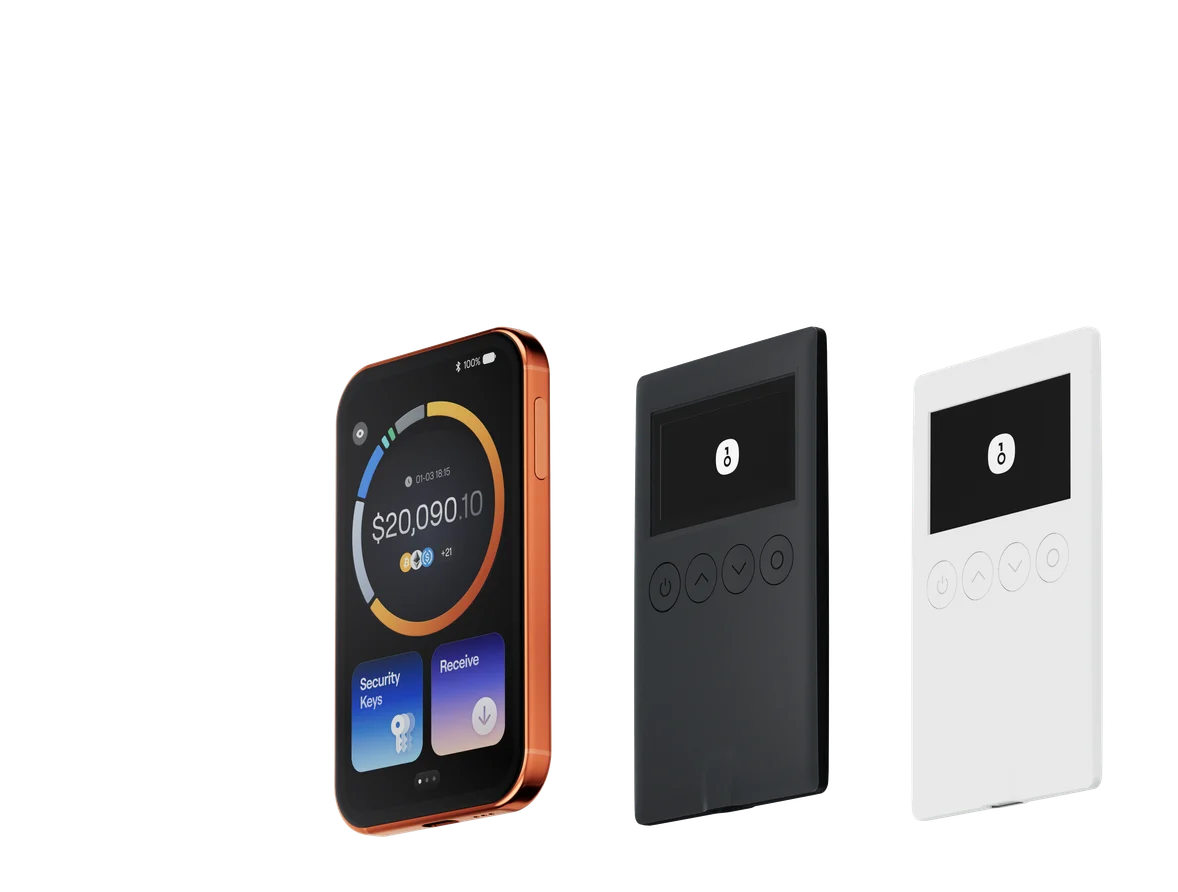
A dedicated hardware wallet can reduce the amount of time that a private key is exposed to a general-purpose operating system. With a device such as a OneKey hardware wallet, users can generate and store wallet keys in a device designed for transaction signing, while reviewing transaction details before approving transfers.
This does not eliminate every risk. Users must still protect the recovery phrase, verify addresses, avoid phishing attacks, and keep the device and backup under personal control. Hardware security works best when combined with disciplined operational security.
Final Takeaway
An old iPhone in Airplane Mode may look like an offline wallet, but Airplane Mode does not remove hardware-level vulnerabilities or protect the pre-iOS boot process.
For iPhone 11 and older models, publicly discussed BootROM research means that a factory reset and a disconnected network connection should not be considered sufficient protection for a valuable crypto seed phrase. The risk is especially serious when the device has been physically accessible to other people or used with untrusted USB equipment.
Crypto users who rely on an older iPhone for seed storage should migrate assets to a newly generated wallet in a trusted environment. For long-term custody, keeping the recovery phrase offline and using a dedicated hardware wallet can provide a more appropriate security model than storing the seed phrase on a general-purpose smartphone.