Hyperliquid Wallet Compromised? A Recovery Plan for Traders
If you are reading this, you may suspect—or already know—that the worst has happened: your wallet has been compromised. Or you may be preparing before anything goes wrong, which is the better time to build a response plan. Source: Hyperliquid docs.
This guide lays out a practical emergency workflow for Hyperliquid users after a wallet compromise, plus a security rebuild plan for reducing the chance of the same thing happening again.
Key comparison table
Step 1: Confirm Whether the Attack Is Still Active
In a panic, the wrong action can sometimes make things worse. Start by checking the facts calmly.
Clear warning signs
- Your wallet balance dropped without your authorization
- You see transactions on a block explorer, such as Hyperscan or Etherscan, that you did not initiate
- You received unknown tokens, which may be part of a poisoning or interaction trap
- Your Hyperliquid positions were closed, modified, or otherwise acted on unexpectedly
Unclear situations
- Your balance looks lower, but you are not sure whether you forgot a previous action
- You received a warning email or message, but the source is unclear
If you can confirm unauthorized transactions are happening, move straight into emergency response. If you are unsure, stop making new on-chain transactions until you verify what is going on.
Emergency Response Workflow, in Priority Order
Priority 1: Stop Further Losses and Revoke Approvals
Go to Revoke.cash, connect the compromised wallet, and revoke all on-chain approvals.
The logic is simple: if the attacker used a drainer approval, revoking permissions may stop them from moving any remaining approved tokens. If your private key has already been exposed, revoking approvals may not be enough—but it is still worth doing and generally does not make the situation worse.
At the same time, check Hyperliquid for open leveraged positions. Open positions continue to carry market risk while you are dealing with the security incident.
Priority 2: Move Remaining Assets to a New Wallet
If your private key may have been leaked—for example, the attack source is unknown, or you have ever entered your seed phrase or private key into a website—the compromised address should be treated as permanently unsafe. Even if assets are still there, move them to a newly created wallet as soon as you can do so safely.
When creating the new wallet:
- Use a brand-new device, or a device that has been fully reset
- If using a software wallet, make sure the device has no suspicious apps or browser extensions
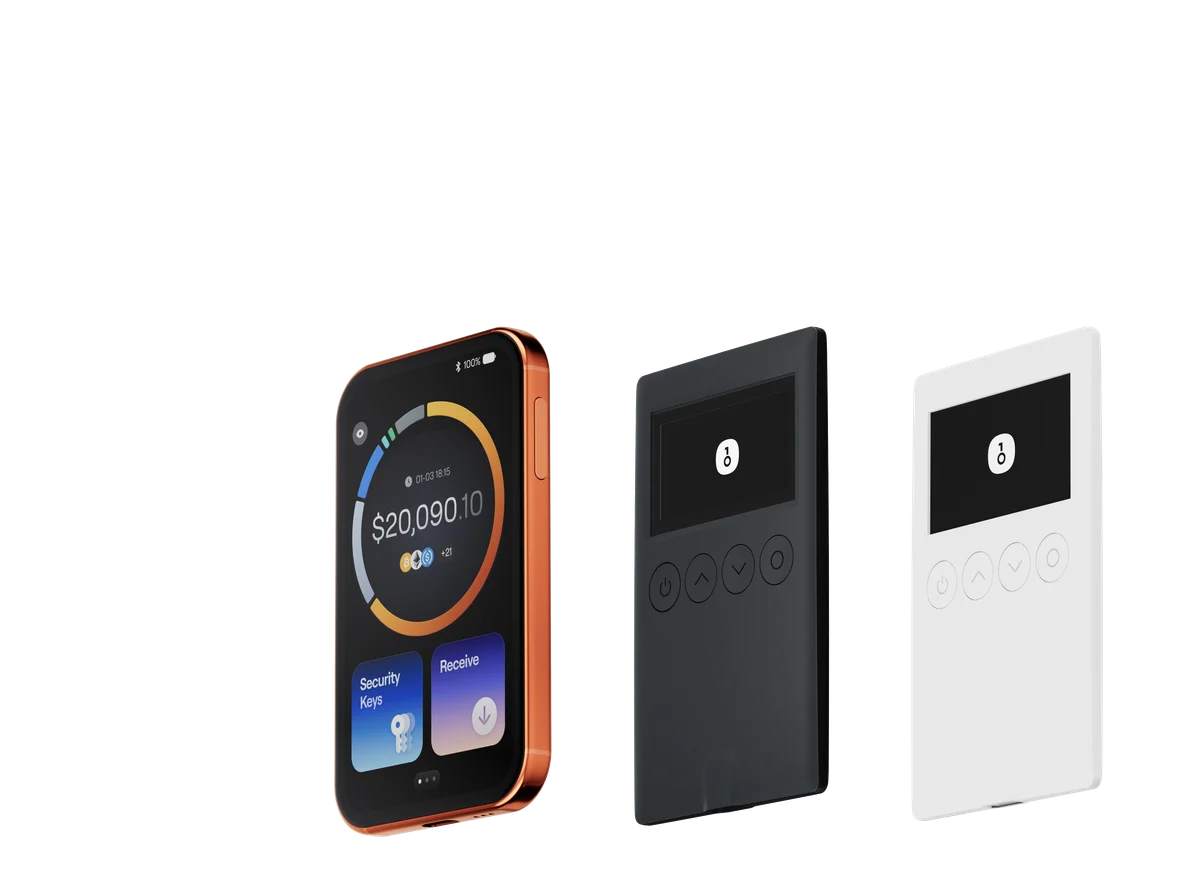
- A safer option is to create the new wallet on a OneKey hardware wallet, so the private key never touches an internet-connected device
Important: do not use an existing wallet app on the compromised device as the destination for recovered funds. The entire device environment may already be contaminated.
Priority 3: Handle Open Hyperliquid Activity
If you use Hyperliquid, check each of the following:
- Open perpetual positions: decide whether they should be closed immediately or held until a safer wallet setup is ready
- HLP vault deposits: assess whether you need to withdraw; withdrawals require signing, so be extra careful if the old wallet is compromised
- Open orders: cancel outstanding orders so they cannot be abused while you are not in control
Hyperliquid’s official documentation provides account operation details that may be useful during an emergency.
Priority 4: Record the Incident Clearly
After the immediate emergency is handled, document the full timeline:
- When was your last known normal transaction?
- When did the first suspicious transaction happen, and what assets were moved?
- Which DApps or websites did you visit in the last few days?
- Did you sign any unusual message requests?
This record is important for identifying the attack path. It may also be needed if you report the incident to exchanges, security teams, or law enforcement.
Investigate the Attack Vector
Once the immediate damage is contained, your next job is to understand how the compromise happened. Without that, you may repeat the same mistake with a new wallet.
For technical background on drainer attacks, review Chainalysis research on crypto drainers.
For common private key and seed phrase exposure risks, review MetaMask docs’s guidance on seed phrase security.
Rebuild Security from the Hardware Layer Up
After a compromise, simply switching to another software wallet may not be enough. The real issue is often the device environment or signing habits, not just the wallet app.
Rebuild Around a OneKey Hardware Wallet
The core security benefit of a OneKey hardware wallet is that the private key is generated inside the hardware device and is never exported to an internet-connected computer or phone. Even if your computer or mobile device has malware, the attacker cannot extract the private key from the OneKey device.
A practical rebuild plan:
- Buy a new OneKey hardware wallet and initialize it in a secure environment
- Generate a new wallet on the device, write the recovery phrase on paper, and store it in a safe physical location
- Move recovered assets to the new hardware-wallet-controlled address
- Use OneKey hardware signing for all high-value transactions going forward
Use a Layered Asset Setup
Do not keep everything in one address or one wallet type.
- Cold storage with OneKey hardware: long-term holdings and core portfolio assets, rarely touched
- Trading wallet: only the margin needed for active trading, topped up when necessary
- Hyperliquid account: only the minimum capital required for current active strategies
This structure limits the blast radius. If one layer is compromised, the damage is contained to that layer instead of your entire portfolio.
Use OneKey Perps with Hyperliquid
OneKey Perps lets you interact with Hyperliquid while keeping hardware-wallet security in your trading workflow. Fund-related actions require physical confirmation on the OneKey device, which helps reduce the risk of remote compromise leading directly to asset theft.
This does not remove market risk, liquidation risk, or the need to verify what you sign. But it does give Hyperliquid traders a more secure workflow than keeping keys exposed on a regular hot wallet.
FAQ
Q1: My assets have already been transferred out. Can I recover them?
On-chain transactions are generally irreversible. Once assets have been confirmed as transferred, they cannot be reversed at the protocol level.
In some cases, blockchain analytics can help trace funds, and you may report hacker addresses to centralized exchanges in case the funds move there. However, recovery rates are usually low and the process can be difficult. Prevention is far more realistic than recovery after the fact.
Q2: Can Hyperliquid freeze the attacker’s activity?
Hyperliquid is a decentralized protocol. The platform generally cannot freeze a specific user’s assets or actions at the wallet level. Emergency response must be handled from your wallet and account security side.
Q3: Where should I report the attack?
You can report attacker addresses to blockchain analytics providers such as Chainalysis, to compliance teams at major centralized exchanges, and to Hyperliquid’s official community channels as a warning. Publicly identifying attacker addresses can help reduce the chance of others becoming victims.
Q4: I still need to sign from the compromised wallet to recover funds. Is that safe?
It is high risk. If the attacker is monitoring the address, your transaction could trigger front-running or automated theft. If you must act, do it as quickly and carefully as possible, such as using appropriate gas settings, and consider consulting an experienced security professional.
Q5: Can one OneKey hardware wallet protect all of my Hyperliquid assets?
A OneKey hardware wallet protects assets controlled by addresses derived from that hardware wallet. Funds deposited into Hyperliquid are managed by the protocol’s smart contracts and must be operated through the correct application interface.
Using OneKey Perps helps ensure Hyperliquid withdrawals and other fund-related actions go through hardware signing confirmation, significantly reducing the risk of theft from remote key compromise.
Conclusion: The Best Recovery Is Not Needing One
A wallet compromise is an expensive lesson, but it does not have to be the end of your trading journey. By rebuilding security systematically and using a OneKey hardware wallet as the foundation for layered protection, you can reduce the chance of the same incident happening again.
The key rule: keep your main holdings on a hardware wallet, and never store private keys or seed phrases on an internet-connected device.
For a practical next step, visit onekey.so/download to try OneKey, set up a hardware-wallet-based workflow, and use OneKey Perps for safer Hyperliquid trading.
Risk notice: This article is for informational purposes only and is not investment, financial, legal, or security advice. Lost crypto assets are often impossible to recover. Security is each user’s personal responsibility. The response workflow above is based on general best practices, and the right action may vary depending on the type of compromise. For major security incidents, consider consulting a qualified security professional.