Hyperliquid 支持硬件钱包吗?完整指南
快速回答
是的——你可以将硬件钱包与 Hyperliquid 一起使用,但通常是间接方式:你通过 EVM 钱包接口(浏览器扩展或 WalletConnect)进行连接,该接口可以使用你的设备进行签名,然后在设备上批准连接和签名。Hyperliquid 自带的入门流程围绕“普通 DeFi 钱包”(EVM 钱包)或电子邮件登录选项构建,而不是提供专门的“硬件钱包连接”按钮。(hyperliquid.gitbook.io)
如果你正在决定使用电子邮件登录还是完全由自己掌控的钱包,对于想要更强自我保管保障的用户来说,基于钱包的路径通常是首选。(hyperliquid.gitbook.io)
Hyperliquid 钱包签名如何运作(你的设备实际保护的是什么)
Hyperliquid 使用钱包签名来处理关键账户操作(例如,启用交易和授权提款)。在官方入门步骤中,你需要连接一个 EVM 钱包并签名一个“无 Gas”操作来启用交易;从 Arbitrum 存款需要你在钱包中进行链上确认。(hyperliquid.gitbook.io)
对于提款,官方文档描述了一种链下签名(EIP-712 类型数据),该签名授权提款,而验证者则负责将提款执行回 Arbitrum 链上。这正是硬件设备发挥作用的地方:私钥永远不会离开设备,你可以在设备屏幕上验证你正在签名的内容。(hyperliquid.gitbook.io)
开始之前你需要准备什么
检查清单
- 支持连接签名设备的 EVM 钱包接口(扩展或 WalletConnect 类型会话)。(hyperliquid.gitbook.io)
- 用于存款的 Arbitrum 网络上的 USDC(加上少量 Arbitrum 网络上的 ETH 用于存款 Gas 费)。(hyperliquid.gitbook.io)
- 正确的应用域名:使用 Hyperliquid 文档引用的官方 Web 应用。(hyperliquid.gitbook.io)
重要存款说明(避免最常见的错误)
Hyperliquid 的支持文档明确警告,对于标准的 Arbitrum 存款路线,仅支持来自 Arbitrum 网络的 USDC 存款;发送其他资产将无法记入你的账户。务必先用少量金额进行测试。(hyperliquid.gitbook.io)
分步指南:将硬件钱包与 Hyperliquid 一起使用(最安全的典型流程)
1) 准备你的 EVM 钱包接口(连接设备的账户)
- 根据你的钱包接口要求,将你的硬件设备连接到你的电脑/手机。
- 创建/选择一个由设备备份的账户。
- 确认你可以在以下两者上看到相同的地址:
- 钱包接口,以及
- 设备屏幕(地址验证对于防网络钓鱼至关重要)。
Hyperliquid 的入门流程期望你使用 EVM 钱包进行连接,这与此设置兼容。(hyperliquid.gitbook.io)
2) 连接到官方交易界面
- 打开文档中列出的官方 Web 应用:app.hyperliquid.xyz。
- 点击 Connect(连接)并选择你的钱包选项。
- 在你的钱包接口中批准连接请求,并在提示时在设备上确认。
这遵循了官方的“使用 DeFi 钱包连接”流程。(hyperliquid.gitbook.io)
3) “Enable Trading” (signature step)
After connecting, you’ll see an Enable Trading prompt.
- Approve the request and sign in your wallet interface.
- If your account is device-backed, confirm the signing action on the device.
Hyperliquid documents this signature as part of onboarding (not a gas-spending transaction). (hyperliquid.gitbook.io)
4) Deposit USDC from Arbitrum
- Navigate to deposit.
- Select USDC on Arbitrum, enter the amount, and confirm the transaction in your wallet interface (and on-device). (hyperliquid.gitbook.io)
For deeper technical context on the bridge mechanics (including the minimum deposit amount described in the docs), see: Bridge2 (official docs). (hyperliquid.gitbook.io)
5) Withdraw safely (typed-data signature)
When withdrawing, pay extra attention to:
- Destination address (verify carefully)
- Amount
- Any typed-data prompts your wallet shows
Hyperliquid’s Bridge2 docs describe the withdrawal flow as requiring a user signature (and no Arbitrum transaction initiated by the user). That signature is the security boundary your hardware device is designed to protect. (hyperliquid.gitbook.io)
Email Login vs. Wallet Login: Where Hardware Wallets Fit
Hyperliquid supports logging in with an email, which creates an address for you. However, the docs also describe an option to export the email wallet private key and import it into another wallet extension. That’s useful for recovery workflows, but it’s not the same as having keys generated and held by a hardware device from day one. (hyperliquid.gitbook.io)
If your goal is maximum self-custody and minimizing key-exposure risk:
- Prefer connecting with a wallet you control (device-backed) instead of exporting/importing private keys.
- Treat “export private key” as an emergency/recovery action, not a routine workflow. (hyperliquid.gitbook.io)
Using HyperEVM With a Hardware Wallet (Network Setup)
If you’re interacting with HyperEVM, Hyperliquid provides network parameters (including Chain ID 999 and the RPC URL) and suggests adding the network via Chainlist or manual configuration. Once added, device-backed signing works the same way as on other EVM networks: transactions are constructed in your wallet interface and signed on the device. (hyperliquid.gitbook.io)
References:
- How to use the HyperEVM (official docs) (hyperliquid.gitbook.io)
- EIP-1559 (fee market reference) (hyperliquid.gitbook.io)
Troubleshooting (Common User Pain Points)
“Connect” works, but signing/approving fails
Try the following:
- Update your wallet interface to the latest version
- Switch browser or disable conflicting extensions
- Reconnect the device and retry the signature step
- If using mobile, consider a desktop extension first, then link mobile as described in: Connect mobile via QR code (official docs). (hyperliquid.gitbook.io)
存款未到账
大多数情况是以下原因之一:
- 错误的资产或错误的网络(Arbitrum USDC 要求)
- 存款低于桥接文档中说明的最低金额
从这里开始:通过 Arbitrum 网络 (USDC) 存款 (官方支持文档)。 (hyperliquid.gitbook.io)
安全最佳实践(2026 年为何如此重要)
钱包被盗和网络钓鱼仍然是加密货币领域的主要威胁。关于 2025 年事件的报告显示,数十亿美元因黑客攻击和诈骗而损失,其中很大一部分与被盗钱包有关——这提醒我们,对于活跃的交易者来说,改善密钥保护和减少“热签名”的暴露面并非可有可无。(investopedia.com)
与硬件设备搭配使用的实用方法:
- 使用专用的交易地址(限制影响范围)
- 收藏官方应用程序的 URL,并避免广告/赞助链接
- 在设备上验证存款/提款地址
- 使用新网络或桥接路线时,先进行小额测试转账
- 将恢复短语保存在离线状态,切勿在网站上输入
OneKey 的作用(可选但实用)
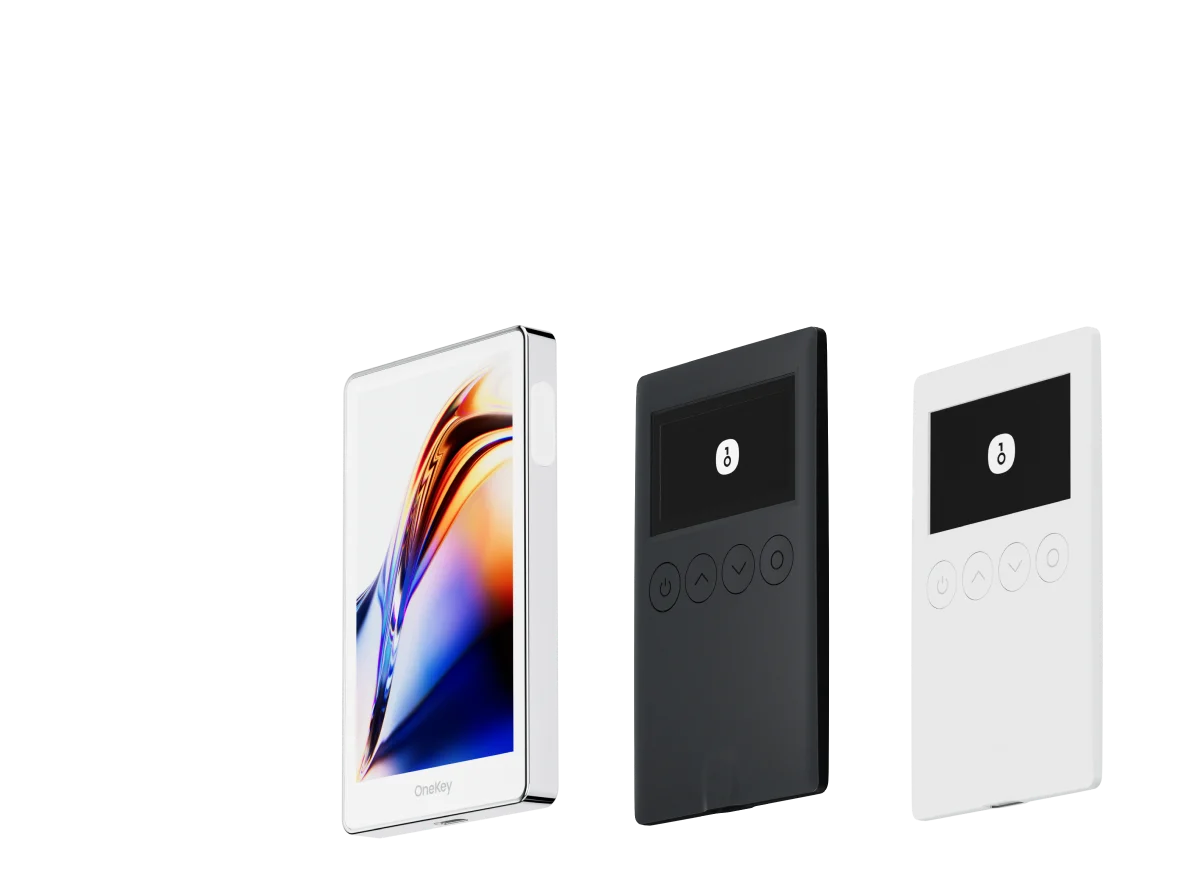
如果您计划频繁交易,同时保持更强的自我保管保障,像 OneKey 这样的设备可能是一个不错的选择,因为它能将签名密钥保存在您的计算机/手机之外,并支持大多数链上应用使用的常见 EVM 工作流程(连接 → 签名 → 确认交易)。关键在于使用一个钱包接口,将签名路由到设备,以便您可以在屏幕上验证关键操作(尤其是提款)后再进行批准。