Hyperliquid DEX Wallet Comparison: OneKey vs MetaMask vs Rabby
Why wallet choice matters for perpetual trading in 2026
Perp DEXs have moved from “experimental DeFi” to real market infrastructure, with onchain derivatives posting record yearly volumes in 2025 and continuing to scale into 2026. In that environment, your wallet becomes more than a login tool: it is your risk control surface (signing, approvals, address hygiene, and automation boundaries). For context on current scale, you can track the protocol’s live metrics (perp volume, open interest, fees) on DeFiLlama’s Hyperliquid dashboard.
This article compares three common setups for trading: MetaMask, Rabby, and a OneKey hardware wallet used as an offline signer.
How this DEX’s wallet model actually works
1) Official links and phishing reality
Before comparing wallets, lock down the basics: always verify the domain and don’t rely on app-store search results. The project’s own docs explicitly warn that there is no official app in any app store and that lookalike domains are a common scam vector (official support guide). You can cross-check the correct web endpoints via the official support page listing official links.
2) Wallet login vs email login
The onboarding flow supports both wallet-based sign-in and email-based sign-in. If you choose email login, a new blockchain address is created and you deposit to it; if you choose a DeFi wallet, your browser wallet handles the connection pop-up (onboarding guide).
3) HyperEVM is real (and it’s EVM-compatible)
If you plan to interact with the EVM side (apps, contracts, EVM tooling), the network parameters matter. The official docs specify chain ID 999 and the public JSON-RPC endpoint, plus details like gas token and hardfork settings (HyperEVM docs).
4) API / agent wallets: a key separation you should use
Active traders increasingly split keys into:
- a master account (holds value, controls permissions)
- an API (agent) wallet (signs trading actions, ideally with limited blast radius)
The docs describe how a master account can approve API wallets to sign on its behalf, and clarify common pitfalls (for example, querying data using the wrong address) (API wallet docs).
Comparison criteria (what actually changes between wallets)
To make the comparison practical, we’ll focus on:
- Key security model (hot key vs offline signing)
- Transaction clarity (do you see what you sign?)
- Multi-wallet reliability (connection conflicts, extension behavior)
- EVM network handling (adding/switching networks for HyperEVM)
- Automation compatibility (agent wallets, bots, frontends)
MetaMask: broad compatibility, but you manage the sharp edges
Strengths
- Most widely supported EVM wallet UX across dapps and web frontends.
- Good operational guidance for staying safe (SRP hygiene, scam patterns) via MetaMask security tips.
- Clear troubleshooting documentation when browser wallet connections fail.
Trade-offs to know
- Extension conflicts are common: if you have multiple browser wallets installed, connection requests can fail silently or open in the wrong wallet. MetaMask explicitly calls this out and recommends disabling other wallet extensions when debugging (connection troubleshooting).
- Transaction prompts are powerful but can be too generic for complex DeFi actions unless you pair MetaMask with more defensive workflows (segmented accounts, smaller hot balances, hardware signing for larger balances).
最佳选择
希望获得最大程度的 dapp 兼容性,并且能够自行管理浏览器安全、扩展冲突和操作规范的交易者。
Rabby:“为 DeFi 重度用户打造的‘安全用户体验’”
优点
- 交易模拟:在签名之前进行模拟是其核心工作流程。Rabby 在其关于「模拟失败」流程的指南中解释了模拟的重要性(防止错误、避免交易失败、在您提交前暴露问题)(Rabby 模拟解释)。
- 强大的透明度立场:Rabby 在其官方安全指南中记录了其安全方法(包括开源定位)(隐私与安全部分)。
- 如果您关注可验证性,可以查看 Rabby 的 GitHub 仓库 上的公共代码库。
需要了解的权衡
- 由于 RPC 或边缘情况的行为,模拟有时可能会失败;您应该将失败视为「停止并验证」,而不是「继续」。
- 一些用户更喜欢 MetaMask,仅仅是因为更多的 dapp 默认支持 MetaMask,尽管 EIP-6963 正在改善整个生态系统的多钱包检测。
最佳选择
需要更清晰的「如果我签名会怎样」反馈,并且经常与合约、授权和复杂交易进行交互的 DeFi 重度用户。
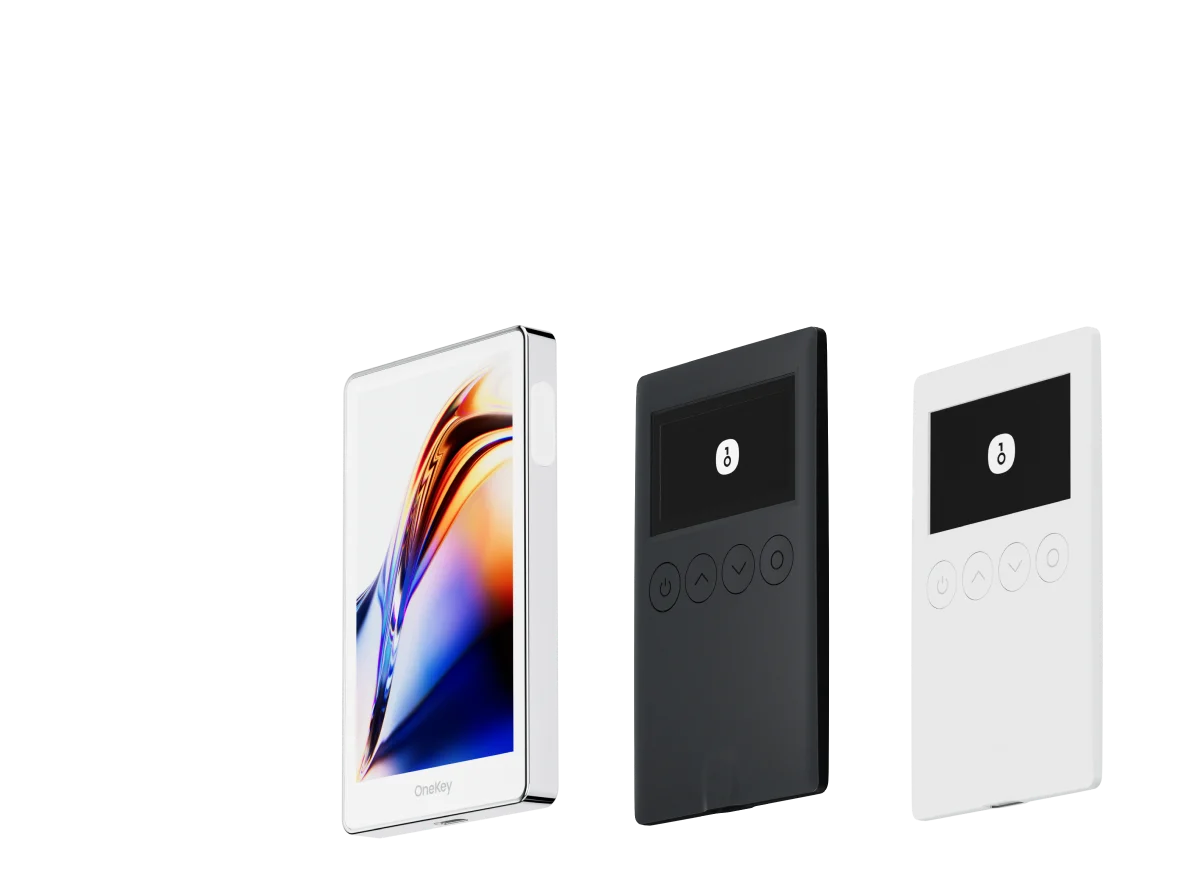
OneKey (硬件):离线签名,可升级任何热钱包
硬件钱包设置与浏览器扩展钱包在根本上不同:它将私钥保存在您的计算机之外,并将您的 dapp 钱包变成一个请求/预览层,而硬件设备则成为签名授权方。
使用硬件签名器时会发生什么变化
- 您的浏览器钱包(MetaMask 或 Rabby)成为接口。
- 硬件设备成为签名的最终检查点。
- 这直接降低了常见桌面威胁(恶意软件剪贴板攻击、会话劫持、恶意扩展)的影响,因为攻击者仍然需要一个有效的签名。
为什么它非常适合期货交易 + 代理钱包
如果您使用代理钱包进行自动化,您可以保护主账户,同时允许有限的交易密钥进行操作。该协议的文档描述了经过授权的 API 钱包如何可以代表主账户进行签名,这正是您希望主动策略实现的隔离(API 钱包文档)。
最佳选择
任何交易金额超过小额的个人,或者任何希望获得针对网络钓鱼和受损浏览器环境的「最后一道防线」的个人。这正是 OneKey 钱包 发挥最大作用的地方:它可以在不迫使您更改 Web 交易工作流程的情况下,升级 MetaMask 和 Rabby。
并排总结(实用,而非理论)
推荐设置(根据您的风险偏好选择)
设置 A:快速上手(无需硬件)
- 如果您希望在 DeFi 操作中获得更强大的预签名可见性,请选择 Rabby。
- 如果您优先考虑最大的兼容性并且已经拥有稳定的浏览器环境,请选择 MetaMask。
设置 B:均衡(硬件安全日常使用)
- 使用 Rabby 或 MetaMask 作为界面
- 使用 OneKey 作为签名设备
- 热账户中仅保留少量临时余额;将硬件保护的账户视为您的主要保险库。
设置 C:活跃交易者 / 自动化友好型
- 将您的主账户进行硬件保护。
- 为交易机器人/工具创建一个专用的代理密钥。
- 定期轮换代理密钥和权限,不要在多个进程中重复使用同一个密钥(Nonce 和操作安全问题在 代理钱包文档 中有详细介绍)。
连接前的简短安全检查清单
- 使用项目的 官方链接页面 验证您是否在正确的域名下。
- 请记住,没有官方的应用程序商店应用(支持警告)。
- 如果钱包连接弹出窗口未出现,请检查是否存在扩展冲突(MetaMask 故障排除)。
- 如果您不理解签名请求,请不要签名——尤其是在模拟失败时(Rabby 模拟指南)。
最终建议
如果您想要最简单的主流工作流程,MetaMask 仍然是默认选择。如果您想要更具防御性的 DeFi 用户体验,Rabby 具有吸引力。如果您想实质性地降低密钥被灾难性泄露的概率,同时保持相同的 Web 交易体验,将 OneKey 等硬件签名设备与您喜欢的热钱包配对是最有意义的升级——尤其是在去中心化交易所的活动持续加速,并且操作安全与策略同等重要的情况下。