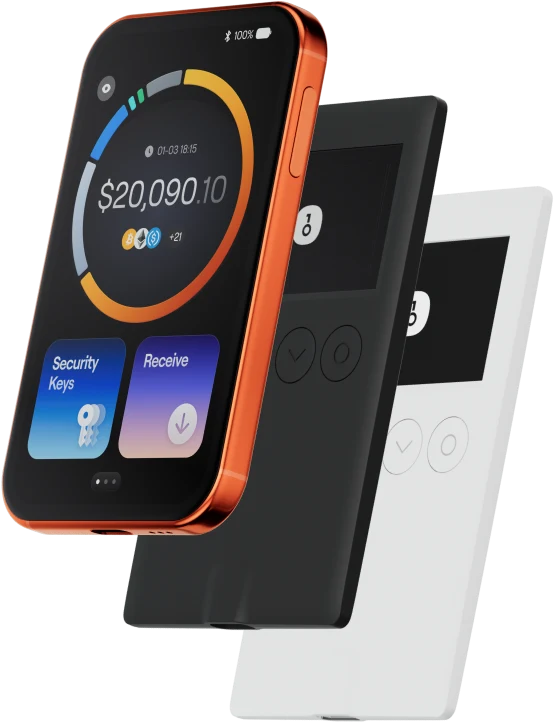
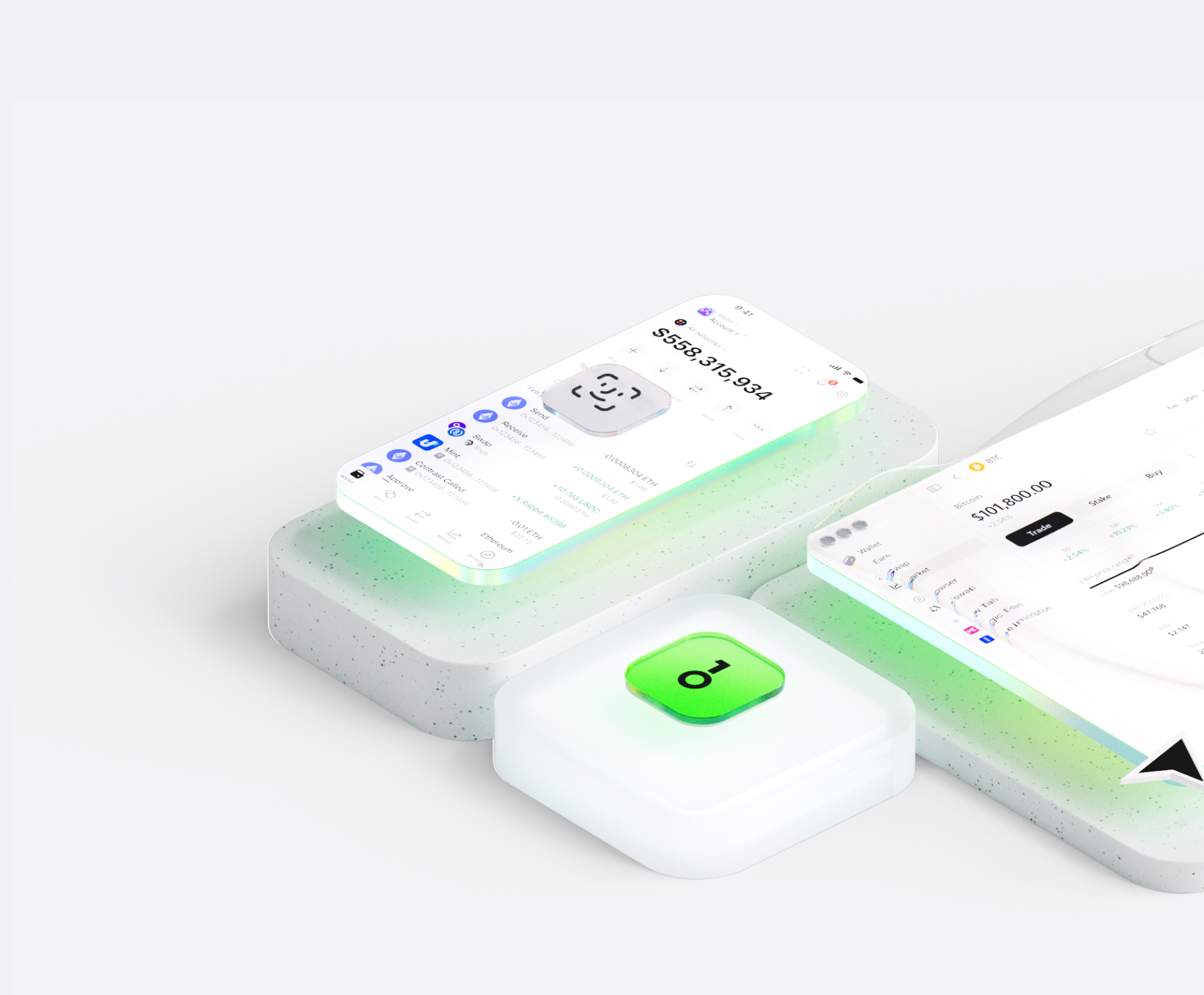
Ang DeCloud wallet ay tumutulong sa iyo na madaling mag-imbak, magpadala, at makatanggap ng mga digital asset. Maaari kang magsagawa ng cross-chain token transactions anumang oras, tuklasin ang mga NFT marketplace at dApps, at makahanap ng mas maraming oportunidad. Isang integrated wallet para sa DeCloud ecosystem, nagbibigay ito sa iyo ng secure na on-chain experience.
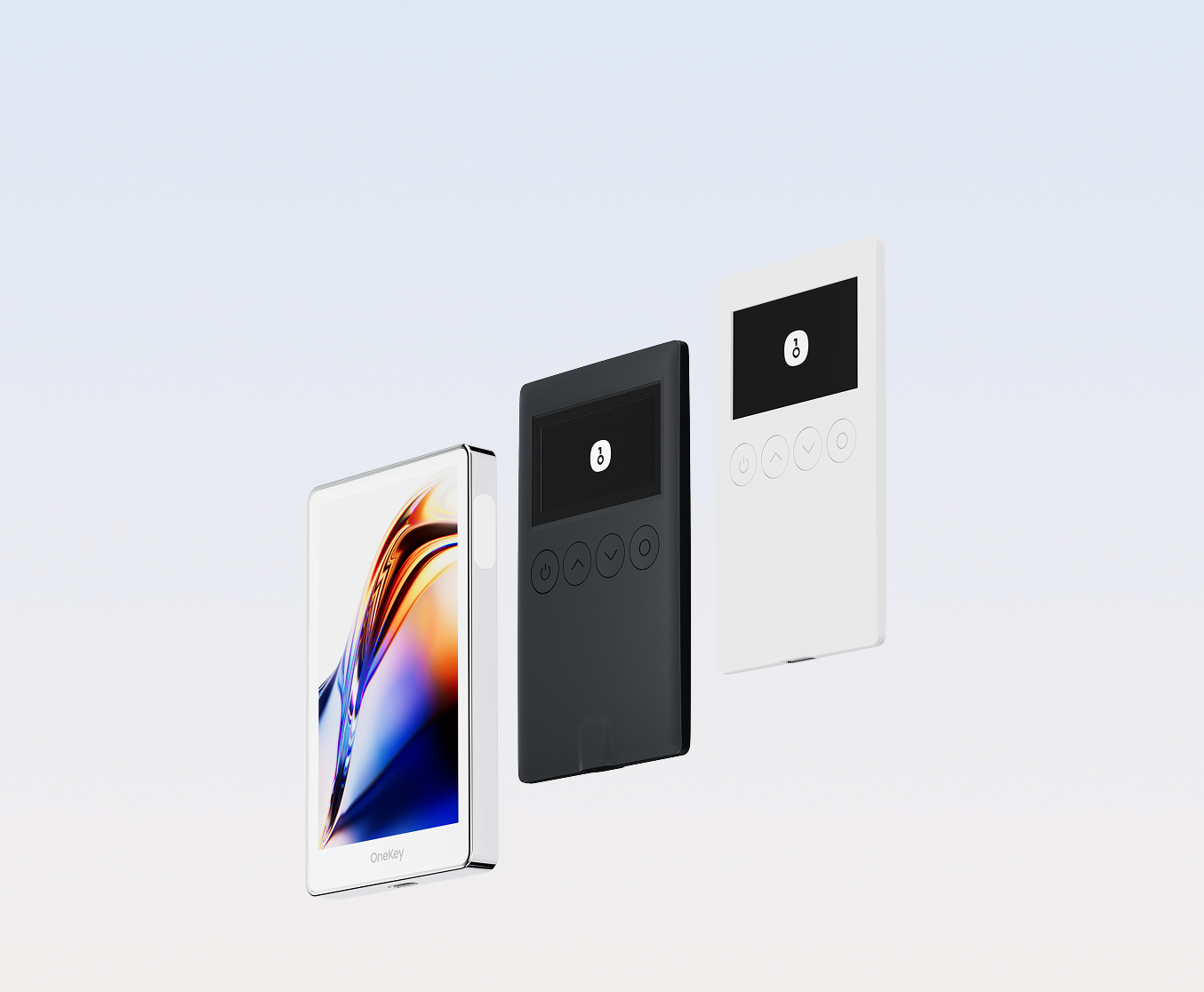
Bakit pumili ng DeCloud wallet sa OneKey?
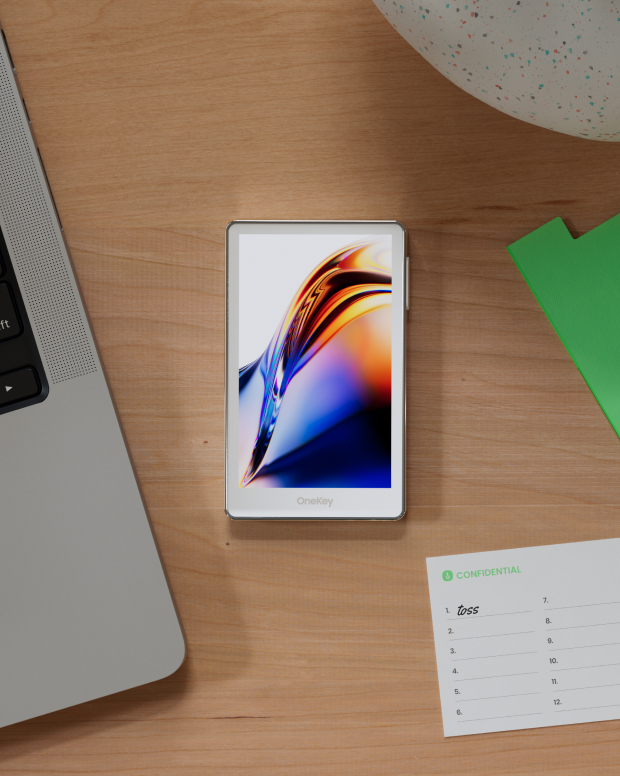
Kontrolin ang kaligtasan na pagmamay-ari mo
Walang kinakailangang pag-verify ng totoong pangalan. Wala kaming kinokolekta at sinusubaybayan na data ng user. Ang iyong wallet ay sa iyo lamang.
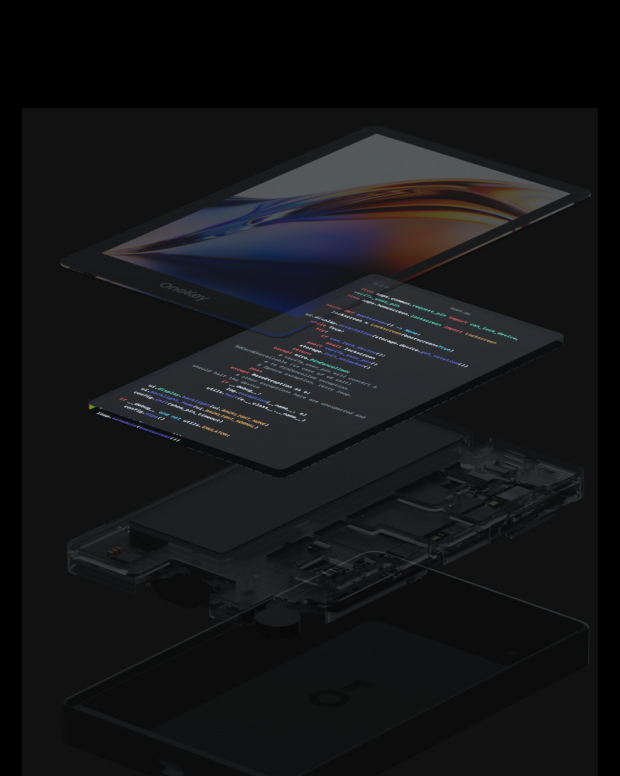
100% open-source at transparent
DeCloud wallet ay isang ganap na open-source na wallet; bawat linya ng code ay maaaring i-audit at i-verify ng mga eksperto sa seguridad. Ang seguridad ay hindi batay sa mga pangako, ngunit sa transparency.
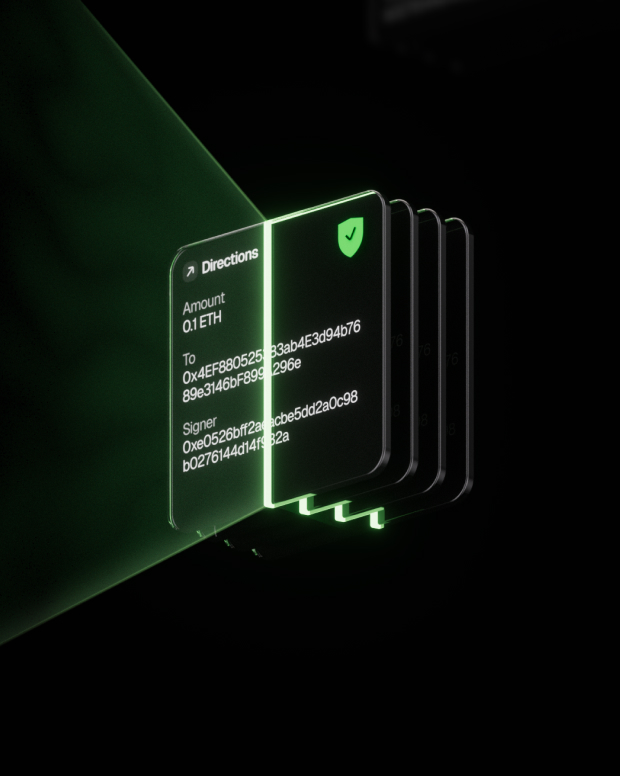
Intelligent na Proteksyon sa Panganib
Ang built-in na proteksyon sa phishing ng dApp at feature sa pagtatago ng kahina-hinalang token ay awtomatikong tumutukoy sa mga mapanganib na kontrata upang maiwasan ang malisyosong pag-apruba o pagnanakaw ng asset.

Global na suporta
Nagbibigay kami ng 24/7 multilingual na suporta sa customer para malutas ang iyong mga isyu anumang oras.
Mga FAQ
DeCloud is built to revolutionize remote access by combining the revolutionary aspects of blockchain technology with the potency of sophisticated Remote Desktop Protocols (RDP).
DeCloud is an avant-garde solution at the forefront of remote connectivity that combines the revolutionary aspects of blockchain technology with the conventional remote desktop capabilities in a seamless manner. DeCloud is a major advancement in the field of remote access.
Cloud Token (CT) serves as the native cryptocurrency powering the revolutionary Cloud platform, which aims to transform remote access by combining blockchain technology with sophisticated Remote Desktop Protocols (RDP). Positioned at the forefront of remote connectivity, Cloud seamlessly integrates blockchain innovation with traditional remote desktop capabilities.
CT facilitates secure transactions and interactions within the Cloud ecosystem. Through its robust architecture, Cloud ensures the integrity and security of users' remote interactions, instilling confidence in the protection of their data. CT plays a pivotal role in incentivizing network participants, facilitating seamless access to decentralized remote services, and fostering the growth and sustainability of the Cloud platform.
With CT, users can access a variety of decentralized remote services, including remote desktop functionalities, in a secure and efficient manner. Additionally, CT holders have the opportunity to participate in governance mechanisms, such as voting on platform upgrades and protocol changes, thereby contributing to the decentralized governance of the Cloud ecosystem.
DeCloud's solid architecture, users are secured in the integrity of their distant interactions, knowing that their data is protected.
Ang pinakamahusay DeCloud dapat balansehin ng wallet ang parehong seguridad at kadalian ng paggamit.
May a DeCloud wallet, hindi ka lamang ligtas na mag-imbak at mamahala (token name), ngunit malayang magsagawa ng mga cross-chain na transaksyon, lumahok sa mga protocol ng DeFi, at makipag-ugnayan sa DApps.
DeCloud wallet ay nagbibigay ng real-time na pagsubaybay sa transaksyon, open-source at transparent na mekanismo ng seguridad, at isang maayos na karanasan sa DeCloud network, na nagbibigay sa iyo ng kumpletong kontrol sa iyong mga crypto asset.
1. Mag-download ng wallet: Bisitahin ang opisyal na website ng OneKey at i-download ang OneKey App para sa macOS, Windows, iOS, o Android.
2. Gumawa ng wallet: Buksan ang App, piliin ang "Gumawa ng Bagong Wallet" o "Ikonekta ang Hardware Wallet".
3. Backup wallet: Ligtas na isulat ang parirala sa pagbawi at iimbak ito offline. Hindi namin kailanman ina-upload o sine-save ang iyong parirala sa pagbawi.
4. Deposito DeCloud: Kopyahin ang wallet address at ilipat DeCloud mula sa isang palitan o ibang pitaka.
Binubuo at iniimbak offline ang lahat ng pribadong key sa device, na nagbibigay sa iyo ng kumpletong kontrol sa iyong mga asset.
1. Ipadala DeCloud: Ipasok ang DeCloud address at halaga, pagkatapos ay kumpirmahin ang lagda sa App. Ang transaksyon ay mai-broadcast sa blockchain kaagad pagkatapos makumpleto.
2. Tumanggap DeCloud: I-click ang "Receive" para makuha ang wallet address, ibahagi ito sa nagpadala, at makikita mo ang balanse sa real-time sa App pagkatapos matanggap ang mga token.
3. Pamahalaan ang mga asset: Subaybayan ang kasaysayan ng transaksyon, i-access ang mga DeFi protocol, o magsagawa ng mga cross-chain na operasyon sa DeCloud wallet, lahat sa isang App.
Mag-subscribe sa aming newsletter
Mag-subscribe sa mga newsletter ng OneKey para sa pinakabagong mga balita at alok ng produkto.