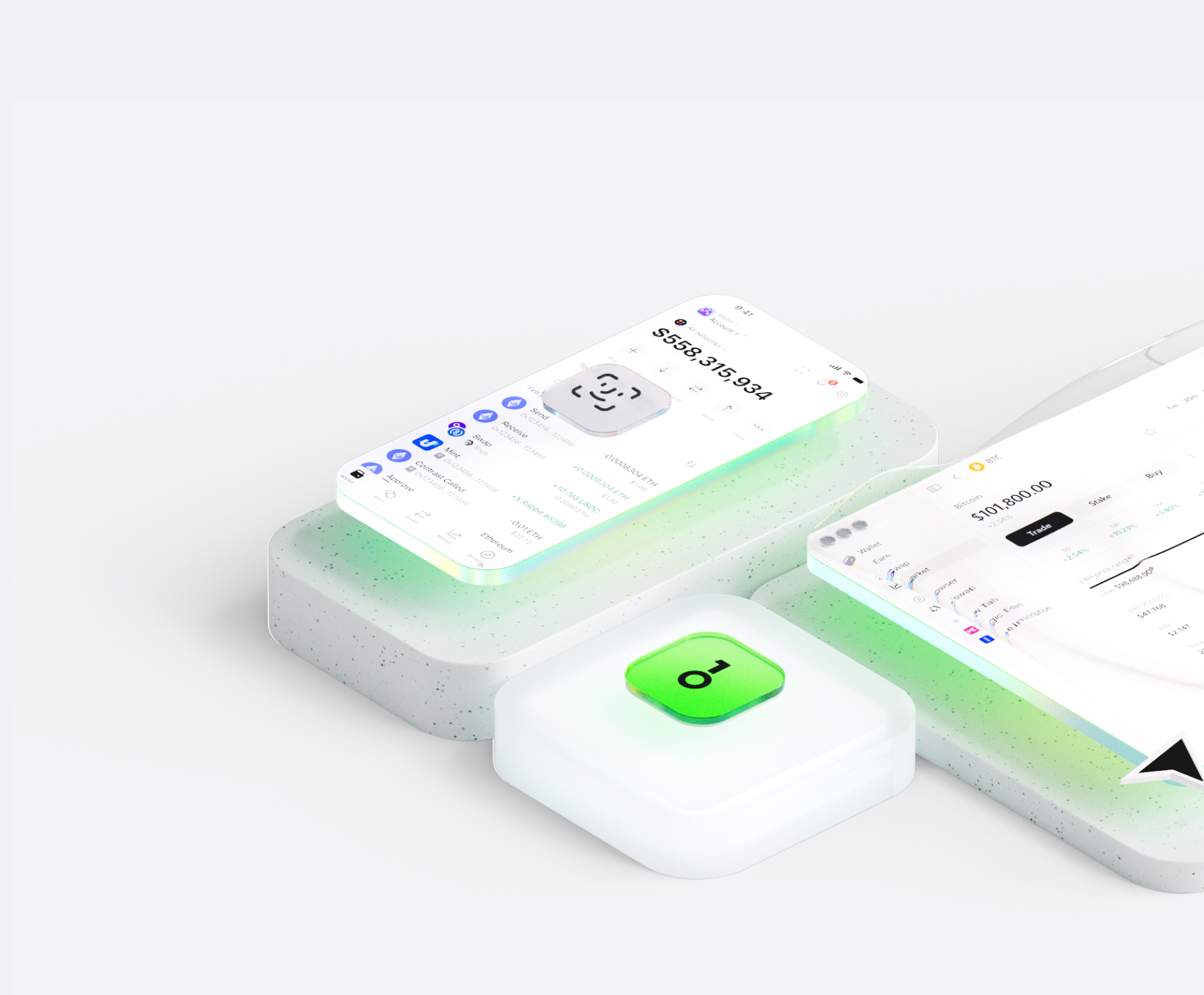
Ang Navigator AI wallet ay tumutulong sa iyo na madaling mag-imbak, magpadala, at makatanggap ng mga digital asset. Maaari kang magsagawa ng cross-chain token transactions anumang oras, tuklasin ang mga NFT marketplace at dApps, at makahanap ng mas maraming oportunidad. Isang integrated wallet para sa Navigator AI ecosystem, nagbibigay ito sa iyo ng secure na on-chain experience.


Bakit pumili ng Navigator AI wallet sa OneKey?
Kontrolin ang kaligtasan na pagmamay-ari mo
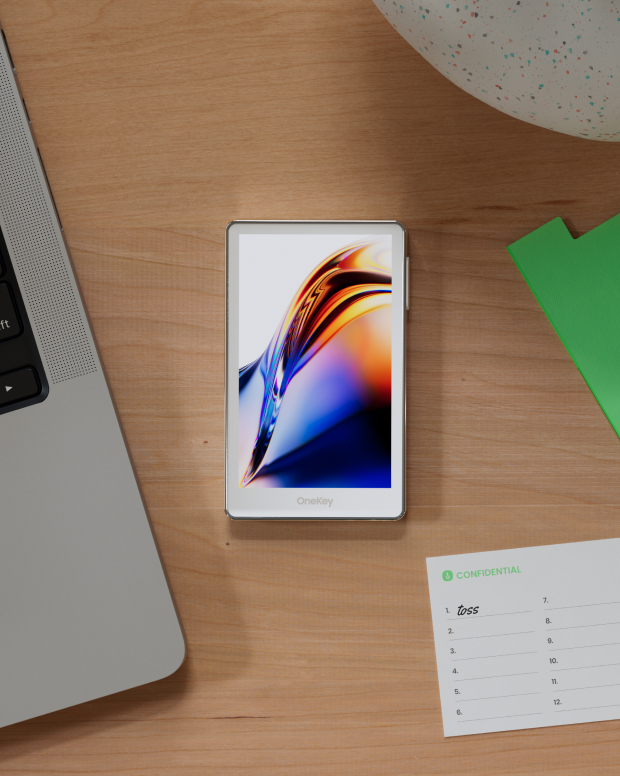
Walang kinakailangang pag-verify ng totoong pangalan. Wala kaming kinokolekta at sinusubaybayan na data ng user. Ang iyong wallet ay sa iyo lamang.
100% open-source at transparent
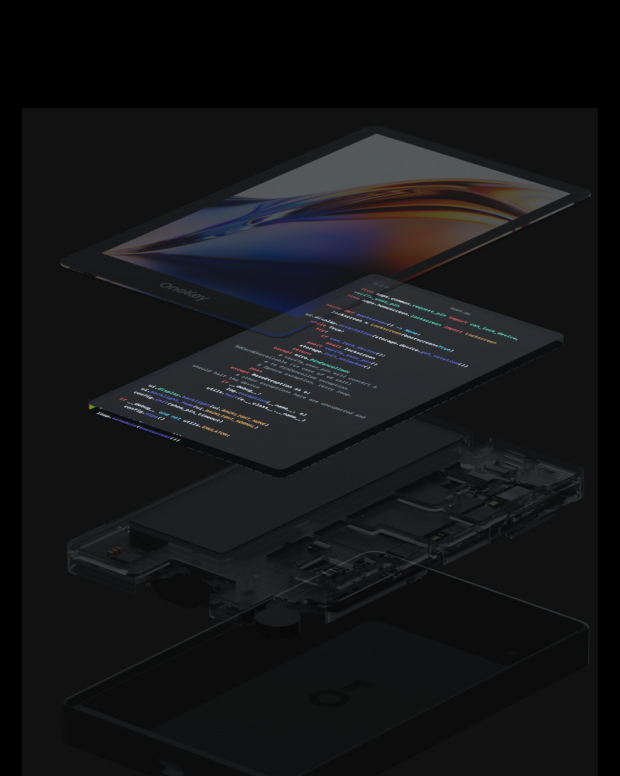
Navigator AI wallet ay isang ganap na open-source na wallet; bawat linya ng code ay maaaring i-audit at i-verify ng mga eksperto sa seguridad. Ang seguridad ay hindi batay sa mga pangako, ngunit sa transparency.
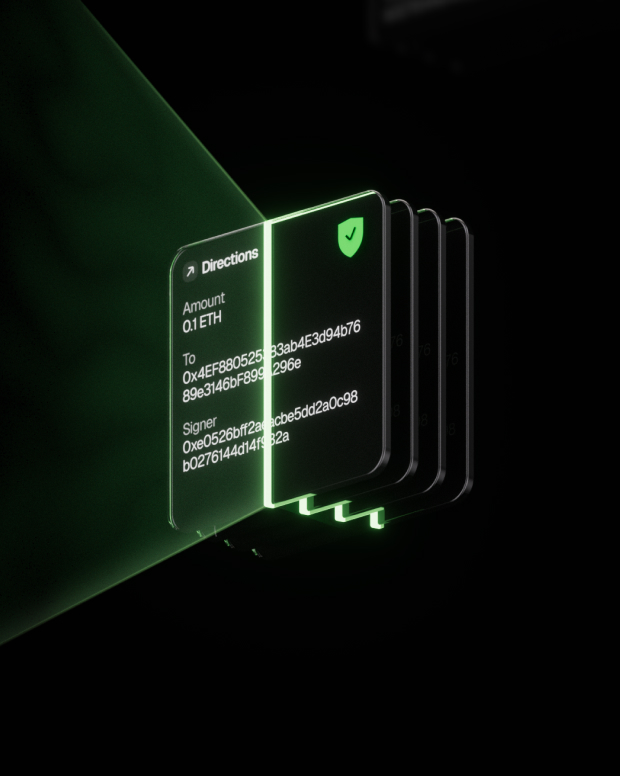
Intelligent na Proteksyon sa Panganib
Ang built-in na proteksyon sa phishing ng dApp at feature sa pagtatago ng kahina-hinalang token ay awtomatikong tumutukoy sa mga mapanganib na kontrata upang maiwasan ang malisyosong pag-apruba o pagnanakaw ng asset.

Global na suporta
Nagbibigay kami ng 24/7 multilingual na suporta sa customer para malutas ang iyong mga isyu anumang oras.

Mga FAQ
Ano ang Navigator AI?
The AI agent works very much like a person doing an internet search, only faster and automated. Here's a step-by-step look at what happens behind the scenes when you use it:
You ask a question or give a request. This could be anything from "What's the latest news on Mars?" to "Find a good Italian restaurant nearby." You just ask in plain language, like you would a friend.
The AI figures out what it needs to find. It breaks down your question to decide what to search for. For example, if you asked for news on Mars, it knows to look for recent articles about Mars.
It searches the web for you. The agent automatically uses an online search (like a search engine) to look up relevant information. You don’t have to open Google yourself – the AI does that within seconds.
It clicks and reads through websites. Just like you would click on the most promising search result, the AI agent selects a result that looks helpful and “opens” that webpage behind the scenes. It then scans the page for the facts or answers you need. If one page isn’t enough, it can go back and check another result too.
The AI gathers the important points. As it reads, it picks out the key information that answers your question. It might pull a definition, a date, a name, or whatever detail you asked for. It basically does the reading and note-taking for you.
It writes a clear answer (with sources). Finally, the agent composes a straightforward answer for you based on what it found. It also provides citations or references – little numbered links in the answer – showing where it got the information. This way, you can see the original source if you want more details or to verify the info.
Ano ang pinakamahusay Navigator AI wallet?
Paano makakuha ng a Navigator AI wallet?
Paano gamitin ang Navigator AI wallet?
Mag-subscribe sa aming newsletter
Mag-subscribe sa mga newsletter ng OneKey para sa pinakabagong mga balita at alok ng produkto.
