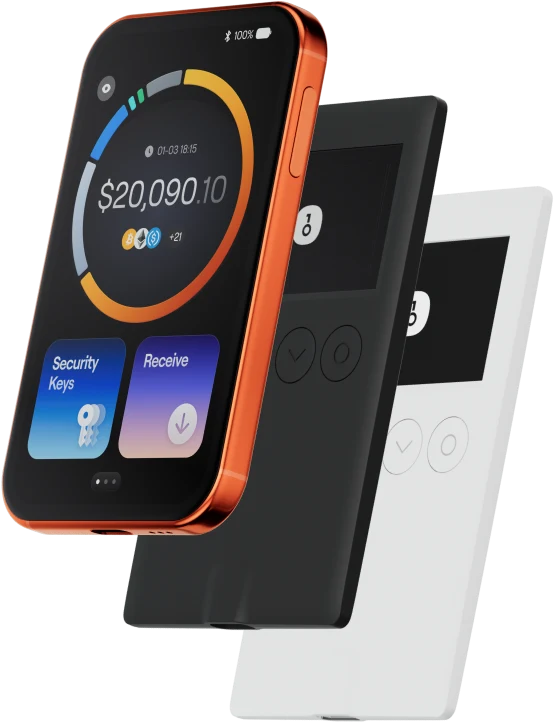
Ang TRON wallet ay tumutulong sa iyo na madaling mag-imbak, magpadala, at makatanggap ng mga digital asset. Maaari kang magsagawa ng cross-chain token transactions anumang oras, tuklasin ang mga NFT marketplace at dApps, at makahanap ng mas maraming oportunidad. Isang integrated wallet para sa TRON ecosystem, nagbibigay ito sa iyo ng secure na on-chain experience.
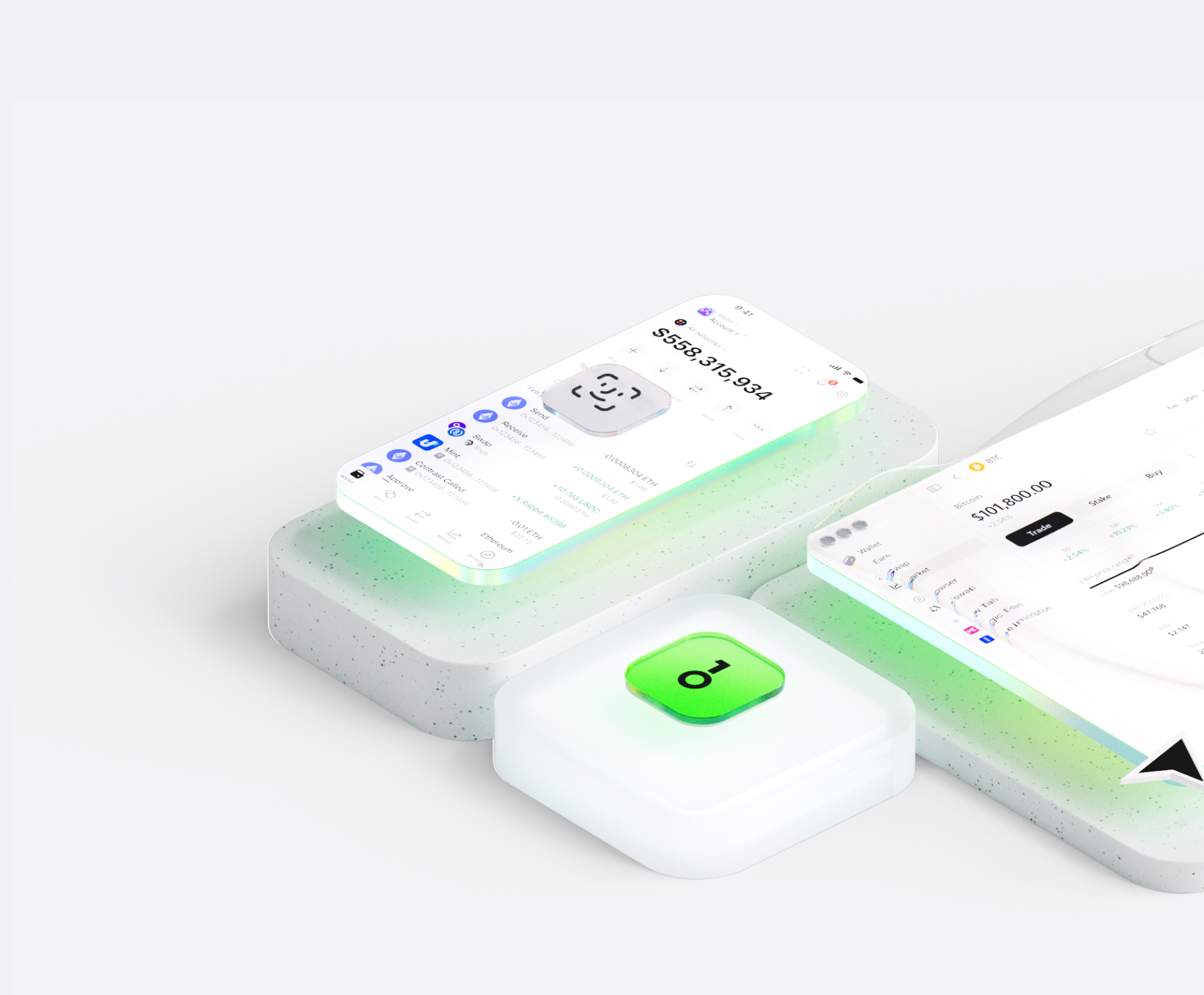
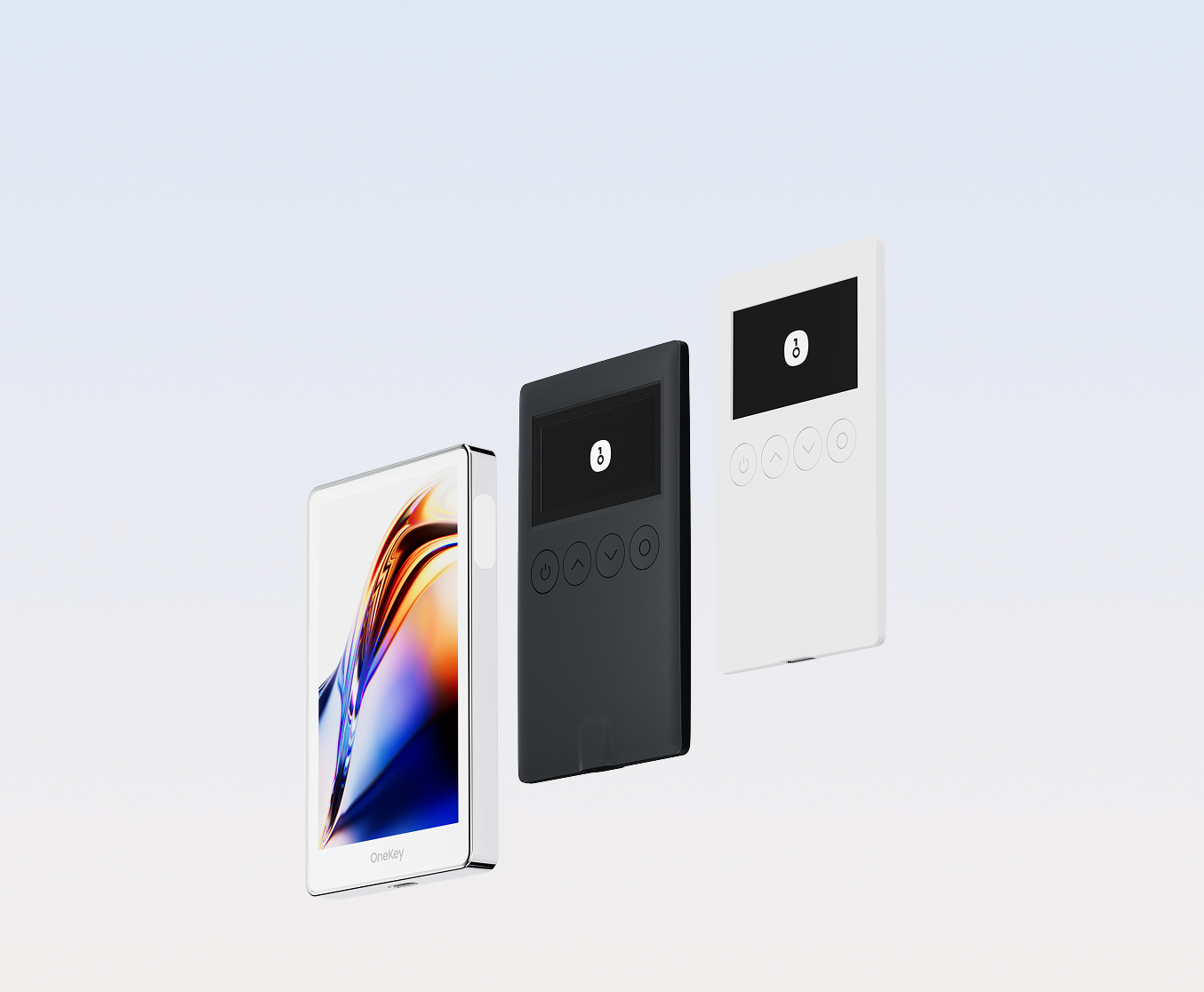
Bakit pumili ng TRON wallet sa OneKey?
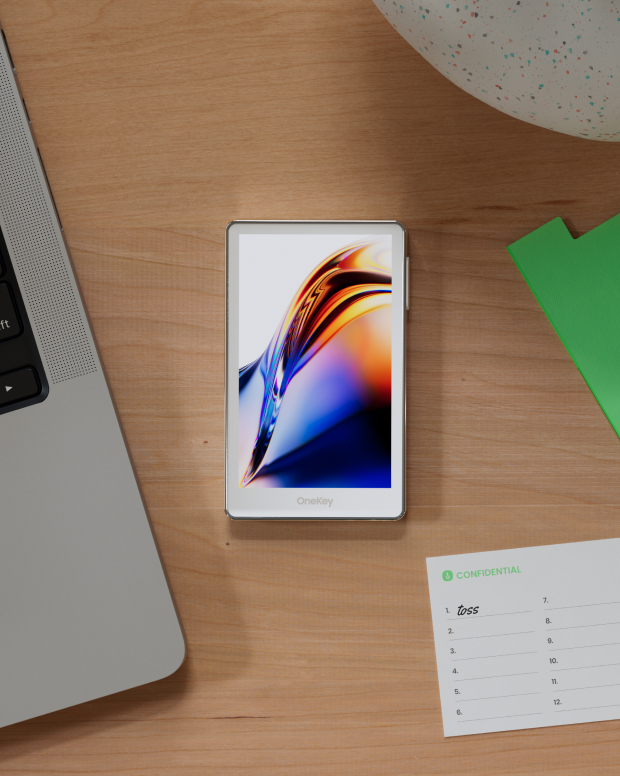
Kontrolin ang kaligtasan na pagmamay-ari mo
Walang kinakailangang pag-verify ng totoong pangalan. Wala kaming kinokolekta at sinusubaybayan na data ng user. Ang iyong wallet ay sa iyo lamang.
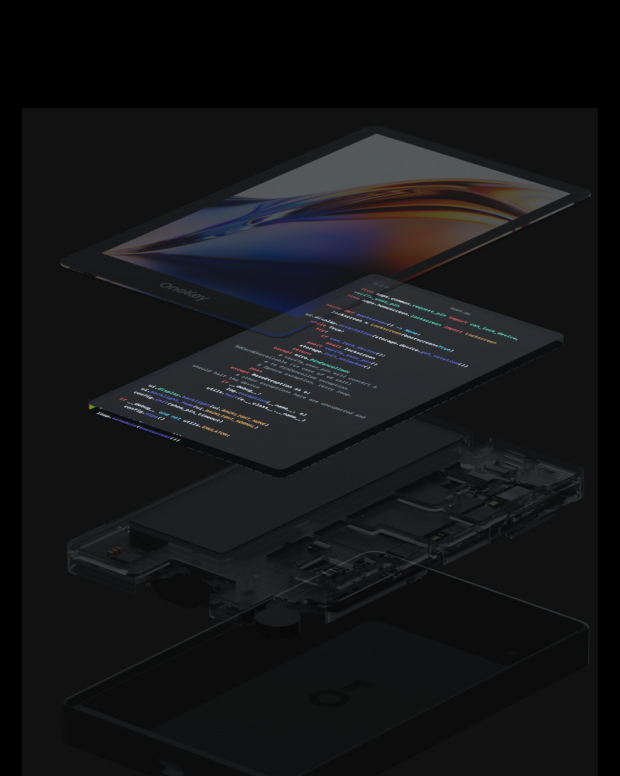
100% open-source at transparent
TRON wallet ay isang ganap na open-source na wallet; bawat linya ng code ay maaaring i-audit at i-verify ng mga eksperto sa seguridad. Ang seguridad ay hindi batay sa mga pangako, ngunit sa transparency.
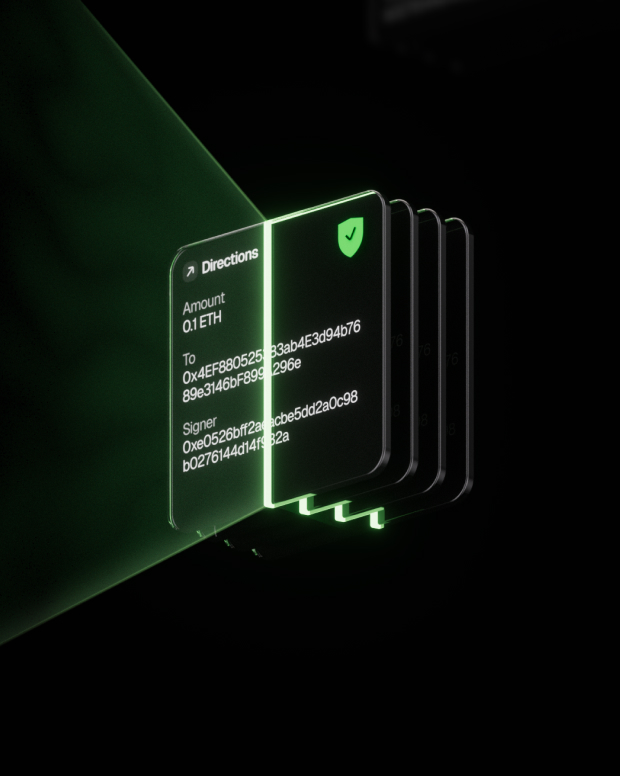
Intelligent na Proteksyon sa Panganib
Ang built-in na proteksyon sa phishing ng dApp at feature sa pagtatago ng kahina-hinalang token ay awtomatikong tumutukoy sa mga mapanganib na kontrata upang maiwasan ang malisyosong pag-apruba o pagnanakaw ng asset.

Global na suporta
Nagbibigay kami ng 24/7 multilingual na suporta sa customer para malutas ang iyong mga isyu anumang oras.
Mga FAQ
TRON is a decentralized blockchain-based operating system designed to accelerate the decentralization of the internet and its underlying infrastructure. It serves as a global settlement layer for stablecoins and everyday digital purchases, providing a high-throughput environment to support large-scale decentralized applications. The network is governed by a decentralized autonomous organization (DAO), which allows the community to manage the protocol without a central authority. Its primary value proposition includes a unique resource model that utilizes bandwidth and energy to allow for high transaction volumes without traditional fee spikes.
The platform functions as a smart contract platform that enables the creation of decentralized applications and is compatible with the Ethereum Virtual Machine, allowing developers to easily migrate applications. TRON operates using a Delegated Proof of Stake consensus mechanism where token holders vote for 27 Super Representatives to verify transactions and maintain the ledger. This structure is built for scalability and fast finality, aiming to handle more transactions per second than many established legacy blockchains. Users can interact with the ecosystem for various purposes, including decentralized finance (DeFi) through platforms like JustLend DAO and decentralized storage via the BitTorrent File System.
Value moves through the system via its native utility token, TRX, which facilitates transactions and grants users access to network resources. Holders can lock their TRX in a staking mechanism to gain TRON Power, which is used to vote on network rules and elect Super Representatives, earning rewards for securing the network. Established by the TRON Foundation and led by founder Justin Sun, the project has transitioned into a community-led DAO. The ecosystem is supported by strategic partnerships with major global entities, including Samsung, which integrated TRON into its blockchain keystore, as well as BitTorrent, Opera, and Swisscom Blockchain.
Ang pinakamahusay TRON dapat balansehin ng wallet ang parehong seguridad at kadalian ng paggamit.
May a TRON wallet, hindi ka lamang ligtas na mag-imbak at mamahala (token name), ngunit malayang magsagawa ng mga cross-chain na transaksyon, lumahok sa mga protocol ng DeFi, at makipag-ugnayan sa DApps.
TRON wallet ay nagbibigay ng real-time na pagsubaybay sa transaksyon, open-source at transparent na mekanismo ng seguridad, at isang maayos na karanasan sa TRON network, na nagbibigay sa iyo ng kumpletong kontrol sa iyong mga crypto asset.
1. Mag-download ng wallet: Bisitahin ang opisyal na website ng OneKey at i-download ang OneKey App para sa macOS, Windows, iOS, o Android.
2. Gumawa ng wallet: Buksan ang App, piliin ang "Gumawa ng Bagong Wallet" o "Ikonekta ang Hardware Wallet".
3. Backup wallet: Ligtas na isulat ang parirala sa pagbawi at iimbak ito offline. Hindi namin kailanman ina-upload o sine-save ang iyong parirala sa pagbawi.
4. Deposito TRON: Kopyahin ang wallet address at ilipat TRON mula sa isang palitan o ibang pitaka.
Binubuo at iniimbak offline ang lahat ng pribadong key sa device, na nagbibigay sa iyo ng kumpletong kontrol sa iyong mga asset.
1. Ipadala TRON: Ipasok ang TRON address at halaga, pagkatapos ay kumpirmahin ang lagda sa App. Ang transaksyon ay mai-broadcast sa blockchain kaagad pagkatapos makumpleto.
2. Tumanggap TRON: I-click ang "Receive" para makuha ang wallet address, ibahagi ito sa nagpadala, at makikita mo ang balanse sa real-time sa App pagkatapos matanggap ang mga token.
3. Pamahalaan ang mga asset: Subaybayan ang kasaysayan ng transaksyon, i-access ang mga DeFi protocol, o magsagawa ng mga cross-chain na operasyon sa TRON wallet, lahat sa isang App.
Mag-subscribe sa aming newsletter
Mag-subscribe sa mga newsletter ng OneKey para sa pinakabagong mga balita at alok ng produkto.