



為什麼選擇 Navigator AI 錢包搭配 OneKey
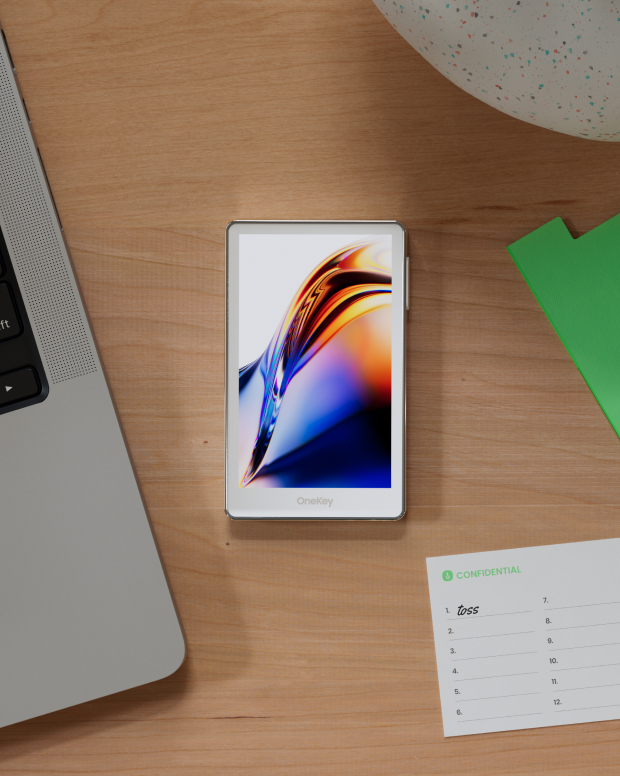
掌握屬於你的安全防護
不需實名驗證。我們不會收集或追蹤任何使用者資料,你的錢包只屬於你。
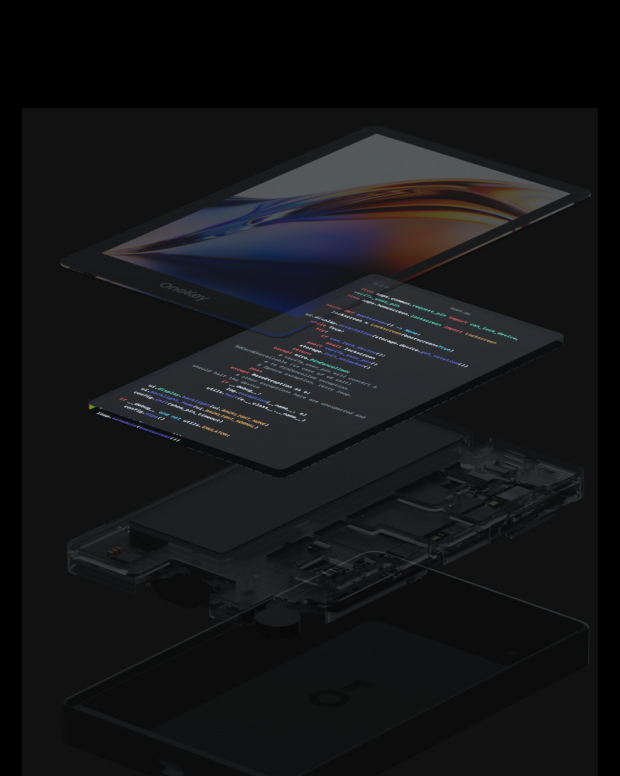
100% 開放原始碼且透明
Navigator AI 錢包是一個完全開源的錢包,每一行程式碼都能由安全專家進行審核與驗證。安全並非基於承諾,而是基於透明度。
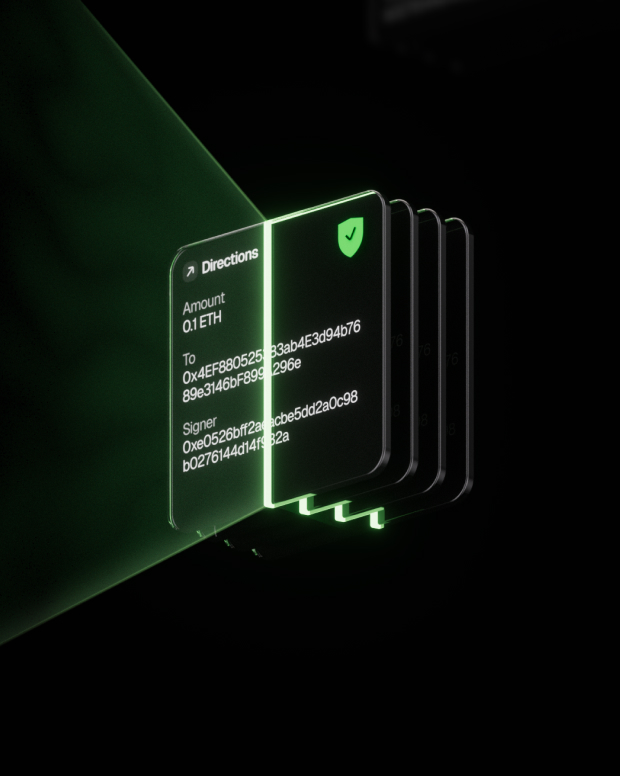
智慧風險防護
內建的 DApp 防釣魚保護與可疑代幣摺疊功能會自動偵測高風險合約,防止惡意授權或資產遭竊。

全球支援
提供 24/7 多語言客戶支援,隨時解決你的問題

常見問題
什麼是 Navigator AI?
The AI agent works very much like a person doing an internet search, only faster and automated. Here's a step-by-step look at what happens behind the scenes when you use it:
You ask a question or give a request. This could be anything from "What's the latest news on Mars?" to "Find a good Italian restaurant nearby." You just ask in plain language, like you would a friend.
The AI figures out what it needs to find. It breaks down your question to decide what to search for. For example, if you asked for news on Mars, it knows to look for recent articles about Mars.
It searches the web for you. The agent automatically uses an online search (like a search engine) to look up relevant information. You don’t have to open Google yourself – the AI does that within seconds.
It clicks and reads through websites. Just like you would click on the most promising search result, the AI agent selects a result that looks helpful and “opens” that webpage behind the scenes. It then scans the page for the facts or answers you need. If one page isn’t enough, it can go back and check another result too.
The AI gathers the important points. As it reads, it picks out the key information that answers your question. It might pull a definition, a date, a name, or whatever detail you asked for. It basically does the reading and note-taking for you.
It writes a clear answer (with sources). Finally, the agent composes a straightforward answer for you based on what it found. It also provides citations or references – little numbered links in the answer – showing where it got the information. This way, you can see the original source if you want more details or to verify the info.
最好的Navigator AI錢包是什麼?
如何取得 Navigator AI 錢包
如何使用 Navigator AI 錢包?
訂閱我們的電子報
訂閱 OneKey 電子報,獲取最新產品資訊與優惠。
