為什麼選擇 Wpphmrmbdtrsj2p0eb69i 錢包搭配 OneKey
掌握屬於你的安全防護
不需實名驗證。我們不會收集或追蹤任何使用者資料,你的錢包只屬於你。
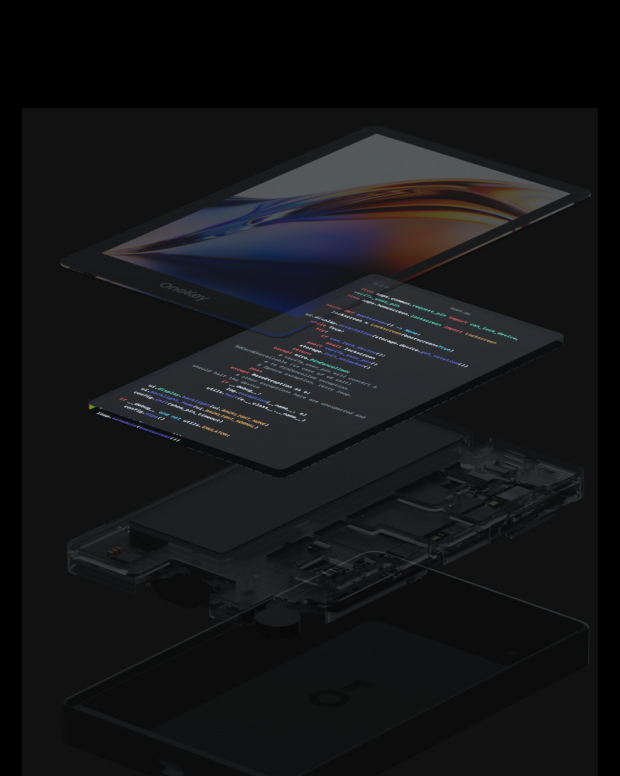
100% 開放原始碼且透明
Wpphmrmbdtrsj2p0eb69i 錢包是一個完全開源的錢包,每一行程式碼都能由安全專家進行審核與驗證。安全並非基於承諾,而是基於透明度。
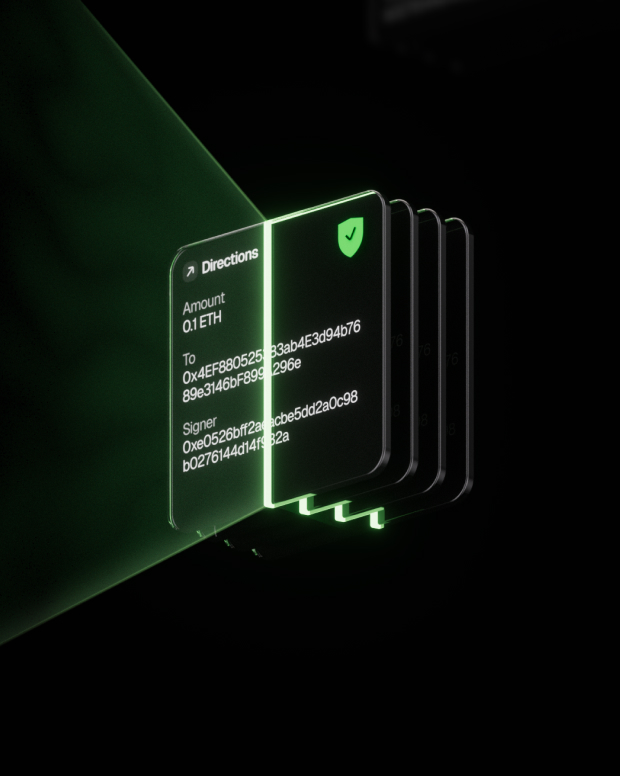
智慧風險防護
內建的 DApp 防釣魚保護與可疑代幣摺疊功能會自動偵測高風險合約,防止惡意授權或資產遭竊。

全球支援
提供 24/7 多語言客戶支援,隨時解決你的問題
常見問題
Introducing Wpphmrmbdtrsj2p0eb69i (WizardPepePartyHatsMiladyRaptorMoonBoboDogeTrumpRunesShibaJesus2Point0EverBaby69Inu), ticker symbol META, the ultimate fusion of all memes, bringing together the best of meme culture into one collective clan. META is not just a meme; it's the very definition of META itself. With ownership of the contract renounced and liquidity 100% burned, this coin is embedded onto the Solana blockchain forever.
But META isn’t just about wiztardness and memes—it’s about innovation too. We pioneered the first Telegram-based PFP Generator that includes metadata for each profile picture, soon to evolve into on-chain NFTs on Solana. This groundbreaking approach introduces a fresh way to launch NFT collections, this option will be available for all partners under $META. Currently with 6 partnerships across the Solana network, we have developed a PFP bot each partner to engage with their community.
We’re also forging partnerships with other token communities, developing custom PFP generators for each, strengthening ties across the crypto space. Currently with 6 partnerships across the Solana network such as Rocky, NPCS, Dubcat, Salty, Pog and Kaziwa. The ultimate goal? To build a thriving community for Wizardio clan members to connect, collaborate, and share their story with the world.
最好的 Wpphmrmbdtrsj2p0eb69i 錢包應該在安全與易用性之間取得平衡
使用 Wpphmrmbdtrsj2p0eb69i 錢包,你不但能安全儲存和管理 (Token name),還能自由進行跨鏈交易、參與 DeFi 協議並與 dApp 互動
Wpphmrmbdtrsj2p0eb69i 錢包提供即時交易追蹤、開源透明的安全機制,以及在 Wpphmrmbdtrsj2p0eb69i 網路上的流暢體驗,讓你完全掌控自己的加密資產
1. 下載錢包:前往 OneKey 官方網站,下載適用於 macOS、Windows、iOS 或 Android 的 OneKey App
2. 建立錢包:開啟 App,選擇「建立新錢包」或「連接硬體錢包」
3. 備份錢包:安全地抄寫助記詞並離線保存,我們絕不會上傳或儲存你的助記詞
4. 存入 Wpphmrmbdtrsj2p0eb69i:複製錢包地址,從交易所或其他錢包轉入 Wpphmrmbdtrsj2p0eb69i
所有私鑰皆在裝置上離線生成與儲存,讓你完全掌控自己的資產
1. 傳送 Wpphmrmbdtrsj2p0eb69i:輸入 Wpphmrmbdtrsj2p0eb69i 地址與金額,然後在 App 中確認簽名。交易完成後將立即廣播至區塊鏈。
2. 接收 Wpphmrmbdtrsj2p0eb69i:點擊「接收」以取得錢包地址,將其分享給發送者,接收代幣後即可在 App 中即時查看餘額。
3. 管理資產:在 Wpphmrmbdtrsj2p0eb69i 錢包中追蹤交易記錄、存取 DeFi 協議或執行跨鏈操作,一切盡在一個 App 中。
訂閱我們的電子報
訂閱 OneKey 電子報,獲取最新產品資訊與優惠。