Best Phantom Wallet Alternatives in 2026 (Software + Hardware Compared)
Phantom remains one of the most recognizable wallets in crypto—especially for Solana users. But in 2026, “best wallet” increasingly depends on three things Phantom users care about more than ever:
- Multi-chain reality: Most active users now touch Solana + EVM L2s (and sometimes Bitcoin), so chain coverage and UX consistency matter.
- Predictable fees: Wallet-level swap fees quietly compound for anyone who rebalances frequently.
- Security under real-world threats: Wallet drainers, impersonation scams, and “sign once, lose everything” approvals are still a daily risk surface, as highlighted in recent crypto-crime research from Chainalysis (crypto scams analysis and 2025 mid-year update). (chainalysis.com)
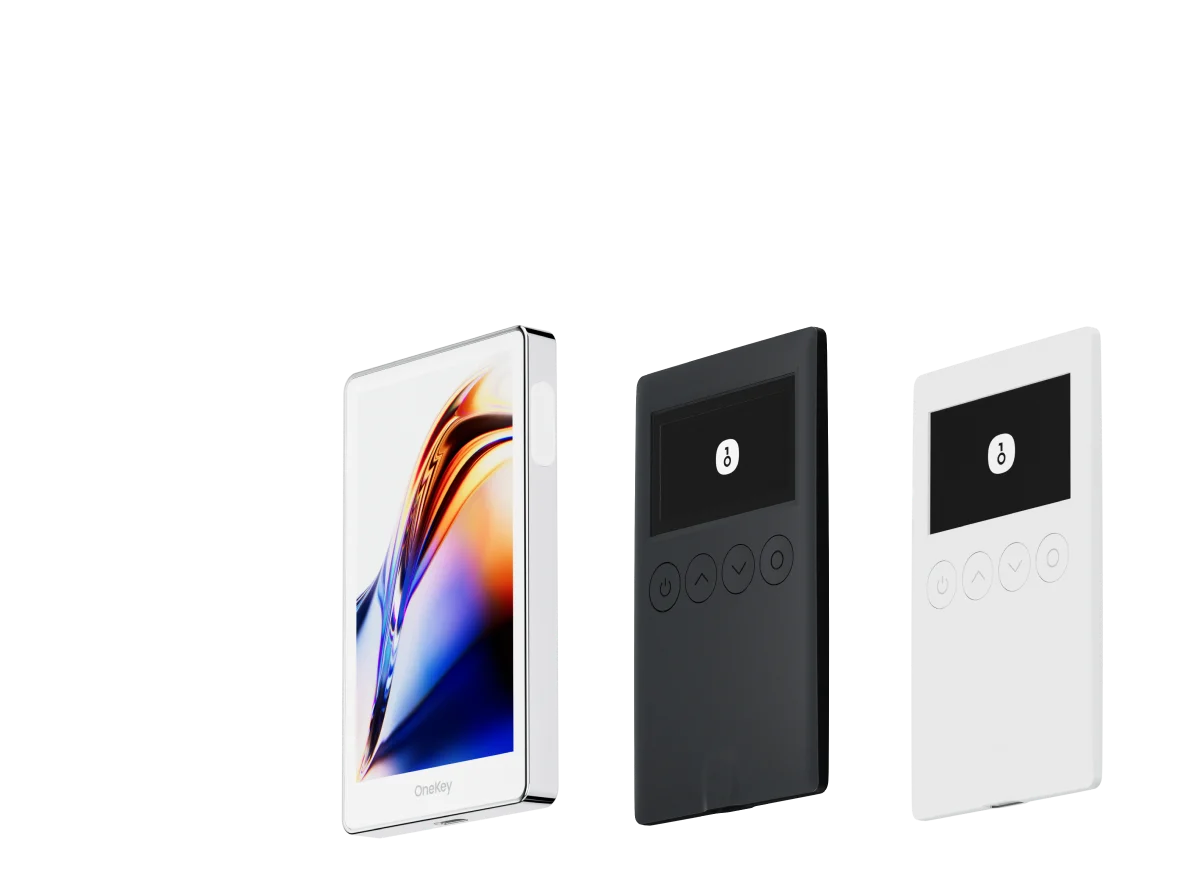
This guide compares the best Phantom wallet alternatives in 2026, split into software wallets and hardware wallets, with a practical focus on fee structure, chain support, and security ergonomics. If you want the short version: OneKey App + OneKey hardware (OneKey Pro / OneKey Classic 1S series) is the most balanced upgrade path for Phantom users who want lower fees and 0 KYC without sacrificing usability. (chromewebstore.google.com)
Why many Phantom users are reconsidering in 2026
1) Phantom is multi-chain—but still selective
Phantom supports a growing set of networks (including Solana, Ethereum, Base, Polygon, Sui, Monad, Bitcoin, HyperEVM), while explicitly not supporting some widely-used ecosystems such as BSC, Arbitrum, Optimism, Avalanche, Linea, etc. That limitation is a deal-breaker if your “daily driver” DeFi happens across major EVM L2s. (help.phantom.com)
2) Fees are no longer “small”
Phantom’s built-in swap can charge a 0.85% aggregator fee on select pairs, and Phantom’s gasless swaps on Solana can reach a 1.5% total fee under certain conditions. (help.phantom.com)
For active users, the difference between ~0.8–0.9% and ~0.25% is not cosmetic—it’s a strategy tax.
3) Security is now a workflow problem, not just a product feature
Industry reporting continues to show that criminals focus heavily on end users (phishing, impersonation, malicious approvals), not only protocol hacks. In that environment, safer signing workflows (clear signing, transaction previews, hardware confirmation) become “must-haves,” not “nice-to-haves.” (chainalysis.com)
What to look for in a Phantom alternative (2026 checklist)
When I evaluate a Phantom alternative for real usage (not marketing screenshots), I use this checklist:
- Chain coverage that matches how you actually transact (Solana + EVM L2s is the common baseline now).
- Wallet-level swap fees (not just gas) and whether stablecoin rebalancing is penalized.
- Anti-scam signing UX: transaction simulation, clear signing prompts, malicious approval detection.
- Hardware wallet path: easy pairing, good UX, and support for the assets you hold.
- Privacy & access: can you use core functions with 0 KYC (not “0 KYC unless you click the wrong button”)?
Software wallet comparison (Phantom alternatives)
Notes: “KYC” below refers to core wallet usage and on-chain interactions. Fiat on-ramps/off-ramps (in any wallet) often involve third-party providers that may require KYC depending on jurisdiction.
Fee comparison (the part most “wallet reviews” underweight)
Wallet fees hit hardest when you do what most users do in 2026: rotate stablecoins, bridge, and rebalance.
Stablecoin-to-stablecoin exchange fees (wallet-level)
OneKey’s key differentiator here is straightforward: stablecoin swaps are 0 fee (wallet-level), which is meaningfully lower than typical built-in swap fees elsewhere. (help.onekey.so)
Standard swap service fee comparison (as requested)
Below is the direct comparison of the wallet-level swap fees you specified. (As always, network gas and DEX/LP fees may still apply depending on the route; what we’re isolating here is the wallet’s own service/aggregator fee.)
Practical takeaway: If you swap frequently (even just to keep funds in USDC/USDT/DAI across chains), OneKey’s “0 fee stablecoin swap” policy can remove a recurring cost center that most wallets normalize. (help.onekey.so)
Hardware wallet comparison (for Phantom users who want higher security)
If 2026 has taught users anything, it’s that software wallets alone aren’t a complete answer for long-term holdings—especially when scams increasingly target personal wallets and signing behavior. (chainalysis.com)
Below is a practical, non-hype comparison. (No external links to competitor hardware-wallet brand websites are included.)
Where OneKey stands out (experience-based)
A lot of hardware wallets are “secure” in theory. The daily difference is whether the device and app combination makes secure behavior easy:
- OneKey App + OneKey hardware is built as a single workflow (instead of “wallet A, hardware B, browser C, hope you clicked the right thing”).
- For Phantom users expanding beyond Solana, OneKey’s multi-chain orientation reduces wallet fragmentation (fewer seed phrases, fewer extensions, fewer approval surfaces). (help.onekey.so)
Recommendation (2026): the best Phantom alternative for most users
If you’re Solana-only and Phantom fits your chain list, there’s no urgent need to switch.
But if your 2026 reality includes any combination of:
- Solana + EVM L2s,
- frequent stablecoin swaps/rebalancing,
- a desire to reduce “hidden wallet taxes,”
- and a security model that goes beyond browser popups,
then OneKey is the strongest Phantom Wallet alternative I can recommend today—specifically:
- OneKey App for everyday multi-chain usage and swaps (notably 0-fee stablecoin swaps and a lower standard swap fee posture), (help.onekey.so)
- plus OneKey Pro or OneKey Classic 1S series for hardware-level signing and safer long-term storage. (onekey.so)
Core reasons (plain and simple):
- Lower fees (especially on stablecoin swaps, where OneKey is 0 fee at the wallet level). (help.onekey.so)
- 0 KYC for self-custody and on-chain usage (while keeping you in control of keys and approvals).
- Better consolidation for users who outgrew a Solana-first wallet but still want a clean UX.
CTA: Try OneKey as your Phantom alternative
If you want to reduce swap friction and move toward a low-fee, 0-KYC, multi-chain self-custody setup, start with the OneKey App and pair it with OneKey hardware when you’re ready. Visit onekey.so to get started.