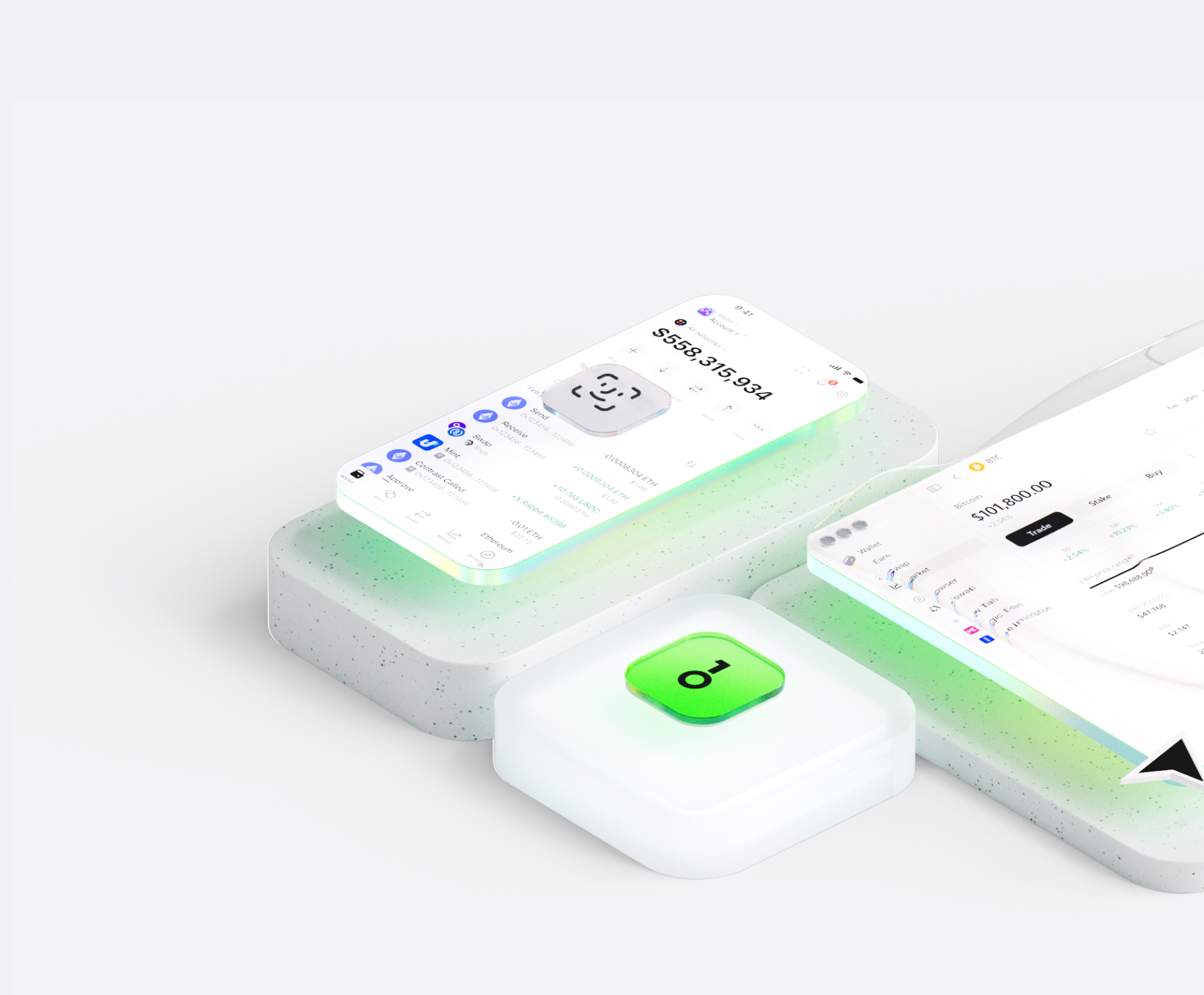
Il wallet Claude Memory ti aiuta a conservare, inviare e ricevere facilmente asset digitali. Puoi effettuare transazioni di token cross-chain in qualsiasi momento, esplorare marketplace NFT e dApp e scoprire nuove opportunità. Portafoglio integrato per l’ecosistema Claude Memory, ti offre un’esperienza on-chain sicura.


Perché scegliere Claude Memory portafogli con OneKey
Prendi il controllo della sicurezza che ti appartiene
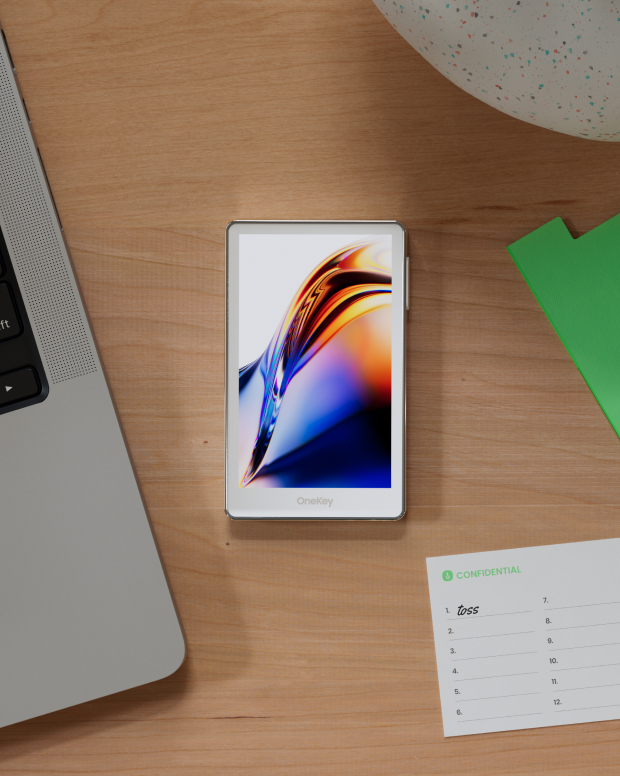
Non è richiesta la verifica del nome reale. Non raccogliamo né tracciamo alcun dato utente. Il tuo portafoglio appartiene solo a te.
100% open source e trasparente
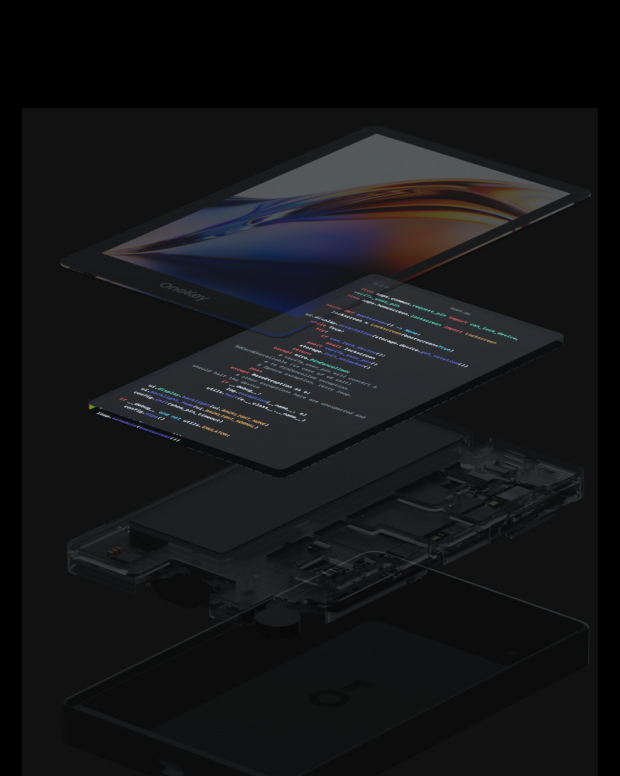
Claude Memory Wallet è un portafoglio completamente open source; ogni riga di codice può essere verificata e verificata da esperti di sicurezza. La sicurezza non si basa sulle promesse, ma sulla trasparenza.
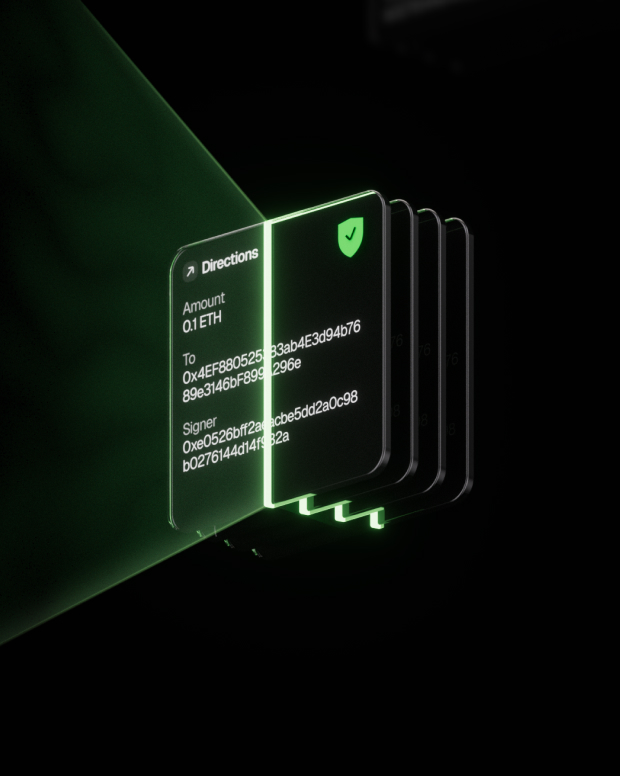
Protezione intelligente dai rischi
La protezione integrata contro il phishing delle dApp e le funzionalità per individuare token sospetti rilevano automaticamente i contratti rischiosi per impedire approvazioni dannose o furti di asset.

Supporto globale
Forniamo assistenza clienti multilingue 24 ore su 24, 7 giorni su 7 per risolvere i tuoi problemi in qualsiasi momento.

Domande frequenti
Cosa è Claude Memory?
Claude-Mem seamlessly preserves context across sessions by automatically capturing tool usage observations, generating semantic summaries, and making them available to future sessions. This enables Claude to maintain continuity of knowledge about projects even after sessions end or reconnect.
Quick Start
Start a new Claude Code session in the terminal and enter the following commands:
> /plugin marketplace add thedotmack/claude-mem
> /plugin install claude-mem
Restart Claude Code. Context from previous sessions will automatically appear in new sessions.
Key Features:
🧠 Persistent Memory - Context survives across sessions
📊 Progressive Disclosure - Layered memory retrieval with token cost visibility
🔍 Skill-Based Search - Query your project history with mem-search skill
🖥️ Web Viewer UI - Real-time memory stream at http://localhost:37777
💻 Claude Desktop Skill - Search memory from Claude Desktop conversations
🔒 Privacy Control - Use tags to exclude sensitive content from storage
⚙️ Context Configuration - Fine-grained control over what context gets injected
🤖 Automatic Operation - No manual intervention required
🔗 Citations - Reference past observations with IDs (access via http://localhost:37777/api/observation/{id} or view all in the web viewer at http://localhost:37777)
Qual è il migliore Claude Memory portafoglio?
Come ottenere un portafoglio Claude Memory?
Come usare un portafoglio Claude Memory?
Iscriviti alla nostra newsletter
Iscriviti alle newsletter OneKey per ricevere le ultime novità sui prodotti e le offerte.
