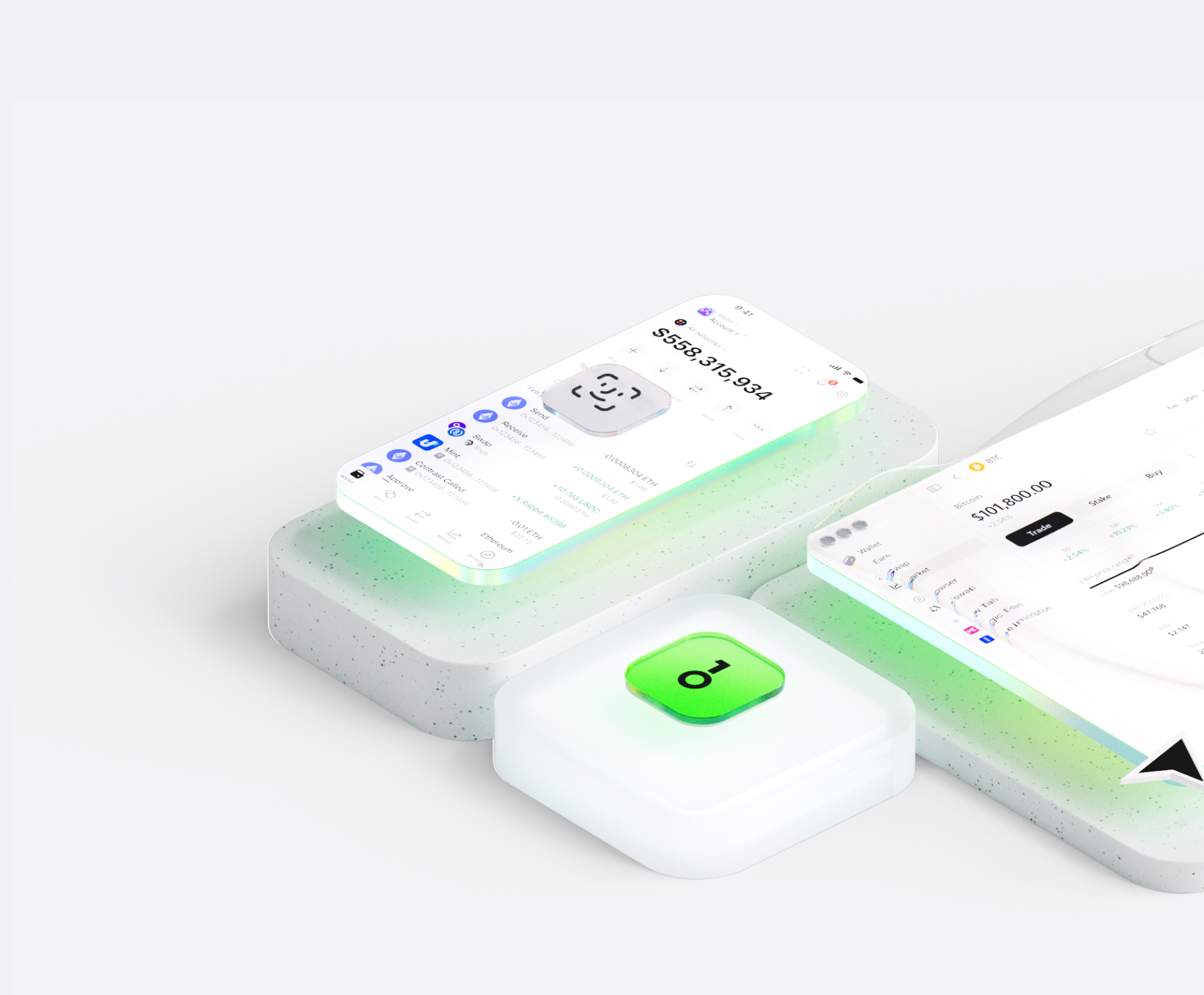
Il wallet Navigator AI ti aiuta a conservare, inviare e ricevere facilmente asset digitali. Puoi effettuare transazioni di token cross-chain in qualsiasi momento, esplorare marketplace NFT e dApp e scoprire nuove opportunità. Portafoglio integrato per l’ecosistema Navigator AI, ti offre un’esperienza on-chain sicura.



Perché scegliere Navigator AI portafogli con OneKey
Prendi il controllo della sicurezza che ti appartiene
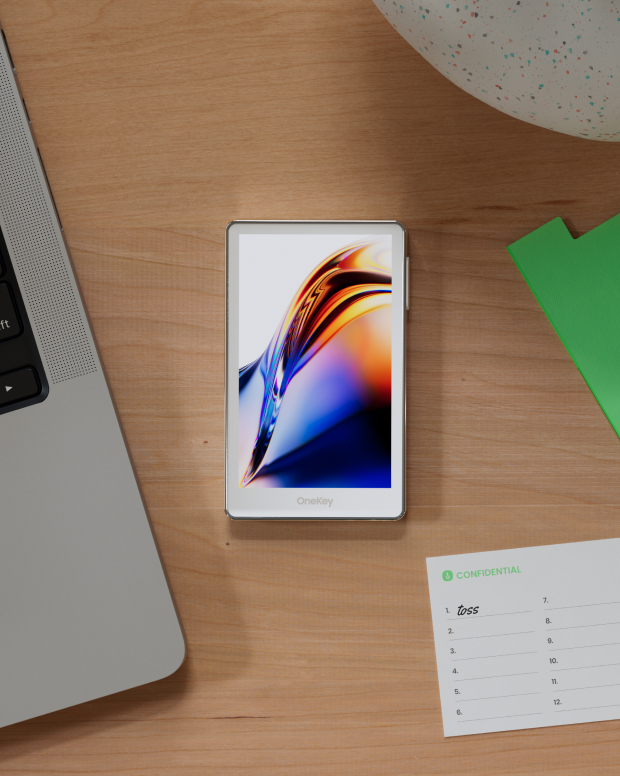
Non è richiesta la verifica del nome reale. Non raccogliamo né tracciamo alcun dato utente. Il tuo portafoglio appartiene solo a te.
100% open source e trasparente
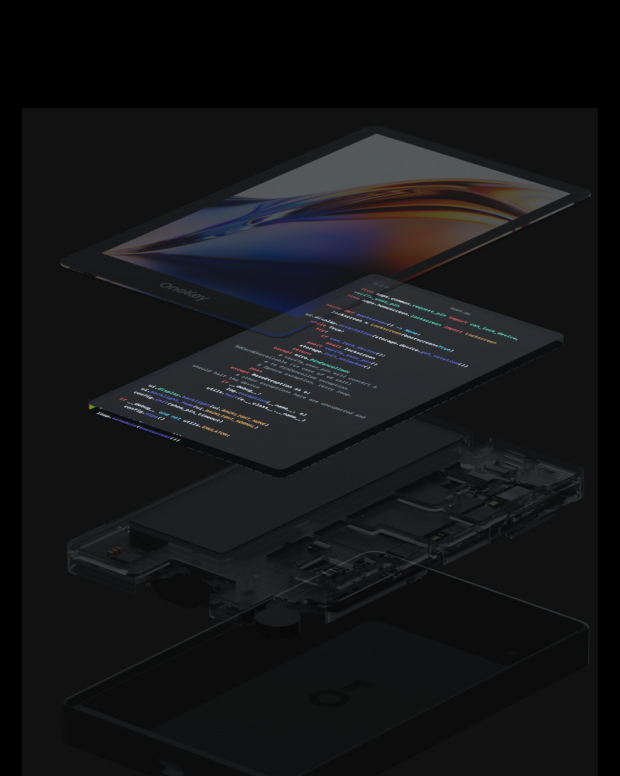
Navigator AI Wallet è un portafoglio completamente open source; ogni riga di codice può essere verificata e verificata da esperti di sicurezza. La sicurezza non si basa sulle promesse, ma sulla trasparenza.
Protezione intelligente dai rischi
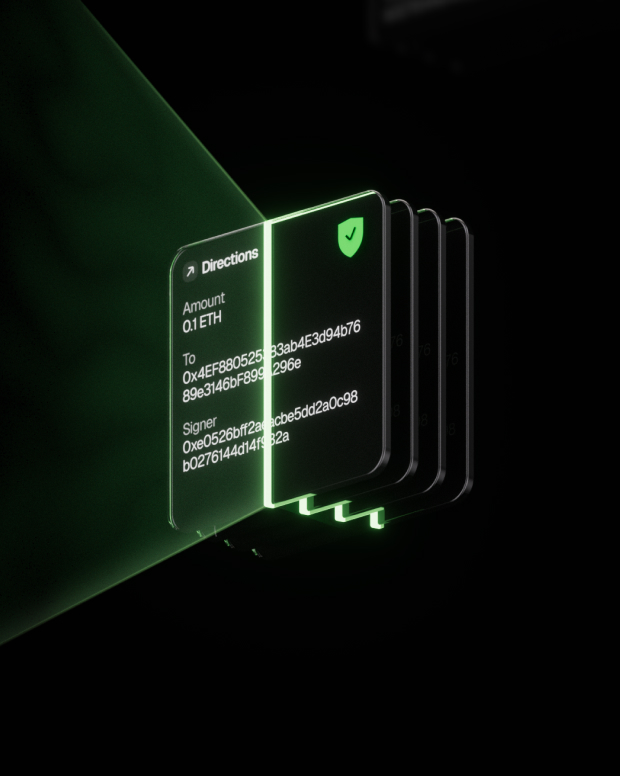
La protezione integrata contro il phishing delle dApp e le funzionalità per individuare token sospetti rilevano automaticamente i contratti rischiosi per impedire approvazioni dannose o furti di asset.

Supporto globale
Forniamo assistenza clienti multilingue 24 ore su 24, 7 giorni su 7 per risolvere i tuoi problemi in qualsiasi momento.

Domande frequenti
Cosa è Navigator AI?
The AI agent works very much like a person doing an internet search, only faster and automated. Here's a step-by-step look at what happens behind the scenes when you use it:
You ask a question or give a request. This could be anything from "What's the latest news on Mars?" to "Find a good Italian restaurant nearby." You just ask in plain language, like you would a friend.
The AI figures out what it needs to find. It breaks down your question to decide what to search for. For example, if you asked for news on Mars, it knows to look for recent articles about Mars.
It searches the web for you. The agent automatically uses an online search (like a search engine) to look up relevant information. You don’t have to open Google yourself – the AI does that within seconds.
It clicks and reads through websites. Just like you would click on the most promising search result, the AI agent selects a result that looks helpful and “opens” that webpage behind the scenes. It then scans the page for the facts or answers you need. If one page isn’t enough, it can go back and check another result too.
The AI gathers the important points. As it reads, it picks out the key information that answers your question. It might pull a definition, a date, a name, or whatever detail you asked for. It basically does the reading and note-taking for you.
It writes a clear answer (with sources). Finally, the agent composes a straightforward answer for you based on what it found. It also provides citations or references – little numbered links in the answer – showing where it got the information. This way, you can see the original source if you want more details or to verify the info.
Qual è il migliore Navigator AI portafoglio?
Come ottenere un portafoglio Navigator AI?
Come usare un portafoglio Navigator AI?
Iscriviti alla nostra newsletter
Iscriviti alle newsletter OneKey per ricevere le ultime novità sui prodotti e le offerte.
