為什麼選擇 OneKey 的 Giggle Max Brother 錢包
掌控屬於你的安全
無需實名驗證即可使用。我們不收集、不追蹤任何用戶數據。你的錢包,只屬於你自己。
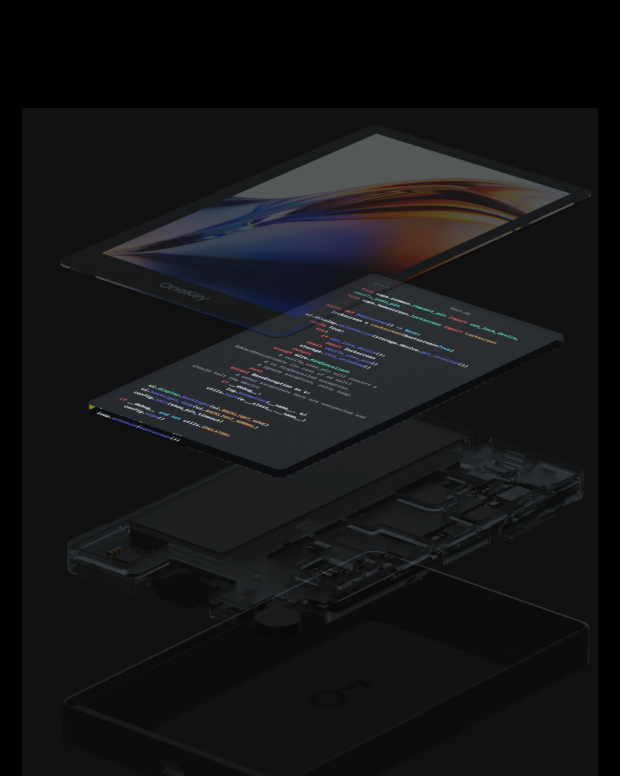
100% 開源透明
Giggle Max Brother wallet 是完全開源的錢包,每一行代碼都可被安全專家審計與驗證。安全,不靠承諾,而靠透明。
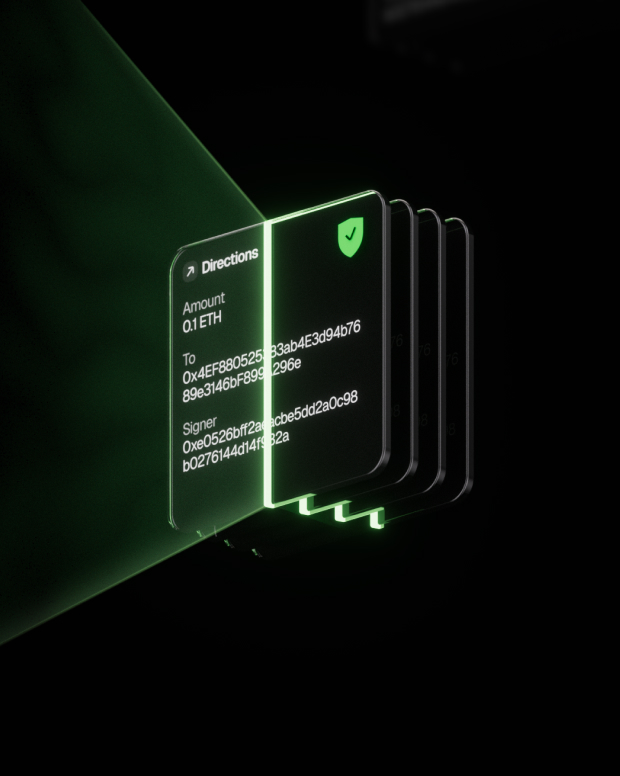
智慧風險防護
內置 dApp 釣魚防護與可疑代幣摺疊功能,自動識別風險合約,防止被惡意授權或盜取資產。
全球支持
提供 7×24 小時多語言客服支持,隨時為你解決問題。
常見問題
Max is the blue bunny from Giggle Academy’s storybooks, in the yellow shirt and blue overalls. Tom is the little one in the red shirt and khaki shorts, always one jump behind. Big brothers help little brothers. Tom’s token helps too: 3% of every trade goes to Giggle Academy, so more kids can learn to read, for free.100% of Tom’s 3% tax goes to Giggle Academy’s donation wallet.
"Everyone in the world should have access to education. Our mission is to make learning fun, engaging, and free for all.”
Giggle Academy, the free learning platform for children founded by Changpeng Zhao (CZ)
最理想的 Giggle Max Brother 錢包應同時兼具安全性與易用性。使用 Giggle Max Brother 錢包,你不僅能安全儲存與管理 Giggle Max Brother,還能自由進行跨鏈交易、參與 DeFi 協議並與 DApp 互動。
Giggle Max Brother 錢包提供即時交易追蹤、開源透明的安全機制,以及在 Giggle Max Brother 網路上的順暢體驗,讓你對自己的加密資產擁有完全的掌控權。
1. 下載錢包:前往 OneKey 官方網站,下載適用於 macOS、Windows、iOS 或 Android 的 OneKey App。
2. 創建錢包:打開 App,選擇「創建新錢包」或「連接硬體錢包」。
3. 備份錢包:安全抄寫助記詞並離線保存。我們從不上傳或儲存你的助記詞。
4. 充值 Giggle Max Brother:複製錢包地址,從交易所或其他錢包轉入 Giggle Max Brother。
所有私鑰皆在設備中離線生成並保存,你的資產完全由你自行掌控。
1. 發送 Giggle Max Brother:輸入 Giggle Max Brother 地址與金額,並在 App 中確認簽名。交易完成後將立即廣播至區塊鏈。
2. 接收 Giggle Max Brother:點擊「接收」取得錢包地址,分享給發送方,收到代幣後即可在 App 中即時查看餘額。
3. 管理資產:在 Giggle Max Brother 錢包中追蹤交易紀錄、使用 DeFi 協議或進行跨鏈操作,一切都能在同一個 App 中完成。
訂閱我們的電子報
訂閱 OneKey 新聞通訊,了解最新產品新聞和優惠。