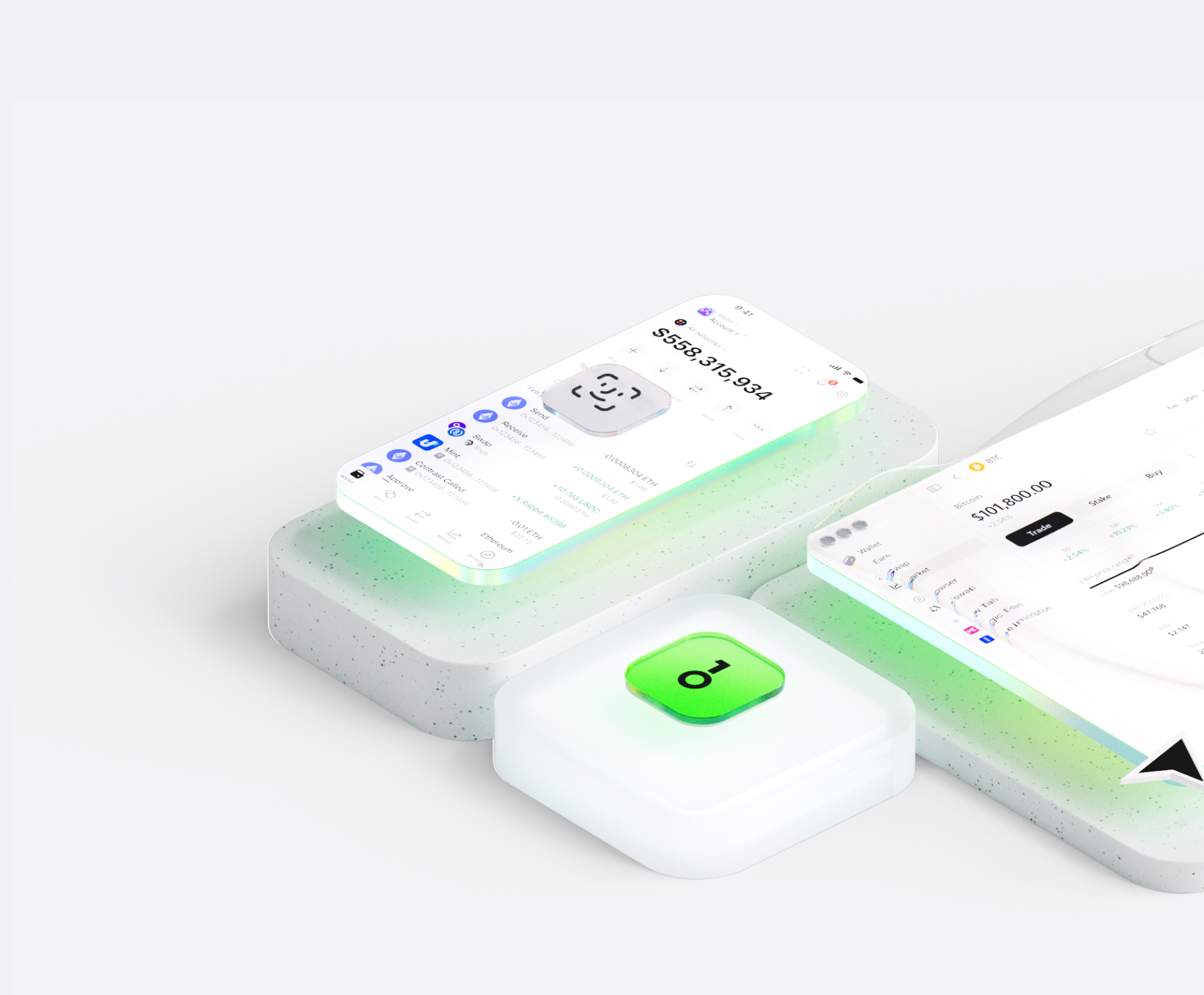
The eZKalibur wallet helps you easily store, send, and receive digital assets. You can perform cross-chain token transactions at any time, explore NFT marketplaces and dApps, and discover more opportunities. An integrated wallet for the eZKalibur ecosystem, it provides you with a secure on-chain experience.


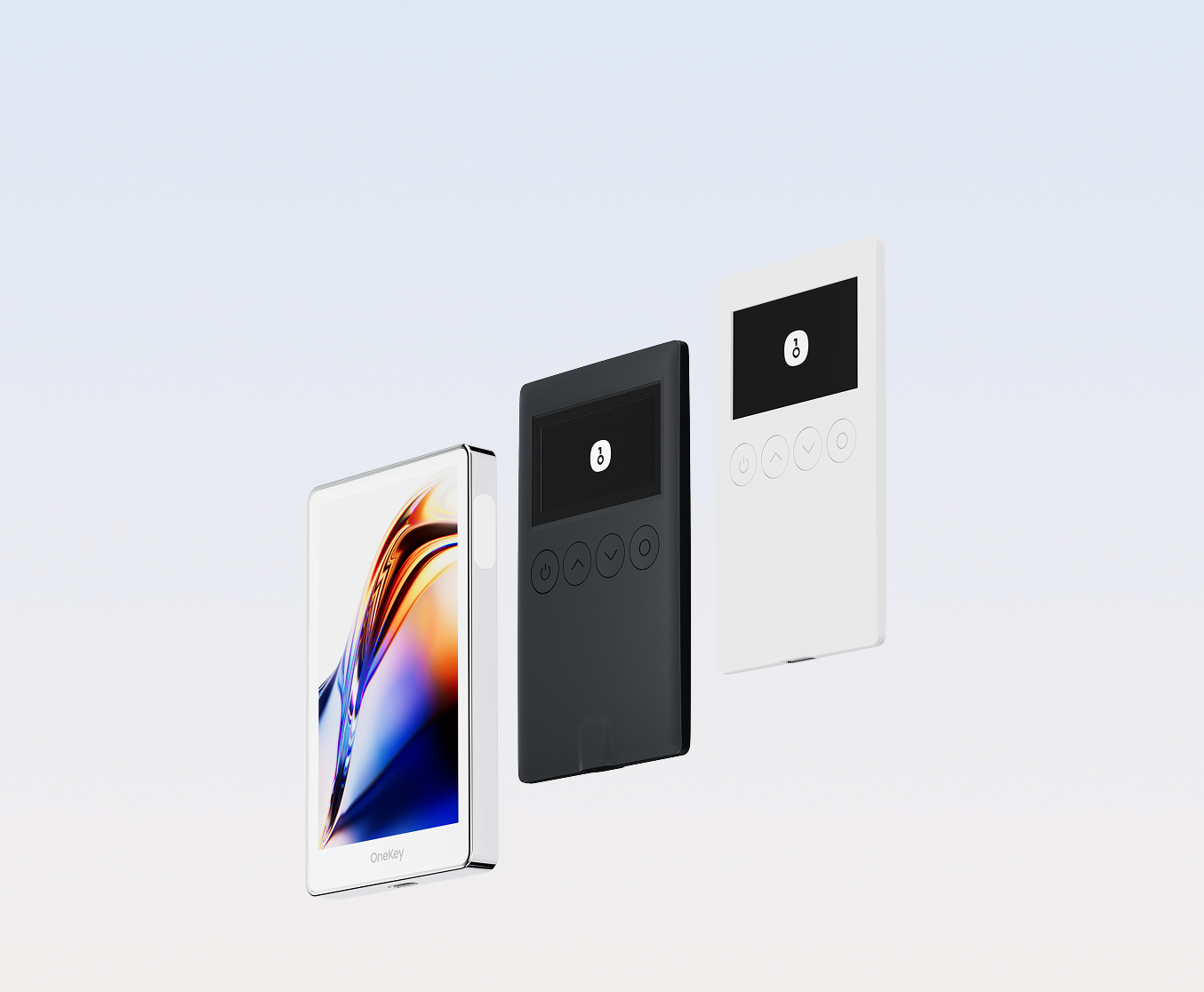
Why choose eZKalibur wallets with OneKey
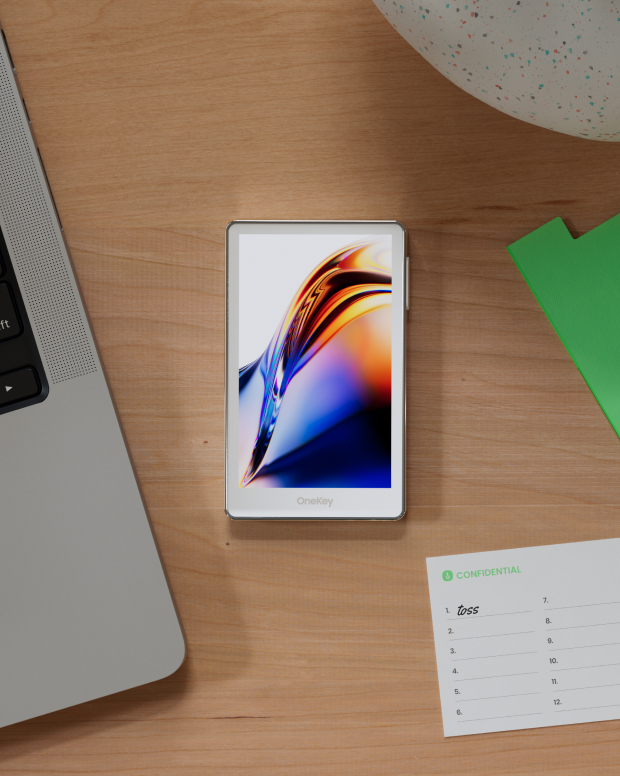
Take control of the safety that belongs to you
No real-name verification required. We collect and track no user data. Your wallet belongs only to you.
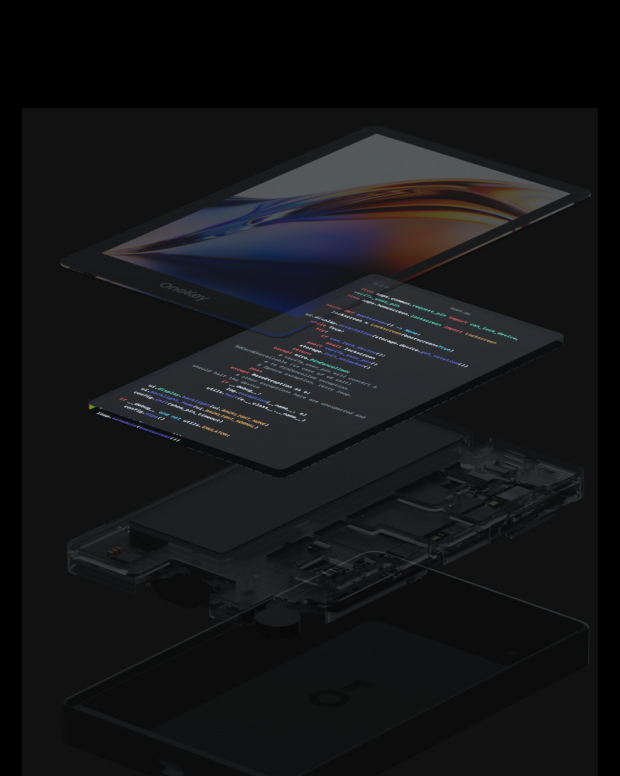
100% open-source and transparent
eZKalibur wallet is a fully open-source wallet; every line of code can be audited and verified by security experts. Security is not based on promises, but on transparency.
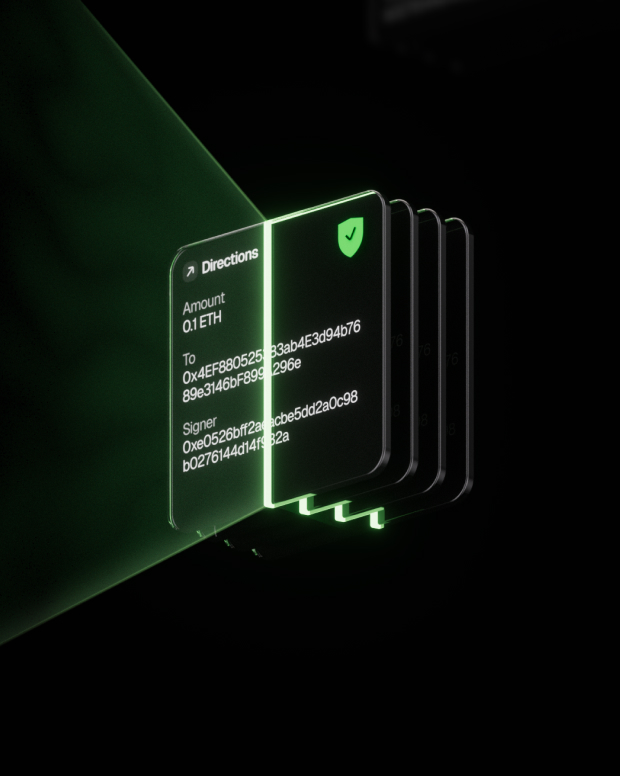
Intelligent Risk Protection
Built-in dApp phishing protection and suspicious token folding features automatically detect risky contracts to prevent malicious approvals or asset theft.

Global support
Provide 24/7 multilingual customer support to resolve your issues at any time.

FAQ’s
What is eZKalibur?
eZKalibur is the first ecosystem-focused and community-driven DEX built on zkSync Era.
eZKalibur AMM is designed in a simple, efficient, fast, cheap, and secure way to trade one ERC-20 token for another via our automated liquidity pools. With eZKalibur, you can trade with ease, knowing that you're in control of your assets and that your transactions are protected.
Swapping your tokens on eZKalibur is the simplest type of trading and it can be done by following these steps:
Make sure you're on the zkSync network and then connect your wallet to eZKalibur.
In the upper section, select the token from the list which you want to swap and that token must be available in your wallet which you connected.
In the lower section, select the token that you want to swap with the token you selected above.
Make sure the slippage amount is right which varies from token to token.
If you're swapping a particular token for the first time on eZKalibur then you'll have to enable the token first by clicking on enable button and confirming the transaction in your wallet.
Then click swap and confirm the swap transaction in your wallet.
What is the best eZKalibur wallet?
How to get a eZKalibur wallet?
How to use a eZKalibur wallet?
Subscribe to our newsletter
Subscribe to OneKey newsletters for the latest product news and offers.
