The Navigator AI wallet helps you easily store, send, and receive digital assets. You can perform cross-chain token transactions at any time, explore NFT marketplaces and dApps, and discover more opportunities. An integrated wallet for the Navigator AI ecosystem, it provides you with a secure on-chain experience.

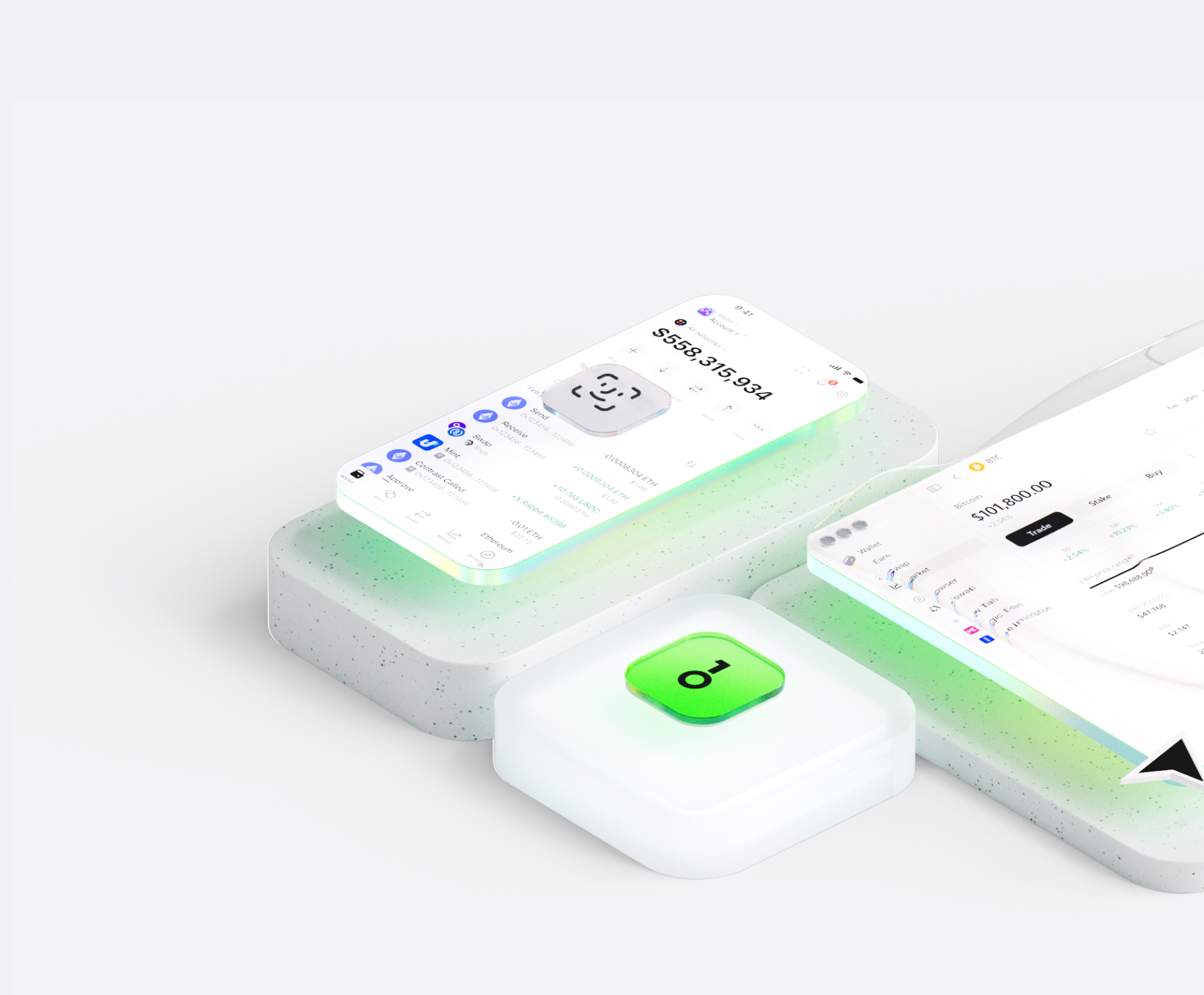


Why choose Navigator AI wallets with OneKey
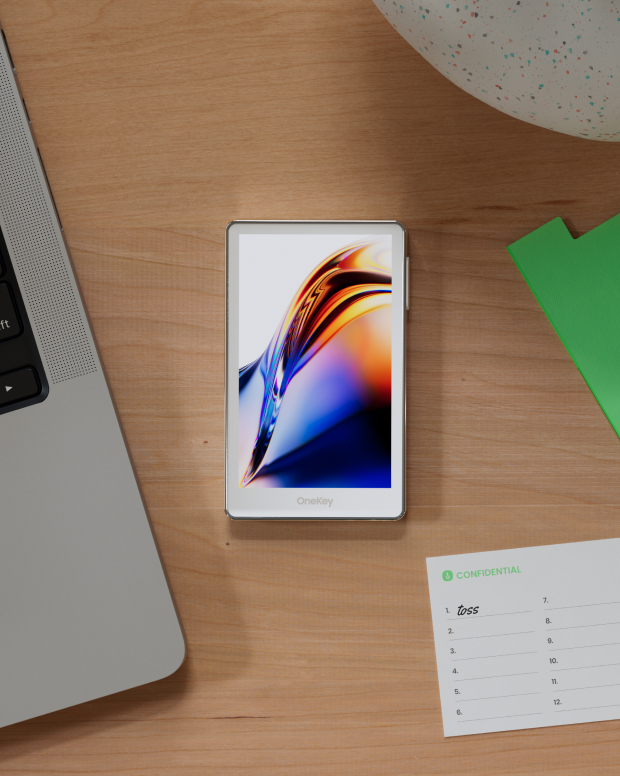
Take control of the safety that belongs to you
No real-name verification required. We collect and track no user data. Your wallet belongs only to you.
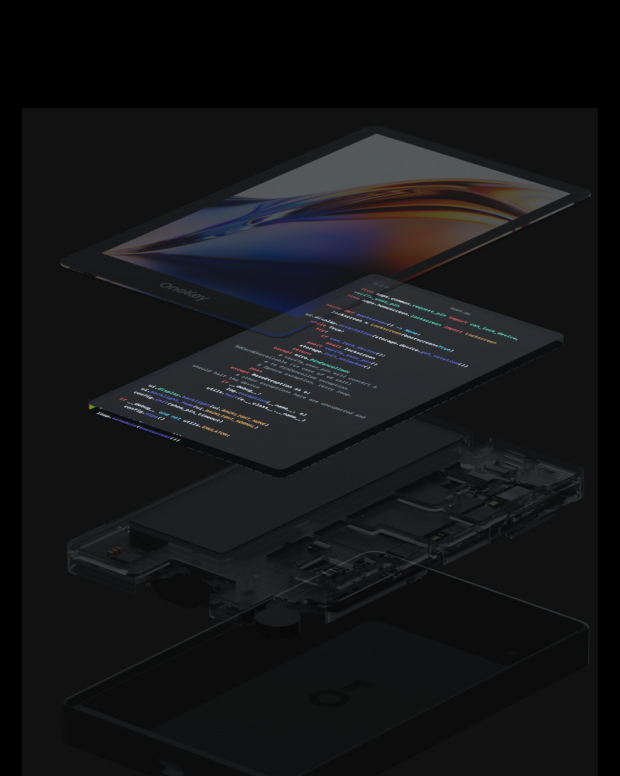
100% open-source and transparent
Navigator AI wallet is a fully open-source wallet; every line of code can be audited and verified by security experts. Security is not based on promises, but on transparency.
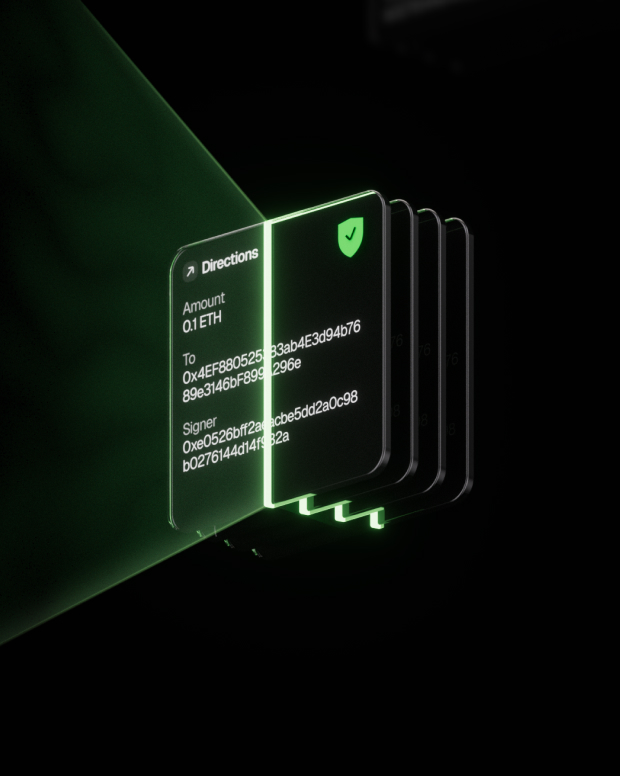
Intelligent Risk Protection
Built-in dApp phishing protection and suspicious token folding features automatically detect risky contracts to prevent malicious approvals or asset theft.

Global support
Provide 24/7 multilingual customer support to resolve your issues at any time.

FAQ’s
What is Navigator AI?
The AI agent works very much like a person doing an internet search, only faster and automated. Here's a step-by-step look at what happens behind the scenes when you use it:
You ask a question or give a request. This could be anything from "What's the latest news on Mars?" to "Find a good Italian restaurant nearby." You just ask in plain language, like you would a friend.
The AI figures out what it needs to find. It breaks down your question to decide what to search for. For example, if you asked for news on Mars, it knows to look for recent articles about Mars.
It searches the web for you. The agent automatically uses an online search (like a search engine) to look up relevant information. You don’t have to open Google yourself – the AI does that within seconds.
It clicks and reads through websites. Just like you would click on the most promising search result, the AI agent selects a result that looks helpful and “opens” that webpage behind the scenes. It then scans the page for the facts or answers you need. If one page isn’t enough, it can go back and check another result too.
The AI gathers the important points. As it reads, it picks out the key information that answers your question. It might pull a definition, a date, a name, or whatever detail you asked for. It basically does the reading and note-taking for you.
It writes a clear answer (with sources). Finally, the agent composes a straightforward answer for you based on what it found. It also provides citations or references – little numbered links in the answer – showing where it got the information. This way, you can see the original source if you want more details or to verify the info.
What is the best Navigator AI wallet?
How to get a Navigator AI wallet?
How to use a Navigator AI wallet?
Subscribe to our newsletter
Subscribe to OneKey newsletters for the latest product news and offers.
