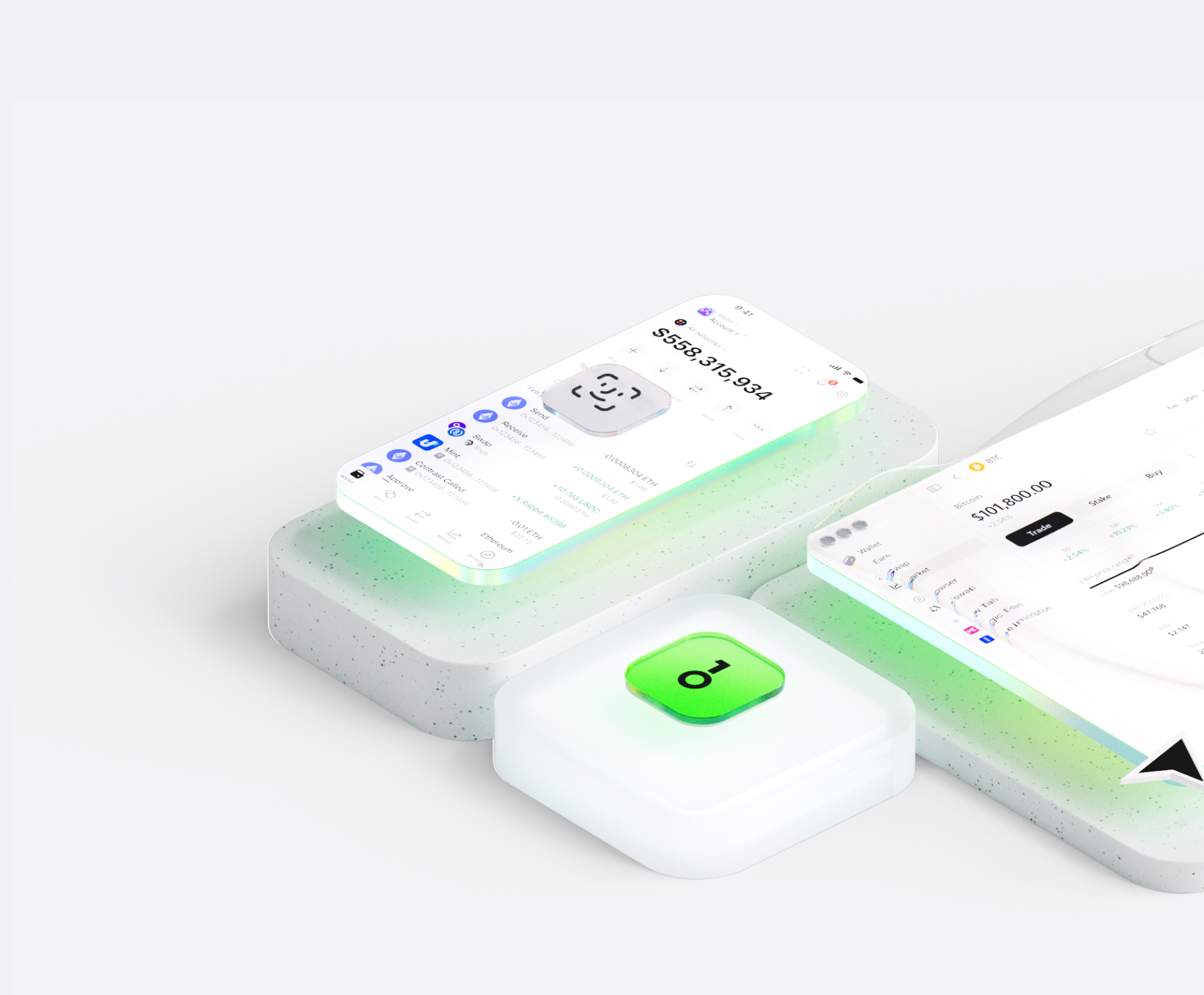
The Shina Inu wallet helps you easily store, send, and receive digital assets. You can perform cross-chain token transactions at any time, explore NFT marketplaces and dApps, and discover more opportunities. An integrated wallet for the Shina Inu ecosystem, it provides you with a secure on-chain experience.


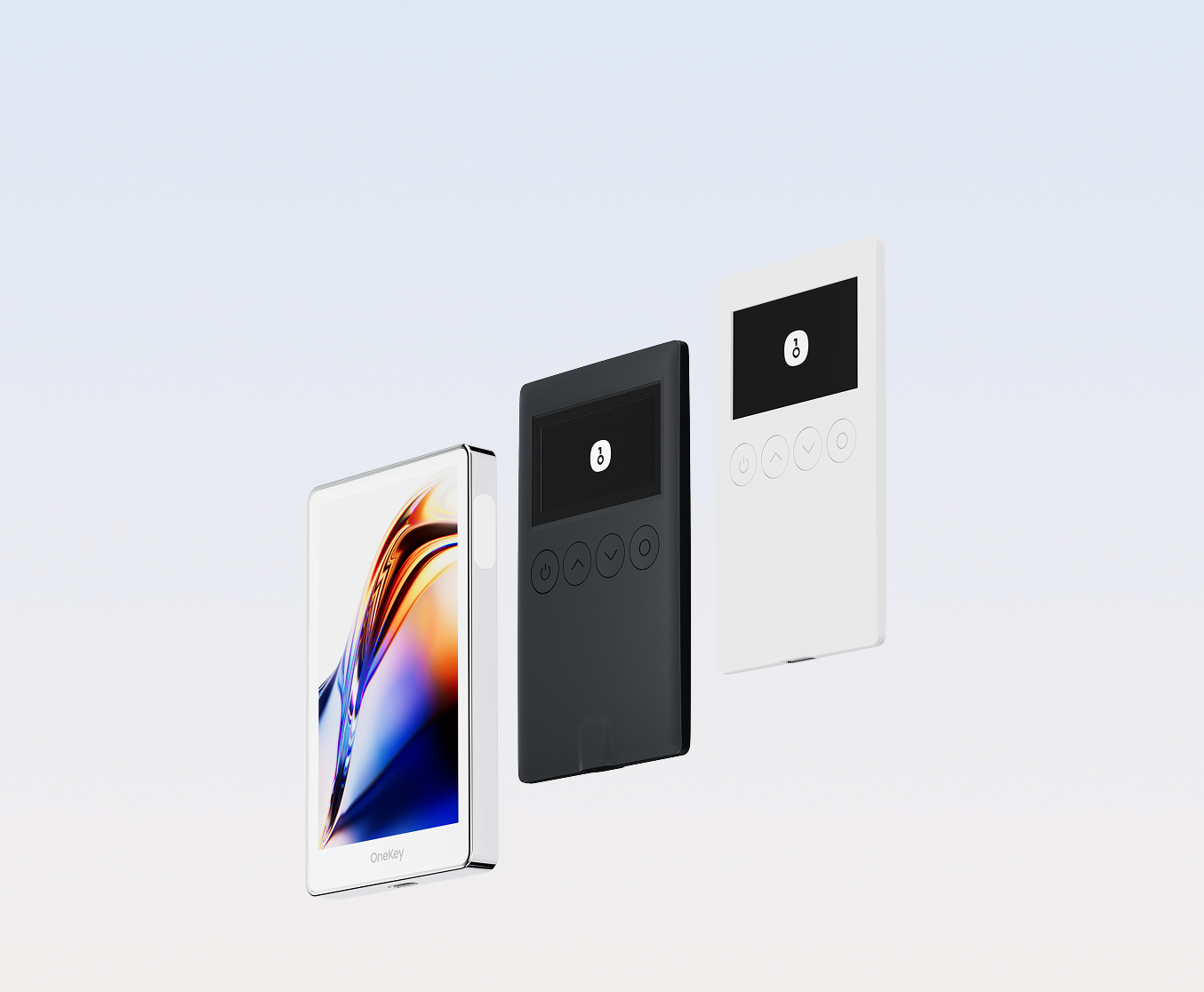
Why choose Shina Inu wallets with OneKey
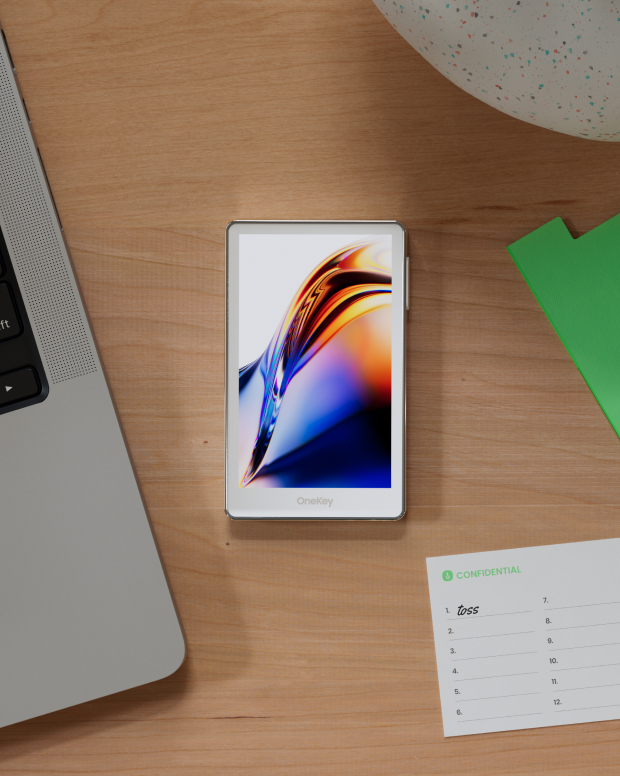
Take control of the safety that belongs to you
No real-name verification required. We collect and track no user data. Your wallet belongs only to you.
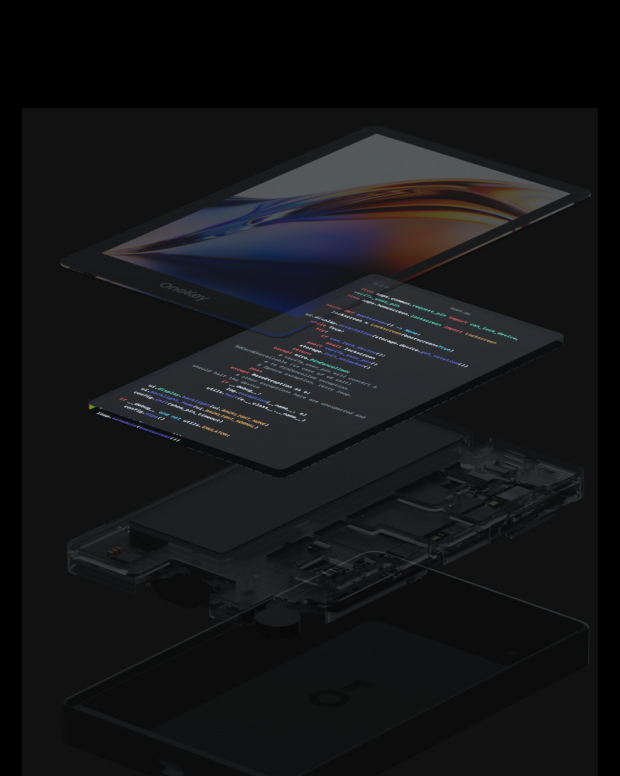
100% open-source and transparent
Shina Inu wallet is a fully open-source wallet; every line of code can be audited and verified by security experts. Security is not based on promises, but on transparency.
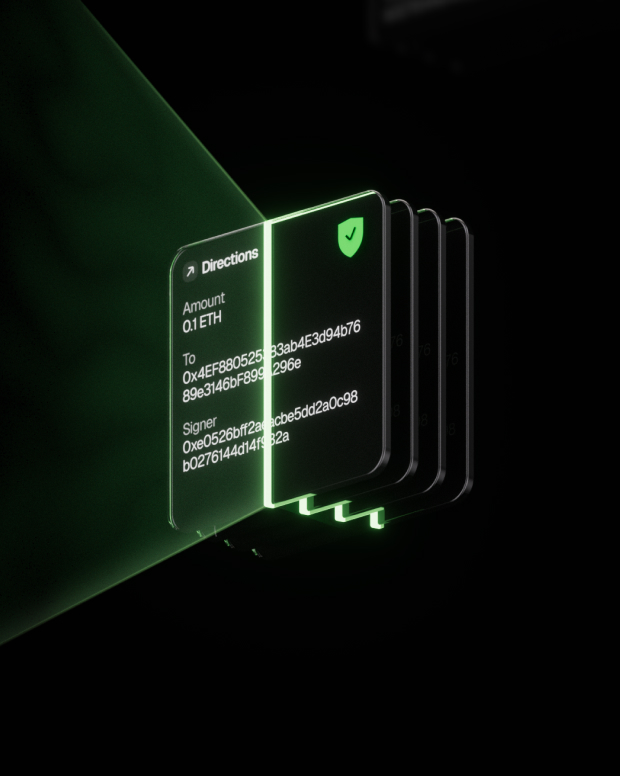
Intelligent Risk Protection
Built-in dApp phishing protection and suspicious token folding features automatically detect risky contracts to prevent malicious approvals or asset theft.

Global support
Provide 24/7 multilingual customer support to resolve your issues at any time.

FAQ’s
What is Shina Inu?
"Shina Inu is a decentralized meme token on the Ethereum blockchain. Its mission is to give back to the crypto community, give to charity, and win the heart of the greatest token of all time, Shiba Inu!
Shina Token is a very fun meme token project that has sold many rare and beautiful NFTs. NFT sales are used to support the team and provide upcoming features such as exclusive access to events and rewards that will soon be announced."
What is the best Shina Inu wallet?
How to get a Shina Inu wallet?
How to use a Shina Inu wallet?
Subscribe to our newsletter
Subscribe to OneKey newsletters for the latest product news and offers.
