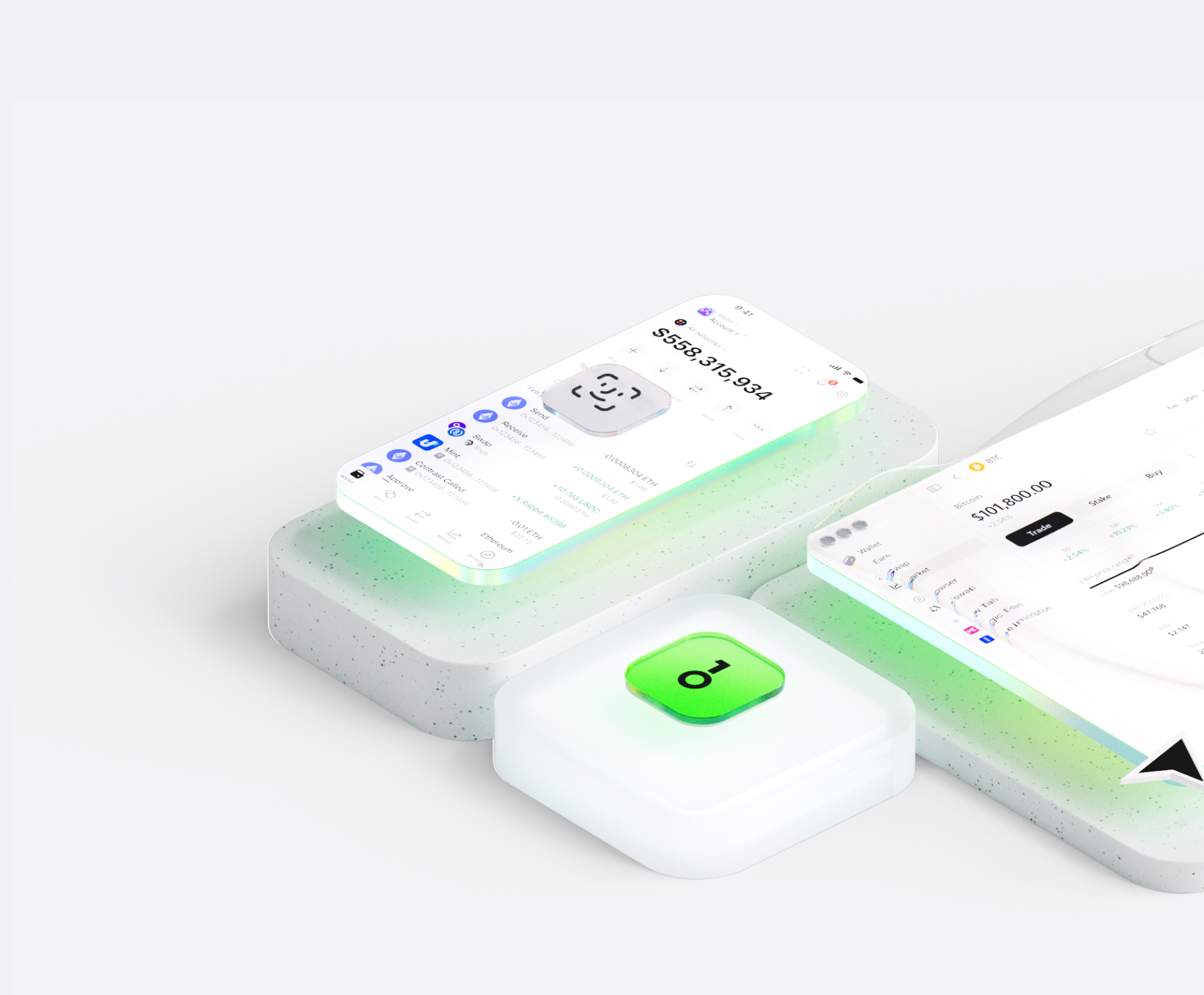
The Starpay Cards wallet helps you easily store, send, and receive digital assets. You can perform cross-chain token transactions at any time, explore NFT marketplaces and dApps, and discover more opportunities. An integrated wallet for the Starpay Cards ecosystem, it provides you with a secure on-chain experience.


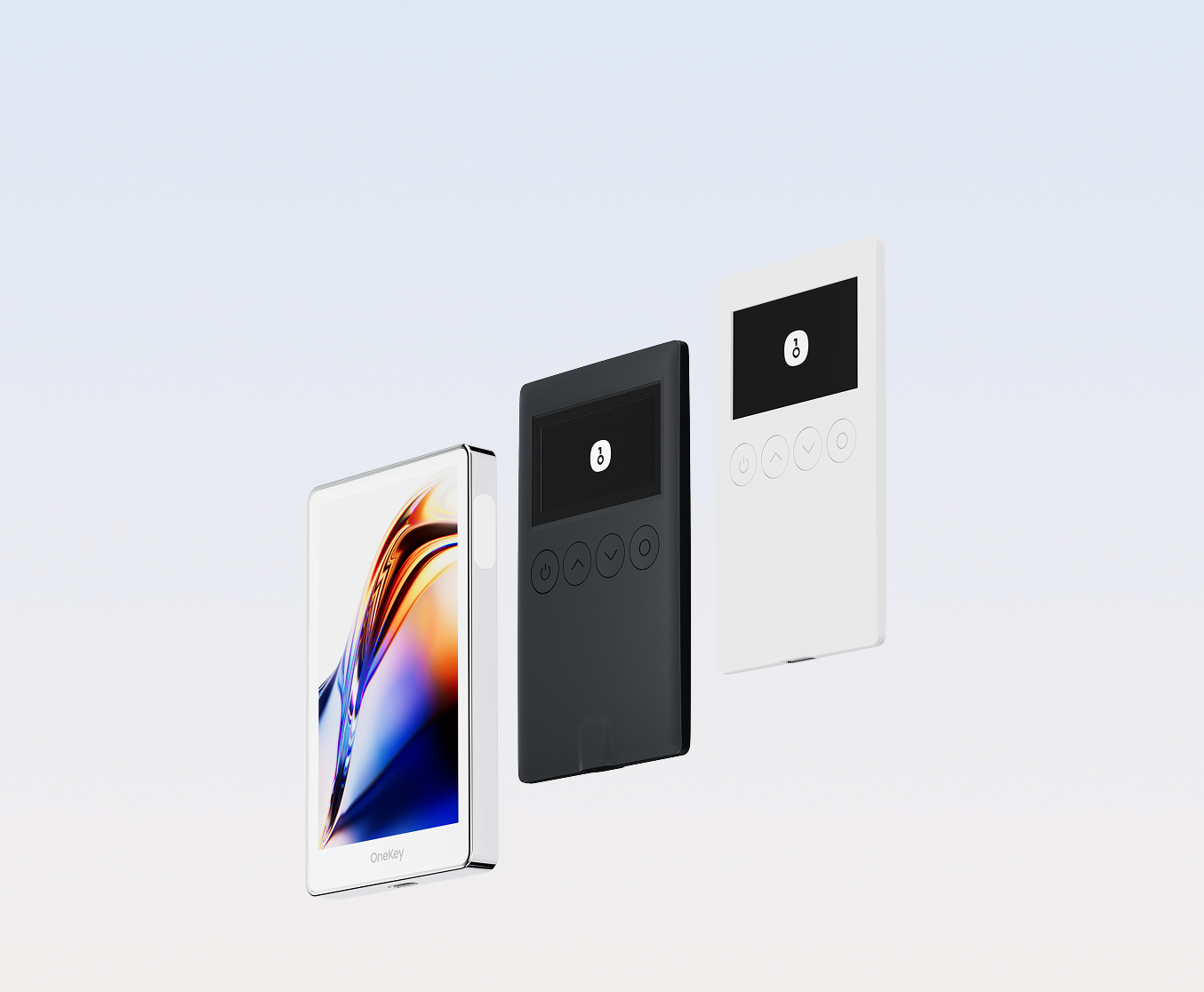
Why choose Starpay Cards wallets with OneKey
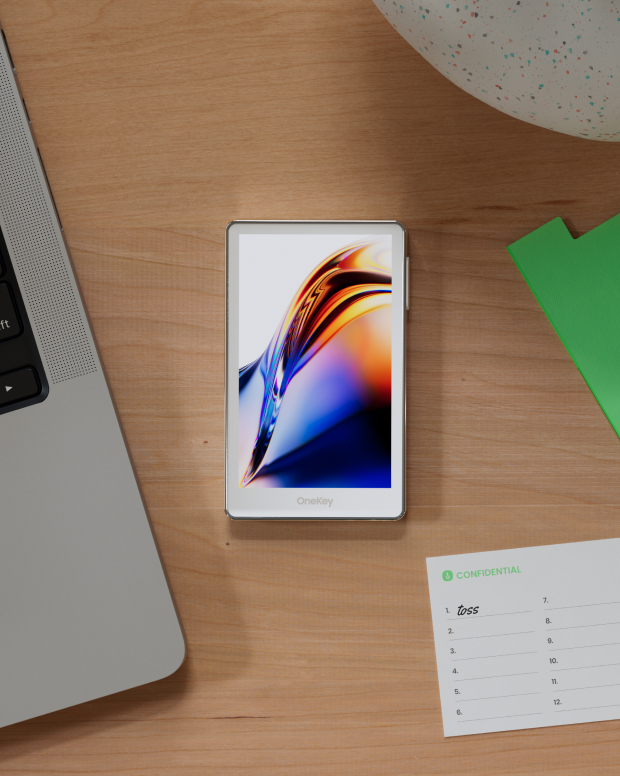
Take control of the safety that belongs to you
No real-name verification required. We collect and track no user data. Your wallet belongs only to you.
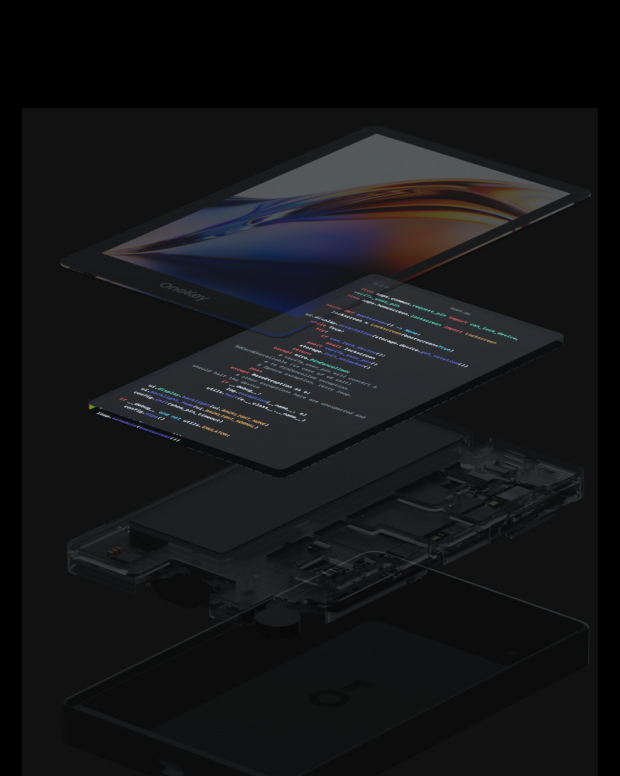
100% open-source and transparent
Starpay Cards wallet is a fully open-source wallet; every line of code can be audited and verified by security experts. Security is not based on promises, but on transparency.
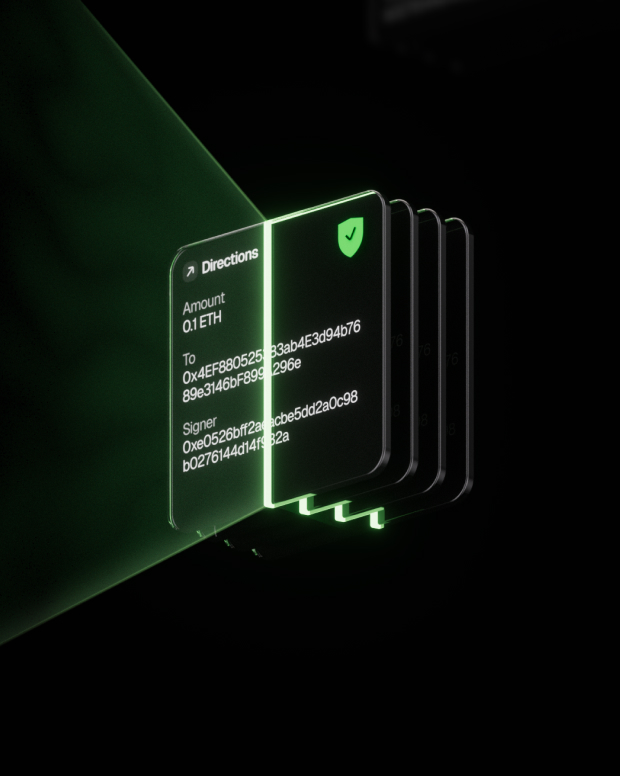
Intelligent Risk Protection
Built-in dApp phishing protection and suspicious token folding features automatically detect risky contracts to prevent malicious approvals or asset theft.

Global support
Provide 24/7 multilingual customer support to resolve your issues at any time.

FAQ’s
What is Starpay Cards?
Starpay is a crypto-to-fiat payment solution that allows you to convert your cryptocurrency holdings into a virtual Mastercard for everyday purchases worldwide. Simply top up your card with Solana (SOL), and instantly spend your funds at any merchant that accepts Mastercard — both online and in physical stores via Apple Pay and Google Pay. The platform bridges the gap between your digital assets and traditional payment infrastructure, enabling seamless spending without manual crypto-to-fiat conversions.
Starpay cards have a simple and transparent fee structure. You can get a card starting from just $5 with only a 0.2% activation fee. There are no monthly fees or hidden charges. When you top up your card with SOL, there's a standard 2.5% conversion fee. This structure ensures you get maximum value from your funds while covering the operational costs of providing a secure, compliant payment solution.
After your card is issued, you'll receive the full card details (card number, expiration date, and CVV) in your Starpay dashboard. To add it to Apple Pay, open the Wallet app on your iPhone, tap the '+' button, select 'Debit or Credit Card', and enter your card details. For Google Pay, open the Google Pay app, tap 'Add to Wallet', select 'Payment card', and enter your Starpay card information. Once added, you can make contactless payments at any NFC-enabled terminal worldwide.
What is the best Starpay Cards wallet?
How to get a Starpay Cards wallet?
How to use a Starpay Cards wallet?
Subscribe to our newsletter
Subscribe to OneKey newsletters for the latest product news and offers.
