Supported Networks

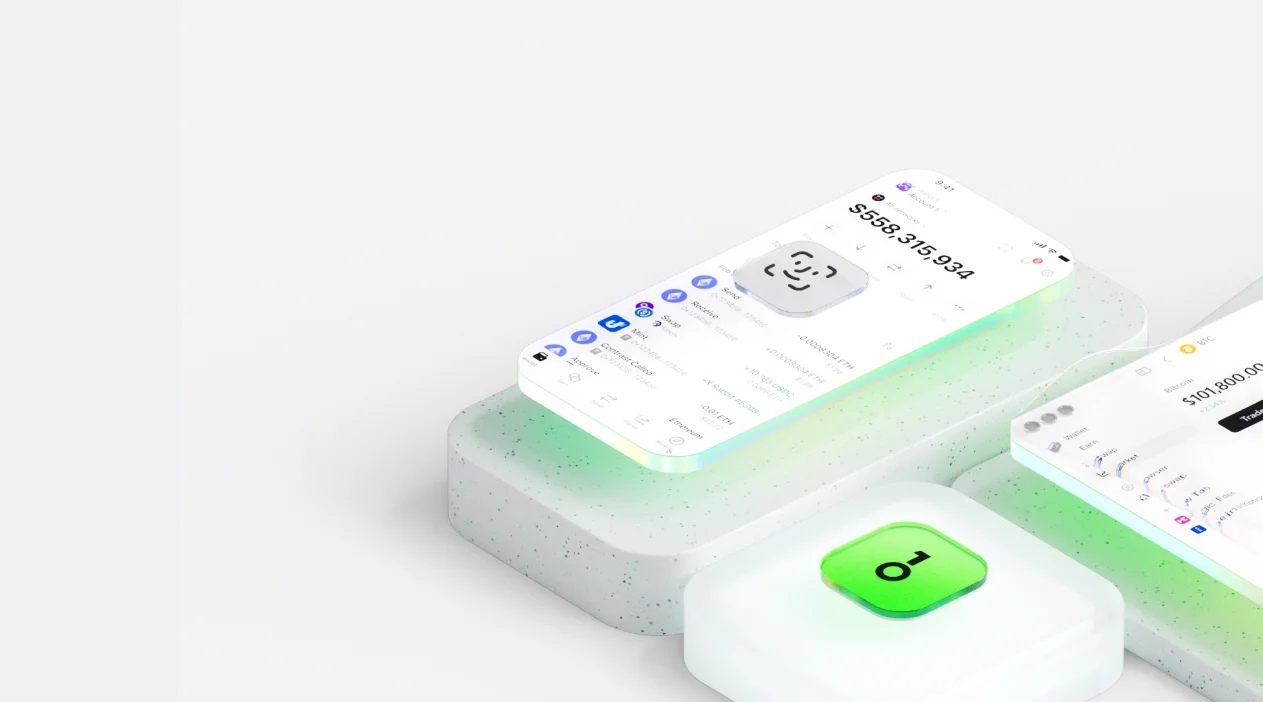
How to use KuCoin
Open OneKey browser

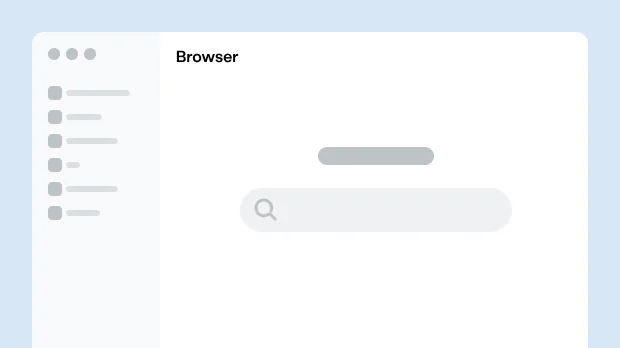
Open Browser in the OneKey App and search for KuCoin.
Connect wallet
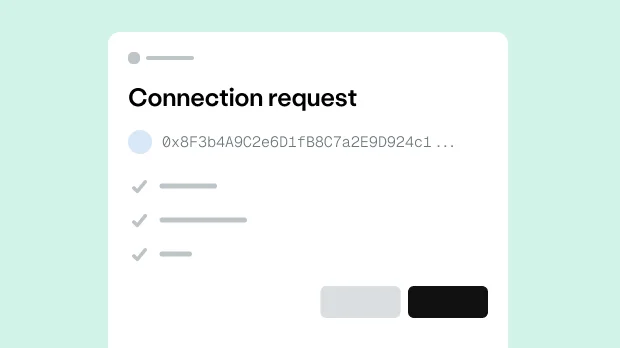
On the KuCoin page, choose OneKey and approve the connection.
Select operation
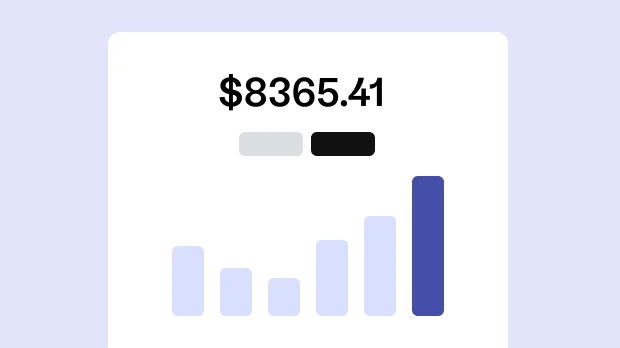
In KuCoin, choose an action and enter the details.
Confirm and sign
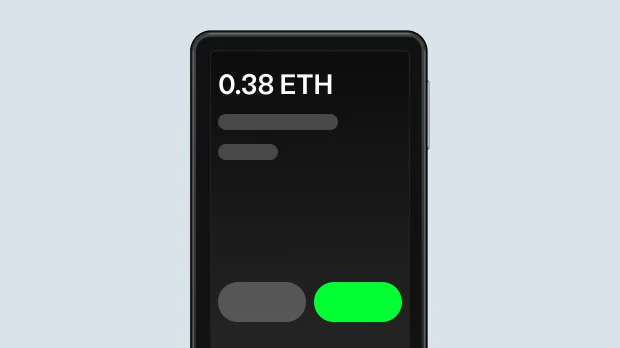
Review the transaction in OneKey, then confirm and sign on your device.
Why use OneKey with KuCoin for secure transactions

Supported on all platforms
Desktop, mobile, and browser extension — securely connect to KuCoin from any device.

Multi-chain compatible
Native support for the major public chains where KuCoin operates (such as Ethereum, Arbitrum, Polygon, BNB Chain, Avalanche, etc.), allowing one wallet to manage assets across multiple chains.

Built-in dApp browser
OneKey’s secure dApp browser gives you one-tap access to KuCoin, with contract and phishing checks for safer interactions.

Hardware-level security
With a OneKey hardware wallet, keys stay offline and every critical action is confirmed on the device for hardware-level protection.
Why hardware wallets make dApps safer
Private key stored offline
Your private key lives in a secure offline chip and never touches the internet.
Physically confirm every transaction.
See and approve every transaction on your hardware wallet’s screen.
Protect against malware
Even if your phone or computer is infected, the secure chip keeps your assets safe.
Open-source verifiable
OneKey is fully open source, with security proven by the community.
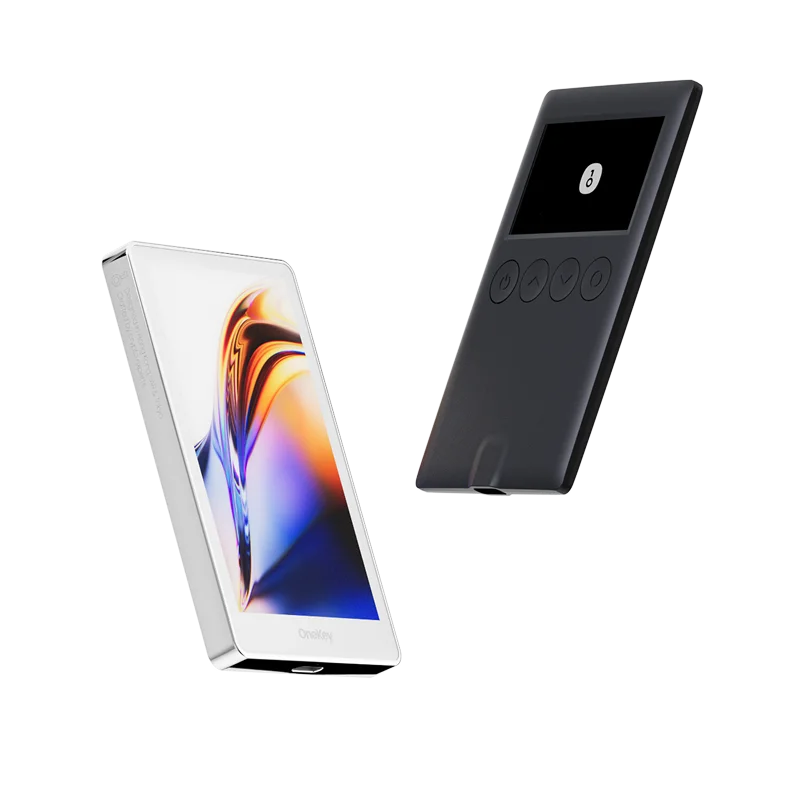
Pair with a OneKey hardware wallet to keep your keys offline and verify every transaction on-device.


Subscribe to our newsletter
Subscribe to OneKey newsletters for the latest product news and offers.